Most businesses can benefit from email marketing, which is why there are so many quality email marketing services out there.
To help you integrate your WordPress website’s forms with your email marketing service, Gravity Forms offers dedicated integration add-ons for most popular email marketing services, along with additional tools to connect to other services.
In this post, we’re going to dig into the 14+ dedicated email marketing integrations that Gravity Forms offers, along with those other options.
Our goal is to help you understand:
- Some key details about those services, in case you haven’t chosen a service yet and aren’t sure which one to choose for your WordPress site.
- How you can easily connect Gravity Forms to any of these services.
Let’s get into it…
Why use Gravity Forms to connect to your email marketing service?
Nowadays, pretty much every email marketing service will give you some type of form builder that you can use to create email opt-in forms that you embed on your WordPress website.
However, even if your service does offer an opt-in form builder, using Gravity Forms and its email marketing integrations will give you a lot more flexibility for customizing your form and syncing contacts.
Second, you also have the ability to add email opt-in functionality to other types of WordPress forms. This can work well for payment forms, user registration forms, membership forms, and lots of other form types.
With the Gravity Forms email marketing integrations, you could give users the option to subscribe to your email lists as part of these forms.
This can be a great way to grow your email lists because you already know that these visitors are engaging with your site.
Instead of hoping users will submit a separate form, you can just add a “Subscribe me to the email newsletter” checkbox as part of the form that they’re already using.
14 dedicated Gravity Forms email marketing add-ons: a breakdown
At the time that we’re writing this list, Gravity Forms offers dedicated integration add-ons for well over a dozen popular email marketing services.
In this section, we’ll list the add-ons that are available, along with sharing some brief information about each service and the functionality available in each add-on.
All of the Gravity Forms email marketing add-ons below are available on all Gravity Forms licenses, including the Basic license.
Here’s a quick list of the services – keep reading for more details on each:
- Mailchimp
- Brevo
- Kit
- ActiveCampaign
- Constant Contact
- Campaign Monitor
- MailerLite
- EmailOctopus
- HubSpot
- AWeber
- GetResponse
- CleverReach
- Emma
- iContact
Mailchimp
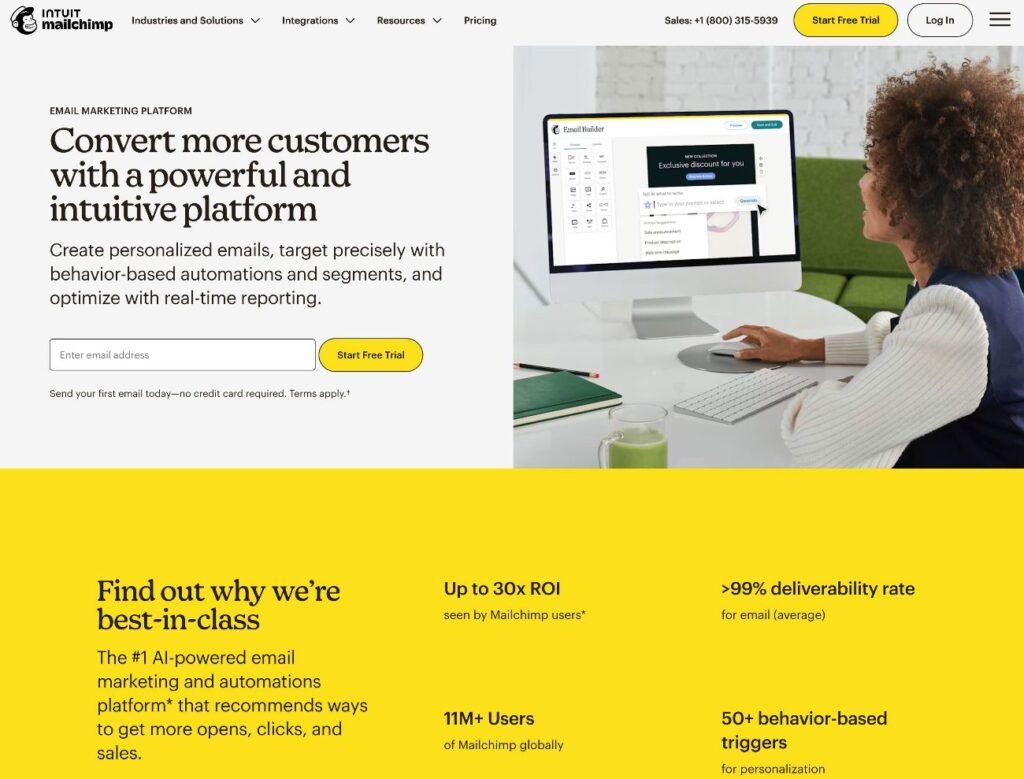
Mailchimp is a popular email marketing service that can help you both manually send emails and set up sequences/marketing automations.
It has a limited free plan that lets you have up to 250 email subscribers and send up to 500 emails per month.
After that, paid plans start at $13 per month and go up from there based on the features that you need access to and the number of email subscribers that you have.
Each plan also has an email sending limit that’s 10-15X the number of contacts supported by your plan. This will be fine for most WordPress sites. However, if you plan to send your contacts a lot of emails (like an email every day), a different service on this list might be more cost-effective.
With the Gravity Forms Mailchimp Add-On, you can connect your forms to Mailchimp and access the following features:
- Map form fields to Mailchimp fields
- Choose different Mailchimp audiences
- Assign users to groups
- Enable double opt-in
- Apply tags
- Add notes
- Use conditional logic
👉 Check out our full Mailchimp tutorial.
Brevo
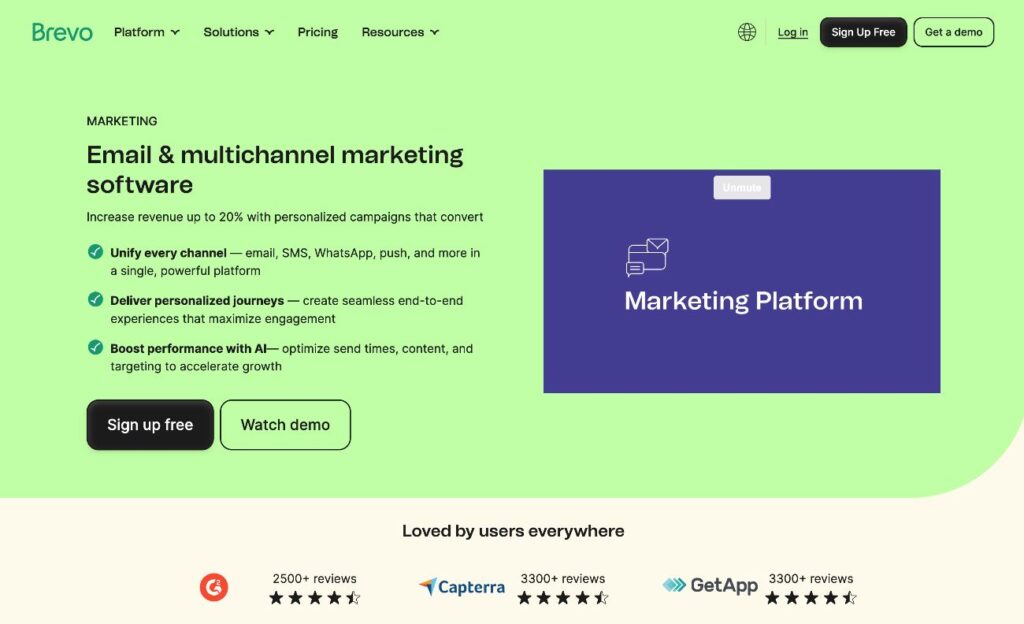
Brevo, formerly known as Sendinblue, is an email marketing service that can be a very cost-effective solution if you have a lot of email subscribers that you don’t email that frequently.
This is because most of Brevo’s plans allow for essentially unlimited contacts, instead billing you based on the number of emails that you send per month.
Brevo has a free plan that lets you send up to 300 emails per day and store up to 100,000 contacts.
After that, paid plans start at around $8 per month. With the exception of some of the cheapest plans, most of the paid plans support unlimited contacts.
With the Gravity Forms Brevo Add-On, you can connect your forms to Brevo and access the following features:
- Choose which Brevo list to sync with
- Map form fields to Brevo fields/attributes
- Enable double opt-in, including choosing the email template and redirect URL
- Use conditional logic
👉 Check out our full Brevo tutorial.
Kit

Kit, formerly known as ConvertKit, is an email marketing service that markets itself to creators, such as bloggers, online course creators, coaches, writers, podcasters, etc.
If you fit in those areas, it could be a great option to consider. However, because Kit has a narrower focus than some other tools, it might not be the best option if you’re not running those types of businesses.
To fit its target audience, Kit has some unique features that most email marketing services don’t offer, such as the ability to easily create a paid newsletter (sort of like your own Substack) and a Creator Network, which allows for cross-promotion with other Kit creators.
Kit has a free plan that gives you limited functionality and the ability to have up to 10,000 subscribers. To access the paid features, premium plans start at $33/month for up to 1,000 subscribers.
All plans let you send unlimited emails – even the free one.
With the Gravity Forms Kit Add-On, you can connect your forms to Kit and access the following features:
- Connect WordPress forms to Kit forms (kind of like lists)
- Map form fields to Kit fields
- Apply tags
- Enable Kit’s Creator Network Recommendations
- Use conditional logic
👉 Check out our full Kit (ConvertKit) tutorial.
ActiveCampaign

ActiveCampaign is an email marketing and marketing automation platform that could be a good option for businesses that want to go beyond just sending basic email newsletters.
ActiveCampaign is a bit more expensive than many other services, but it justifies its higher prices with powerful marketing automation and segmentation tools. So, if you think you’ll take advantage of these marketing automation features, ActiveCampaign could be a good fit.
ActiveCampaign’s email plans start at $15 per month for up to 1,000 contacts and go up from there based on the number of contacts that you have and the features that you need access to. There’s no permanent free plan, but you can try it out with a 14-day free trial.
With the Gravity Forms ActiveCampaign Add-On, you can connect your forms to ActiveCampaign and access the following features:
- Choose which ActiveCampaign list to sync with
- Map form fields to ActiveCampaign fields
- Apply tags to contacts
- Add notes to contacts
- Enable double opt-in
- Choose options to enable the Instant Responders for that list or send the most recent broadcast campaign to new subscribers
- Use conditional logic
👉 Check out our full ActiveCampaign tutorial.
Constant Contact
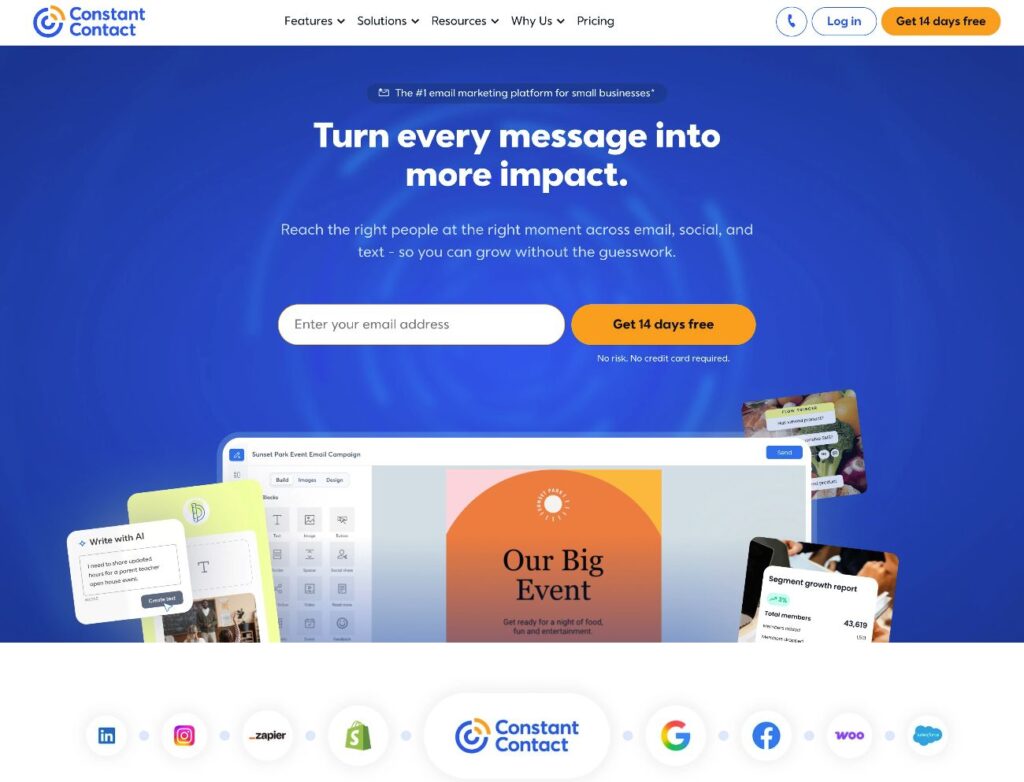
Constant Contact is an email marketing service that used to be part of EIG (the company behind brands like Bluehost), before it was spun out as its own company in 2021.
Constant Contact primarily markets itself as an email marketing service for small businesses.
It offers tools for email marketing, as well as SMS marketing and some basic social media marketing functionality.
All plans include live 1:1 onboarding and phone/chat support, which could make it a good option for small businesses that don’t have a lot of technical experience using an email marketing service.
Constant Contact doesn’t offer a free plan, but it does have a 14-day free trial. After that, paid plans start at $12 per month for up to 500 contacts.
With the Gravity Forms Constant Contact Add-On, you can connect your forms to Constant Contact and access the following features:
- Choose which Constant Contact list to add subscribers to
- Map form fields to Constant Contact fields
- Use conditional logic
👉 Check out our full Constant Contact tutorial.
Campaign Monitor
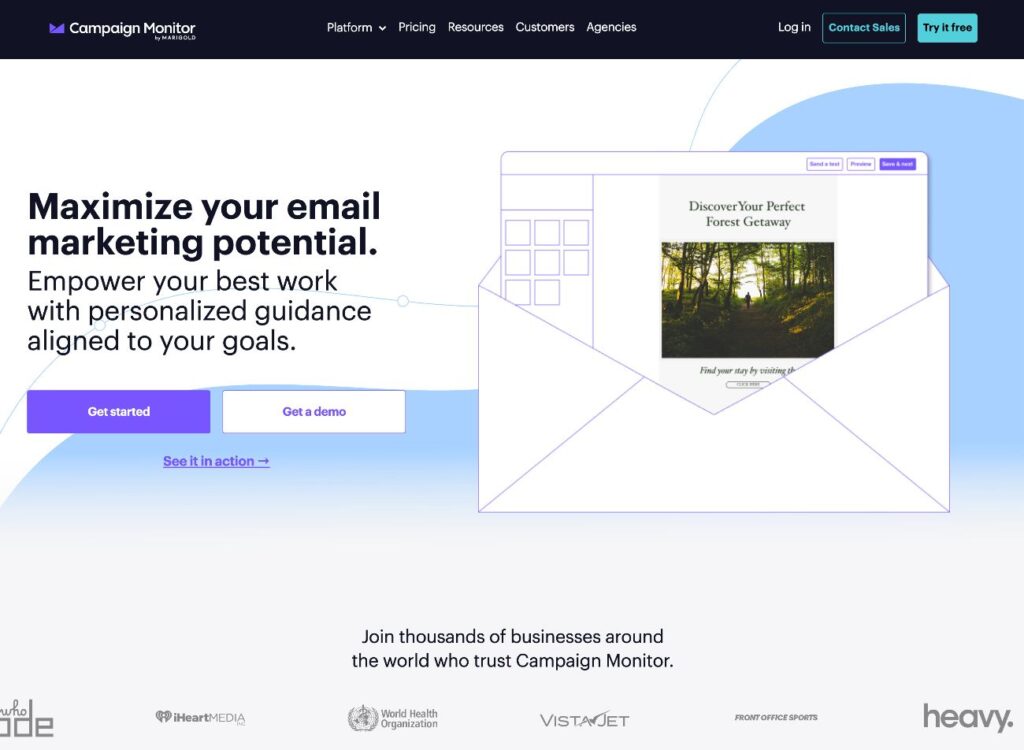
Campaign Monitor is primarily an email marketing service, though it did recently launch its own website builder.
It offers a flexible, drag-and-drop email designer, along with tools for personalization and more complex email marketing automation. Its design tools are one of its standout features, so it could be a good option if you value beautiful and unique email designs.
In terms of pricing, Campaign Monitor is fairly middle-of-the-road. There’s no free plan, but you can try it with a free trial.
From there, the Lite plan starts at just $11.70 per month. However, you’ll need the Essentials plan to access unlimited email sending, which starts at $27.90 per month.
With the Gravity Forms Campaign Monitor Add-On, you can connect your forms to Campaign Monitor and access the following features:
- Choose which Campaign Monitor list to add subscribers to
- Map form fields to Campaign Monitor fields
- Enable resubscribe (if an inactive/unsubscribed user fills out the form, Campaign Monitor will still add them to the list)
- Use conditional logic
MailerLite
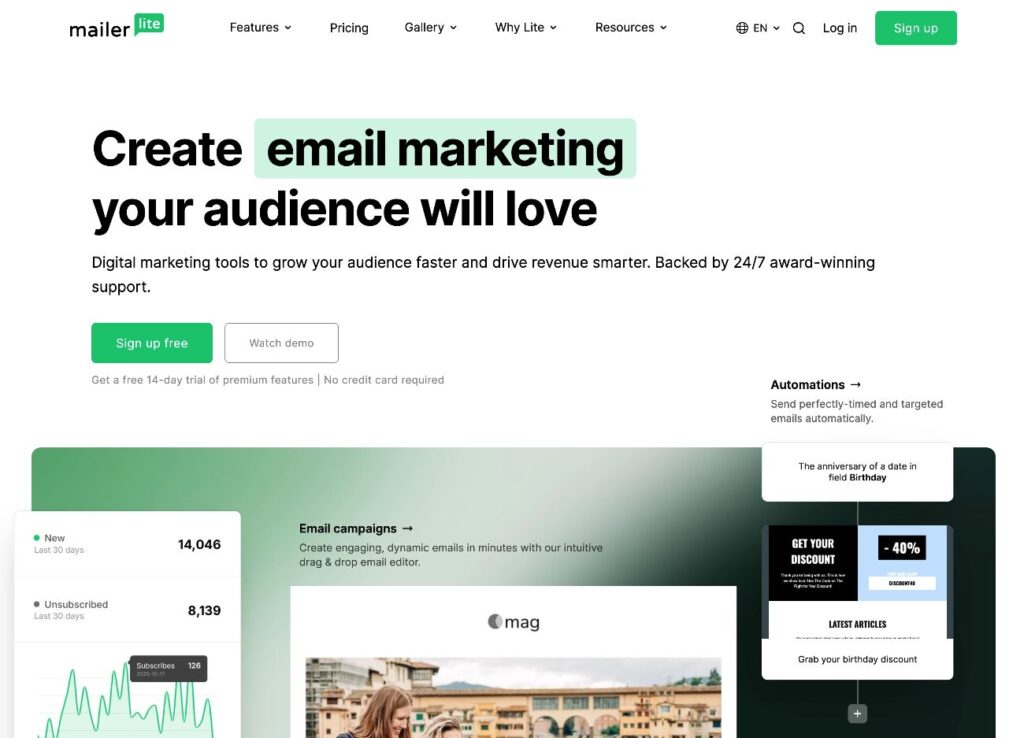
MailerLite is an email marketing service that stands out for its affordability, which can make it a great option if you’re looking to keep your costs down.
It ends up being a lot cheaper than many other services, while still offering all of the essential functionality that most WordPress webmasters need.
To start, MailerLite has a permanently free plan that lets you have up to 500 contacts and send 12,000 emails per month.
After that, paid plans start at just $9 per month. All paid plans support unlimited email sending, which is another unique aspect of MailerLite. This can make it very cost-effective if you send a lot of emails to your subscribers.
With the Gravity Forms MailerLite Add-On, you can connect your forms to MailerLite and access the following features:
- Choose which MailerLite group to add contacts to
- Map form fields to MailerLite fields
- Use conditional logic
👉 Check out our full MailerLite tutorial.
EmailOctopus
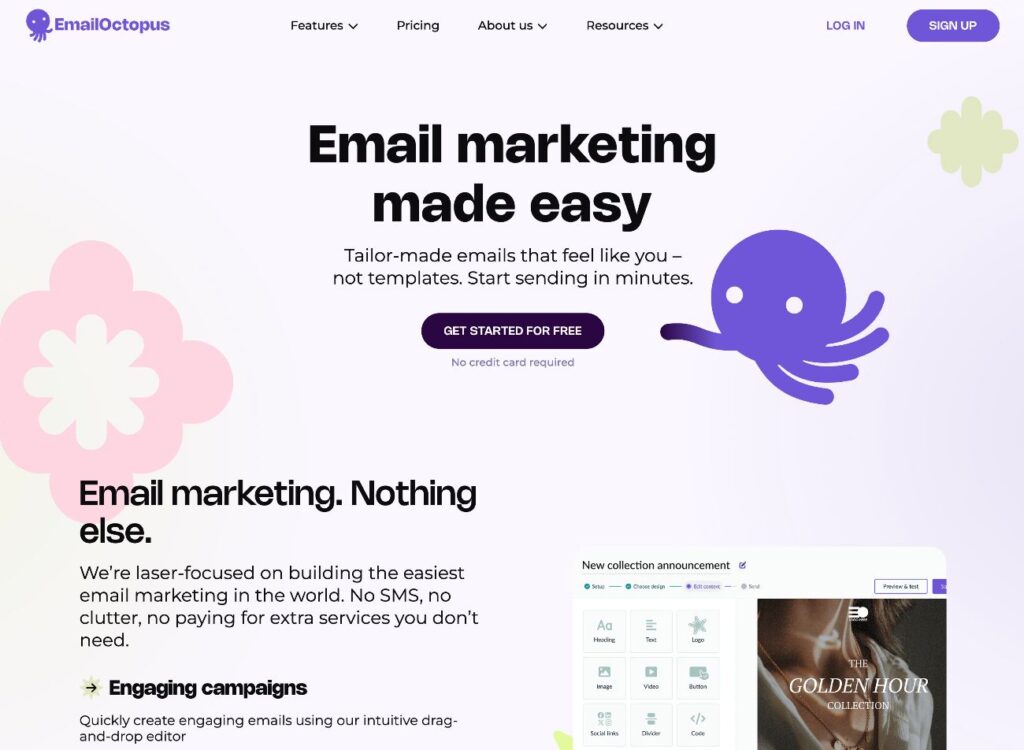
EmailOctopus is another email marketing service that stands out for its pricing, which can make it one of the most affordable email marketing services for WordPress sites.
There are two ways to use EmailOctopus:
- EmailOctopus – this is an all-in-one service, similar to any other email marketing service.
- EmailOctopus Connect – this is a more unique offering that lets you send emails using your own Amazon SES account. This was EmailOctopus’s original offering, before it launched the all-in-one service.
EmailOctopus is the simplest option, but EmailOctopus Connect can offer cost savings for users who feel comfortable connecting their own Amazon SES account.
EmailOctopus offers a free plan that supports up to 2,500 subscribers and 10,000 emails per month (or unlimited emails, with Connect).
From there, EmailOctopus plans start at $9 per month, while EmailOctopus Connect plans start at $8 per month.
With the Gravity Forms EmailOctopus Add-On, you can connect your forms to EmailOctopus and access the following features:
- Choose which EmailOctopus list to add subscribers to
- Map form fields to EmailOctopus fields
- Use conditional logic
👉 Check out our full EmailOctopus tutorial.
HubSpot
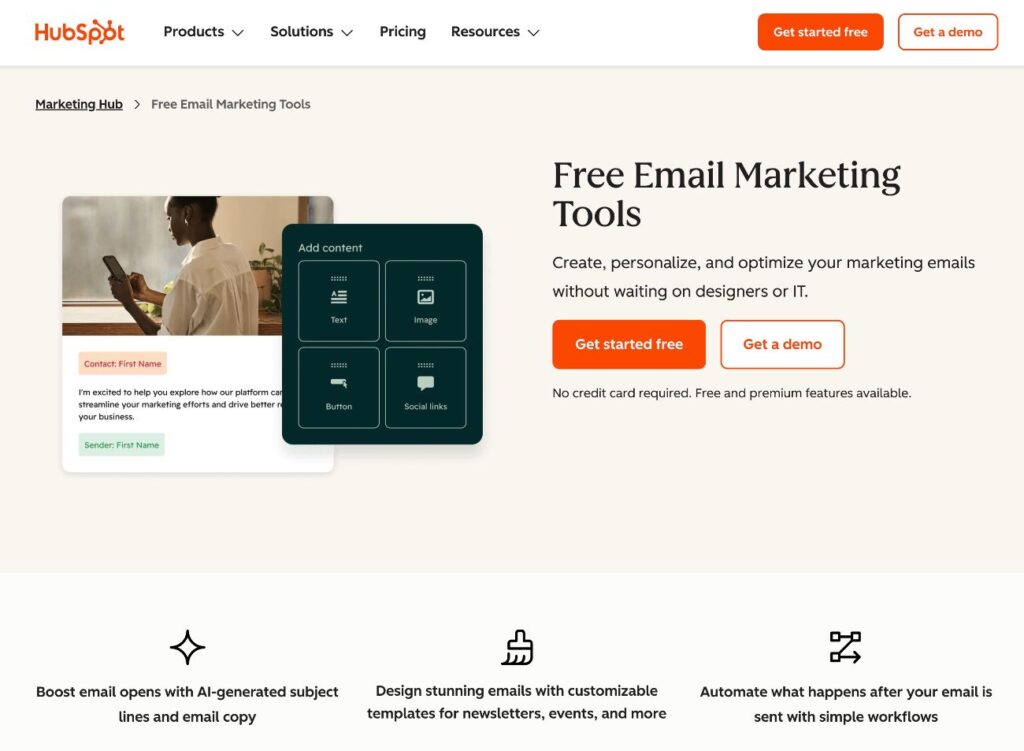
HubSpot is best known for its free customer relationship manager (CRM), but it also offers robust email marketing tools. These include a drag-and-drop email builder, marketing automation, newsletters, and more.
If you need the functionality of a full-service CRM alongside email marketing, it could be a good option to consider. On the other hand, if you just want to set up a basic email newsletter, you might be better off with one of the other services on this list. HubSpot certainly can do that, but that’s not its main focus.
The core HubSpot CRM is free to use and HubSpot also offers a free plan for its core email marketing features. Paid HubSpot Marketing Hub plans start from $9 per month.
With the Gravity Forms HubSpot Add-On, you can connect your forms to HubSpot and access the following features:
- Associate contacts with a specific HubSpot form
- Control lifecycle stage, lead status, contact owners, and other CRM-specific details
- Map form fields to HubSpot fields
- Use conditional logic
👉 Check out our full HubSpot tutorial.
AWeber
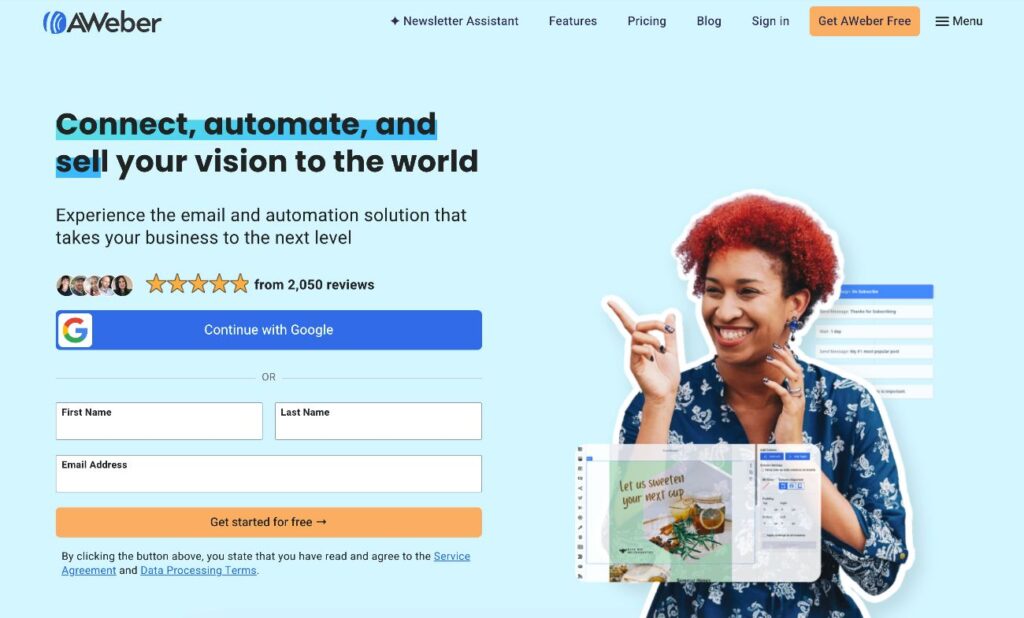
AWeber is one of the oldest and most well-established email marketing services, originally launching all the way back in 1998.
AWeber was a pioneer in the email marketing space and offers all of the essentials that WordPress webmasters need for email marketing. The AWeber team also has a ton of experience with optimizing email deliverability, which means that you can be confident that your emails will make it to your subscribers’ inboxes.
AWeber offers a free plan that supports up to 500 subscribers and 3,000 email sends per month, though it doesn’t heavily publicize this plan. Paid plans start at $12.50 per month.
AWeber also offers a more expensive “Done For You” plan that handles full setup and onboarding, which could be a good option for non-technical webmasters.
With the Gravity Forms AWeber Add-On, you can connect your forms to AWeber and access the following features:
- Choose which AWeber list to add subscribers to
- Map form fields to AWeber fields
- Apply tags
- Use conditional logic
👉 Check out our full AWeber tutorial.
GetResponse
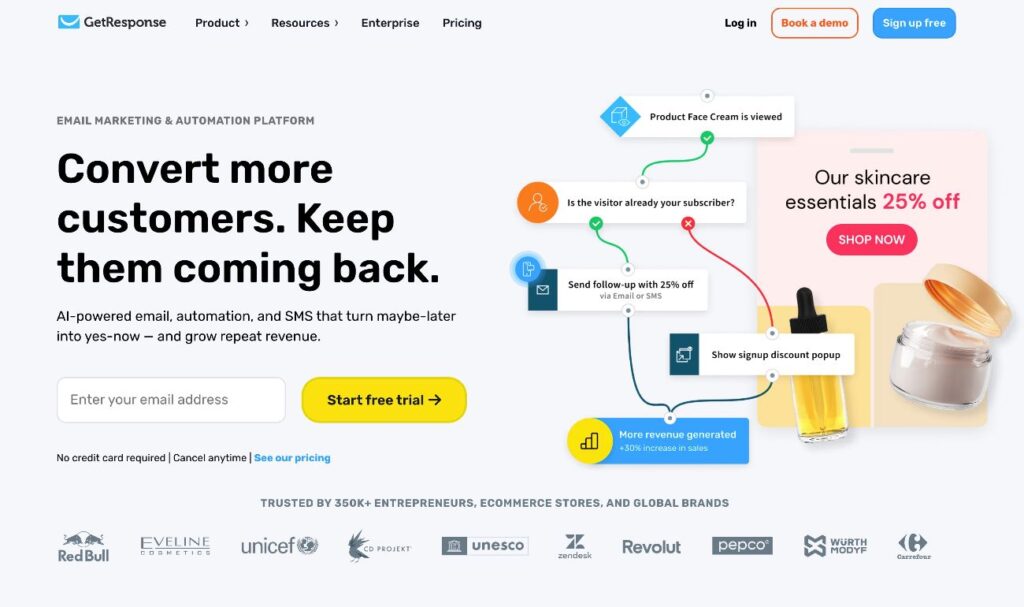
GetResponse is an email marketing service with a special emphasis on customer conversion.
If you’re just looking to set up a simple email newsletter, it’s probably not the best fit. But if you’re selling products or services and you’re looking to use email marketing to convert people into paying customers, it could work well.
One unique detail to reinforce this focus is that it offers a sales funnel creator alongside its other email marketing functionality.
GetResponse offers a free plan that supports up to 500 contacts and 2,500 emails per month.
More full-featured paid plans start at $13.30 per month. All of the paid plans support unlimited email sending.
With the Gravity Forms GetResponse Add-On, you can connect your forms to GetResponse and access the following features:
- Choose which GetResponse campaign to associate contacts with
- Map form fields to GetResponse fields
- Use conditional logic
👉 Check out our full GetResponse tutorial.
CleverReach
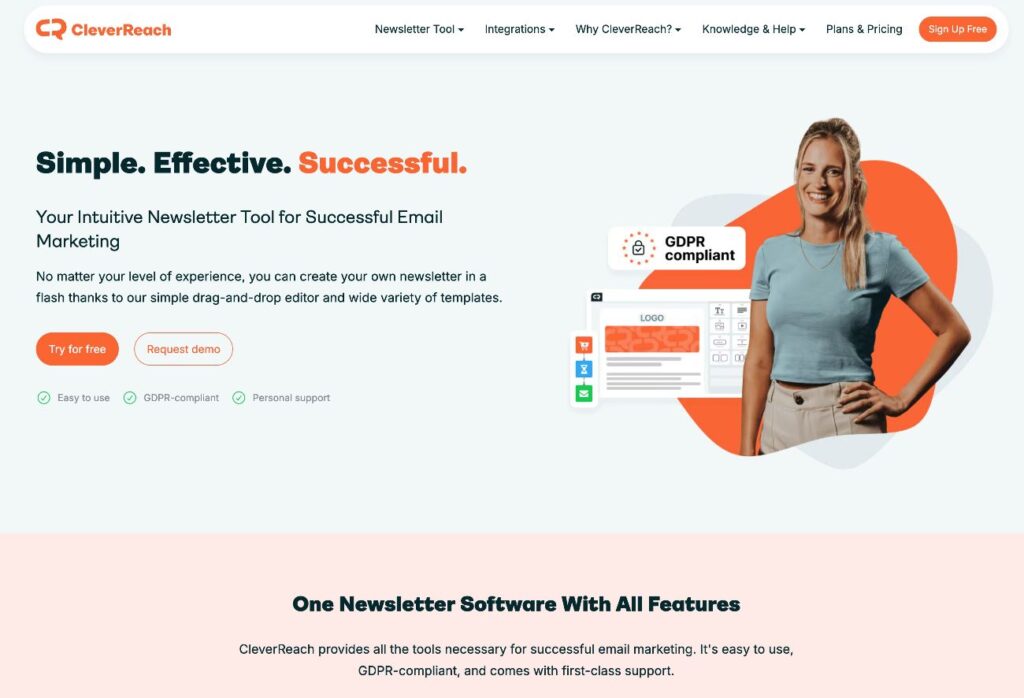
CleaverReach is an email marketing service based in Germany.
Because of its European location, CleverReach has an extra emphasis on GDPR compliance. For example, it offers a dedicated Preference Center tool that lets subscribers manage their own data and preferences.
If your business is located in the European Union, this extra focus on GDPR compliance could make it a good option.
At the same time, it still offers all the core features that you’d expect from an email marketing service, including a drag-and-drop builder and email automation tools.
CleverReach has a free plan that supports 250 contacts and up to 1,000 emails per month. After that, paid plans start at $13.50 per month.
With the Gravity Forms CleverReach Add-On, you can connect your forms to CleverReach and access the following features:
- Choose which CleverReach group to add contacts to
- Map form fields to CleverReach fields
- Option to enable CleverReach’s double opt-in form
- Use conditional logic
👉 Check out our full CleverReach tutorial.
Emma
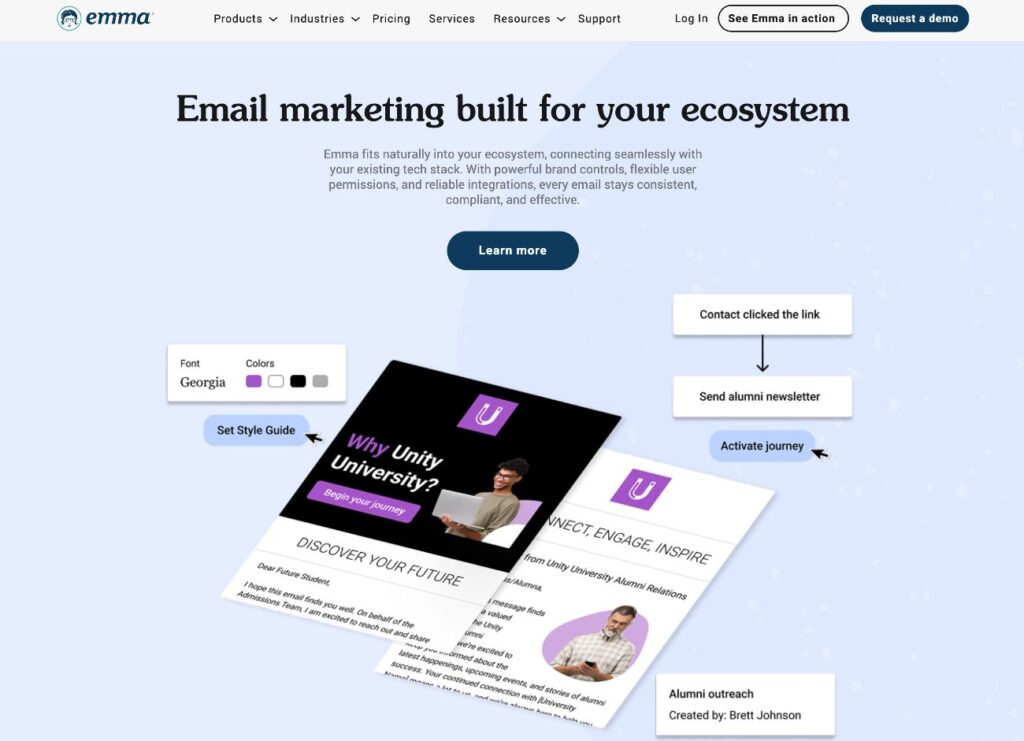
Emma is a more expensive email marketing service that’s primarily for larger brands that need to manage email marketing for multiple teams and/or locations.
For example, if you have a business or university with multiple physical locations, you could create subaccounts for each location while still managing everything from a single high-level Emma account.
It also offers all of the email marketing features that you’d expect, including email builders, automation tools, optimization tools, and more.
Emma does not have a free plan. Paid plans start at $105 per month for up to 10,000 contacts. While the starting price is quite high, the contact limit is also significantly higher than the entry-level plans at most services.
When you factor in the contact limits, Emma is in line with other services. It’s just not a good option for smaller businesses that have well below 10,000 contacts.
With the Gravity Forms Emma Add-On, you can connect your forms to Emma and access the following features:
- Choose which Emma group to add contacts to
- Map form fields to Emma fields
- Option to enable double opt-in
- Use conditional logic
iContact
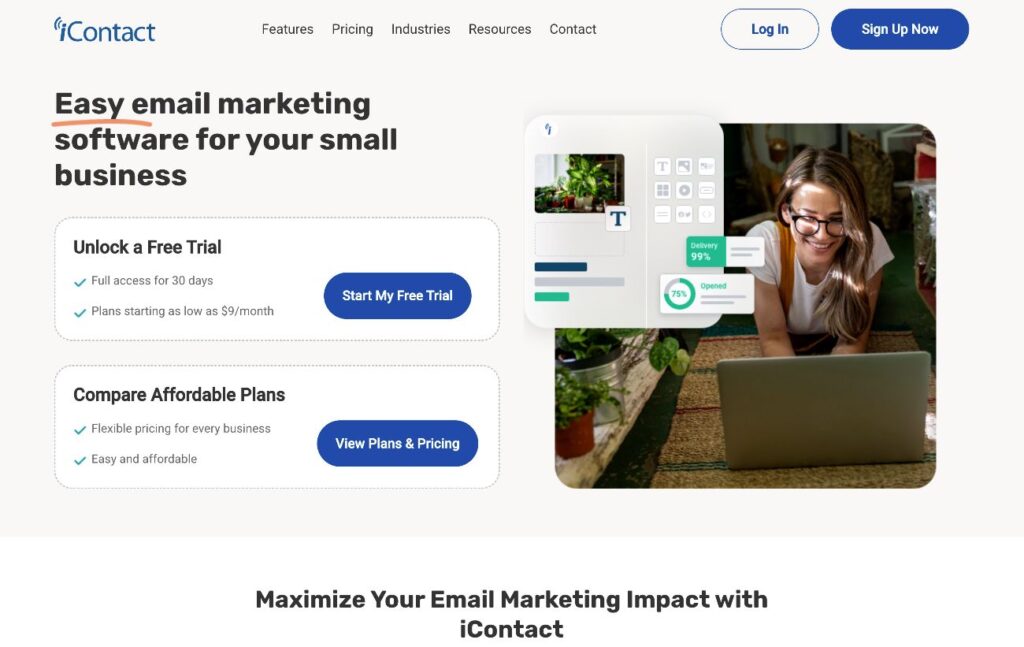
Not to be confused with Apple’s “i” products, iContact is an email marketing service that markets itself to small businesses.
It doesn’t offer any standout unique features, but it does offer a competitively priced platform that’s easy to use and includes most of the essential features that WordPress users need in email marketing software.
There’s no permanently free iContact plan, but you can try it out with a 30-day free trial.
After that, iContact’s paid plans start at $9 per month for up to 500 contacts and go up from there.
With the Gravity Forms iContact Add-On, you can connect your forms to iContact and access the following features:
- Choose which iContact list to add contacts to
- Map form fields to iContact fields
- Use conditional logic
Zapier: Connect Gravity Forms to pretty much any email marketing service
If you’re using an email marketing service for which Gravity Forms doesn’t currently offer a dedicated integration add-on, you still have options for connecting your WordPress forms to your chosen service.
The simplest option is to use Zapier. Zapier acts as a kind of intermediary service to automatically pass information from your form submissions to your email marketing service.
With the Gravity Forms Zapier Add-On, you can easily connect any of your forms to Zapier and any one of the hundreds of email marketing services that Zapier supports. This includes the ability to use conditional logic, such as only adding people to your email lists if they check a box to opt in.
You can read this Zapier tutorial to learn how to set it up. While the tutorial focuses on connecting Gravity Forms to Brevo, the same basic steps in the guide will work for pretty much any one of the email marketing services that Zapier supports.
The Zapier Add-On is available on the Gravity Forms Pro, Elite, and Nonprofit licenses.
Gravity Forms transactional email service integrations (Gravity SMTP or add-ons)
All of the services above are focused on helping you send marketing emails.
However, your WordPress site will also need to send another type of email called transactional emails, most typically for your form’s notification emails (though the core WordPress software also sends its own transactional emails).
To improve the reliability of form notifications, you have a few options:
- Gravity SMTP
- Gravity Forms add-ons
Let’s go through them…
Gravity SMTP: Improve the reliability of all of your site’s transactional emails
Gravity SMTP is a full-service WordPress SMTP plugin that’s available for free to anyone holding one of these Gravity Forms licenses:
- Elite license
- Nonprofit license
- Developer license (legacy)
It lets you send all of your site’s transactional emails using a dedicated transactional email service. This includes form notification emails, as well as core WordPress emails and emails for any plugin that uses the default WordPress sending method.
Gravity SMTP offers direct API integrations for 17+ popular transactional email services, along with a custom SMTP server option that lets you connect to other services.
To learn more, you can read our ultimate guide to Gravity SMTP.
Gravity Forms transactional email add-ons: Improve your form notification email reliability
If you’re not currently holding one of the licenses above, Gravity Forms still gives you options to improve the reliability of your form notification emails on all licenses, including the Basic license.
To help you do this, all of the Gravity Forms licenses include dedicated integration add-ons for three of the best transactional email services:
- SendGrid via the Gravity Forms SendGrid Add-On
- Mailgun via the Gravity Forms Mailgun Add-On
- Postmark via the Gravity Forms Postmark Add-On
Unlike Gravity SMTP, which works for all of your site’s transactional emails, these add-ons will only send your form notification emails via the service that you choose.
Still, if all you care about is making sure your form notification emails make it to recipients (and avoid their spam folders), these add-ons are a great solution.
We’ve written detailed guides for all three services to help you set them up:
- SendGrid tutorial for Gravity Forms
- Mailgun tutorial for Gravity Forms
- Postmark tutorial for Gravity Forms
Connect Gravity Forms to your email marketing service today
With Gravity Forms, you can easily connect your WordPress forms directly to most popular email marketing services using dedicated integration add-ons, all of which are available with any Gravity Forms license, including the Basic license.
If you want to use an email marketing service for which Gravity Forms doesn’t currently offer a dedicated integration add-on, you can also use the Gravity Forms Zapier Add-On to connect to pretty much any email marketing service in existence. It’s available on the Gravity Forms Pro, Elite, and Nonprofit licenses.
Basically, regardless of which email marketing service you use, there’s a way to connect your WordPress forms using Gravity Forms.
If you’re already holding a Gravity Forms license, connect your email marketing service and start syncing your forms.
If you’re not using Gravity Forms yet, purchase your Gravity Forms today to get started.

Newsletter
If you want to keep up-to-date with what’s happening on the blog sign up for the Gravity Forms newsletter!
"*" indicates required fields