Help
How can we help you today?
Search for what you’re looking for here.
Getting started
Learn all about getting started with Gravity Forms and how to use our features.
Contact support
Having a hard time finding what you’re looking for or solving a Gravity Forms problem? Look for solutions or ask our Support Team here.
Community forum
Connect with other Gravity Forms users for inspiration and tricks of the trade.
Documentation
Read about how to get started with Gravity Forms
-
Brand new release: Gravity Flow PDF Generator Extension 4.0
The Gravity Flow PDF Generator Extension has been updated to version 4.0. Find out how it turns workflow data into polished PDFs.
-
Brand new release: Gravity Flow WooCommerce Extension 1.7.1
The Gravity Flow WooCommerce Extension has been updated to version 1.7.1. Learn how it brings your store orders into automated workflows.
-
Brand new release: Gravity SMTP 2.3.4
Gravity SMTP version 2.3.4 is now available. Find out what’s in the release of the latest version of our WordPress SMTP plugin.
-

Gravity Forms Klaviyo Add-On: How to get started
Learn how to use the Gravity Forms Klaviyo Add-On to connect your WordPress forms to Klaviyo. Automatically sync or update contacts when someone submits a form.
Case Studies
Learn from the real-world chronicles of Gravity Forms users.
-
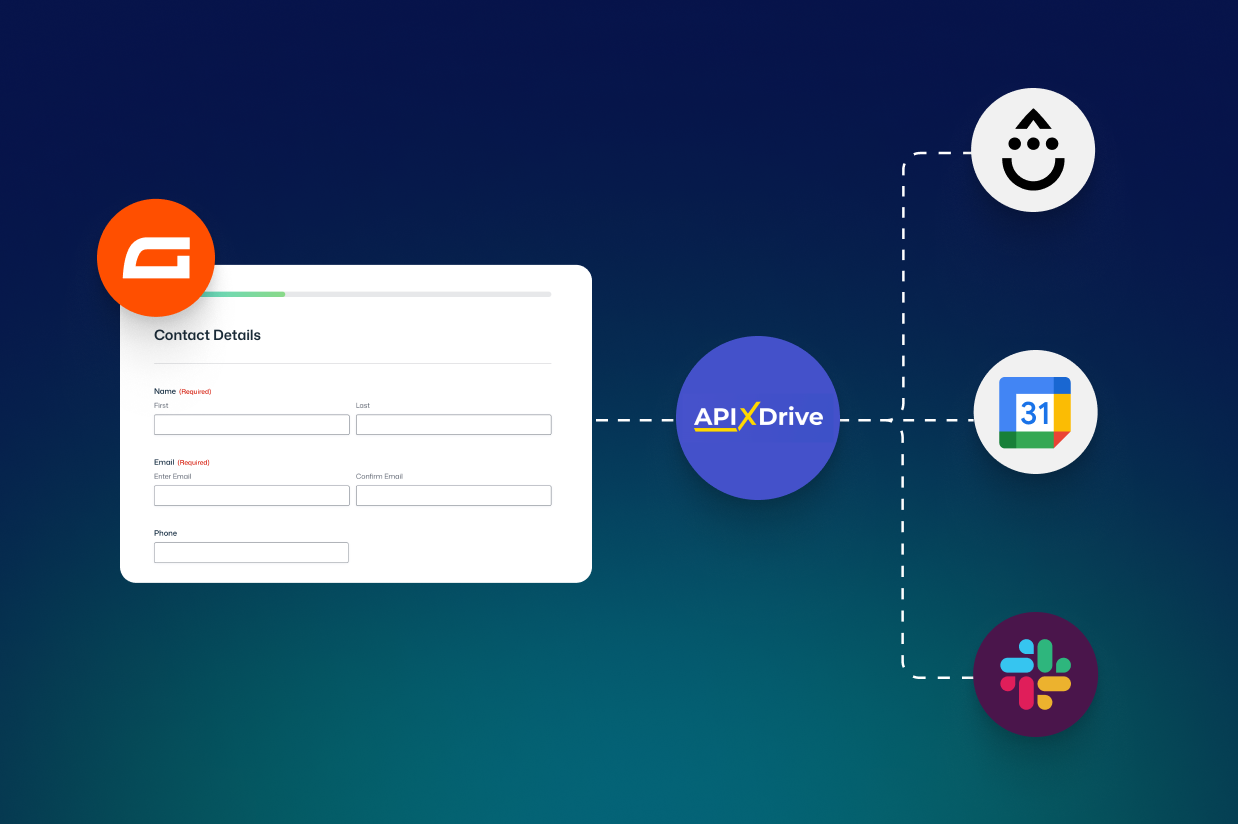
How to automate event signups using ApiX-Drive: Connect Gravity Forms to your calendar, email tool, and Slack
Learn how to automate event signups with Gravity Forms and ApiX-Drive by connecting your forms to Google Calendar, email tools, and Slack.
-
Gravity Forms and Yoast SEO: The nonprofit technology toolkit
Find out how Gravity Forms and Yoast have played a key role in the success of three Vaulted Oak nonprofit clients…
-

Gravity Flow Case Studies: Save Time and Money by Replacing Paper-based Systems
Save money, reduce workloads, and make your business more efficient with Gravity Flow. To find out more, read these Gravity Flow case studies…
-
A Case Study: Gravity Forms, Gravity Flow, and the National Compassion Fund
This case study is a great example of Gravity Forms being used for an extremely worthy cause – one that we are proud to play a small part in.
-
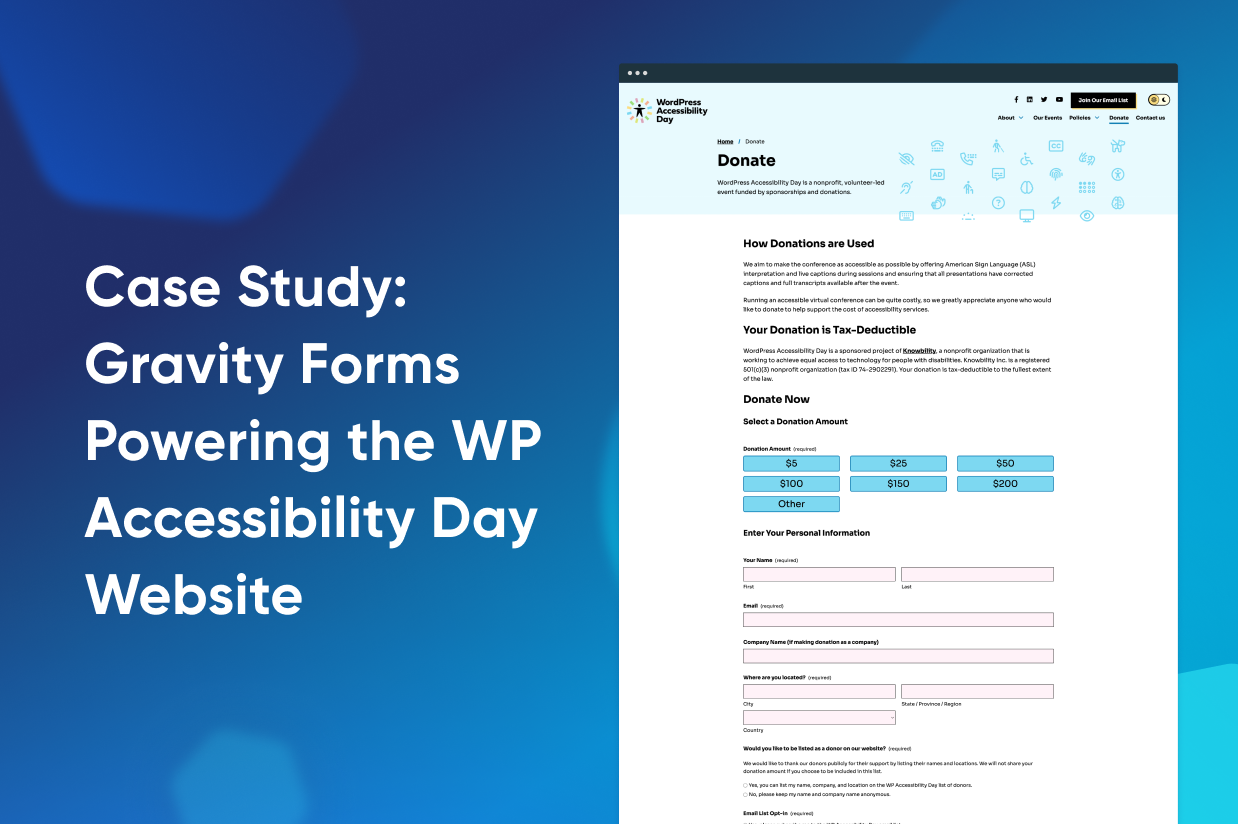
Case Study: Gravity Forms Powering the WP Accessibility Day Website
Find out how the WP Accessibility Day event team use Gravity Forms on their site to save time and reduce their workload with accessible forms.
-

Memoization: A Simple Cache for Expensive Operations
Caching isn’t without its pitfalls. But chances are, with Memoization, faster performance is just a few lines of code away! Find out more…
We believe there’s a better way to manage your data & forms.
Stay in touch with us. We’ll send you tips and tricks, news and updates, discounts and deals, plus we promise not to spam your inbox.