We’re pleased to announce that Gravity Forms 3.0 Release Candidate 1 is ready to test!
We moved into RC after the beta period gave us the feedback and testing data we needed to identify and fix bugs and ensure compatibility. This RC build includes those improvements, and we’re asking the community to test it thoroughly before the final release – RC feedback helps us catch edge cases and polish 3.0 for everyone.
If you’re yet to check out Gravity Forms 3.0, here’s what’s new…
International phone formats
The Phone field now supports international phone number formats, giving your users a better experience no matter where they’re based.
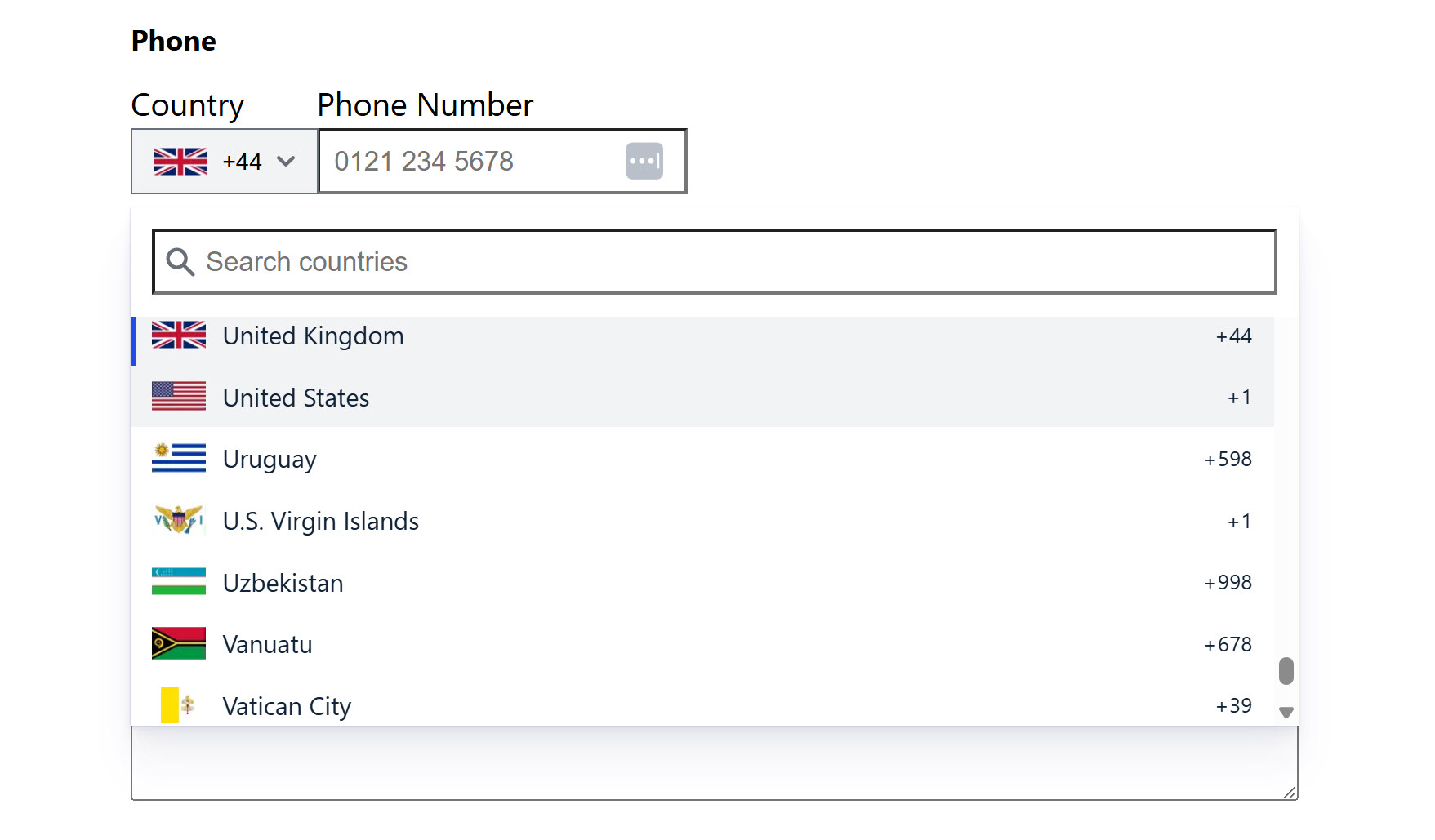
You can set a default country, let users select their country by name or code, and rely on built-in validation to ensure numbers are accurate and correctly formatted for their location. If you’re collecting inquiries from across the globe, this means fewer validation errors and happier users.
Read more about international phone formats in the documentation.
Accessibility by default
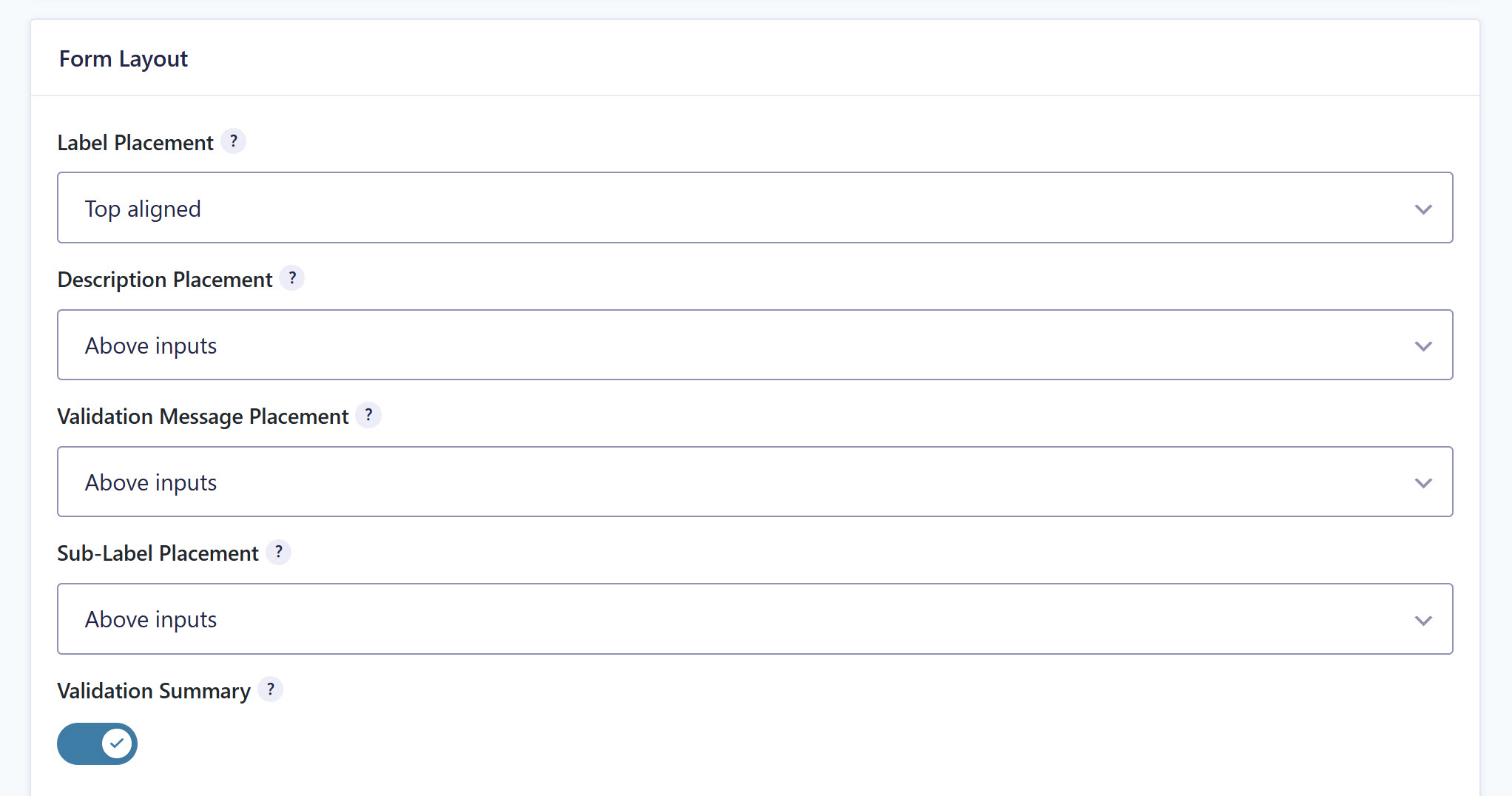
Building WCAG 2.1 AA-compliant forms just got easier. With 3.0, accessible settings are now enabled by default on every new form. No extra configuration required.
The Date field also got an upgrade. It now uses the WhatSock library instead of jQuery UI, delivering fully accessible date selection without the jQuery dependency.
Additionally, form submit buttons now use semantic <button> elements instead of <input> elements, which improves styling flexibility and creates more consistent, accessible button markup across all forms.
Check the documentation for details on all accessibility and WCAG improvements.
Block API v3 support
Gravity Forms 3.0 adds full support for the WordPress Block API v3, which means blocks can be registered using block.json version 3. You’ll get better compatibility with current themes and tools, and a smoother experience embedding and styling your forms in the block editor.
Developer improvements
3.0 includes several updates aimed at developers:
- Modern input masking: imaskjs replaces the jQuery-dependent jquery.maskedinput.js library. It’s vanilla JavaScript, loads asynchronously, and improves accessibility of input masks.
- Updated JavaScript libraries: Libraries powering formatted inputs and character counts have been updated for a more modern experience.
- New filters and hooks: 3.0 introduces several new filters and hooks for greater customization. Check the Gravity Forms 3.0 key features documentation for the full list and details on all 3.0 developer updates.
Install Gravity Forms 3.0 RC today
We can’t wait for the Gravity Forms community to test 3.0 and we look forward to receiving your feedback and answering any questions.
Head to your Gravity Forms account. Under Downloads, you’ll find the 3.0 Release Candidate. Install it in a test environment and put it through its paces.
We’re looking forward to your feedback. If you find issues or have questions, reach out via our normal support channels and let us know.
Best practice for testing RC 1
Check out these top tips for testing Gravity Forms 3.0 RC 1…
- Don’t install 3.0 RC on your live site – 3.0 RC is not recommended for production sites. Even if you test 3.0 and think everything is working, you should still not use it on your live site.
- Check out the docs – As always, the Gravity Forms Support team has written supporting documentation to help everyone easily access 3.0 RC 1 and understand its new features.
- Question for Support? – You can reach out via our normal help channels if you have questions about the features and updates within Gravity Forms 3.0 RC 1.
- Give us feedback – The beta period enables us to collect and evaluate feedback from our customers. If you have any suggestions or discover any issues, please contact our Support team and let us know!
Thanks for supporting the release of Gravity Forms 3.0 – we look forward to hearing your feedback!
Gravity Forms 3.0 RC 1 changelog
- Added the
user-addicon to the Gravity Forms admin icon library. - Updated the name of the “Field Size” setting to “Field Height” for the Paragraph, Post Body, Post Excerpt, and Post Custom Field fields.
- Updated the browser log so that it doesn’t contain the characters
-->, which can trigger WAF rules and cause form submissions to be rejected. - Fixed an issue that can cause PHP warnings with PHP 8.1+ when a color selected in the Form block settings is a CSS variable defined in
theme.json. - Fixed an issue where the reCAPTCHA v2 Invisible field label is displayed, or space is reserved for it, when no label is provided.
- Fixed an issue in the form editor causing the resize handle to be misaligned while in compact view.
- API: Updated components to the latest version.

Newsletter
If you want to keep up-to-date with what’s happening on the blog sign up for the Gravity Forms newsletter
"*" indicates required fields