-
How to use Gravity Forms for podcasters (complete guide)
Learn how to use Gravity Forms for podcasts to grow listener engagement, automate guest bookings, sponsorships, email marketing, and more.
-
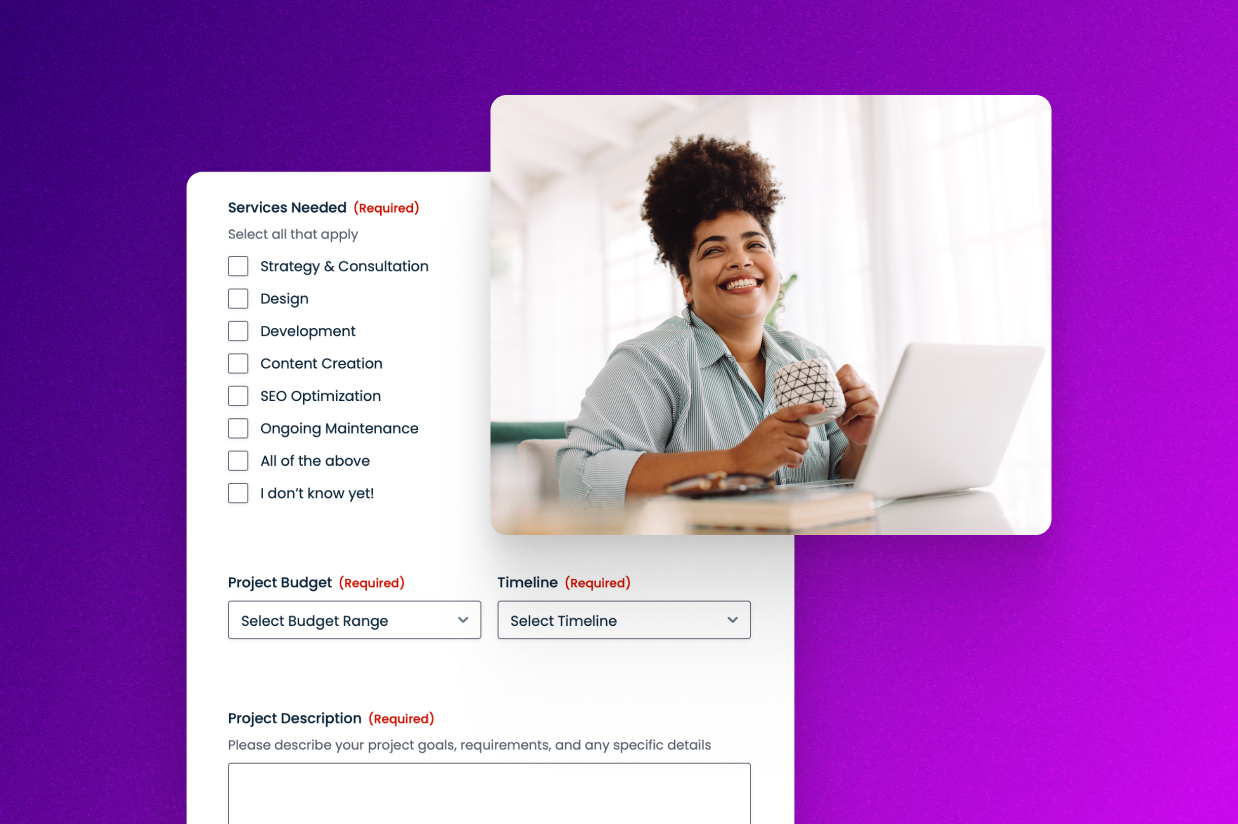
How to create a project inquiry form for your WordPress agency
Learn how to use the Gravity Forms project inquiry form template to set up a project form for your WordPress agency or any other business.
-
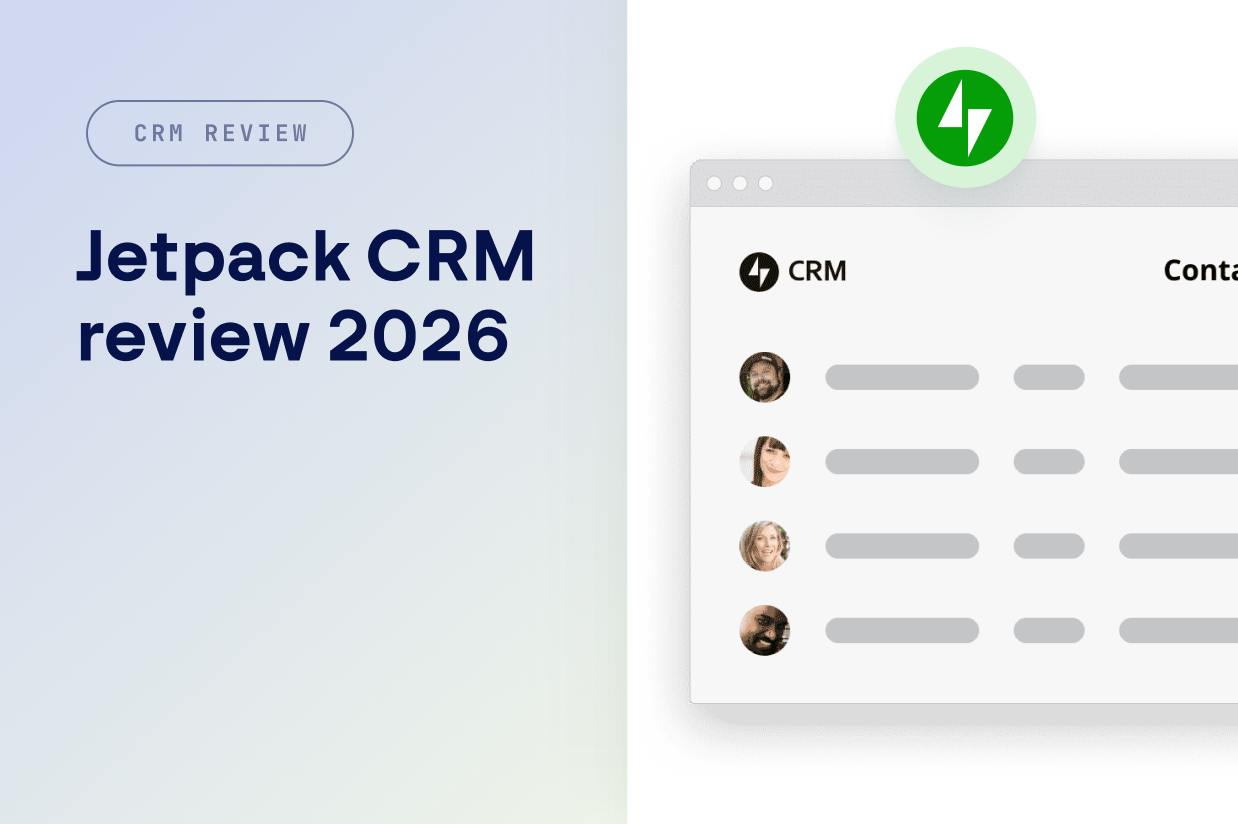
Jetpack CRM review 2026: All you need to know
Our hands-on Jetpack CRM review will help you decide if this native WordPress CRM plugin is right for your business.
-
Getting started with WordPress: Complete series overview
Our Getting Started With WordPress series covers everything that you need to know about building an effective WordPress website.
-
Best WordPress form plugins 2026: Ten top options
Discover the best WordPress form plugins in 2026 with our hands-on look at ten top options, including key differentiators between each.
-
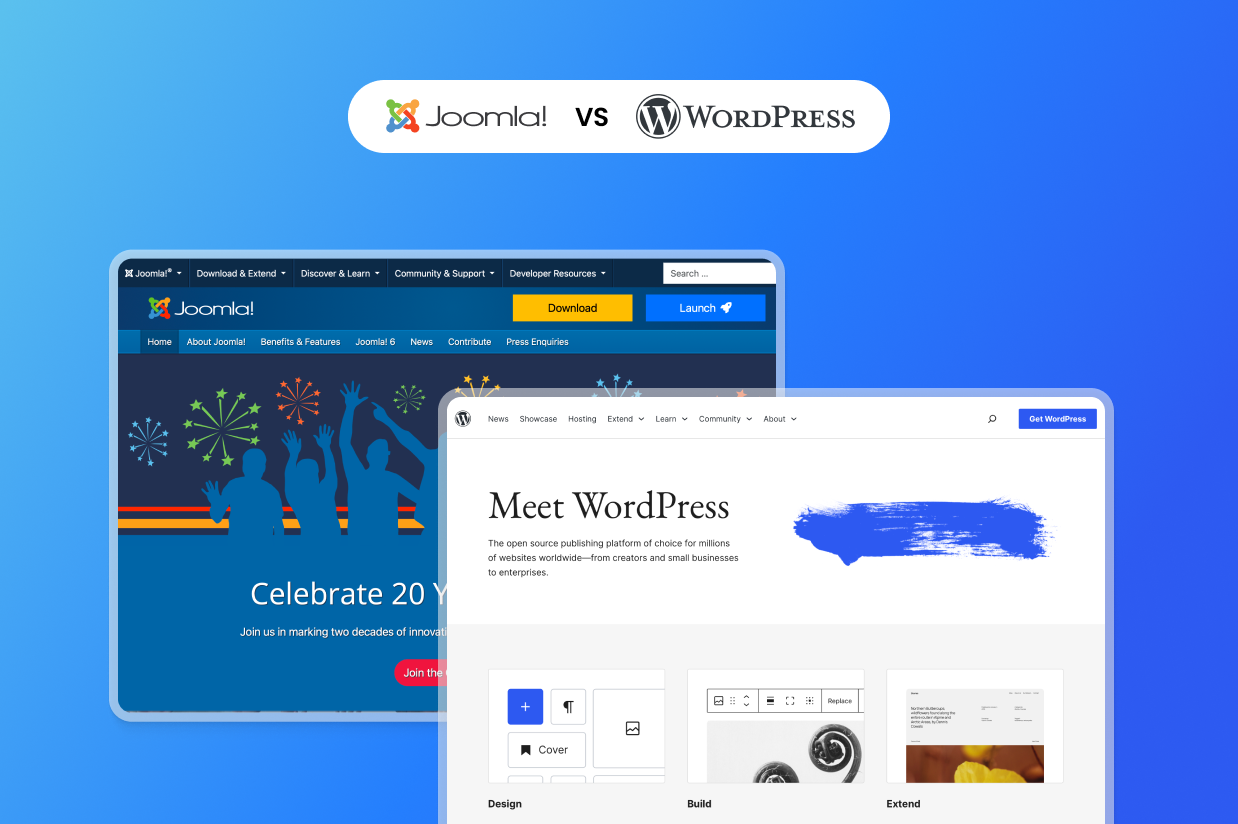
Joomla vs WordPress: Choosing the best CMS for your business
Our honest Joomla vs WordPress comparison will help you choose the best CMS for your business. We cover ease of use, extensibility, and more.
-
Tech stacks we love for WordPress agencies
WordPress agencies need operational clarity. Learn how Gravity Forms connects inquiries, onboarding, and support, and more.
-
Tech stacks we love for education
Build a smarter education tech stack on WordPress with connected forms for enrollment, payments, feedback, and workflows.
-
Tech stacks we love for collecting online payments
Gravity Forms turns collecting online payments into automated processes – so every transaction triggers the actions that follow.
-
Getting Started with WordPress: Security 101
Learn the essential basics of WordPress security, including how to protect your site from malicious actors – no technical knowledge needed.
-
Getting Started with WordPress: SEO Basics for Beginners
Learn important WordPress SEO basics so that you can start ranking your website in Google. We cover all the important fundamentals.
-
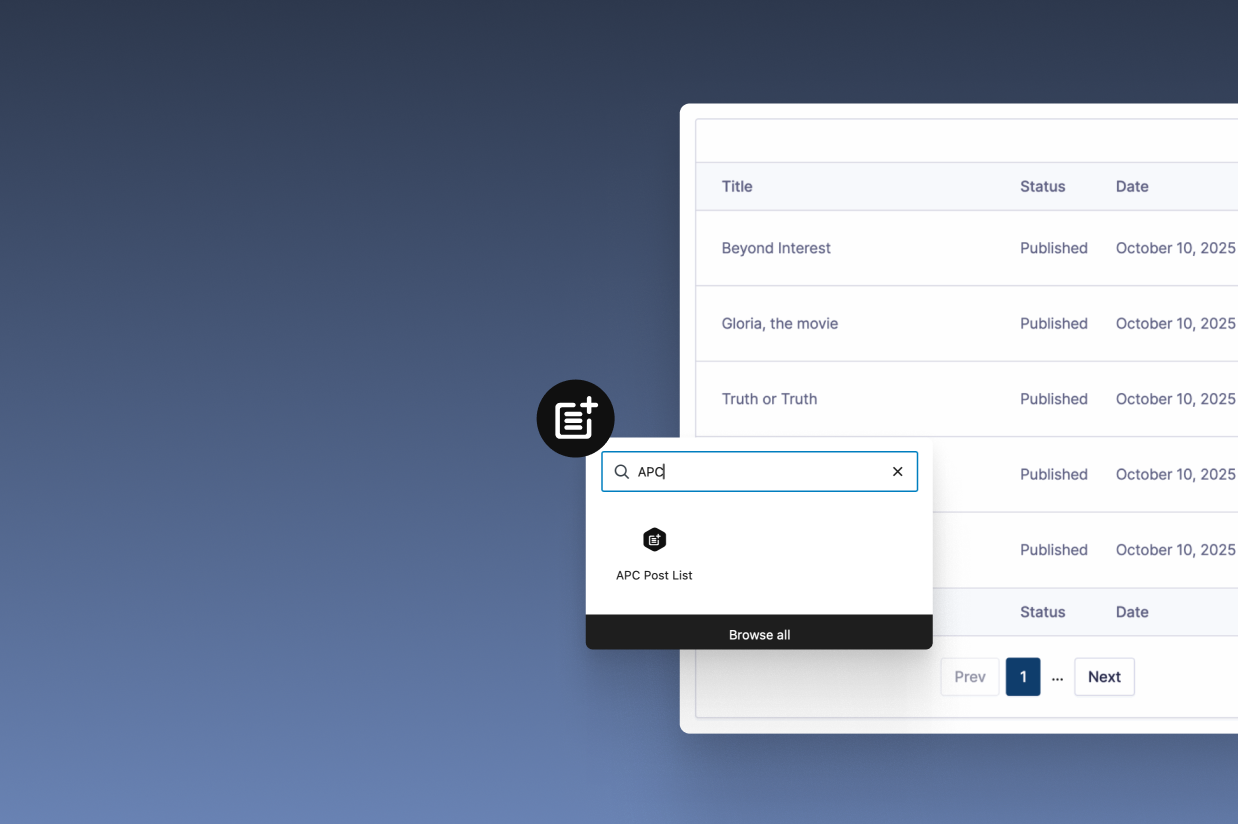
User-generated content on WordPress: Enable users to submit and edit posts
Learn how to accept user-generated content on WordPress. Let users create and edit posts, listings, and more from your site’s frontend.