Many agencies focus on building beautiful websites. The best agencies build business process automation systems that help their clients run more efficiently.
Think about the questions clients ask every day.
“Has this been approved?
“Did we receive that request?
“Who’s responsible for this next step?
“Can someone follow up?”
Those questions usually don’t point to a website problem. They point to a process problem.
Every manual process creates opportunities for delays, missed communication, duplicate work, and human error. A request gets buried in someone’s inbox. An approval sits unanswered for three days. A team member doesn’t realize it’s their turn to act. As businesses grow and more people become involved, those small inefficiencies become increasingly expensive.
For agencies, that’s an opportunity to provide more value beyond the initial website build.
That’s where workflow automation comes in.
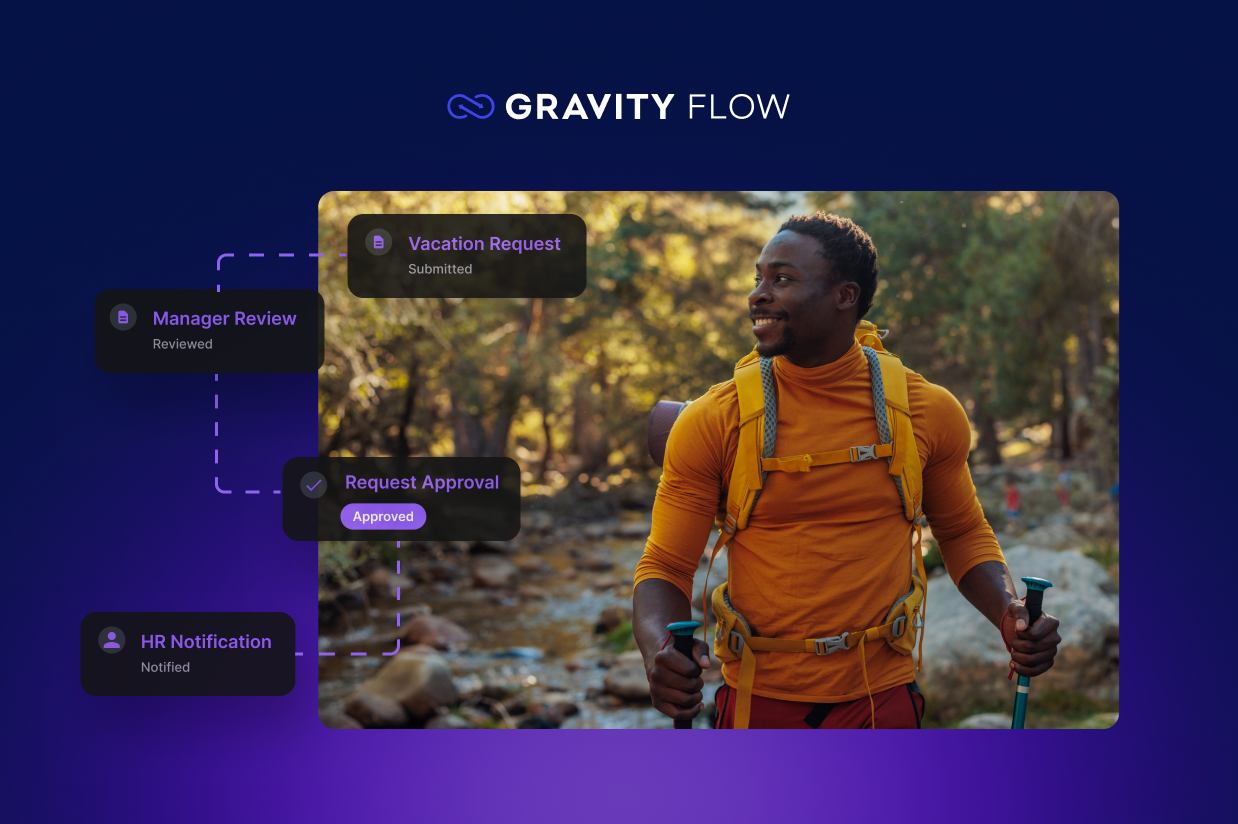
With Gravity Forms and Gravity Flow, agencies can transform ordinary WordPress forms into complete business processes. Instead of collecting information and leaving someone to handle the rest manually, each submission can trigger approvals, notifications, reminders, requests for additional information, and follow-up actions automatically.
And because these workflows live in WordPress, clients can manage important processes through a platform they already use.
Here are five high-value workflows every agency should consider building for their clients.
Client onboarding
Every agency has experienced the client who sends their logo three days late, forgets to provide website copy, or replies to the same email chain for weeks.
The project slows before it even begins.
The problem usually isn’t that clients don’t want to provide what you need. They simply don’t know what you need next, when you need it, or what has already been completed.
A structured onboarding process gives both sides a clear path forward. Instead of sending one enormous onboarding email and hoping everything comes back, you can collect information in stages and make sure each task is completed before the next begins.
Typical workflow:
Prospective client submits onboarding form → Internal review → Welcome email → Brand assets requested → Content collected → Final review → Project kickoff
Instead of managing everything through email, clients receive clear requests at the appropriate time, while your team can easily see where every project stands.
That means fewer follow-up emails for your account managers and fewer opportunities for important assets or decisions to hold up the project. It also gives new clients a more organized first impression of your agency.
Gravity Flow at work
Approval steps ensure your team reviews new clients before work begins, User Input steps collect missing assets and information throughout the project, and Notifications keep everyone informed so onboarding stays on track without constant follow-up.
Learn more about how to build a client intake form that routes and assigns automatically.
Purchase request approvals
Many businesses still approve purchases through email, Slack messages, or hallway conversations. That works until someone forgets.
Purchase requests often require multiple people to review budgets, approve spending, or confirm vendors before anything can be ordered. The process can become even more complicated when approval requirements change based on the amount being spent.
A $100 software subscription might only need a manager’s approval. A $10,000 equipment purchase likely also requires finance or leadership to sign off.
An automated workflow ensures every request follows the appropriate approval path without requiring employees to figure out who needs to see it next.
Typical workflow:
Employee submits request → Manager approval → Finance review → Purchasing notified → Request completed
Everyone knows who’s responsible for the next decision, and every request has a clear history. Employees can spend less time chasing approvals, while managers have a consistent process for reviewing spending.
For clients, this can turn a surprisingly messy internal process into something their entire organization can use.
Gravity Flow at work
Approval steps route purchase requests through the appropriate decision-makers, Conditional Routing sends requests down different approval paths based on criteria like cost or department, and Notifications help prevent requests from sitting unnoticed.
Learn more about how to build a purchase order form with multi-step approval.
Employee onboarding
Hiring a new employee usually involves more than one department.
HR needs paperwork. IT prepares equipment. Managers assign training. Payroll collects information. Someone might need to create accounts, order hardware, schedule orientation, or provide access to internal systems.
When these tasks happen through separate emails, spreadsheets, and messages, it’s easy for something to fall through the cracks. The new employee arrives on Monday, but their laptop doesn’t.
Instead, build one onboarding process that coordinates each step automatically.
Typical workflow:
New hire accepted → HR approval → Equipment request → Employee completes paperwork → Manager notified → Onboarding complete
Each department receives its tasks at the appropriate time without anyone manually coordinating the entire process.
The workflow can also give HR a central view of progress. Instead of asking several departments for updates, they can see which tasks have been completed and what still needs attention.
For agencies working with growing businesses, this type of workflow can become especially valuable. The process that worked for a team of ten may become difficult to manage once the company has ninety employees and hires several people every month.
Gravity Flow at work
Approval steps coordinate handoffs between HR, managers, and IT, User Input steps gather completed paperwork or additional information, and Feed steps can update connected systems, or trigger other actions as onboarding progresses.
Learn more about how to build an employee onboarding form (and the workflow behind it).
Vendor or partner applications
Many organizations accept applications from vendors, sponsors, volunteers, partners, speakers, or other outside groups.
The application form itself is usually straightforward. The difficult part starts after someone clicks submit.
Who reviews the application? Does it need to go to a particular department? Does someone need to verify eligibility? What happens when information is missing? Who tells the applicant what’s happening?
Without a defined process, reviewing applications often becomes a manual job spread across multiple inboxes and spreadsheets.
Instead, create a structured workflow that routes each application to the appropriate reviewers automatically.
Typical workflow:
Application submitted → Eligibility review → Department approval → Additional information requested (if needed) → Accepted or declined → Applicant notified
The result is a more consistent experience for both applicants and internal teams.
Applicants aren’t left wondering if their submission disappeared into an inbox, and employees don’t have to manually forward applications or remember to send status updates.
For organizations processing a large number of applications, even small improvements to this process can save significant administrative time.
Gravity Flow at work
Approval steps help reviewers evaluate applications consistently, Conditional Routing directs submissions to the appropriate team based on the applicant or application type, and Notifications keep both reviewers and applicants informed throughout the process.
The details change depending on who’s applying and what happens after they submit, but the same basic workflow can support a range of external application processes. Here are a few examples:
- Nonprofit sponsorship: from commitment to renewal
- Event speaker management: A call-for-speakers workflow
- Grant application forms: from submission to funding decision
Content review and approvals
Marketing teams create a constant stream of blog posts, landing pages, newsletters, social media content, and campaign assets.
Creating the content is only one part of the process. Someone needs to review it, someone else may need to check brand or legal requirements, revisions need to be made, and a final decision needs to happen before anything is published.
Without a structured approval process, drafts sit in inboxes, feedback gets buried in email threads, and nobody knows which version is current. Team members spend almost as much time asking for status updates as they do reviewing the work itself.
A workflow gives every piece of content a defined path and makes the current stage clear.
Typical workflow:
Content submitted → Marketing review → Legal or compliance review (optional) → Revision requested → Final approval → Published
Not every client will need every stage. A small marketing team might only need one approval, while clients in regulated industries may require several reviewers.
That’s what makes this workflow especially useful for agencies. The same basic process can be adapted to match the way each client’s team actually works.
Gravity Flow at work
Approval steps move content through each stage of review, User Input steps make it easy to request revisions or additional information, and Workflow History gives your team a complete record of every decision along the way.
Why agencies should think beyond forms
Clients rarely ask for workflow automation.
They ask for solutions to everyday business challenges.
“I need employees to request time off.”
“I need managers to approve purchases.”
“I need new clients to complete onboarding.”
“I need applications reviewed faster.”
Those requests often start with a form, but they don’t end there.
A time off request still needs a manager’s decision. A purchase request still needs approval. An application still needs review. A new client still needs to provide information after the first form is submitted.
If an agency only builds the form, the client is still responsible for manually managing everything that happens next.
By combining Gravity Forms with Gravity Flow, agencies can build systems that guide work through every stage of a business process. The result is less manual work, better visibility, and a more consistent experience for everyone involved.
It also changes the role the agency plays for the client.
Instead of only being the team that builds and maintains the website, you become the team that understands how the client’s business works and can improve the processes behind it. That creates opportunities to solve larger problems, deliver higher-value projects, and continue adding value long after a site launches.
Start with the processes your clients already have
You don’t need to redesign a client’s entire operation to find opportunities for automation.
Look at the processes they’re already managing manually.
Where are employees repeatedly sending the same emails? Where are managers chasing approvals? Where does information move between several people before something can happen? Which processes depend on one person remembering the next step?
Those are often the best places to start.
Gravity Forms can collect the information that begins the process. Gravity Flow can manage what happens next, keeping tasks, approvals, notifications, and decisions moving inside WordPress.
For your client, that means a business process that’s easier to manage.
For your agency, it means the WordPress sites you build can do much more than collect information. They can become part of how your clients actually get work done.
Curious what this could look like for your clients? Explore the Gravity Flow demo environment for free and walk through a real approval workflow, start to finish.

Newsletter
If you want to keep up-to-date with what’s happening on the blog sign up for the Gravity Forms newsletter!
"*" indicates required fields