The gala program goes to print in ten days. Three sponsor logos are missing. One arrived, but it’s a blurry screenshot someone grabbed from the sponsor’s website. The commitment spreadsheet has a question mark in the “paid?” column next to the second-biggest sponsor, and nobody wants to be the one who asks them. This afternoon, your development director, who also has a grant report due Friday, will sit down and write chase emails, one at a time, to companies that already said yes months ago.
The hard part of event sponsorship isn’t getting the yes. It’s everything after. A sponsorship is a months-long relationship, but most nonprofits run it with a development team of one or two, a volunteer gala committee, a spreadsheet, and an inbox. The commitment gets made, and then the details scatter.
Building the sponsorship form itself is the quick part, and we’ve covered it before: the event sponsorship form template gives you levels, prices, and card payment out of the box, and the sponsorship form starter guide walks through the setup.
This post is about everything that form should set in motion afterward, using Gravity Flow and the Square Add-On: tracking who’s paid, collecting the logos without the chase, delivering every benefit you sold, and being back in front of the sponsor before next year’s budget is set.
Square Promotion – Free Processing
Gravity Forms and Square have teamed up to offer an exclusive promotion for new Square customers — enjoy free processing fees for up to 180 days!
Here’s how it works:
- Free Payment Processing – Get $5,000 in credit card transactions processed for free within your first 180 days. After that, standard Square fees apply.
- $20 Off Square Hardware – Receive a $20 discount on Square hardware once you sign up.
To take advantage of this promotion, simply sign up for a Square account using this link and start processing payments with no extra fees.
Where sponsorships actually break
Five places, in practice:
- Knowing who’s committed and who’s paid. The spreadsheet says one thing, the bank statement says another, and the truth is split between the development director’s inbox and the treasurer’s.
- Collecting the money. Card payments are easy but nobody set them up; invoices go out late and sit in a corporate accounts payable queue for six weeks.
- Chasing the assets. Logos, program listings, guest names for their table. All promised, none delivered, and the print deadline doesn’t move.
- Delivering what you sold. The gold level included three social posts. Did they happen? Nobody wrote it down, and undelivered benefits are the quiet reason sponsors don’t come back.
- The renewal. Ten months of silence, then a scramble to re-ask three weeks after the sponsor set next year’s giving budget.
The form fixes the first two directly. A workflow attached to it fixes the rest. Throughout, the division of labor is: Gravity Forms is the form and the record of every sponsorship, the Square Add-On takes payment inside that form, Gravity Flow runs everything that happens after submission, and Gravity SMTP makes sure the emails land.
The commitment form (Gravity Forms)
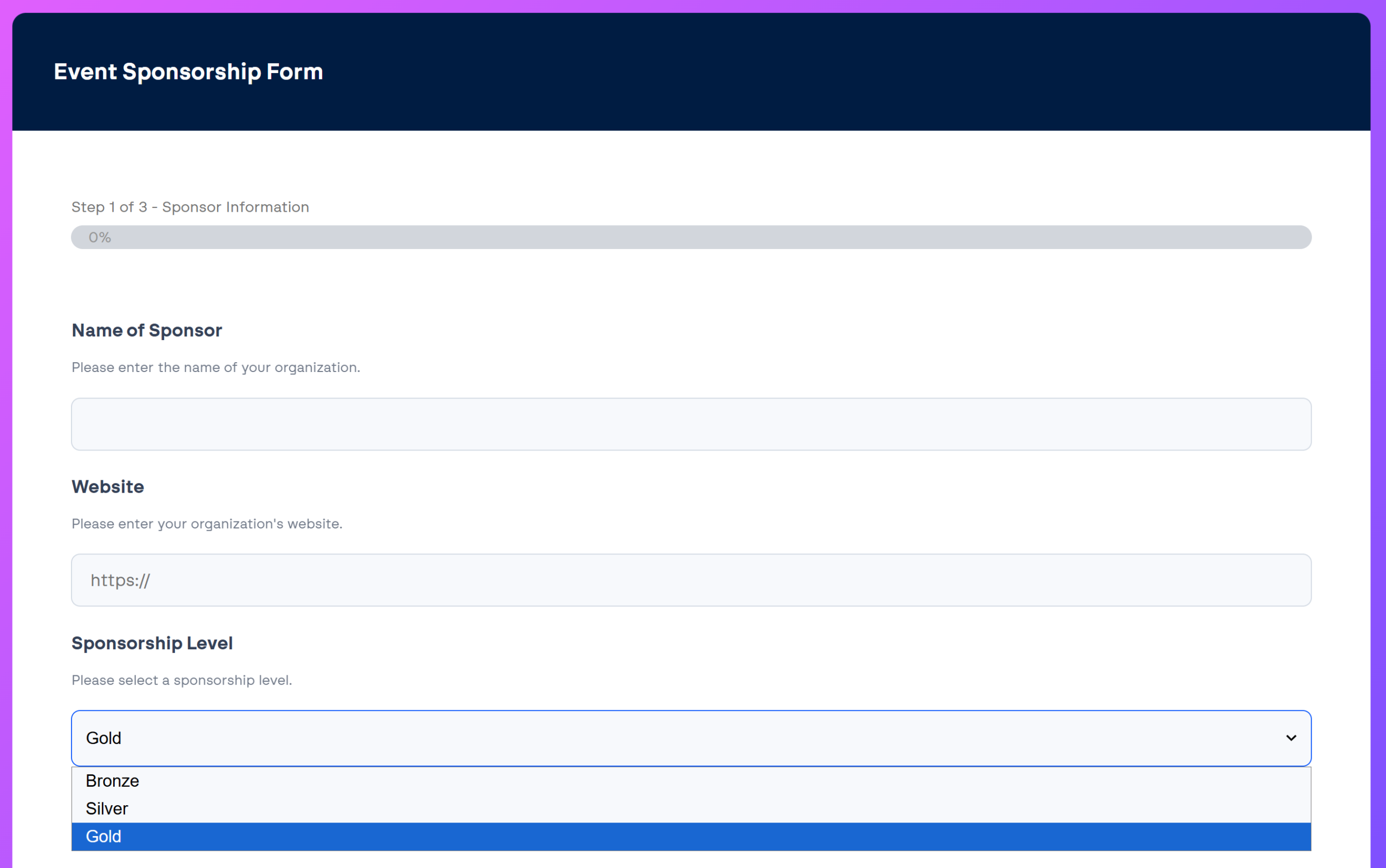
Start from the event sponsorship template, then make three additions that matter for a nonprofit fundraiser.
Sold-out sponsorship levels that say so. Sponsorship inventory is real: there’s one presenting sponsor, maybe ten gold tables. Gravity Forms Inventory, a Certified Add-On from Gravity Wiz, limits how many times each choice can be selected, disables a level once it’s taken, and can show how many spots remain. “Only 2 gold tables left” on a live form does more selling than another follow-up email.
A payment method choice. The local businesses that sponsor community fundraisers will happily pay by card on the spot. The bank and the hospital system can’t; their accounts payable process needs an invoice, a W-9, sometimes a vendor form. One conditional field respects both realities, and both paths land in the same workflow.
An in-kind path. The restaurant donating the catering and the brewery stocking the bar are sponsors too, often at a value that would embarrass some of the cash levels. A “cash or in-kind” branch lets them describe what they’re offering and skip payment, so they get the same confirmation, the same asset collection, and the same recognition as everyone else, instead of living in a separate email thread.
One thing not to add: fields for the logo, the ad copy, or the table guest list. The person committing the money is often not the person who has those things, and every extra field at this stage costs you commitments. The workflow collects the rest at the right time, from the right person.
Getting paid without the awkward follow-up (Square Add-On)
The Square Add-On connects your form to your Square account: the card field sits on the form itself, and payment processes with the submission. Three payment paths cover most events:
- Card at submission. For standard levels, the sponsor pays as they commit. Committed and paid in the same minute, and the entry says so.
- Card with sign-off first. If a level needs approval before it’s confirmed (the presenting sponsorship, or a request with custom asks attached), the Square feed’s Authorize Only setting validates the card and holds the amount without charging it. The executive director approves, you capture the payment from the entry, and nobody’s card was charged for a sponsorship that didn’t go ahead. Capture promptly: authorizations expire within days, on a window Square sets.
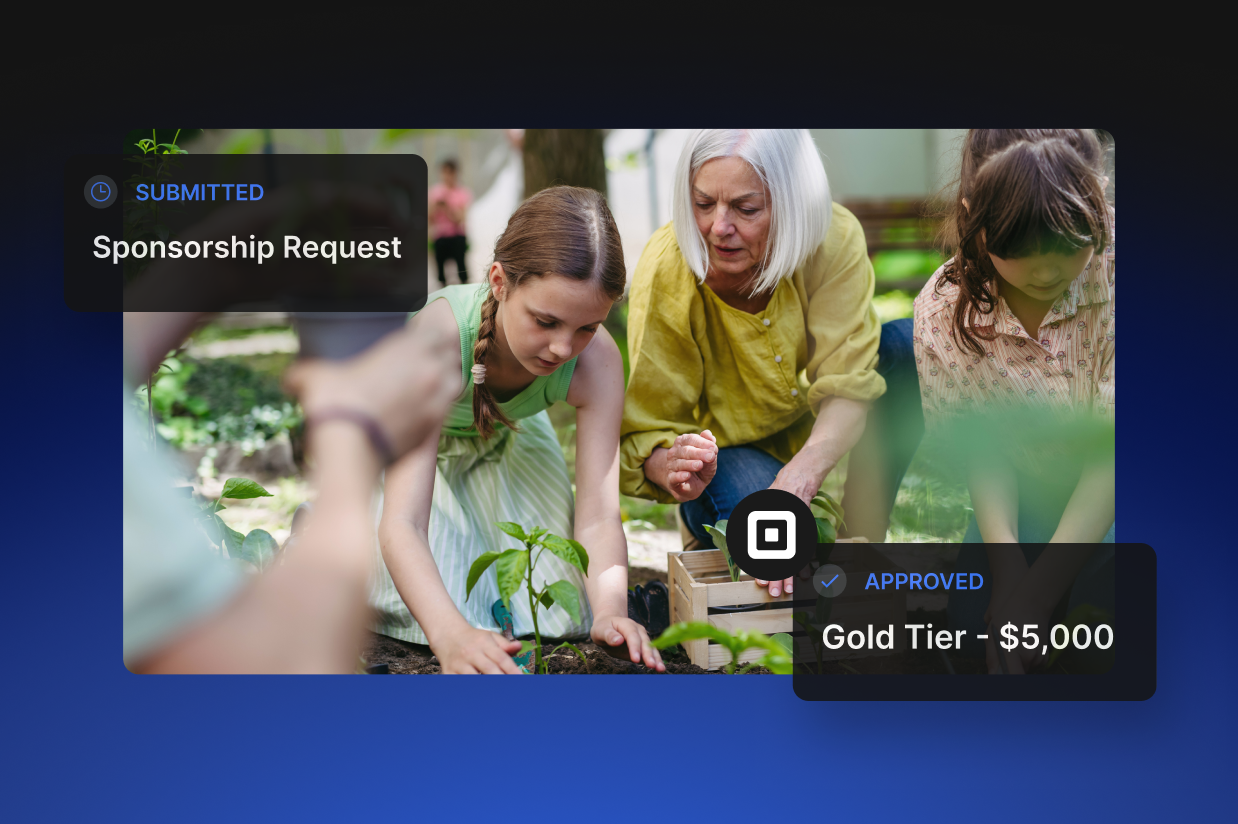
- Invoice. Invoice payers skip the card field and enter the workflow marked as invoice-pending. Finance, whether that’s a staff member or the board treasurer, sends the invoice as a workflow step, and the entry tracks the state until payment is confirmed.
That question mark in the “paid?” column stops existing, because the entry list is the answer: every sponsor, their level, and their payment status on one screen. When the board asks how sponsorship is tracking against target, that screen is the report.
The logo chase, automated (Gravity Flow)
Here’s the section that pays for the whole build. Once a sponsorship is confirmed, Gravity Flow can assign a step directly to the sponsor’s email address. No WordPress account, no login. The sponsor’s contact gets an email with a link to a page on your site asking for exactly what their level requires:
- The logo, with accepted file formats enforced by the upload field
- The program listing text, with a character limit matching your program template
- The guest names, if their level includes a table
Then the workflow does the chasing your gala committee currently does by hand:
- Set a due date tied to your print deadline.
- Schedule a reminder for a week before, and another for two days before.
- If the assets still haven’t arrived, the step escalates to the event lead, who now has one short list of who to call instead of a mental note to “check on logos at some point.”
Volunteers get their evenings back, and no one has to send the third awkward nudge to a donor.
The file formats point is worth a sentence of its own. A file upload field that only accepts vector and high-resolution formats prevents the blurry-screenshot problem at the source. The sponsor’s marketing person knows exactly what to send because the form told them, and your designer never opens a 40-kilobyte JPEG again.
Delivering what you sold (Gravity Flow)
The entry is now the single record of the sponsorship: the level, the amount, the payment status, the assets, the guest names, the date each of them arrived. That record is what makes fulfillment manageable.
Add a checklist step assigned to whoever owns delivery:
- Logo placed in the program
- Banner confirmed with the venue
- Social posts scheduled
- Table card printed
It takes minutes to set up and it closes the most expensive gap in event sponsorship, because a sponsor who paid for visibility and didn’t get all of it won’t complain. They’ll just decline politely next year, and you’ll never know why.
One nonprofit-specific note belongs here. In the US, how you recognize a sponsor can have tax consequences: acknowledgment (the sponsor’s name and logo) is treated differently from advertising (endorsements, pricing, calls to action), and the wrong kind of recognition can turn tax-exempt sponsorship revenue into taxable advertising income. Your accountant or gift acceptance policy sets the line. The workflow’s job is smaller but useful: the entry records exactly what recognition was promised and delivered, so the answer exists if the question ever comes.
The renewal, scheduled before you forget (Gravity Flow and Gravity SMTP)
After the event, two things go to every sponsor:
- A thank-you with real numbers. Attendance, funds raised, what their support made possible for the people you serve. Sponsors have to justify this spend to someone, and you’re the one who can hand them the justification. Gravity SMTP is worth having in place so these messages, and every confirmation before them, actually reach the inbox; a thank-you in a spam folder is worse than none.
- A scheduled step that resurfaces the sponsor when planning starts for next year. This is the one almost nobody builds. Gravity Flow steps can be delayed by months, so the entry from this year’s gala reappears in the development director’s inbox next spring with the whole history attached: what level they took, what they paid, whether their assets arrived on time, how the relationship went.
This matters because corporate sponsorship for nonprofits is a local market: the same businesses get asked by every organization in town. The sponsors who come back are the ones who were paid attention to: thanked properly, shown what their money did, and asked again before their budget was spoken for. Renewals are the cheapest sponsorship revenue there is, and the only reliable way to lose them is to go quiet, which is exactly what a ten-month gap with no system produces.
What stays human
The prospectus still has to make the case. The board member still opens the door to the company nobody on staff knows. The presenting sponsorship still gets negotiated over lunch, because at that level the relationship is the product. None of that is form work, and it shouldn’t be.
What the workflow replaces is the machinery around those conversations: the tracking, the chasing, the invoicing limbo, the missed renewal. That’s the work currently done in evenings, from spreadsheets, by whoever cares most. Build it once, before this year’s event, and next year’s sponsors arrive into a system that already knows them.
If your organization is a registered nonprofit, you can get started with all of the functionality in Gravity Forms by purchasing the Gravity Forms Nonprofit license.
Additionally, head over to the Gravity Flow pricing page to browse the license types and purchase the add-on.

Newsletter
If you want to keep up-to-date with what’s happening on the blog sign up for the Gravity Forms newsletter!
"*" indicates required fields