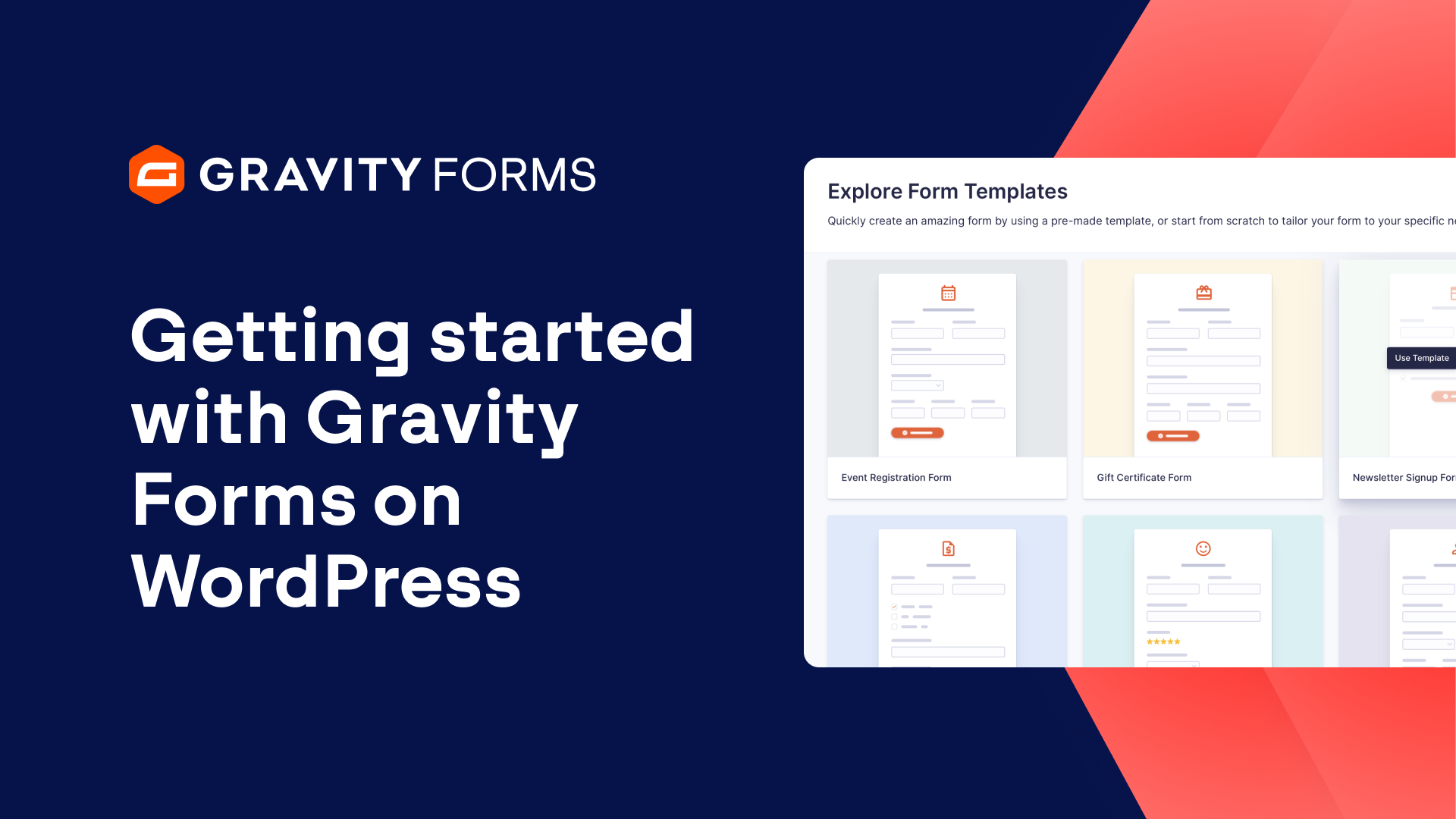
Getting Started with Gravity Forms on WordPress.com
For a detailed written guide on getting started with Gravity Forms on WordPress.com, check out our blog.
The Gravity Forms WordPress.com license provides the ultimate package for collecting, managing, and sharing business data on your WordPress.com site.
The license includes unlimited forms and entries, auto updates, access to all Gravity Forms built-in features, and access to our current library of official Gravity Forms Add-Ons.
With Gravity Forms, you can also easily build accessible forms that are WCAG 2.1 AA compliant, which is a must-have for many businesses and organizations.
Getting started with Gravity Forms on WordPress.com is a breeze.
From within your WordPress.com admin dashboard, navigate to the plugins menu and search for Gravity Forms.
Here, you’ll be able to purchase a monthly or annual subscription.
It’s important to note that you need to be using one of the WordPress.com plugin enabled plans – Business or above.
Once you have purchased a subscription, WordPress will automatically install and activate the Gravity Forms plugin.
Now, you’ll be ready to start building some forms.
When you select ‘New Form’, you’ll have the option to build a form from scratch, or use one of our pre-existing form templates.
Within the form editor, you can use the drag-and-drop functionality to add and move fields around to build a form to your exact requirements.
You can also use column control to easily position form fields in the order and layout of your choice.
And fields can be edited within the field Settings.
Alter the field labels, add descriptions, set fields to required, and much more.
Once you are happy with your form, you can select ‘Embed’ to add the form to an existing page or post, or embed it on a new page or post.
You can then use the built in Orbital theme and styling options to customize the look of your form.
When you are happy with how your form looks, select ‘Publish’.
If you are looking to extend the power of your forms, you can integrate lead generation forms with Mailchimp and HubSpot.
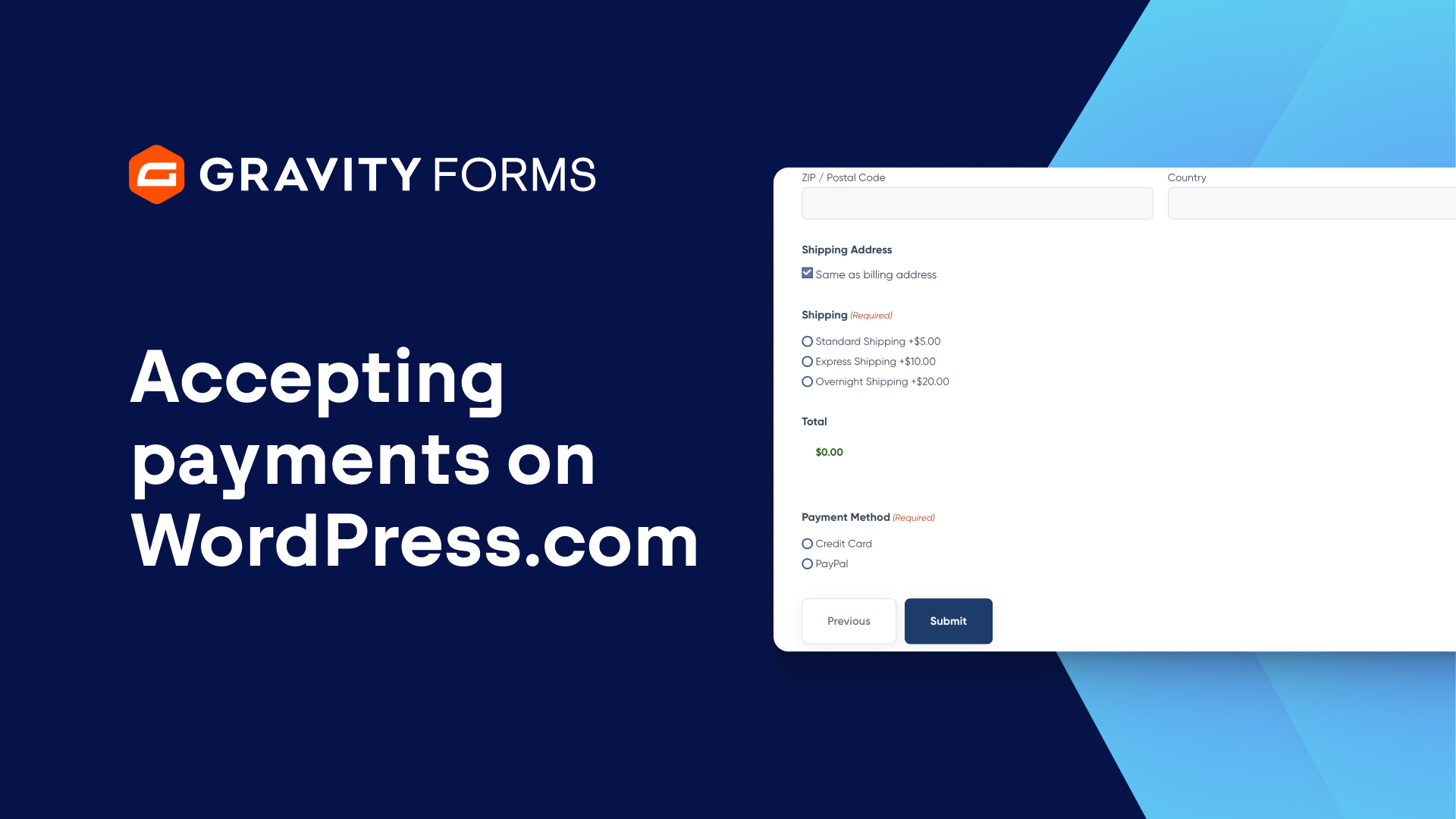
Or, if you’re looking to accept payments, you can sync your forms with Stripe, PayPal, or Square, to name a few examples.
And that’s all there is to it.
With Gravity Forms, you can build high converting, beautiful forms on WordPress.com in no time at all.
From everyone on the Gravity team, thank you for watching!
Summary
The Gravity Forms WordPress.com license provides the ultimate package for collecting, managing, and sharing business data on your WordPress.com site. In this video, we’ll show you everything you need to know to get started using Gravity Forms on WordPress.com.