For a written guide on using the Conversational Forms Add-On, check out our blog.
Gravity Forms makes it easy to create conversational forms and engage with your audience on your WordPress.com website.
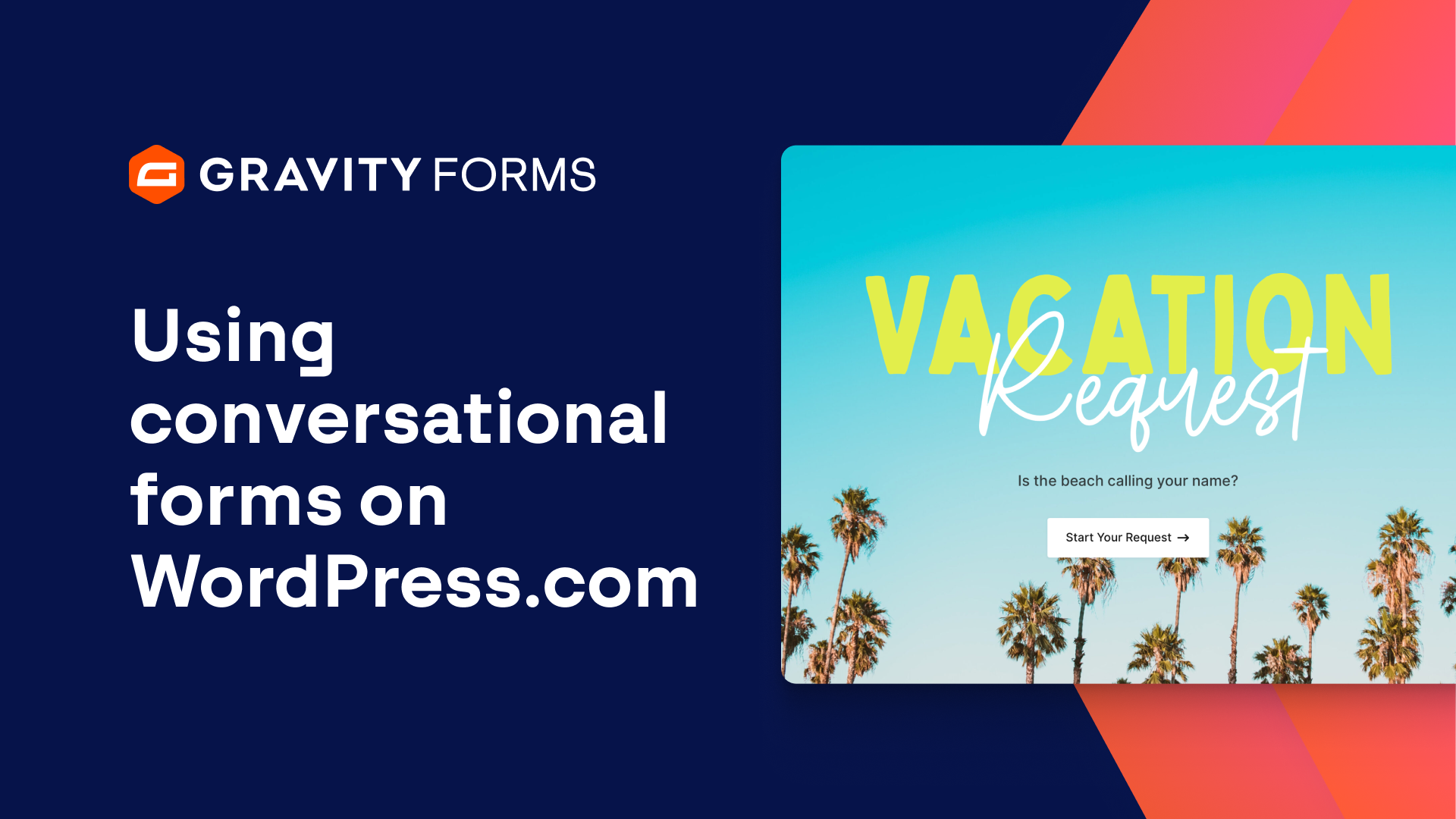
Conversational forms allow you to present your forms in a friendly, distraction free manner, one field at a time.
In this video, we’ll take a look at how to use the Gravity Forms Conversational Forms Add-On to create a simple, conversational product giveaway form on WordPress.com.
To get started, I’ll open my WordPress.com dashboard and activate the Gravity Forms Conversational Forms Add-On.
Then, I’m going to navigate to the form editor and create a simple product giveaway form that asks for the visitor’s name and email address.
I’ll save everything, then head to the settings for this form and select the ‘Conversational Forms’ tab.
Next, I’ll toggle on the ‘Enable Conversational Page For Form’ option and set the Permalink for this form.
The permalink will serve as a home for your conversational form.
This form will continue to display as normal when embedded anywhere on your site, but will display in a distraction-free conversational mode at this URL.
I’ll then use the ‘Form Design’ options to customize the look and feel of my form.
I’m also going to enable a Welcome Screen that the user will see when they first visit this page.
If needed, I can change the ‘Continue Button’ text and customize the footer.
For my form, I’m going to change the footer background color, as well as enable and customize a progress bar that will allow users to see their progress as they fill out the form.
I’ll next save my changes and then customize the confirmation message the user will see.
Once I am done, I’ll save my confirmation message and then navigate to the permalink I just created.
As you can see, I have a beautiful, easy to use conversational form that integrates seamlessly with my WordPress.com site.
For more guides and tutorials on all things Gravity Forms, check out our video library.
From everyone on the Gravity team, thank you for watching!
Summary
Conversational forms allow you to present your forms in a friendly, distraction free manner, one field at a time. In this video, we’ll show you everything you need to know to start using conversational forms on your WordPress.com website.