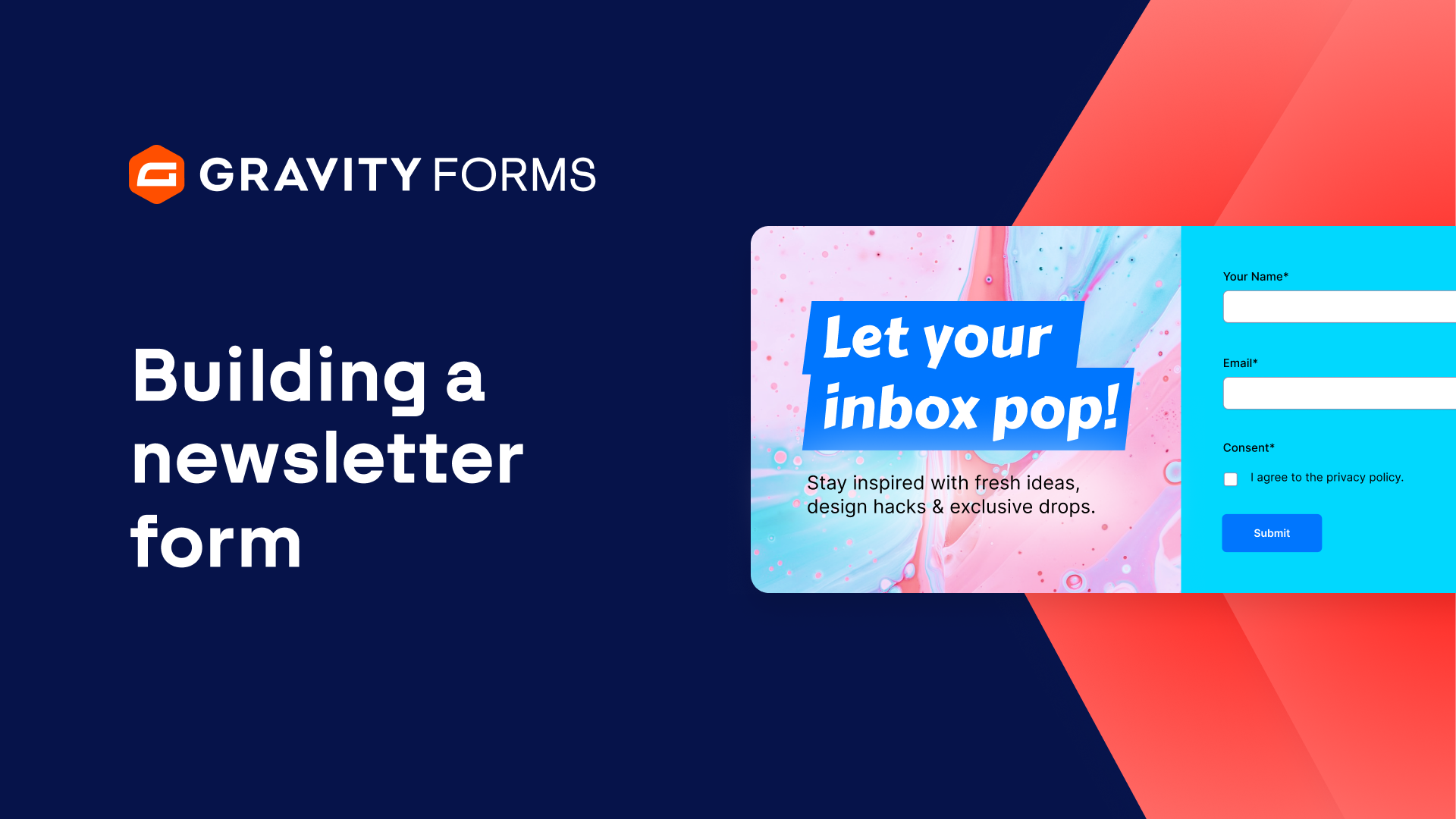
For a written guide on creating a newsletter signup form, check out our blog.
Collecting the email addresses of new website visitors should be a top priority for any business.
One of the most effective lead generation strategies is to add a newsletter signup form to your website.
Newsletters are a great way to connect with your potential customers, promote your products or services, and encourage people back to your website to make a purchase.
Let’s look at how to quickly and easily build a Newsletter Signup form for your WordPress site.
I’ll start by creating a new form.
From the form editor, I’m going to open the ‘advanced fields’ section and add a name field and an email field.
Next, I am going to use the field settings to set both fields to required.
Required fields have to be filled out before a form can be submitted.
I am also going to enable email confirmations to make sure users submit the correct email when filling out this form.
I’d like to ask the user how they found my website, so I’m going to add a checkboxes field below the email field.
I’ll use the field label to ask my question, then use the choices flyout to add options for the user to pick.
The plus and minus icons can be used to add or remove choices.
The final choice I am going to add is an option for the user to select ‘other’.
Below my checkboxes field, I want to add a single line text field so that the user can tell me how they heard about my site.
I only want this field to appear if the user selects ‘other’, so I will need to use conditional logic.
If I click or tap on the single line text field, I can go to the Field Settings and open the conditional logic fly-out panel.
I’ll enable conditional logic and set this field to only show if any of the following match:
The field “How did you hear about us?” is Other.
With my conditional logic set up, the user will only see the single line text field if they select ‘other’.
Finally, I will add a consent field to the form so that the user has to agree to our privacy policy before they submit the form.
Now I’ll save everything and embed my form on a page on my site.
**Link to embedding via the form editor video**
My form looks good.
I can see my conditional logic in action when I select ‘other’, and all fields need to be completed before the form can be submitted.
Sending out a newsletter regularly is a great way to keep users coming back to your site.
For more Gravity Forms tutorials, check out our Video Library.
From everyone on the Gravity Forms team, thanks for watching.
Summary
In this video, we’ll look at how to quickly and easily build a newsletter signup form for your WordPress site. Newsletters are a great way to connect with your potential customers, promote your products or services, and encourage people back to your website to make a purchase.