-
QR Code
View Addon: QR CodeGenerate and Scan QR Codes for Events, Inventory, and More Generate and scan QR codes. Turn Gravity Forms data into QR codes, or use your device’s camera to scan a QR code’s value into a form field. Combine multiple values in one QR code. Put several form values and your own text together in a single scannable code. Customize your QR codes. Adjust the size…
-
Unique ID
View Addon: Unique IDGive Every Gravity Forms Entry a Unique ID Each Unique ID stays unique to its form and field, so every entry has a reliable identifier you can use throughout Gravity Forms. Generate a unique ID. Each Gravity Forms entry is assigned its own unique ID when the form is successfully submitted. Choose your ID type. Generate alphanumeric or numeric IDs, or sequential IDs that count…
-
Limit Dates
View Addon: Limit DatesLimit Available Dates in the Date Picker Limit selectable dates. Choose which dates users can select in your Gravity Forms Date Picker fields. Set minimum and maximum dates. Use a specific date, the current date, or another Date field for either limit. Add date exceptions. Make a specific date available or unavailable. Limit by day of the week. Allow weekdays only, weekends only, or any…
-
Media Library
View Addon: Media LibraryAutomatically Send Gravity Forms Uploads to the Media Library Every file is ready to use anywhere else on your site. Automatic Media Library uploads. Files submitted through Gravity Forms upload straight to your Media Library. Single and multi-file support. Send one or more files to the Media Library. Display image thumbnails. Use image merge tags to show uploaded images in confirmation messages and notification emails…
-
Preview Submission
View Addon: Preview SubmissionShow a summary of everything that’s been entered, before the form is submitted. Preview Submission puts everything someone enters into a summary, right inside the form. Full submission summaries. Confirm that every detail entered is correct. Answers reused on later pages. An answer entered on an earlier page can automatically fill in a field on a later one. Preview every answer in one place. A…
-
Advanced Select
View Addon: Advanced SelectTurn massive lists into searchable, accessible fields. Advanced Select keeps any Drop Down, Multi Select, or Address field fast and searchable, whether it holds a dozen choices or even thousands. Here’s what you get: Populate massive datasets. Pair with Populate Anything to search, scroll, and load thousands of choices without slowing your form down. Display choice images. Pair with JetSloth’s Image Choices to turn a…
-
Blocklist
View Addon: BlocklistPrevent submissions that include blocked words, phrases, or IPs. Blocklist works by checking every submission against the same list WordPress already uses to catch spam in blog comments (called Disallowed Comment Keys). Stop spam and unwanted content before it ever becomes an entry. Any submission with a blocked word, phrase, or IP gets rejected automatically. Scope it as tight or loose as you need. Turn…
-
Gravity Forms Entry Archive
View Addon: Gravity Forms Entry ArchiveArchive Gravity Forms Entries for Safekeeping Not every entry that’s done its job belongs in the trash — like fulfilled orders, past campaigns, or records you’re keeping for compliance. Entry Archive gives them a new home: safely tucked behind your active entries, still there, searchable and restorable whenever you need them back. With Entry Archive, you get: One-click archiving. Archive any entry straight from the…
-
GravitySearch: Global & advanced entry search
View Addon: GravitySearch: Global & advanced entry searchGravity Forms keeps each form’s entries on its own page, so finding a submission means first remembering which form it came from. GravitySearch adds one screen that searches all of them. The fastest way to find and manage Gravity Forms entries. Search across every form, build precise filters on any field, preview submissions in place, and act on the results in bulk. No code required.…
-
Gravity Forms Entry Tags (free)
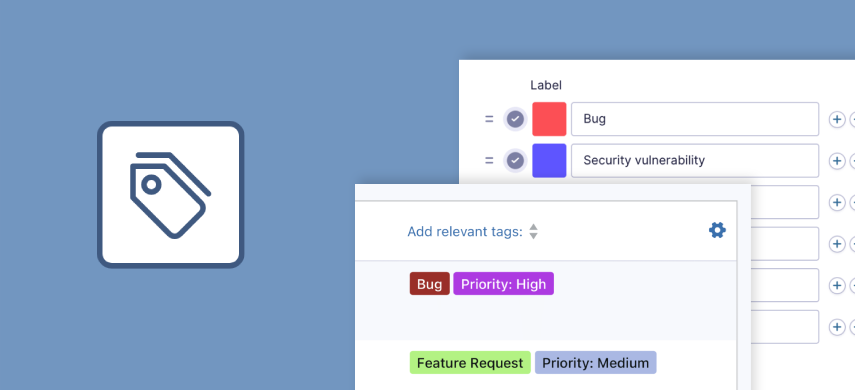
View Addon: Gravity Forms Entry Tags (free)This free add-on adds a new “Entry Tags” field type to the Gravity Forms builder. With this innovative form field, you can create dynamic tag lists, empowering users to easily label and group submissions. What Post Tags are to Posts, Entry Tags are to entries: easily label and group entries using tags that you define! Group and filter entries by tag Filtering entries based on…
-
Gravity Forms Widget for Elementor (free)
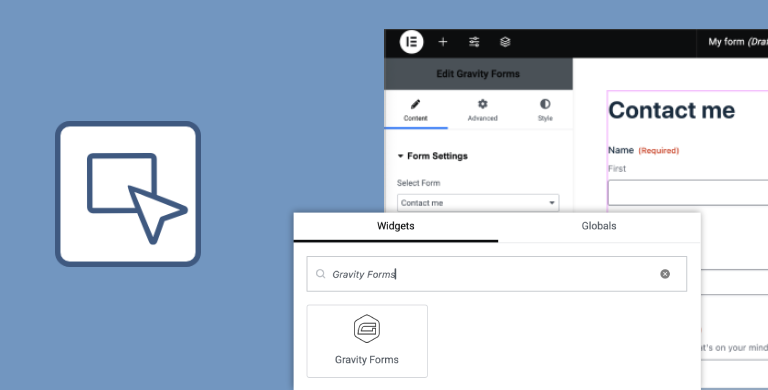
View Addon: Gravity Forms Widget for Elementor (free)Embed and configure your forms directly in Elementor’s intuitive builder! Unlock the full potential of Gravity Forms directly in your Elementor layouts with our powerful and user-friendly Gravity Forms widget for Elementor. Drag and drop forms in Elementor Easily embed and configure your Gravity Forms directly within Elementor’s visual builder, keeping all your design elements in one interface. You can also add simple styles to…
-
GravityActions: Bulk update Gravity Forms entries
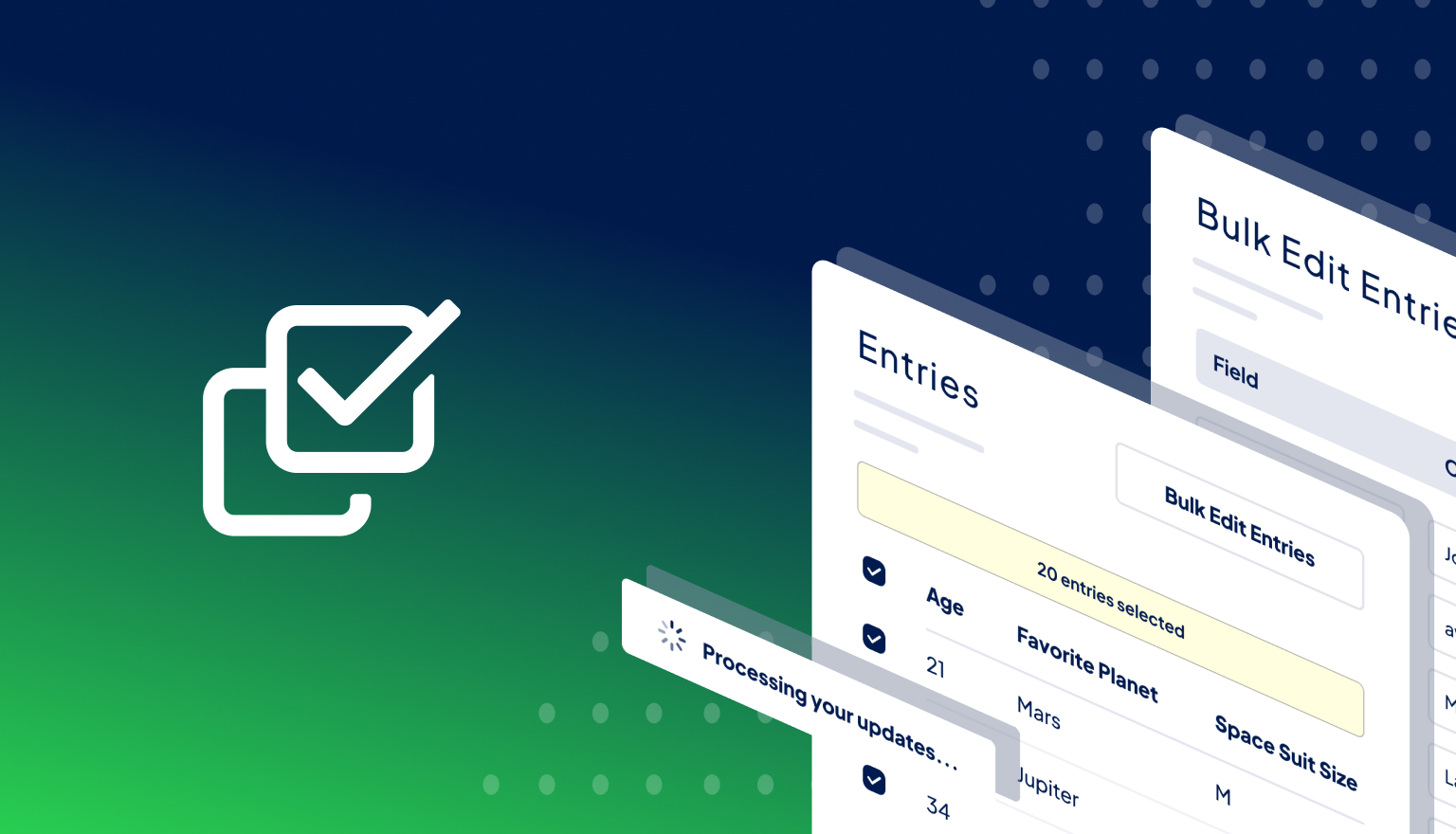
View Addon: GravityActions: Bulk update Gravity Forms entriesGravityActions enables you to update hundreds of Gravity Forms entries at once, saving you hours of tedious manual work. You can also send bulk emails directly from Gravity Forms! Spend less time managing data, more time growing your business Manually updating entries one by one is time-consuming. With GravityActions, you can: ✅ Modify multiple entries at once with just a few clicks ✅ Ensure data…