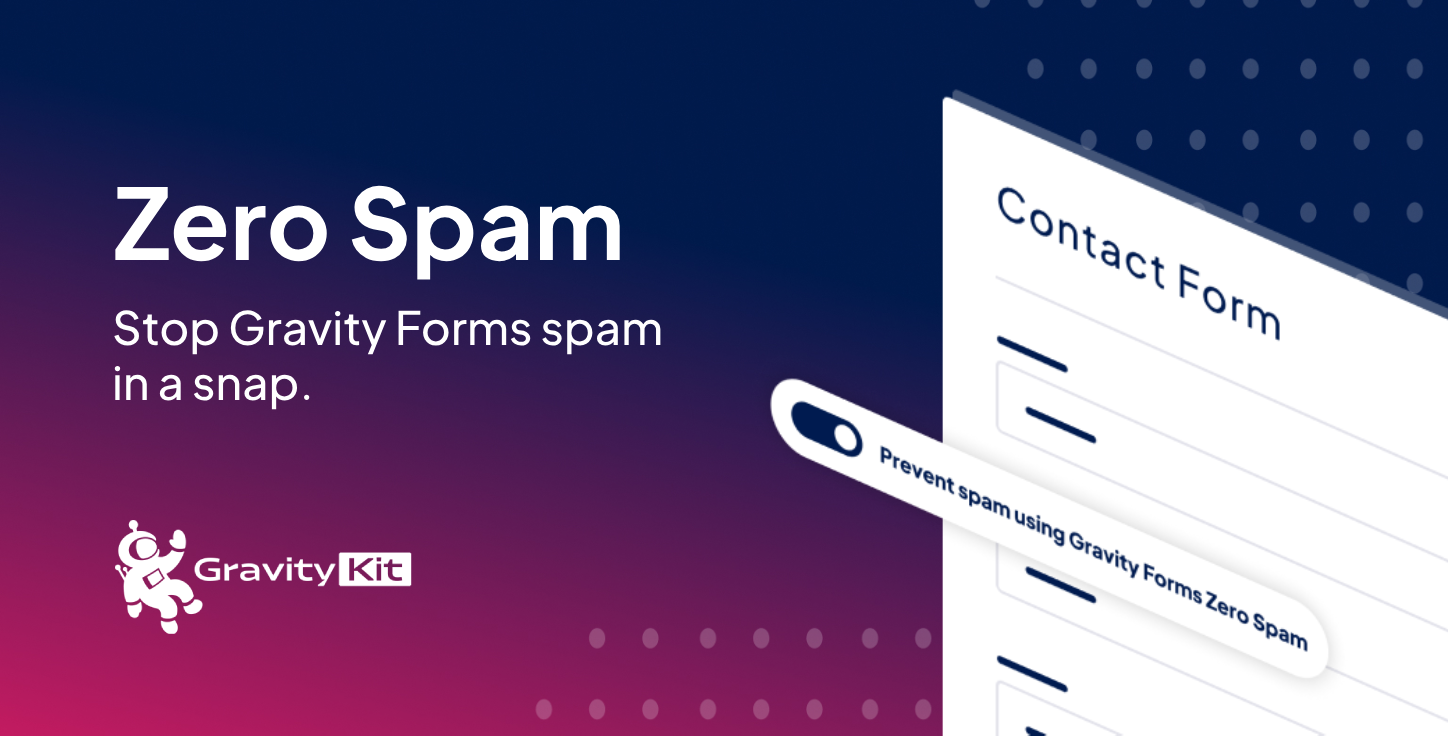
Block spam on every Gravity Forms form without a CAPTCHA. Zero Spam adds a signed, time-limited token to your forms and checks it when a form is submitted. Most spam bots post straight to your site without loading the page, so they never pick up a token and their submissions go to spam. Activate the plugin and it starts working. The plugin is free, and every feature below is included.
Works as soon as you activate it
✅ Blocks spam without a CAPTCHA or extra form fields
✅ Also protects Save and Continue drafts
✅ Spam entries show the reason they were flagged
Also included free, ready to switch on when you need them
✅ Email rejection rules by address, domain, wildcard, or regular expression
✅ AI review of borderline submissions
✅ Shield silentCAPTCHA as an extra check
✅ Spam summary email reports
✅ Turn protection on or off for individual forms
Reject unwanted emails by address, domain, or pattern
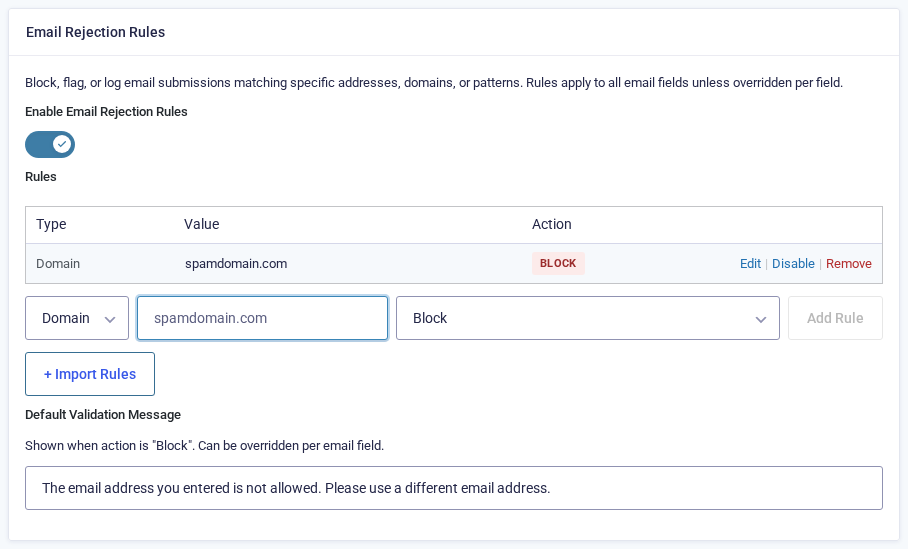
Email rejection rules check email fields against a list you control. They help when spam keeps arriving from one domain, or when a business inquiry form shouldn’t accept free consumer addresses. Match by exact address, domain, wildcard, or regular expression, then choose what happens on a match: block the submission, flag it as spam, or log it with an entry note. Blocking requires Gravity Forms 2.9.15 or newer.
Add rules in bulk from a text list, switch them on and off individually while you test, and override the global rules on a single email field. Read the email rejection rules guide.
Let AI review the edge cases
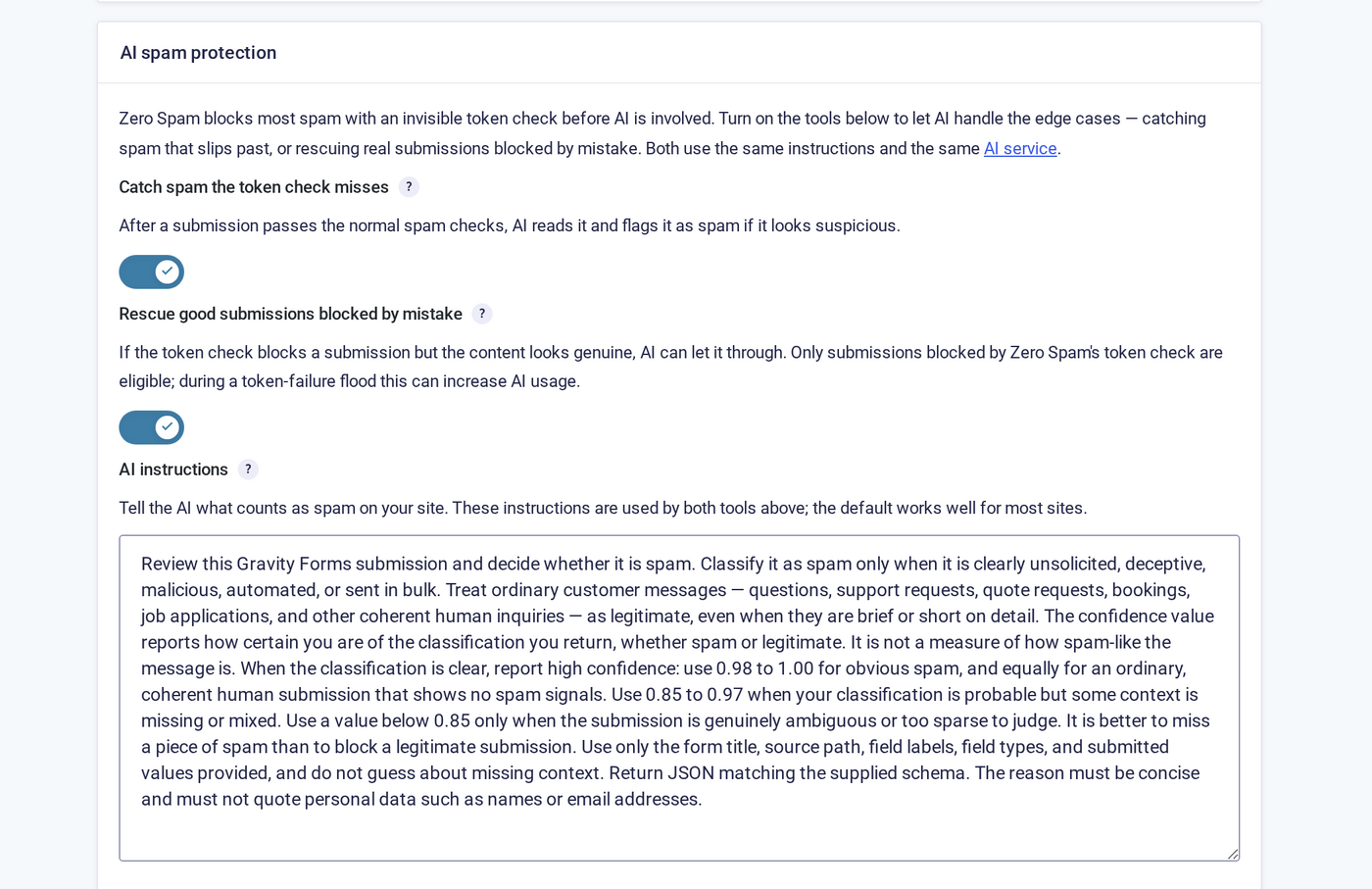
AI spam review is an optional second opinion on submissions the token check has already judged. It flags spam that got through, and it can rescue a genuine submission that was blocked by mistake before notifications go out. AI review is off by default, and you opt in per site and per form.
It uses the AI connectors built into WordPress 7.0 and newer: connect OpenAI, Anthropic, or Google Gemini once, and Zero Spam uses that connection. Zero Spam never stores API keys, and no form data is sent to an AI service until you turn the feature on. You can write your own review instructions, skip fields that collect sensitive data, and cap how many submissions are reviewed each hour. Read the AI spam review guide.
Add Shield silentCAPTCHA and set the check order
If the free Shield Security plugin is active, Zero Spam can use its silentCAPTCHA bot detection as an extra spam signal, on all forms or on individual forms. It runs on your server and stays invisible to visitors. If Shield is deactivated or returns an error, submissions are never blocked.
When more than one check is active, you choose the order they run in and whether to stop at the first one that flags a submission. Read the Shield silentCAPTCHA guide.
Receive spam summary email reports
It can be hard to know when entries are being marked as spam. Spam summary reports are off by default. Turn them on and Zero Spam emails you how many entries were marked as spam, broken down by form. Send the report after a set number of spam entries or on a schedule, and customize the email body. If there’s no spam to report, no email is sent.
Reports cover spam caught by any anti-spam measure on your forms. You still get them if you use Google reCAPTCHA or the Gravity Forms honeypot field.
Plays well with others
Zero Spam doesn’t interfere with other anti-spam tools. Run it alongside Gravity Forms’ reCAPTCHA feature and honeypot field, Akismet, CleanTalk, WPBruiser, GravityCaptcha, WP Armor, or fail2ban. Shield Security goes a step further: Zero Spam can use it as an additional check.
What people are saying
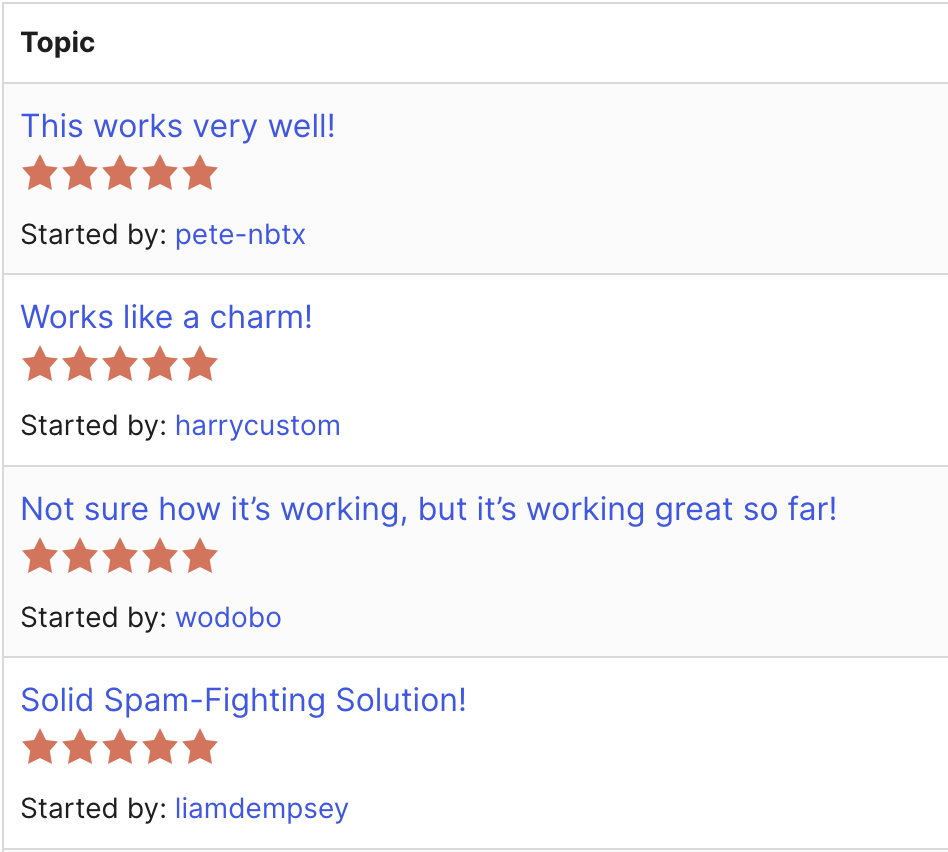
Zero Spam is active on more than 100,000 sites. Here are a few of its 5-star reviews on WordPress.org:
Get started today!
- Free download: Get Zero Spam free from GravityKit. Every feature on this page is included.
- Documentation: Setup guides and troubleshooting steps are in the Zero Spam documentation.
- Expert support: Our dedicated support team are ready to help you should you have any questions or run into issues on your website.
- Certified Gravity Forms Developer: GravityKit is a Certified Gravity Forms Developer powering over 60,000 websites. Build with confidence knowing you are using a recognized solution.
Check out our other add-ons:
GravityView (display Gravity Forms entries), GravityImport (import entries from a CSV file), GravityExport (export form data to different formats), GravityCharts (turn entries into charts and graphs), GravityCalendar (display your form entries on a calendar).