
Automatically Send Gravity Forms Uploads to the Media Library
Every file is ready to use anywhere else on your site.
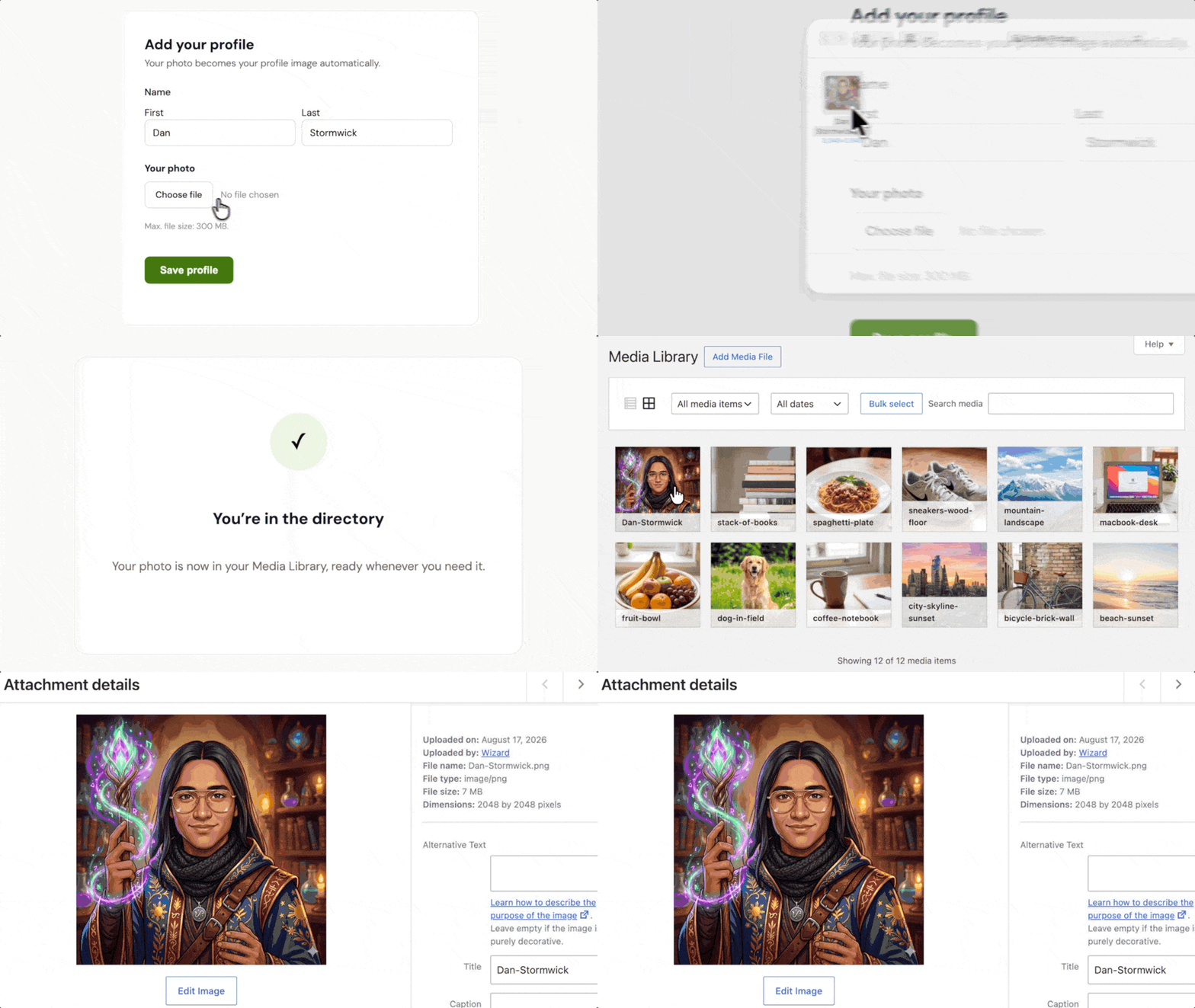
- Automatic Media Library uploads. Files submitted through Gravity Forms upload straight to your Media Library.
- Single and multi-file support. Send one or more files to the Media Library.
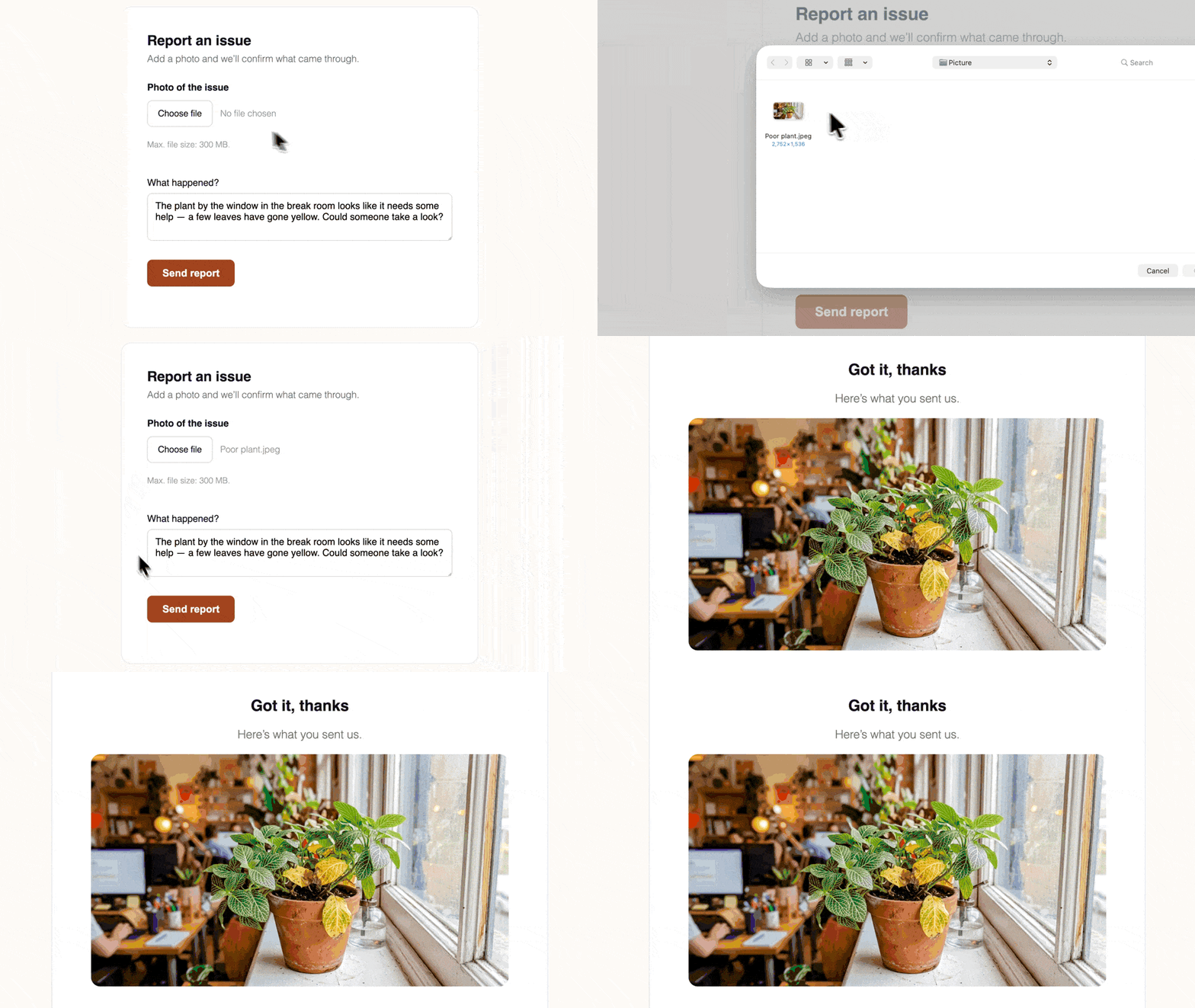
- Display image thumbnails. Use image merge tags to show uploaded images in confirmation messages and notification emails at the size you choose.
- Advanced Custom Fields (ACF) support. Save form uploads to ACF Image and File fields.
- GravityView integration. Use medium-sized thumbnails to help Views load faster.
Keep User-Submitted Files Organized
Photos, documents, and other form uploads land alongside your other WordPress media, so you can find them whenever you need them.
Show Uploaded Images in Emails and Confirmations
Show a photo preview in a confirmation message, or include the image in notification emails at the size you choose.
Media Library Works Well For:
- Staff or member profiles. Use submitted photos as the profile image on staff or member pages.
- Directories and listings. Add user-submitted profile photos to GravityView-powered directories.
- WooCommerce product submissions. Add form-uploaded images to products created with Gravity Forms.
Gravity Wiz Supports Over 150,000 WordPress Websites

Made by Gravity Forms Developers 
🧑💻 Our founder helped build Gravity Forms. And now, we’re certified developers.
🚀 14 years shipping Gravity Forms add-ons.
🤝 Legendary support you can count on from real experts. See for yourself.
✨ Something new every week. 70+ plugins and counting, dozens of free ones.
🛡️ Zero risk to use. Try it for 30 days — if it’s not right for you, we’ll refund it.

Get Media Library
Media Library is part of the Gravity Perks suite — 48+ plugins to help you build more with Gravity Forms.