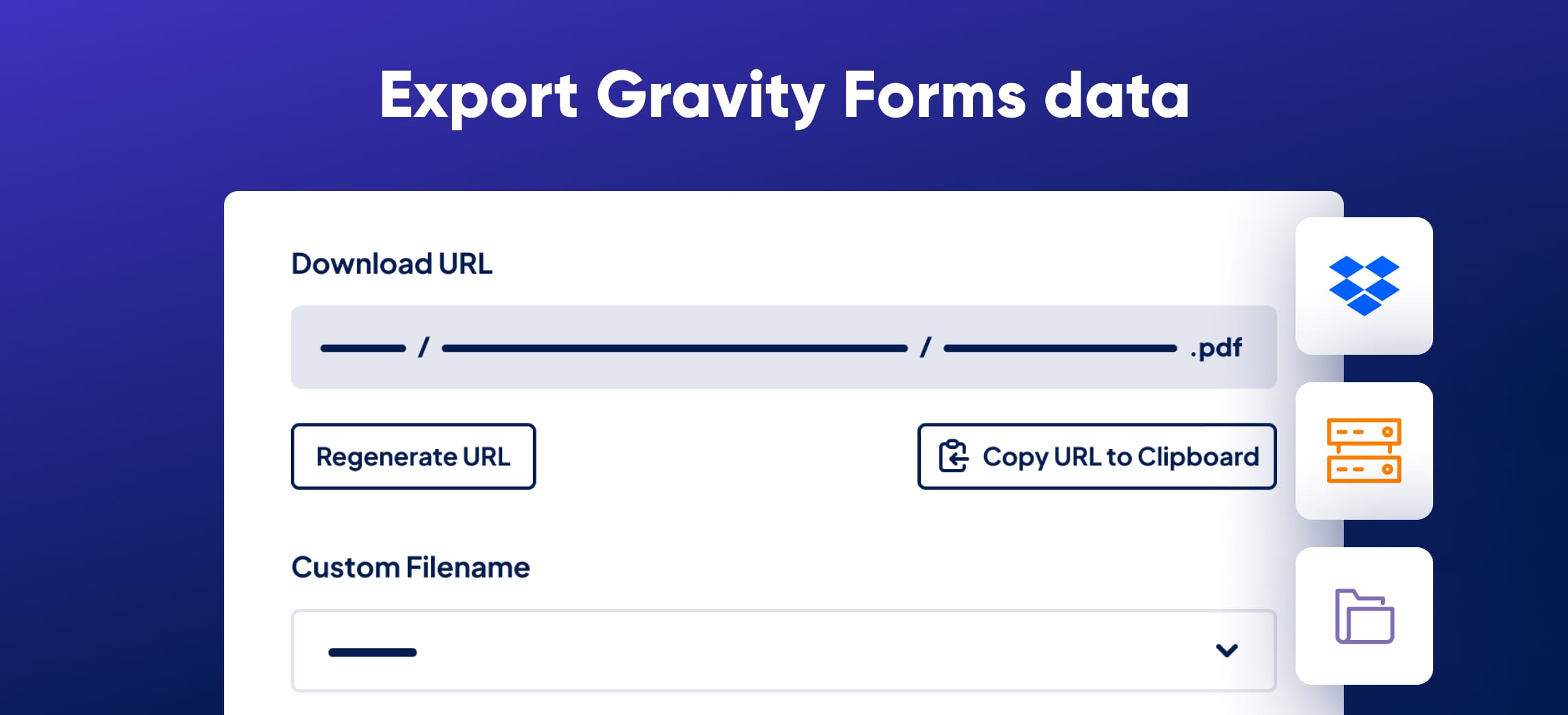
Export Gravity Forms entries to Excel, CSV, PDF, or Google Sheets, then share them with secure links or deliver them to cloud storage on a schedule. GravityExport lets you send reports to anyone who needs them, without logging in or granting admin access.

Automate your reporting workflow
✅ Export data to Excel (.xlsx), CSV, PDF, or Google Sheets
✅ Send reports and files to Dropbox, Box, a local folder, or an external server via SFTP
✅ Schedule recurring exports, or send only the entries received since the last export
✅ Reports update dynamically as new entries are submitted
✅ Apply conditional logic to filter and refine exported data
✅ Review each feed’s recent exports in its Activity Log
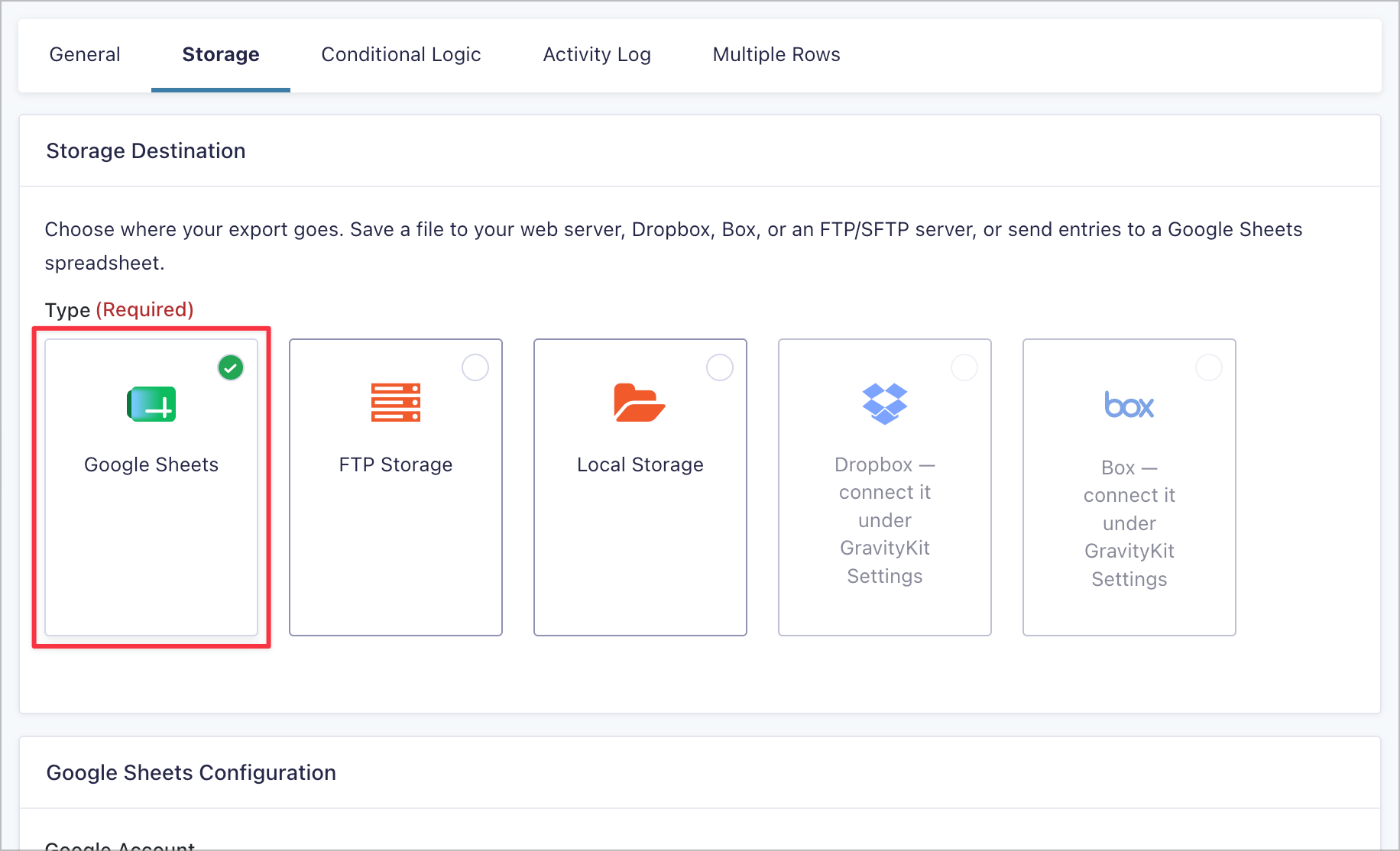
Export to Google Sheets
Send your entries straight to Google Sheets. Choose an existing spreadsheet or create a new one, and your sheet stays in step with your form. Connect your Google account once in the GravityKit settings and every export feed can use it.
Build highly customizable reports
Set up unlimited exports tailored to different needs. Customize output files, split multi-value fields into separate rows, and restrict access based on user roles. You can even apply one feed’s setup to any number of your forms.
Developer-friendly with full control
Modify every aspect of your exports with hooks. Working with PDFs? Apply custom styling to your reports for a polished, professional look.
Save time and streamline data sharing
GravityExport eliminates manual data transfers, ensuring you can securely analyze and distribute form entries with ease. If a Dropbox or Box connection goes offline, GravityExport alerts you by email or with a dashboard notice, so scheduled deliveries never fail silently.
FAQs
What file formats does GravityExport support?
GravityExport supports CSV, Excel (XLSX), and PDF exports, and can also send entries straight to Google Sheets. You can even export entries from multiple forms to a single Excel file with multiple workbooks.
Can I style and customize PDF exports?
Yes, GravityExport includes basic options for modifying the look and feel of your PDF exports. Change the colors and fonts, add a company logo, alter the page size, and more.
I only want to export entries created by the logged-in user, can I do that?
Yes. GravityExport includes advanced conditional logic settings that allow you to configure a report containing only the entries submitted by the logged-in user. Furthermore, this is dynamic and will update depending on the user.
Can I schedule daily/weekly/monthly reports?
Yes! GravityExport supports scheduled exports. Choose an interval and your reports are generated and delivered automatically to your chosen destination. You can also send only the entries received since the last successful export, and the feed list shows when each export will run next.
Can I attach reports to email notifications?
Yes! You can attach single entry reports to Gravity Forms email notifications, including to multiple notifications at once. While you cannot attach reports containing multiple entries to email notifications, you can include the report download link inside the notification email.
Get started today!
- Live demos: Try GravityExport for yourself! Explore a live demo to see exactly how the plugin works before you buy.
- 30-day money-back guarantee: Try GravityExport risk-free with our 30-day money-back guarantee. If it’s not the perfect fit, get a full refund—no questions asked.
- Expert support: Our dedicated support team are ready to help you should you have any questions or run into issues on your website.
- Certified Gravity Forms Developer: GravityKit is a Certified Gravity Forms Developer, trusted by thousands of businesses. Build with confidence knowing you’re using a recognized solution.
Check out our other add-ons
GravityView (display Gravity Forms entries), GravityImport (import entries from a CSV file), GravityCalendar (display your form entries on a calendar), GravityCharts (visualize your data using charts and graphs).