Connect Gravity Forms Directly to OpenAI
See how it works in action.
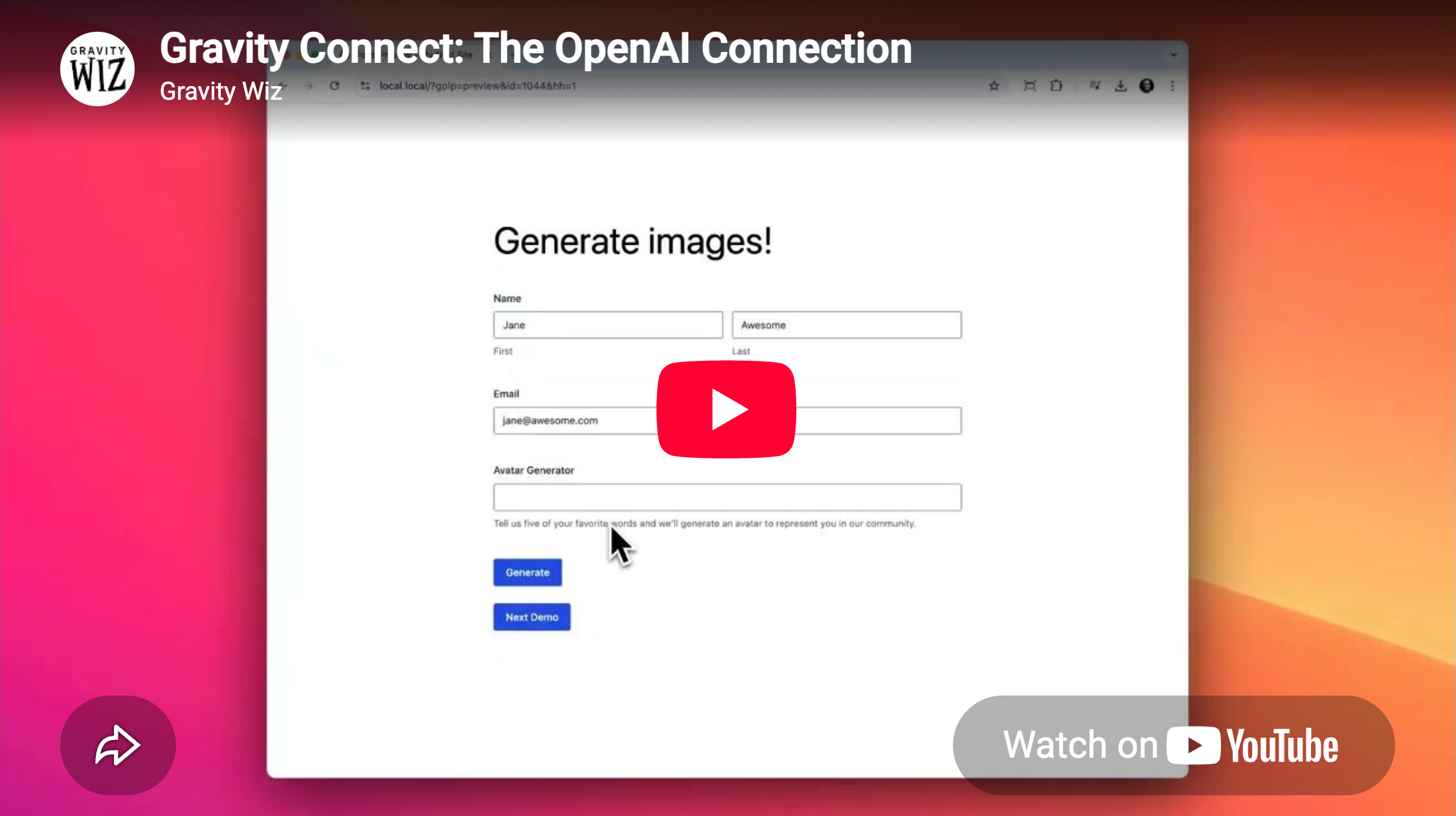
- Generate AI results from your form data. Get results back live in the form or after submission.
- Write and analyze text. Draft new text, or edit, rewrite, and moderate submitted entries.
- Create images with GPT Image. Generate and display images from form data.
- Work with audio. Use OpenAI feeds to transcribe audio or turn text into speech.
- Analyze images, files, and data. Use OpenAI feeds with Vision, File Search, and Code Interpreter.
Get AI Results Live or After Submission
Use OpenAI fields to generate results while someone fills out the form, or OpenAI feeds to generate or process content after they submit.
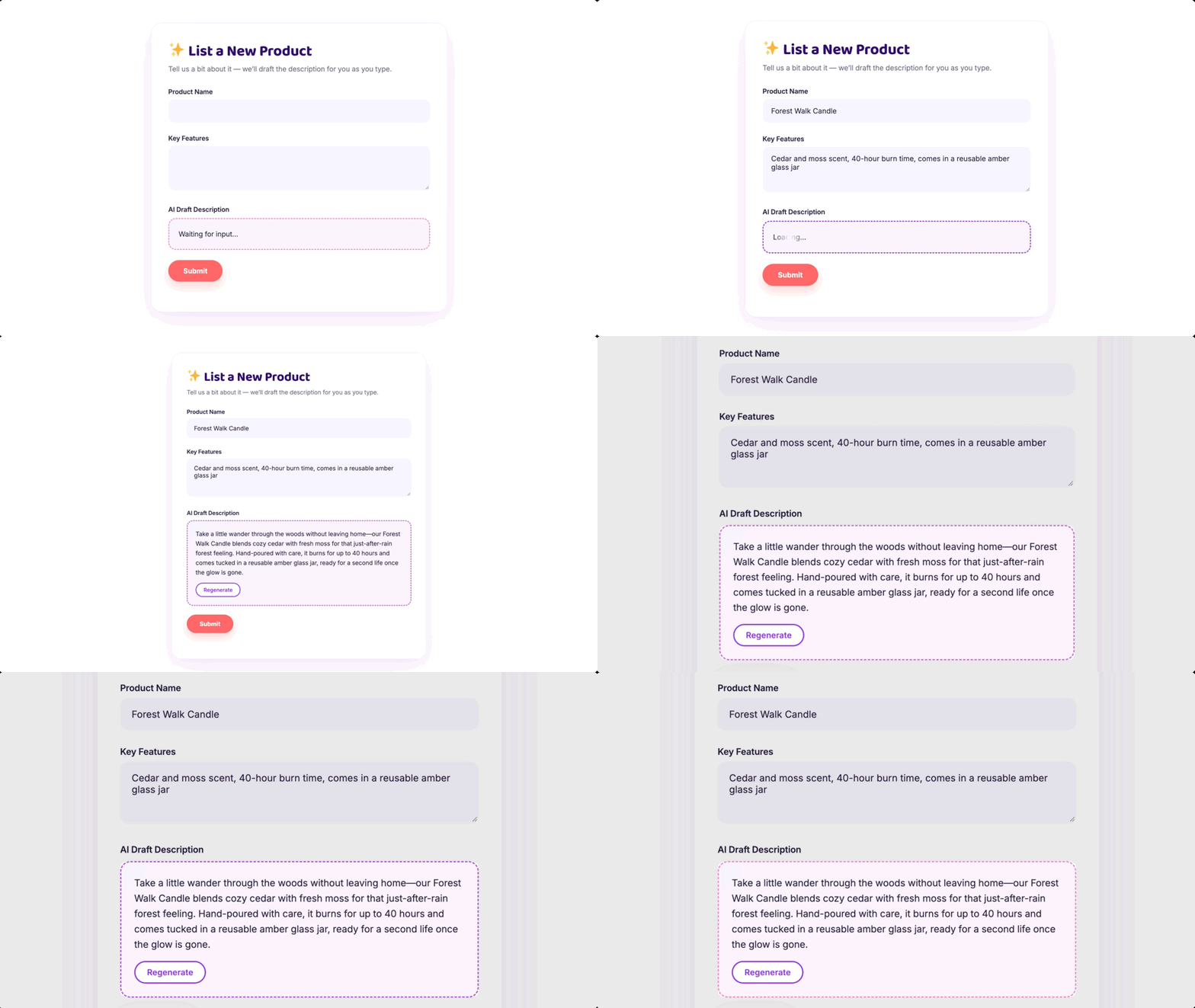
Generate Images From Your Form Data
Build prompts from Gravity Forms fields, then use GPT Image to display the generated result right in the form.
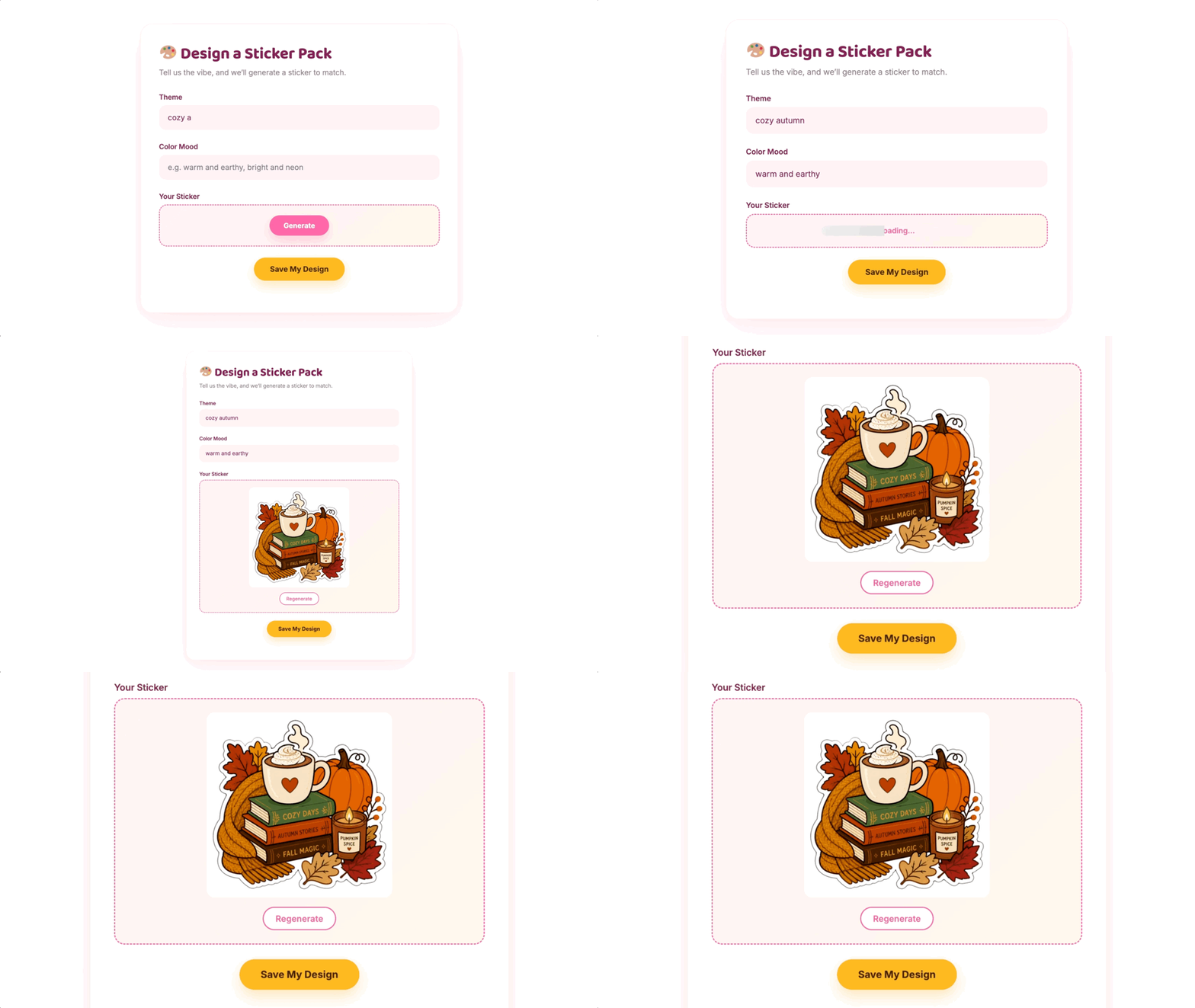
Work with Images, Documents, and Data
Attach files to an OpenAI feed to inspect images, find information in documents, or analyze data.
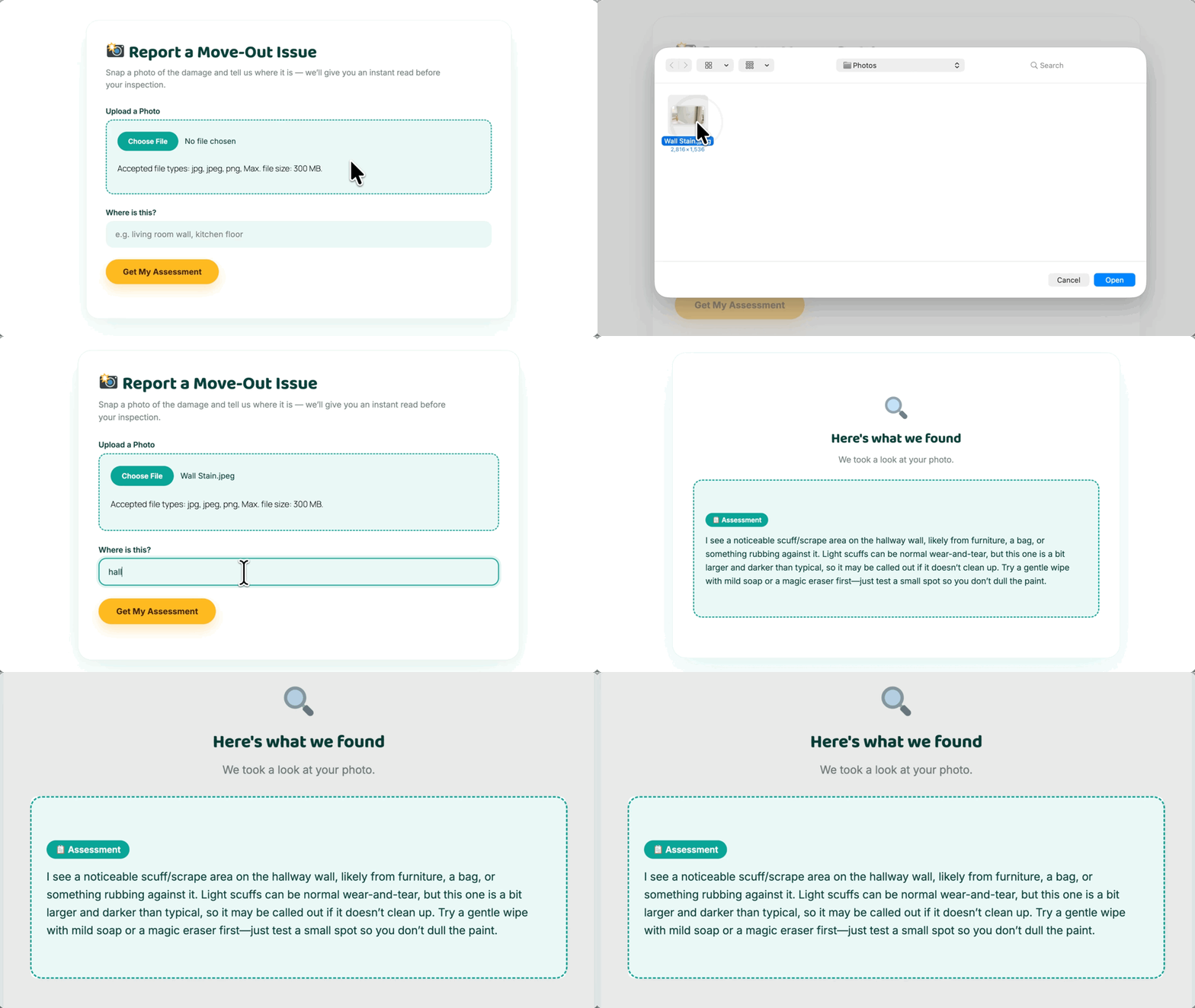
Gravity Connect: OpenAI Works Well For:
- AI-powered lead magnets. Pair Gravity Connect: OpenAI with Submit to Access to collect lead details before visitors can use your AI tool.
- Content creation workflows. Turn form data into social-post copy, review or edit it, then move it into your publishing workflow.
- Content moderation. Screen public submissions like reviews or job postings, then log the result, mark the entry as spam, or block the submission.
Gravity Wiz Supports Over 150,000 WordPress Websites
Made by Gravity Forms Developers 
🧑💻 Our founder helped build Gravity Forms. And now, we’re certified developers.
🚀 14 years shipping Gravity Forms add-ons.
🤝 Legendary support you can count on from real experts. See for yourself.
✨ Something new every week. 70+ plugins and counting, dozens of free ones.
🛡️ Zero risk to use. Try it for 30 days — if it’s not right for you, we’ll refund it.

Get Gravity Connect: OpenAI
Gravity Connect: OpenAI is part of Gravity Connect — integrations that bring top-shelf services into Gravity Forms.