Interactive, draggable sliders for Gravity Forms with full support for ranges and calculations.
GP Sliders adds smooth, customizable sliders to Gravity Forms, giving users a more natural way to input values — and has full compatibility with existing Gravity Forms features.
- Replace plain number inputs with sliders
- Choose numeric scales or custom labeled steps
- Set precise min, max, and step values
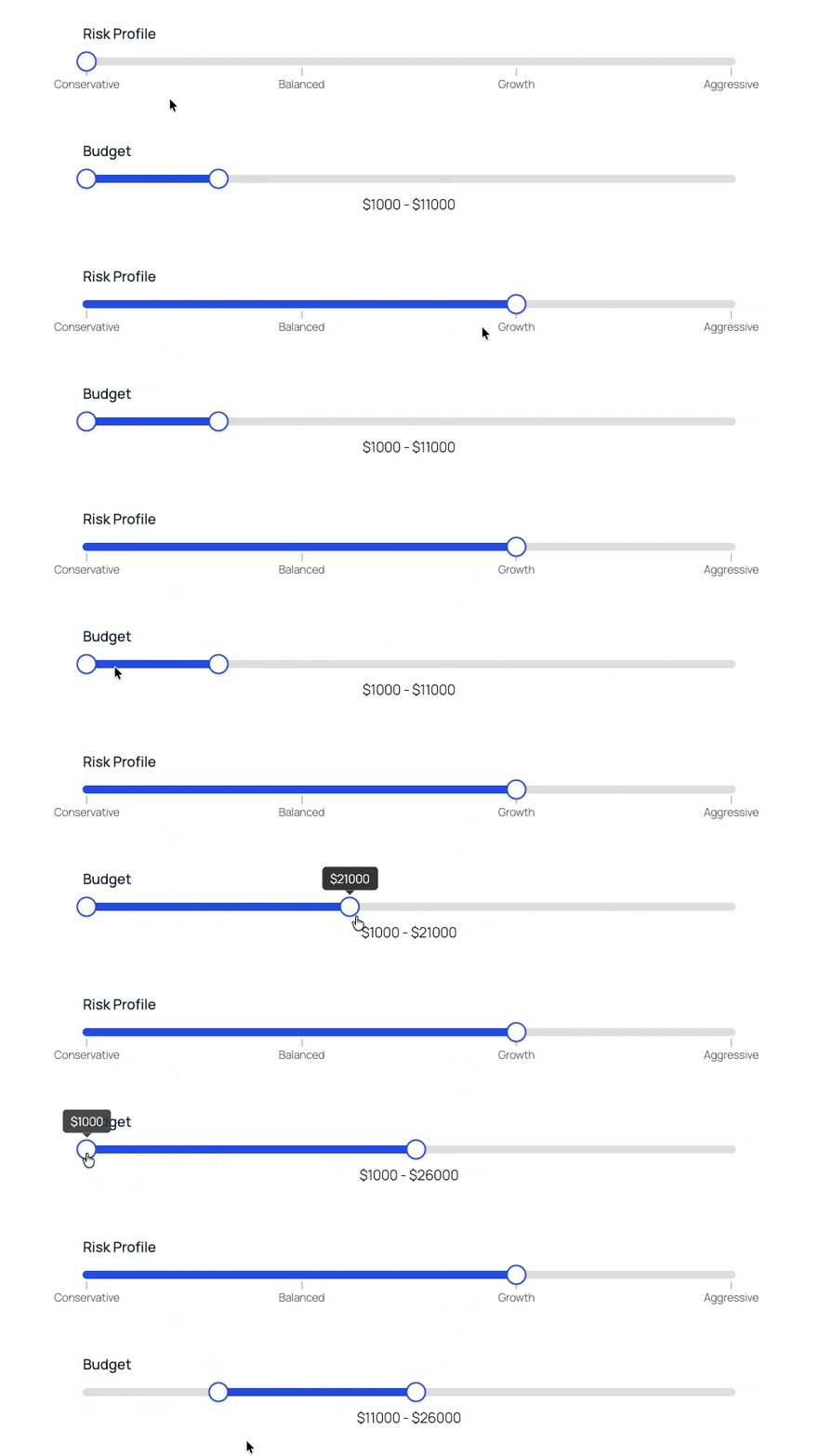
- Capture range sliders with start and end values
- Create labeled rating scales (Poor → Excellent)
- Full compatibility with calculations, conditional logic, and exports
- Works with Gravity Forms Advanced Calculations
Use GP Sliders for
- Budget range pickers (min/max) for filtering or quoting
- Survey rating scales with labeled steps (Poor → Excellent)
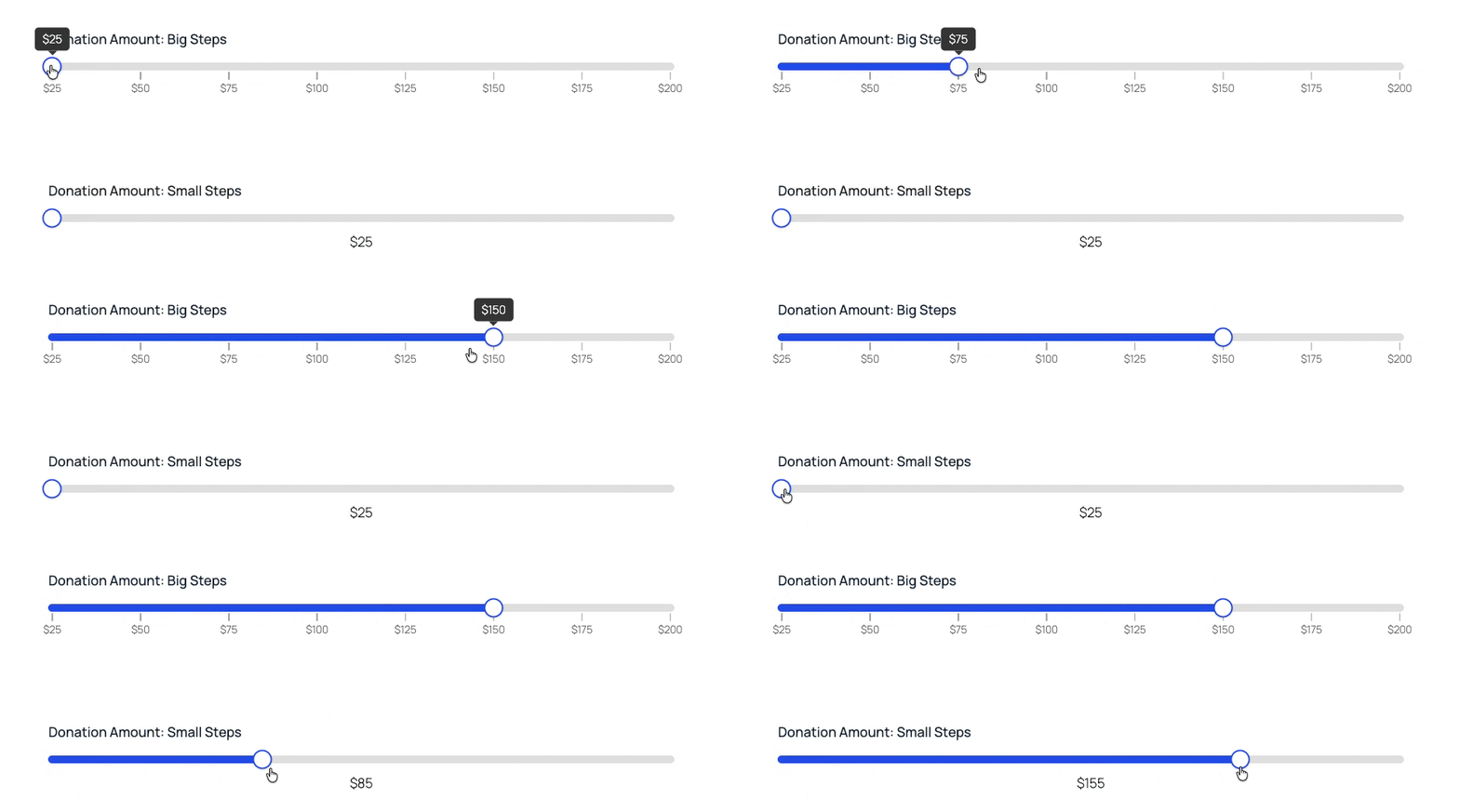
- Quantity and donation selectors with custom increments
- Pricing selections with real-time calculations
- Score ranges for assessments or applications
- Age and eligibility filters
GP Sliders brings sliders to existing Number fields and offers dedicated Slider fields — so you can keep your existing form structure or build with slider fields from the start.
Precision down to the decimal
Define:
- Minimum and maximum values
- Step sizes (including decimals and fractional increments)
- Negative numbers
- Continuous sliding
For example, create a pricing selector that steps in $25 increments or build a scoring tool in 0.5 intervals.
Qualitative inputs: “How did we do?”
Want to use sliders in surveys? Gravity Forms Sliders lets you define your own labeled steps (e.g., Poor, Fair, Good, Very Good, Excellent). Your users see readable labels, you receive numeric values that work seamlessly in calculations, conditional logic, exports, and more.
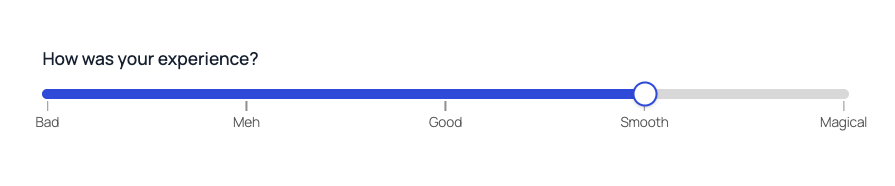
Create Range Sliders with start and end values
Capture both a start and end value with range selections. Great for budget ranges, score bands, or eligibility filters.

Horizontal or vertical orientations
Sliders support both horizontal and vertical orientations, and both orientations support the full feature set.
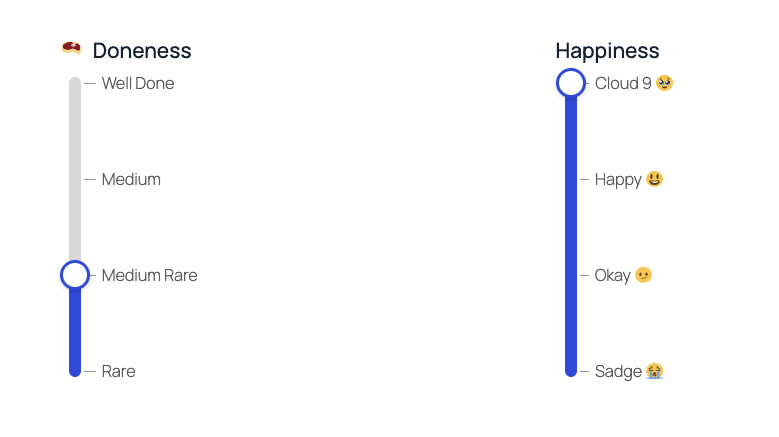
Clear visuals, clean data
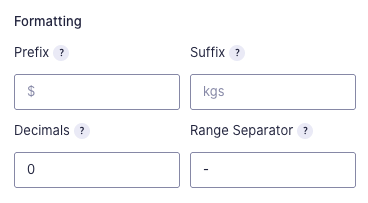
Customize how values appear without affecting stored data:
- Prefixes and suffixes (e.g., $, %)
- Decimal precision
- Range separators
- Tooltips
- Tick marks
For example, display “$500 – $1,200” on screen while storing clean numeric values for calculations and exports.
Fully compatible with Gravity Forms features
GP Sliders integrates seamlessly with:
- Calculations
- Conditional logic
- Entry exports
- Standard field behavior
- Gravity Forms Advanced Calculations
Gravity Wiz powers over 150,000 WordPress websites.
“Without Gravity Wiz, hundreds of hours of custom work would have needed to be done. I’m a member for life.”
– Robert Fisher, LeadCroc
Made by Gravity Forms Developers.
- Legit Gravity Forms wizards.
We helped build Gravity Forms, and we’re certified developers. - Over 30,000 customers.
Join a community of Gravity Forms users, web developers and agencies. - Save time and money when developing using Gravity Forms.
Create custom, no-code solutions for your business from a growing list of 50+ plugins and three product suites. - Access to hundreds of free snippets.
Easily customize Gravity Forms to your exact needs. - Support you can count on.
Our Pro plan averages a one hour response time. - Zero risk to use.
A 30 day money-back guarantee.
Have a question? Reach out to us.