If you’d like to learn more about getting started with Gravity Forms, check out our docs site.
When publishing a new form, there are several steps you’ll want to take to set yourself up for success.
In this video, we will take a look at five things you should do before you hit publish.
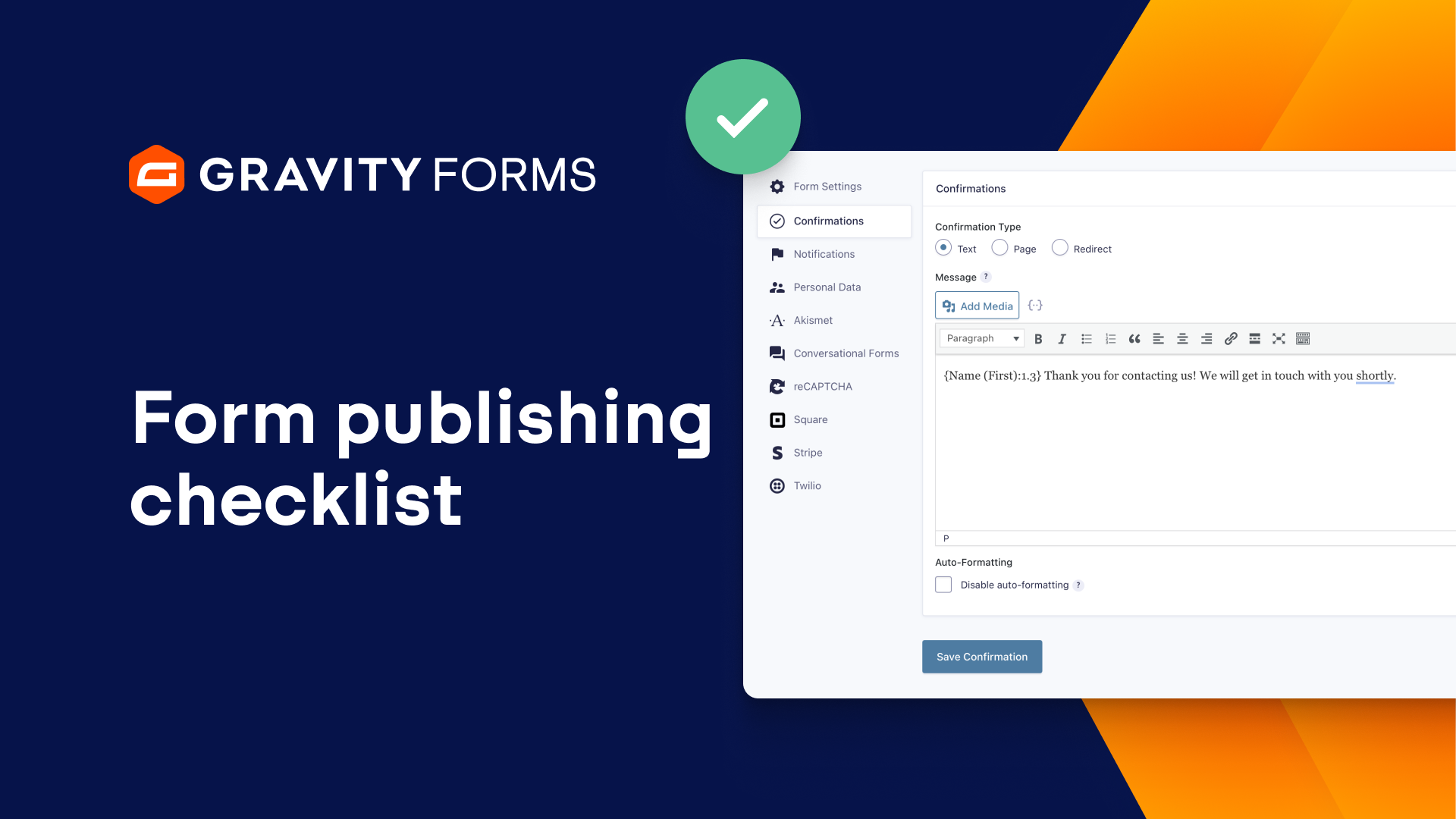
First, it’s important to customize the confirmation message the user will see when they submit the form.
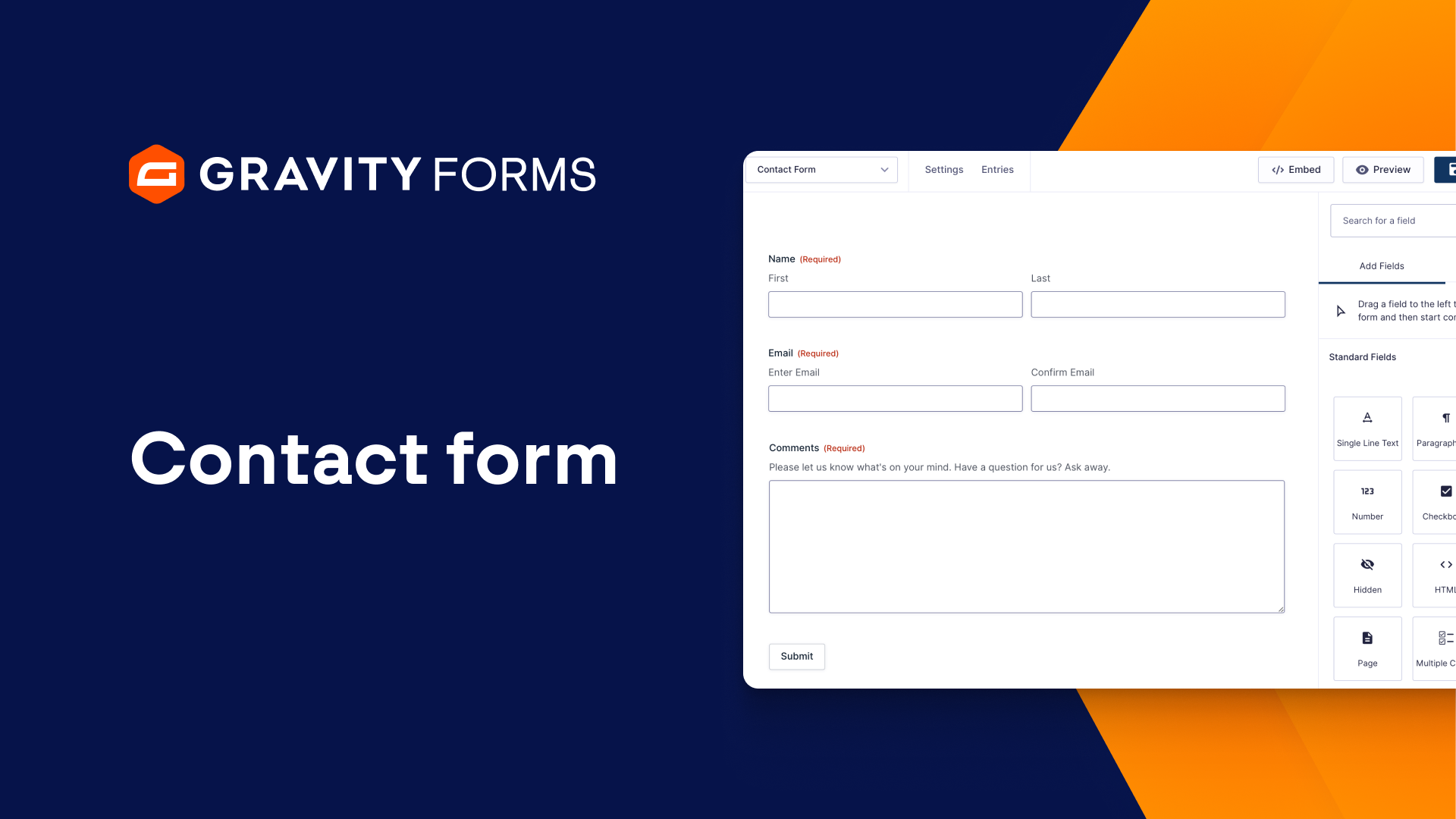
For instance, I have a simple contact form that I would like to publish.
Within my confirmation message, I am going to use merge tags to address the user by their first name, and let them know we’ve received their inquiry and will respond within one to two business days.
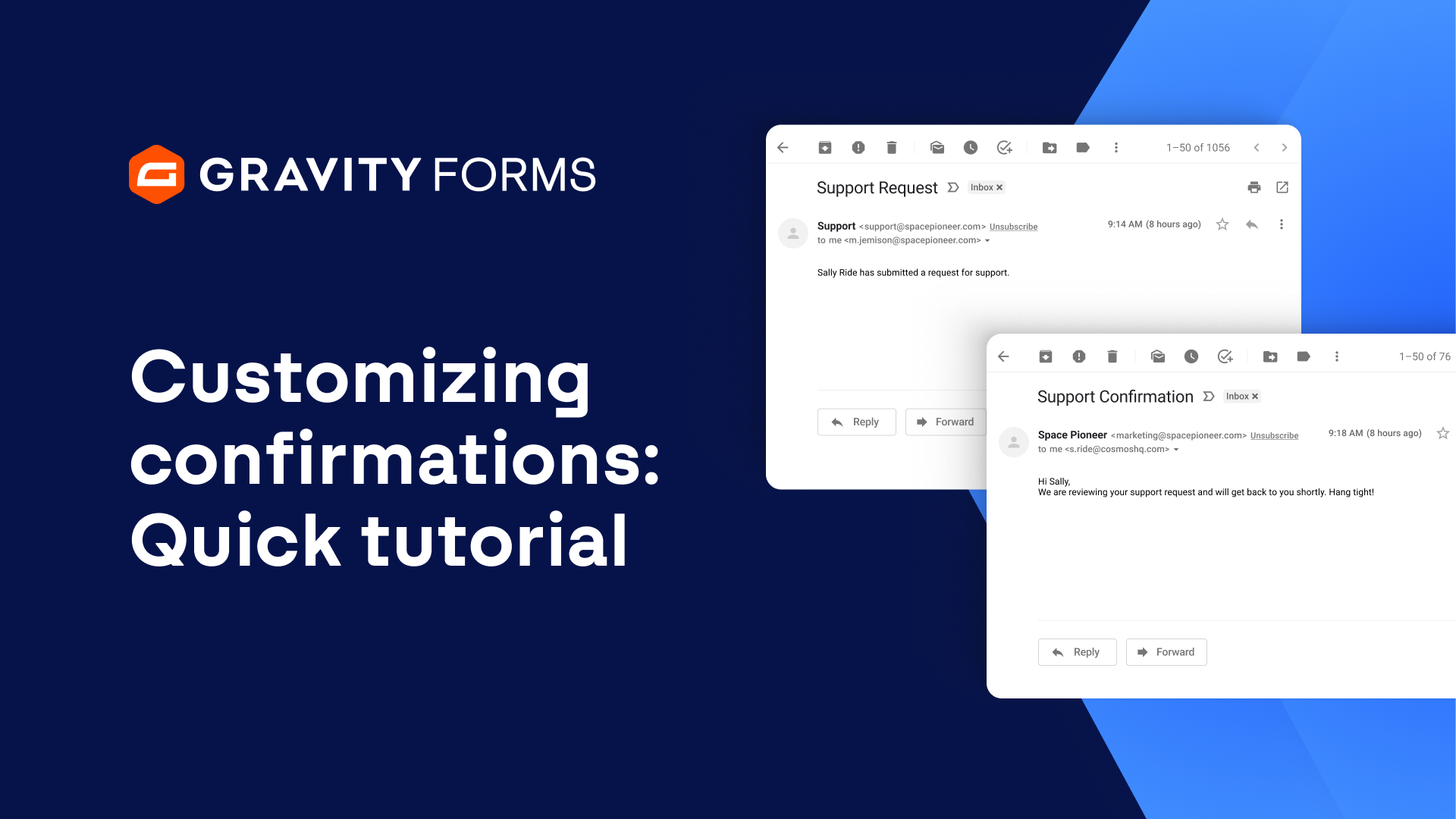
Next, you’ll want to make sure you’ve configured your notifications to ensure you don’t miss a form submission.
I’ll make sure all submissions for this form go to my email address, and I’ll include the user’s email and message within my notification email so that I can see their inquiry at a glance.
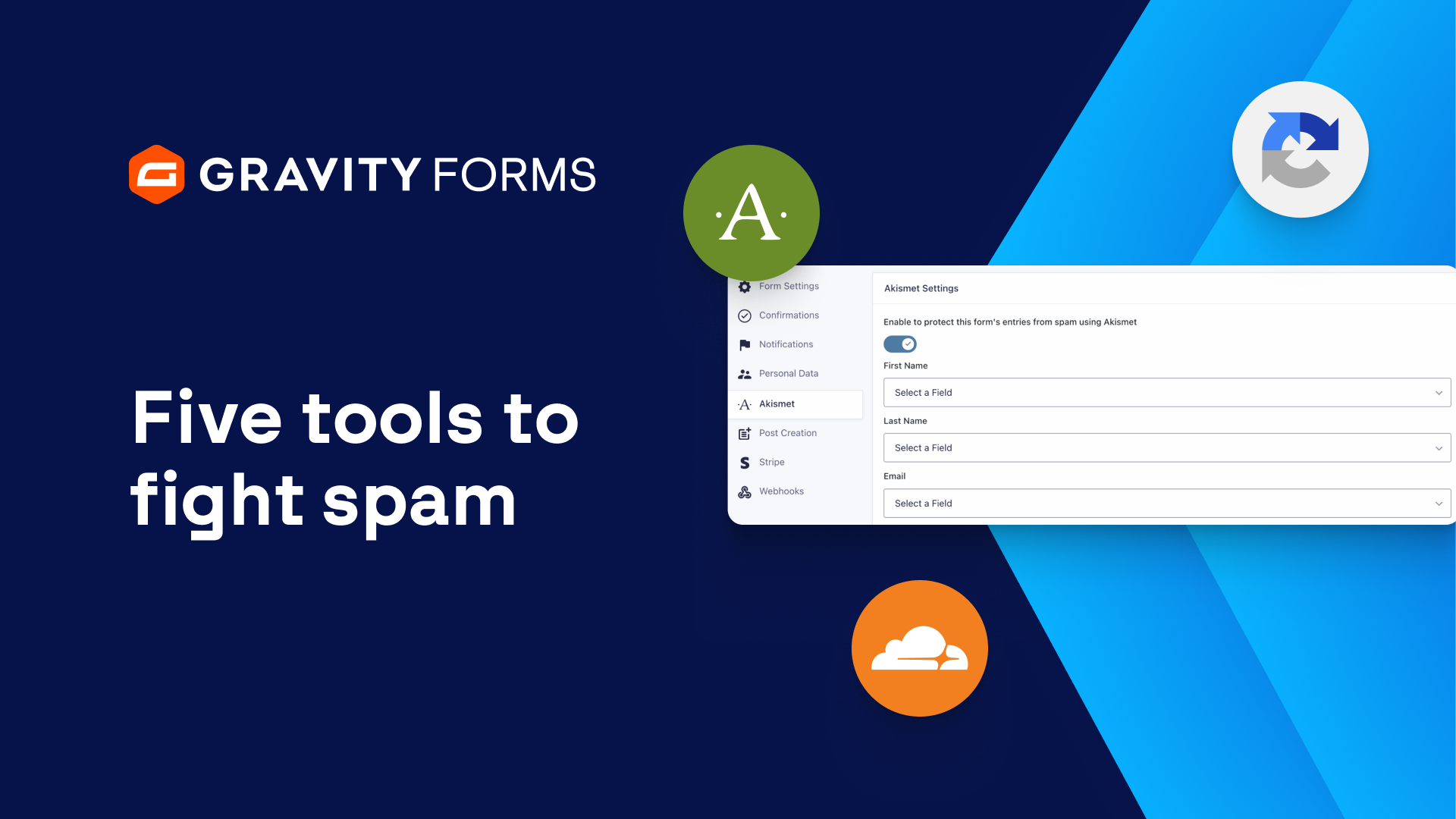
You’ll also want to ensure you have some kind of anti-spam measure to help avoid spam entries.
An easy way to fight spam is to enable the honeypot functionality from within your form settings.
The honeypot spam prevention technique is an alternative to reCAPTCHA that does not require any input from your users, making it a great user-friendly option for fighting spam.
The fourth step is to embed your form on a page or post.
Within the form editor, you can easily select whether you’d like to embed your form on an existing page or post, or create a new one.
And for the fifth step, you’ll want to use the built in Orbital styling options to customize the look and feel of your form.
With Orbital, you can tailor the appearance of your form to your liking, directly from within the block editor.
Once you have finished customizing your form, you’re ready to publish it.
Additionally, you should always test your form and check the entry to ensure everything is set up correctly and functions properly.
For more Gravity Forms guides and tutorials, check out our video library.
From everyone on the Gravity team, thank you for watching!
Summary
When publishing a new form, there are several steps you’ll want to take to set yourself up for success. In this tutorial, we will take a look at five essential steps you should take before you hit publish.