For a written guide on fighting spam with Gravity Forms, check out our blog.
If you’ve ever created a web form, you know that there’s an army of spammers out there just looking to fill it with junk.
Thankfully, Gravity Forms has several tools to help you fight back against spam.
A great starting point in your WordPress anti-spam efforts is Google reCAPTCHA v2, which is a core feature built into Gravity Forms.
With reCAPTCHA v2, users can click a button to indicate that they are not a robot.
In rare cases where Google detects suspicious traffic, the user might need to perform an additional challenge, such as identifying images.
Alternatively, reCAPTCHA v2 supports Invisible reCAPTCHA, which doesn’t require any user interaction unless Google suspects suspicious traffic.
Google reCAPTCHA v2 is free for most users, only charging a fee if your site exceeds one million reCAPTCHA calls per month.
Google reCAPTCHA v3 is a newer version of reCAPTCHA that doesn’t require any human interaction.
It runs in the background and assigns each user a “score” based on their activity. The higher the score is, the more likely the user is to be human.
One advantage of reCAPTCHA v3 over v2 is that you get more control over your anti-spam efforts since you can choose what score threshold you want to use.
Once you see how reCAPTCHA v3 is working for your site, you can adjust the threshold up or down to change the strictness of your anti-spam WordPress rules.
Like reCAPTCHA v2, reCAPTCHA v3 only charges a fee if your site exceeds one million reCAPTCHA calls per month.
To use Google reCAPTCHA v3 with Gravity Forms, you can install the official reCAPTCHA Add-On, which is available with all Gravity Forms licenses.
Another effective spam fighting add-on is Cloudflare Turnstile.
Turnstile is Cloudflare’s smart CAPTCHA alternative, offering a privacy-focused approach that also does not require your users to solve time-consuming image challenges.
With the Gravity Forms Cloudflare Turnstile Add-On you can easily implement Cloudflare Turnstile’s spam protection into your forms, helping to reduce spam form entries across your site.
Turnstile is free to use and the Cloudflare Turnstile Add-On is available with all Gravity Forms licenses.
Akismet is an anti-spam WordPress plugin from Automattic, the same team behind WordPress.com and WooCommerce.
Akismet works by essentially creating a centralized spam database based on the information from all the millions of sites using Akismet.
In a sense, Akismet helps users crowd-source their anti-spam efforts.
The Gravity Forms Akismet Add-On is available on all license plans and the Akismet service is free for non-commercial use.
For commercial use, the paid plans start at $10 per month.
Honeypot is a built-in feature that is included on all Gravity Forms license plans.
A “honeypot” is a field that you can add to your form to act as “bait” for spam submissions.
Your human visitors won’t see the honeypot field because it’s hidden using CSS or JavaScript.
However, the automated tools that many spammers use will still see the field and fill it out.
Any form submissions that have the hidden field filled out can then be marked as spam.
As you can see, Gravity Forms gives you multiple options when it comes to fighting spam on your WordPress site.
From everyone on the Gravity Forms team, thank you for watching!
Summary
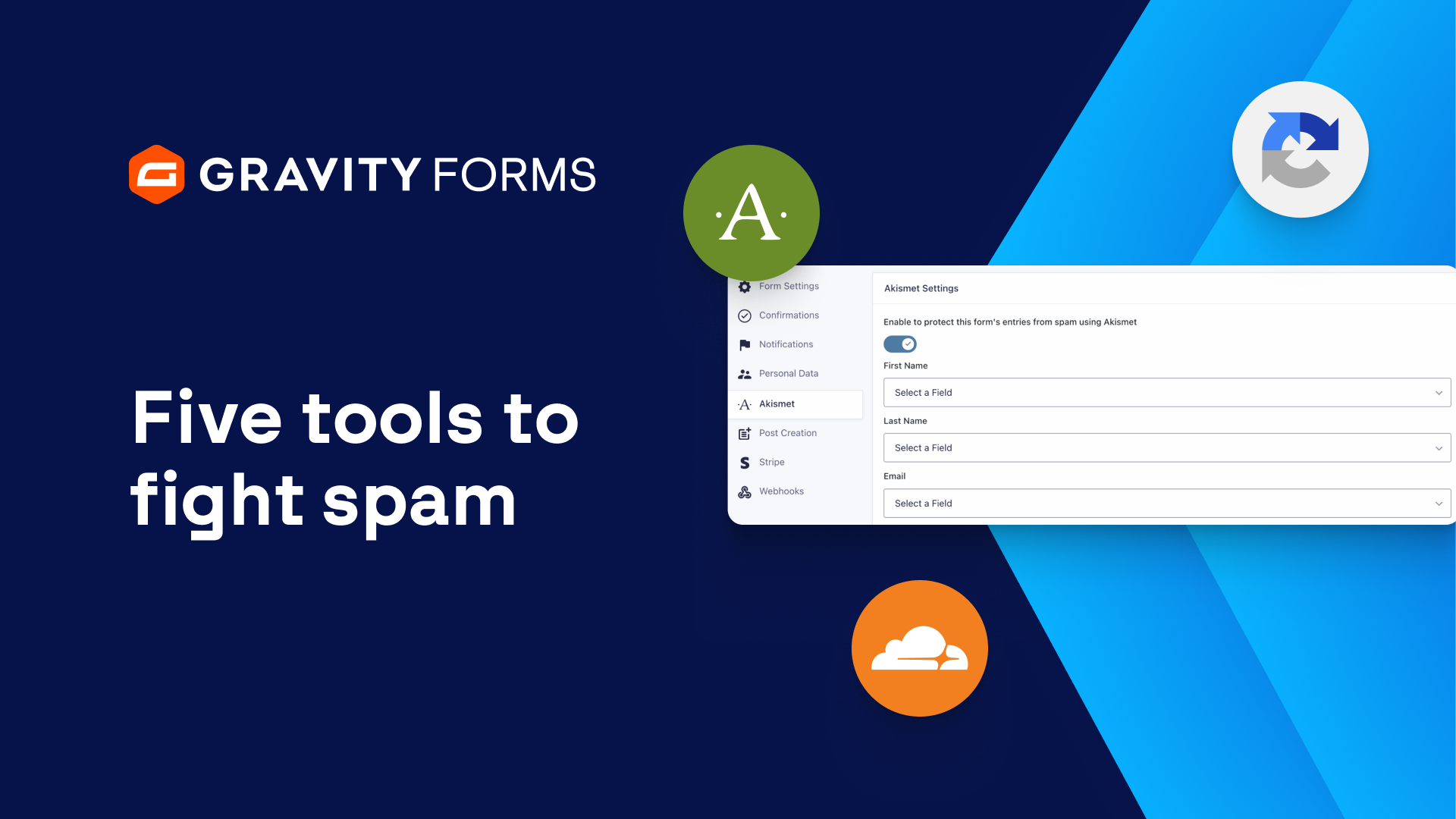
In this video tutorial, we’ll take a look at five easy ways you can fight spam with Gravity Forms.