For a written guide on building a webinar registration form, check out our blog.
Hosting a webinar is an effective way to promote your products or services, collect leads, and connect with your target audience.
And with Gravity Forms you can easily create a user-friendly webinar registration form to register attendees for your online gathering.
Let’s take a look at how to quickly and easily build a registration form that not only signs people up for your webinar, but also collects valuable information from those attending.
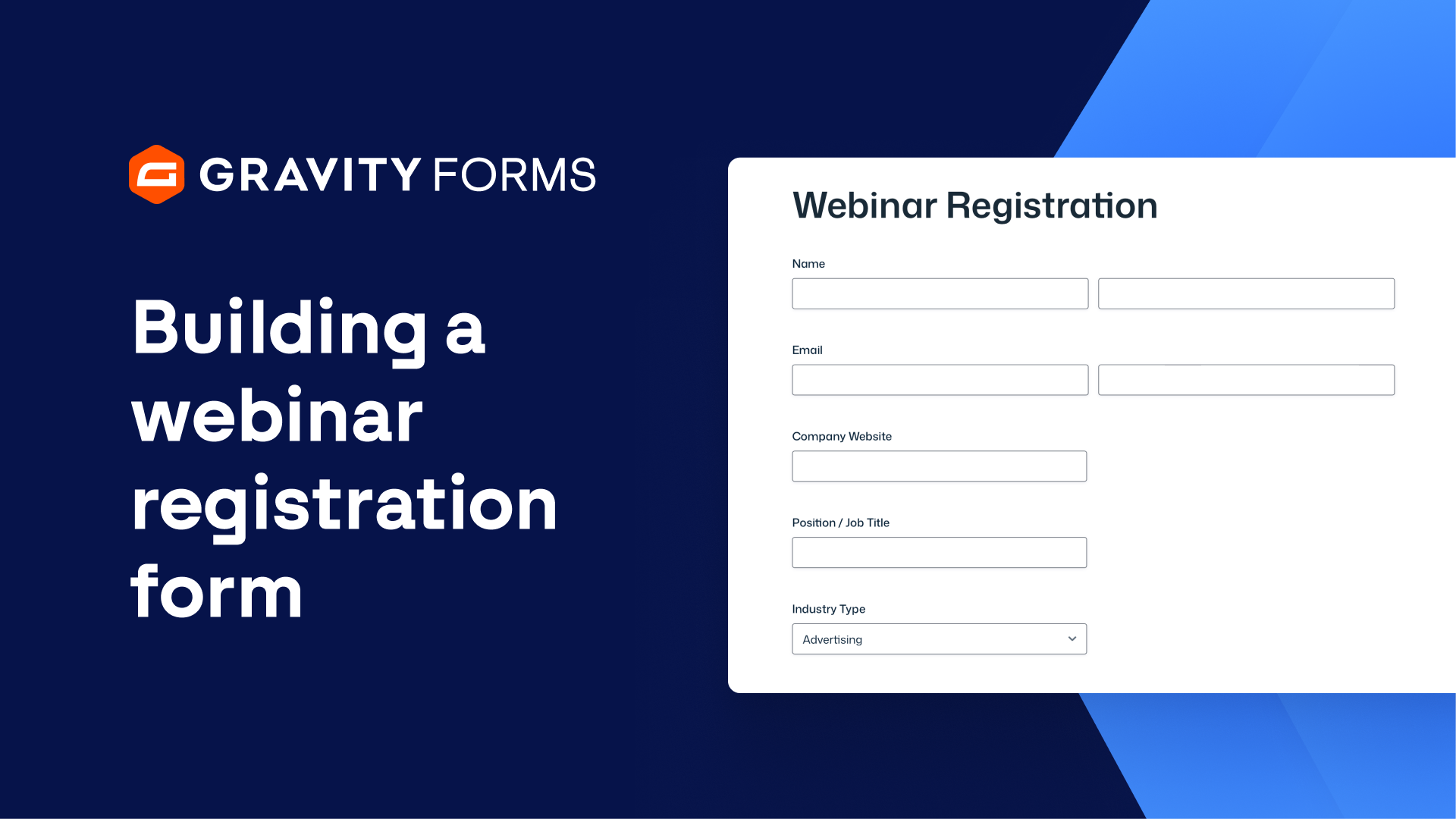
With the form editor open, I’ll start by adding a name field and an email field.
Next, I’m going to add some optional fields that will help me gather additional information about the user.
First, I’ll add a website field so that attendees can share their company websites.
I’ll next add a single line text field that asks for the attendee’s job position or title.
Below this field, I’ll add a drop down field so people can select their Industry Type.
I’ll use the choices flyout to bulk add a list of premade industry choices.
I’ll then add a paragraph text field that attendees can use to submit any questions they have for any of the speakers during the webinar.
I’m also going to include a drop down field with a list of options to find out how people heard about my webinar.
If a person selects ‘other’, I want a single line text field to appear that allows them to enter an answer not listed in the drop down field.
I can use conditional logic to only show this field if the attendee selects ‘other’ from the drop down field above.
I’ll next add a consent field to the form to ask attendees if they’d like to stay up to date with our latest news and announcements.
I’ve synced Gravity Forms with HubSpot using the HubSpot Add-On, and I can create a feed for this form that will allow me to automatically add users to my HubSpot dashboard if they agree to the consent field.
Next, I’m going to change the submit button text to ‘Register Today’.
Before I finish, I’m going to save my form and navigate to this form’s settings to enable anti-spam honeypot, which will help reduce spam form entries.
For more Gravity Forms tutorials, check out our Video Library.
From everyone on the Gravity Forms team, thanks for watching.
Summary
Hosting a webinar is an effective way to promote your products or services, collect leads, and connect with your target audience. In this video, we will take a look at how you can use Gravity Forms to easily create a user-friendly webinar registration form to register attendees for your online gathering.