Want to do more with your forms? Watch this video to see what you can do with Gravity Forms’ extensive ecosystem of add-ons.
Gravity Forms makes it easy to extend the power and functionality of your forms through add-ons.
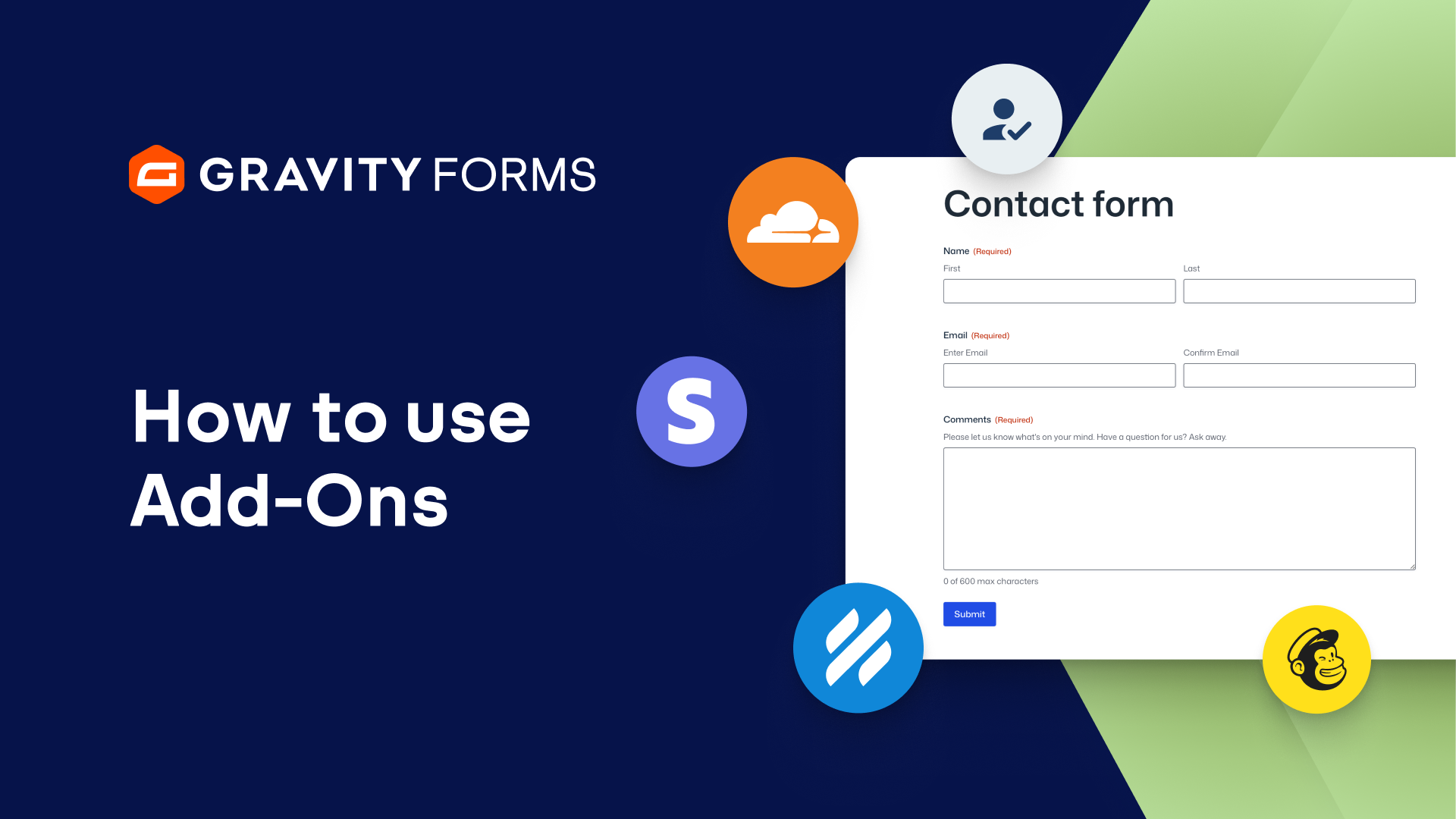
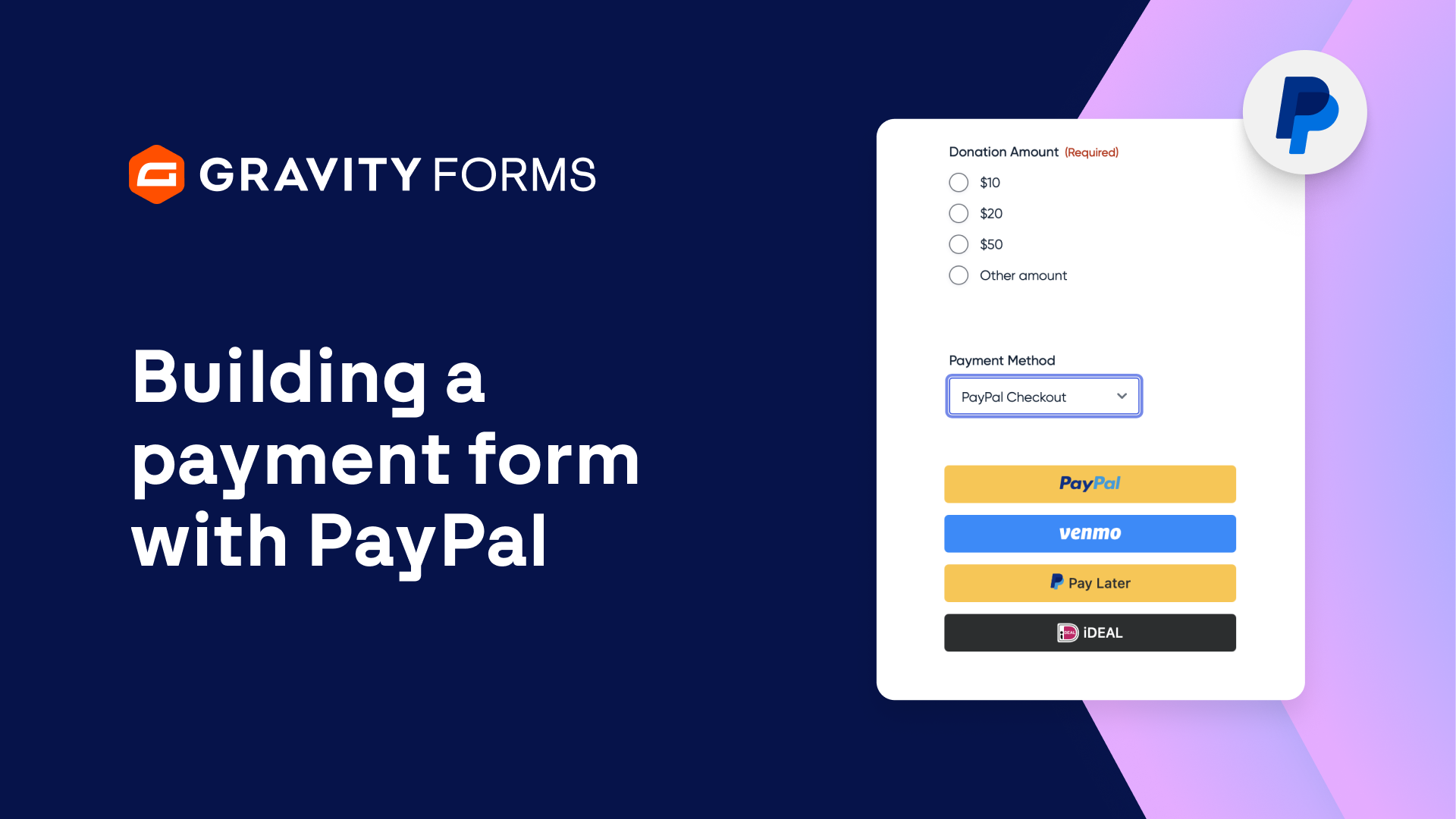
With just a few clicks, you can connect your forms to popular third party services, such as Stripe, PayPal, HubSpot, MailChimp, Zapier, and many more.
Some of our more advanced add-ons enable you to add impressive feature enhancements to your forms, including adding the ability to create surveys and quizzes, capture signatures, and activate user registration on your WordPress website.
Getting started with add-ons is simple.
From the WordPress admin dashboard, navigate to the Gravity Forms Add-Ons page.
From here, you can Install and then Activate any add-on that’s included with your Gravity Forms license.
Once an add-on has been installed, be sure to check the Gravity Forms Settings page for any additional steps that may be required, such as syncing a third party account with Gravity Forms.
Finally, add-ons like HubSpot, Zoho CRM, and Square may require you to set up feeds to configure the data your forms send to them.
And if you need help, you can always check out our Community Forum or submit a Support Ticket.
For more Gravity Forms tutorials, check out our Video Library.
From everyone on the Gravity Forms team, thanks for watching.
Summary
Gravity Forms makes it easy to extend the power and functionality of your forms through add-ons. In this video, learn how to connect your forms with popular third-party services, such as Stripe, Mailchimp, PayPal, Zapier, and many more.