Skip the Login Step After Registration
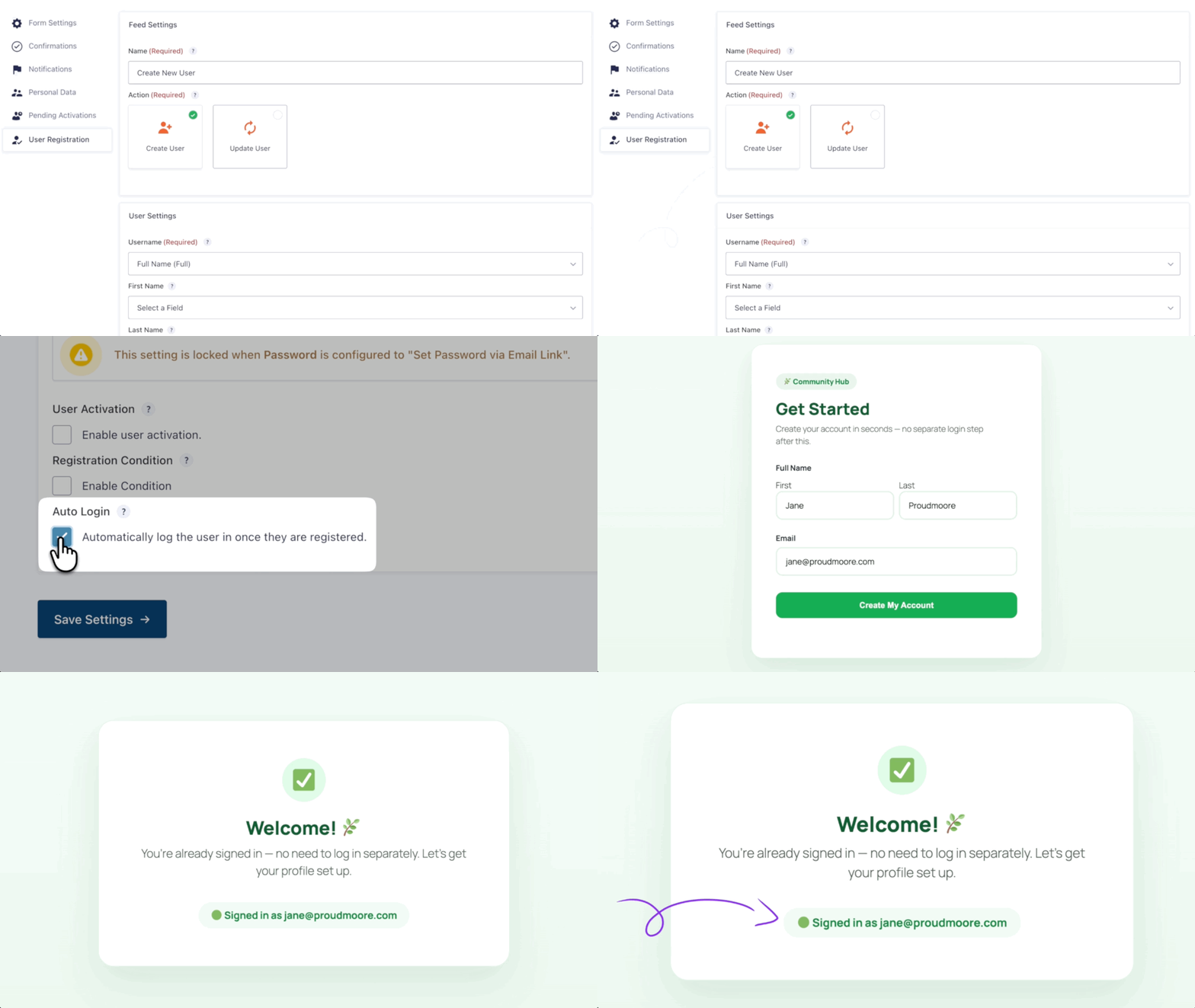
- Log new users in automatically. Auto Login signs in users registered with the Gravity Forms User Registration Add-On.
- Keep your existing Gravity Forms confirmation. It still works as configured, whether it shows a message or redirects users to a page or URL.
- Log users in after activation. If activation is required, Auto Login waits until the account is activated.
See how Auto Login works in action.
Keep users moving after registration
Auto Login takes care of signing new users in, so they can continue without entering their login details again.
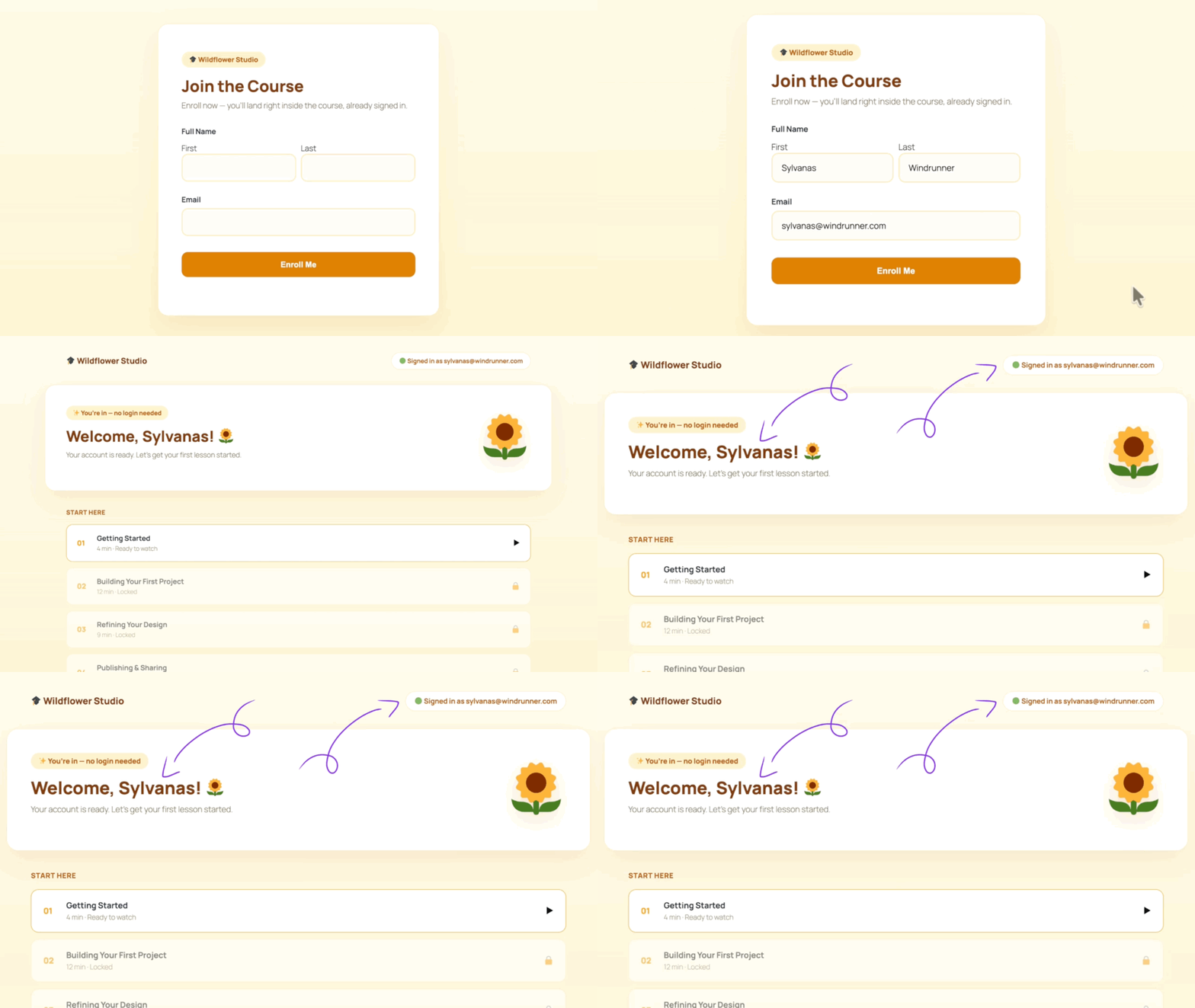
Send users to the right page after login
Set your Gravity Forms confirmation to redirect users to a specific page or URL after Auto Login signs them in.
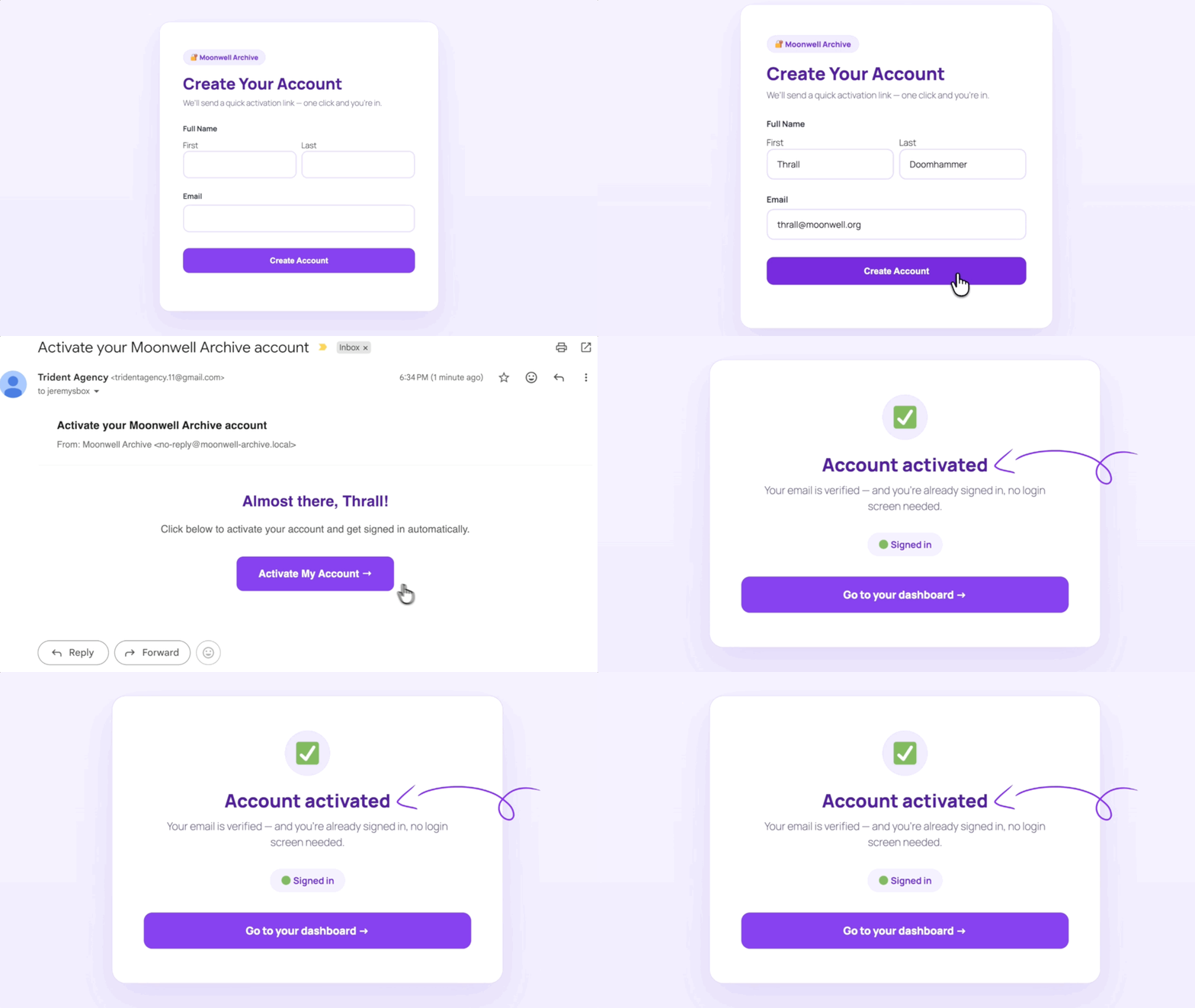
Activate and get logged in automatically
If your feed requires activation, Auto Login signs users in after they activate. Pair it with Better User Activation to customize the activation page so their logged-in status is clear.
Auto Login Works Well For:
- Membership sites and portals. Make signup flow straight into the member area without a separate login step.
- Courses and gated content. Let registered users move directly into course material, downloads, or other protected content.
- Self-service directories. Pair Auto Login with Entry Blocks so users can claim a listing and manage it from the front end.
Gravity Wiz Supports Over 150,000 WordPress Websites
Made by Gravity Forms Developers 
🧑💻 Our founder helped build Gravity Forms. And now, we’re certified developers.
🚀 14 years shipping Gravity Forms add-ons.
🤝 Legendary support you can count on from real experts. See for yourself.
✨ Something new every week. 70+ plugins and counting, dozens of free ones.
🛡️ Zero risk to use. Try it for 30 days — if it’s not right for you, we’ll refund it.

Get Auto Login
Auto Login is part of the Gravity Perks suite — 48+ plugins to help you build more with Gravity Forms.