Make Fields Visible, but Not Editable
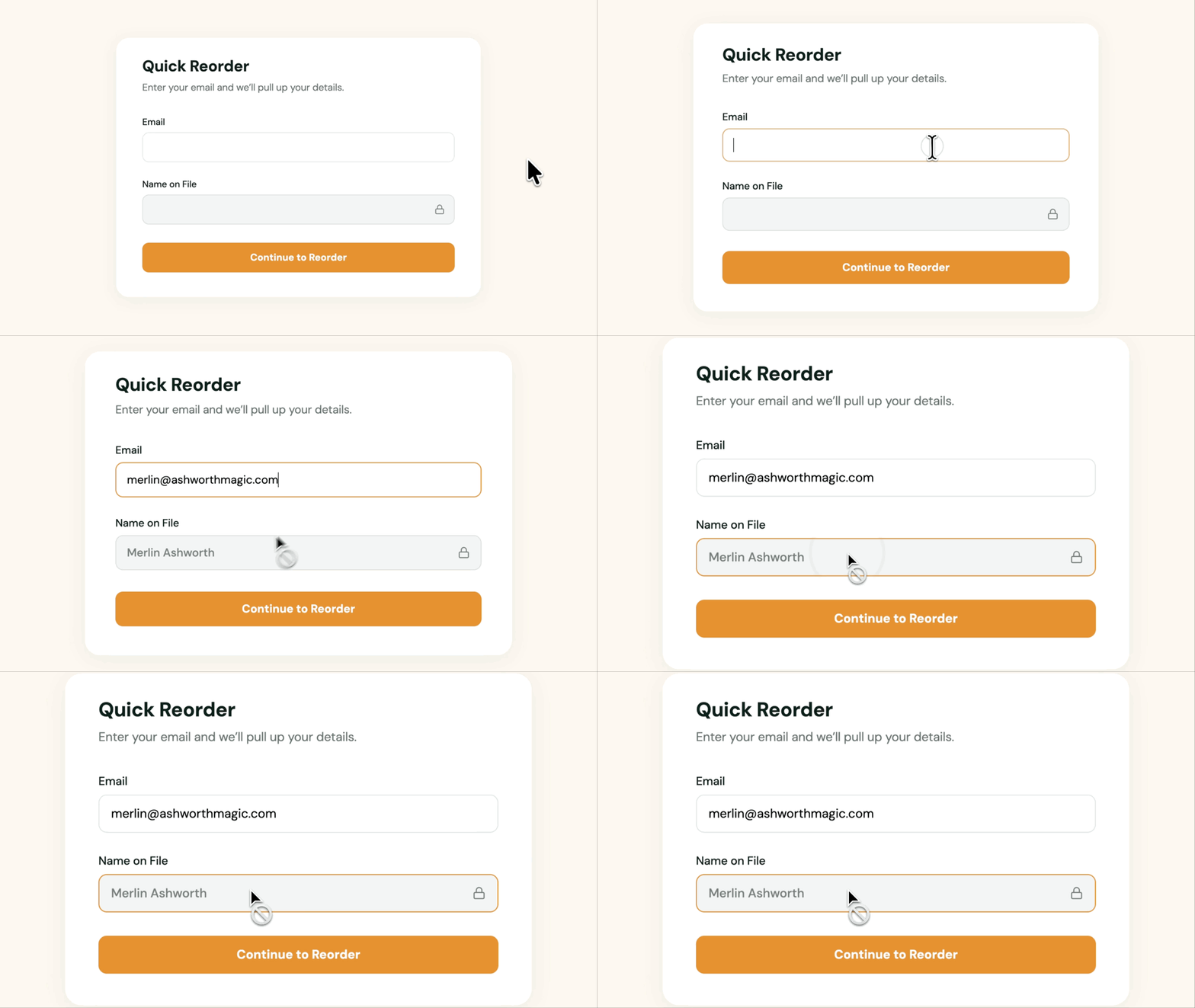
- Make Gravity Forms Fields Read-Only. Keep values visible on most fields people would normally fill in or select.
- Protect Pre-Populated Data. Keep values filled in by Populate Anything intact while users complete the form.
- Lock Default Values. Keep a field’s Default Value from being replaced while users fill out the form.
Make Form Fields Read-Only
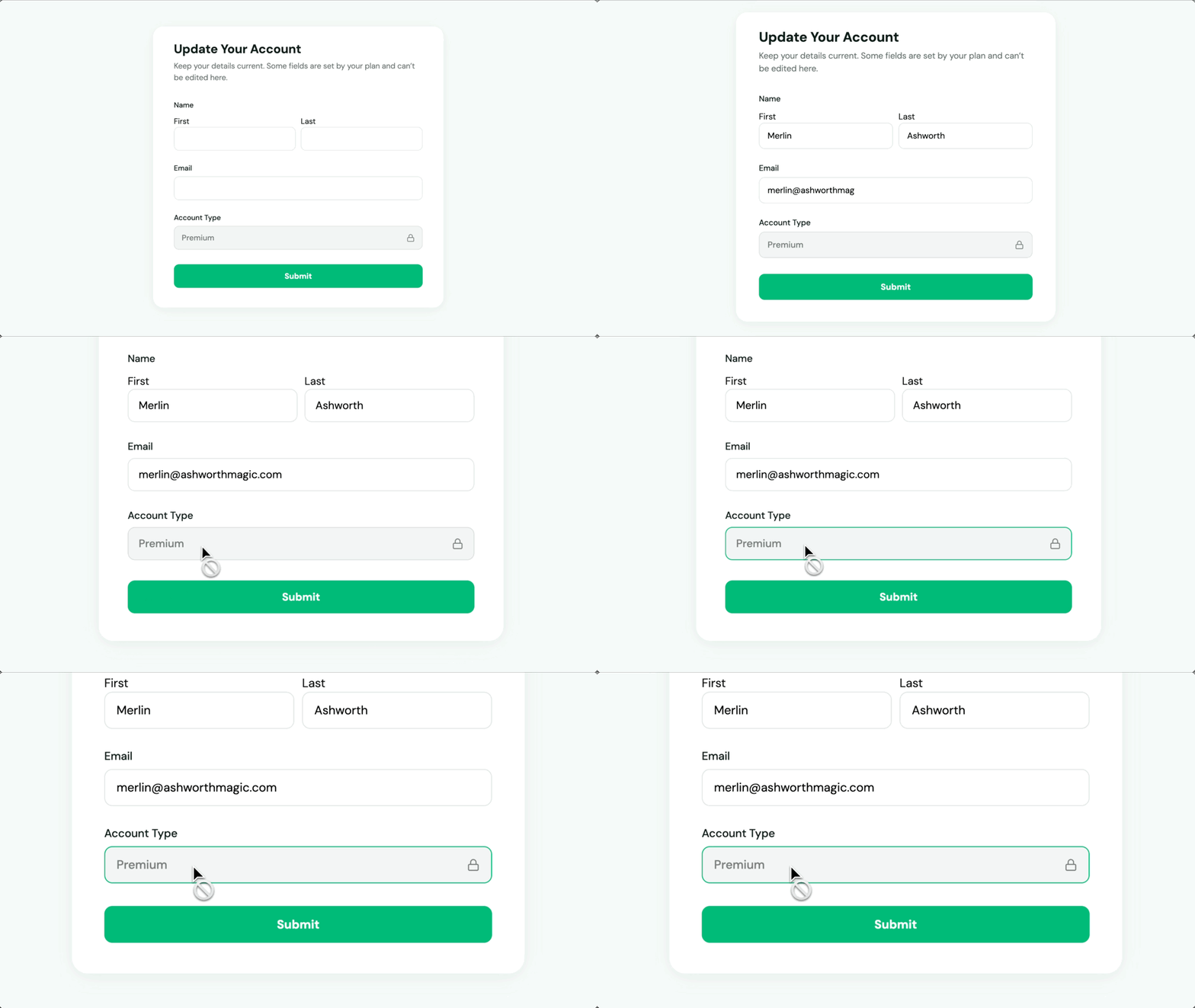
Use Read Only on most input fields, and users can still see their values without changing them.
Automatically Populate Fields and Keep Them Read-Only
Populate Anything automatically fills in fields with data you already have, while Read Only keeps those values from being changed.
Read Only Works Well For:
- Hiring and Applicant Tracking. Keep application data visible without letting it be edited as it moves through the process.
- Group Registrations and Bulk Orders. Use the number of entries to set a quantity, then use Read Only so customers can’t change the quantity themselves.
- Review and Approval Workflows. Show submitted information for review without letting it be changed before it’s approved.
Gravity Wiz Supports Over 150,000 WordPress Websites

Made by Gravity Forms Developers 
🧑💻 Our founder helped build Gravity Forms. And now, we’re certified developers.
🚀 14 years shipping Gravity Forms add-ons.
🤝 Legendary support you can count on from real experts. See for yourself.
✨ Something new every week. 70+ plugins and counting, dozens of free ones.
🛡️ Zero risk to use. Try it for 30 days — if it’s not right for you, we’ll refund it.

Get Read Only
Read Only is part of the Gravity Perks suite — 48+ plugins to help you build more with Gravity Forms.