To learn more about using the Multiple Choice field, check out our docs site.
With Gravity Forms 2.9, you now have the option of using the Multiple Choice Field – a brand new field that combines the functionality of the Radio Buttons and Checkboxes fields.
This new field offers a high-end experience for your users and helps to ensure you can gather the information you need. Let’s take a closer look at the Multiple Choice field and all that it has to offer…
Hey, this is Dustin from the Gravity team, and in this video, we’ll show you how you can use the Multiple Choice field in your forms.
Here, I have a newsletter signup form, and I want to give users the option to select the Gravity products with which they’d like to receive updates.
I’ll add the Multiple Choice field to my form and then update the field label. I’ll then use the Choices flyout to add each Gravity product.
Next, I’m going to configure the Selections options. This field defaults to ‘Select One’ and uses radio buttons. However, I’m going to change this option to ‘Select Multiple’, which uses checkboxes.
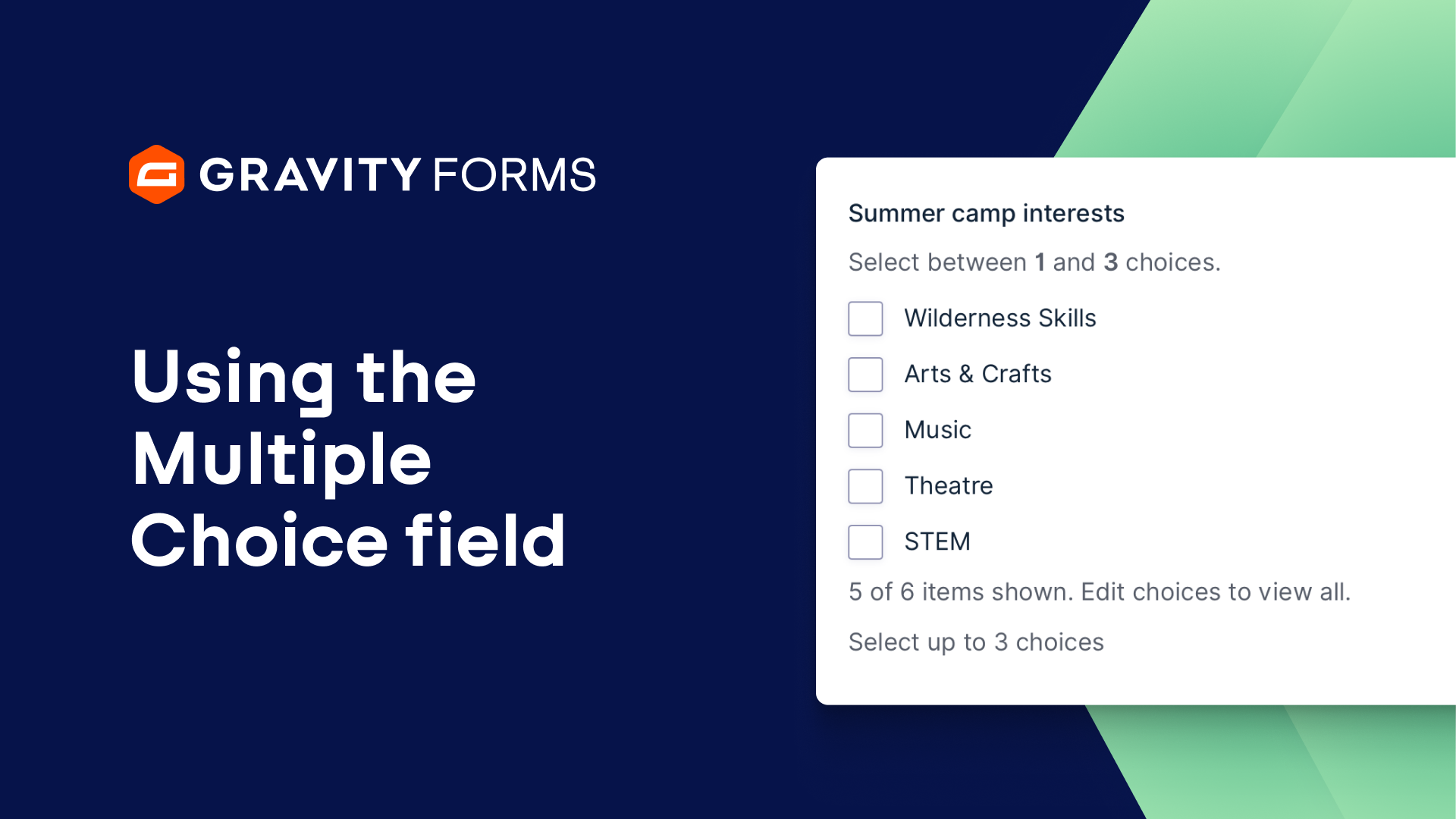
If needed, I also have the option to have the user select an exact number of options, or select a range between the minimum and maximum number of choices that I define.
It is also important to note that, in contrast to the dedicated Radio Buttons and Checkboxes fields, when using the Multiple Choice field, choices can be reordered, deleted, or added without affecting previous form entries.
I’m going to go with ‘Select Multiple’ and give the user checkboxes for this form. I’ll also enable the ‘Select All’ option, so a user can easily opt in to receive updates on all my products, if they want.
I’ll next set this field to required, and then head to the appearance tab. From here, I’m going to change the Choice Alignment from Vertical to Horizontal.
Then, I’ll embed my form on a new page and be up and running. Thanks to the Multiple Choice field, my users can now easily opt into newsletters for their desired Gravity products.
For more Gravity Forms guides and tutorials, be sure to check out our video library. From everyone on the Gravity team, thank you for watching!
Summary
Gravity Forms 2.9 introduces the Multiple Choice field – a brand new field that combines the functionality of the Radio Buttons and Checkboxes fields. In this video tutorial, we’ll show you everything you need to know about using the Multiple Choice field.