To learn more about the Akismet Add-On, head on over to our docs site.
Hey there and welcome to a new video, Dustin from the Gravity team here.
Spam is a constant battle for website owners that eats up time, resources, and patience.
Akismet is a familiar and trusted name in spam protection, and with the Gravity Forms Akismet Add-On, you can integrate your forms with the Askismet API and block spam form entries on your site.
Let’s take a look at how it all works.
First, head to your WordPress dashboard and install and activate the Akismet Add-On.
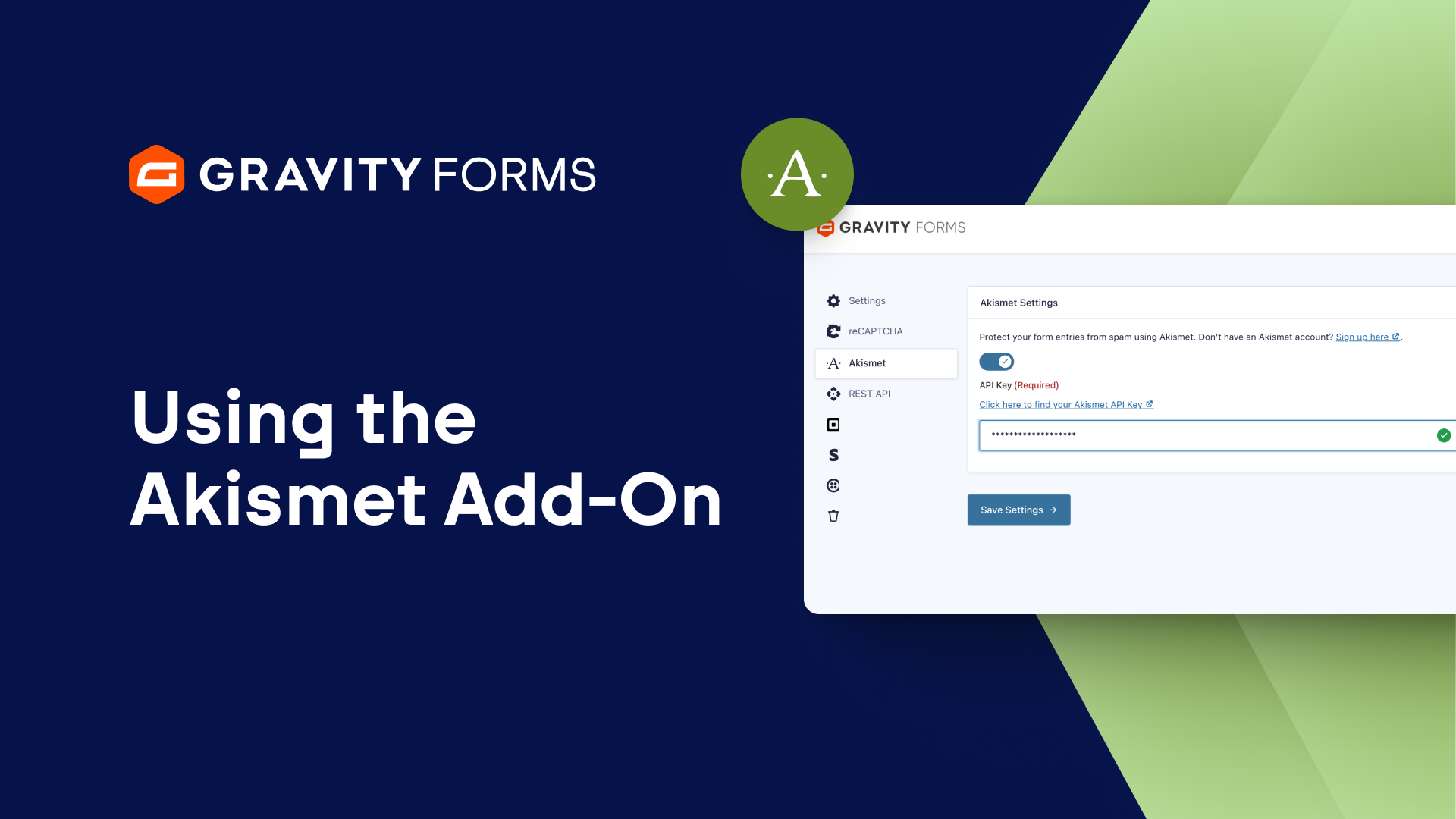
Then, head to the Gravity Forms settings page and select Akismet.
From here you can connect with Akismet.
If you don’t have an Akismet account, be sure to check out the link below to create one for free.
Now follow the on-screen instructions to sign into your Akismet account and locate your Akismet API key.
Copy and paste your key into the API Key field, then save your settings.
By default, Akismet will now be enabled at a global level.
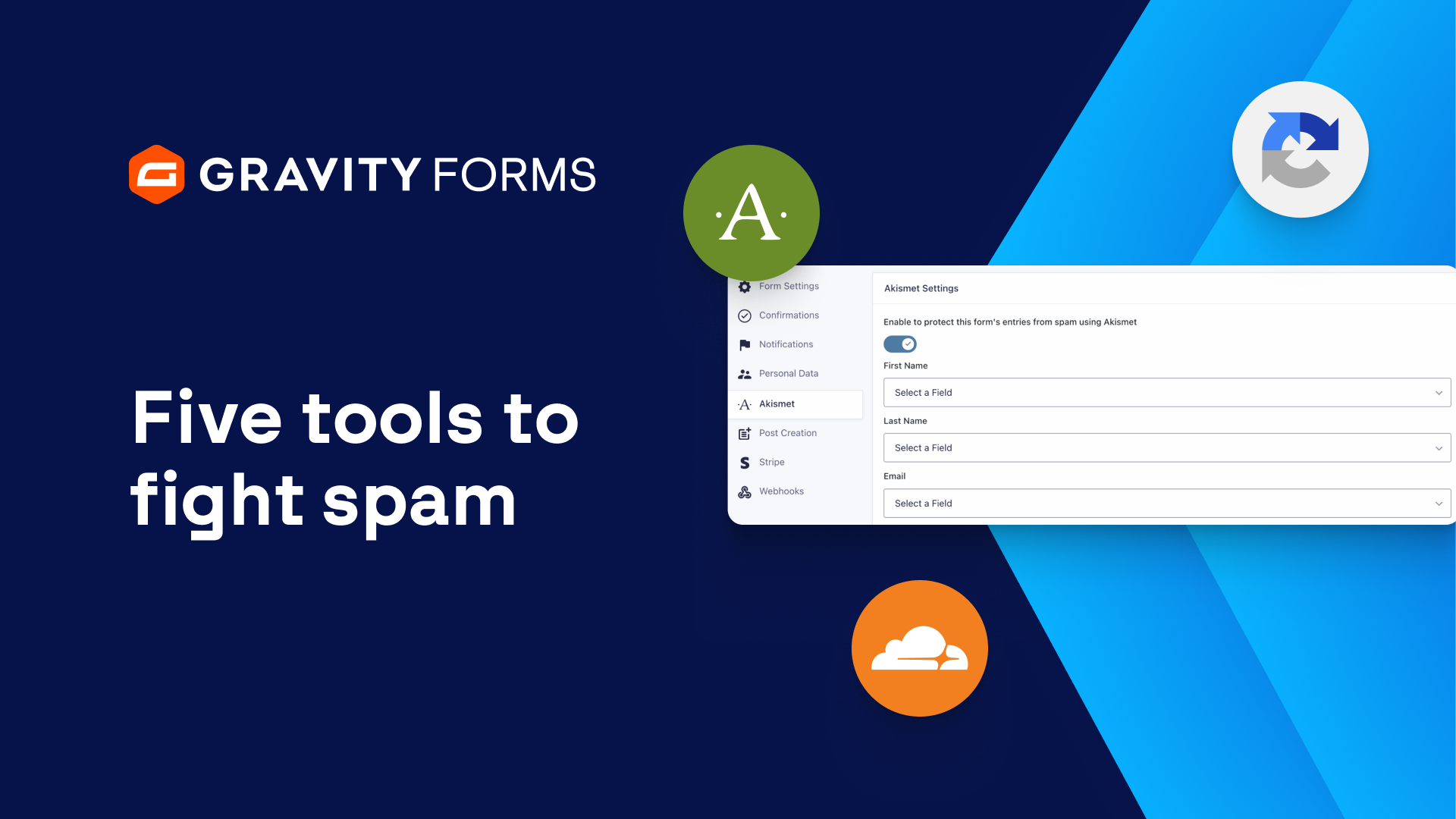
However, if you’d like to disable Akismet on a form-by-form basis, you can go to that form’s settings and disable the toggle within the Akismet settings.
You may also want to double-check that your form fields are mapped to the appropriate Akismet fields.
In general, it’s good practice to verify the field mappings with all your forms, as these fields help with the accuracy of Akismet’s spam prevention techniques.
Finally, you can head to your form’s entries page to review all of the entries that have been marked as spam.
We hope this video helps you with your spam submissions.
Thanks as always for watching, I’ll see you in the next one!
Summary
In this video tutorial, you’ll learn how to block spam on your WordPress site using the Gravity Forms Akismet Add-On. Learn how to integrate your forms with the Akismet API and say goodbye to spam form submissions.
If you need an Akismet account, you can sign up for one here.