Video Tutorial
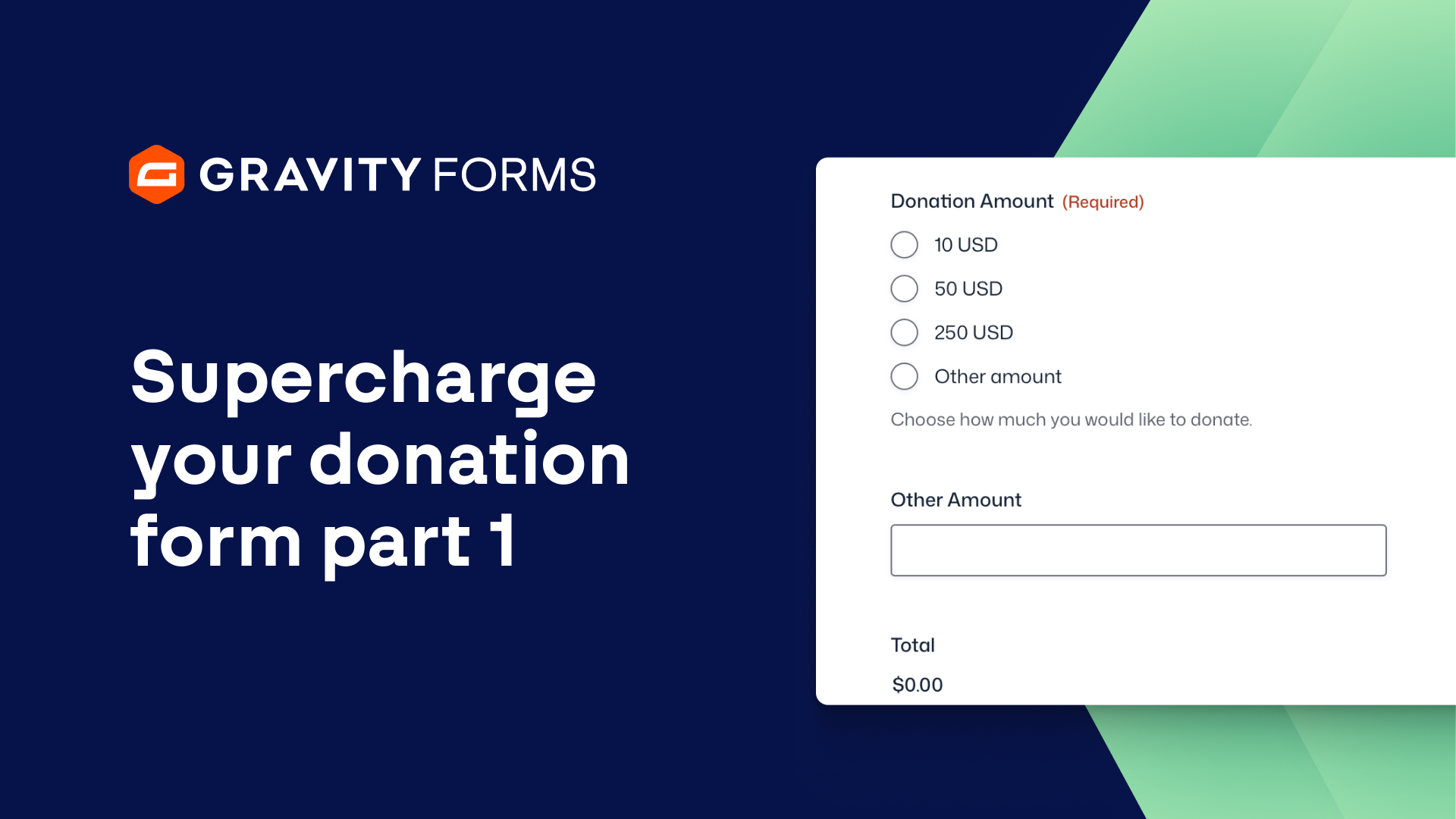
Supercharge Your Donation Form Part 1
We’re back with another Gravity Forms video, this time showing you how I’ve supercharged a Gravity Forms for a non-profit that I’m a part of.
Let’s scroll down and I’ll show you how and what I’ve done on the front end.
In the second video I’ll show you what I’ve done in the back end to make this stuff work.
You’ll notice at the top that there are some sponsor sections with some logos and some information.
Hold that thought because it’s going to change the way the form works in a moment.
But what I’ve done to style the Gravity Forms is just give it some separation from the theme and layout itself.
Part one, just using the Kadence blocks in this particular theme, give it an outline, give it a backdrop, really creates that separation.
Number two, using orbital theme built into Gravity Forms to enhance the typeface, make the input boxes a little bit bigger, and then customize the button at the bottom.
So that’s from the styling section.
Everything else is pretty much straightforward that you need information gathering for creating a donation.
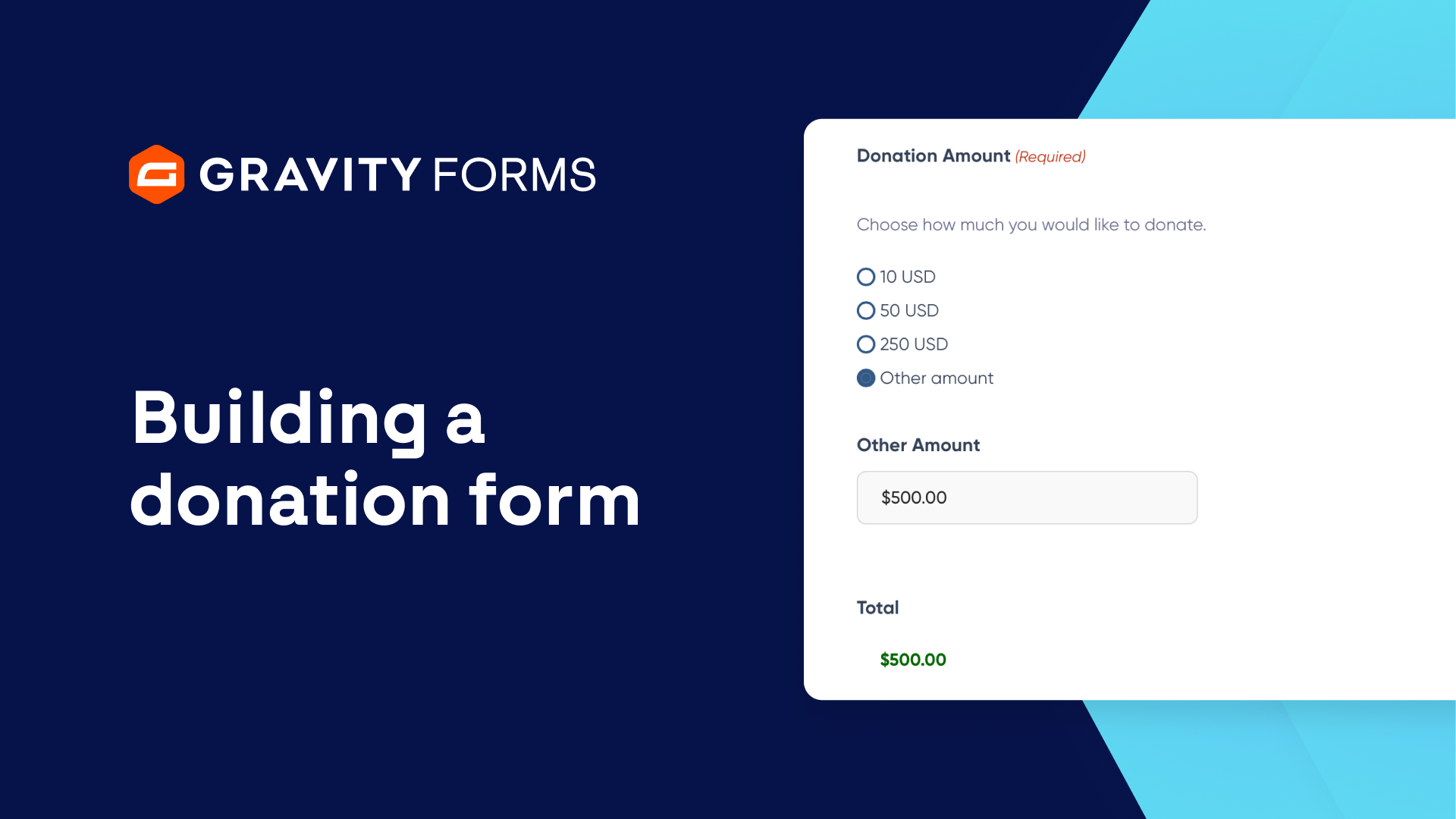
But there are three different levels at the top of the donation form.
The 500, 1000, and 2500 which will allow companies to send us that logo that you see located at the top.
And with a little bit of conditional logic, if you select the 500 it’ll give you a field to upload your logo.
If you go back down to just the regular donation you lose that field because you’re not getting a logo put up there, right?
So that’s just a little bit of conditional logic.
I’ll show you that in a second video.
Another thing that’s often overlooked in a donation form with Gravity Forms is do you want to cover the transaction fee?
So what we’ll do is when the user checks this off you’ll see that it calculates the processing fee, the 2.9% from Stripe and the 30 cents.
And then second we have check off to apply to the newsletter.
So you want to stay up to date with things that are going on in the foundation.
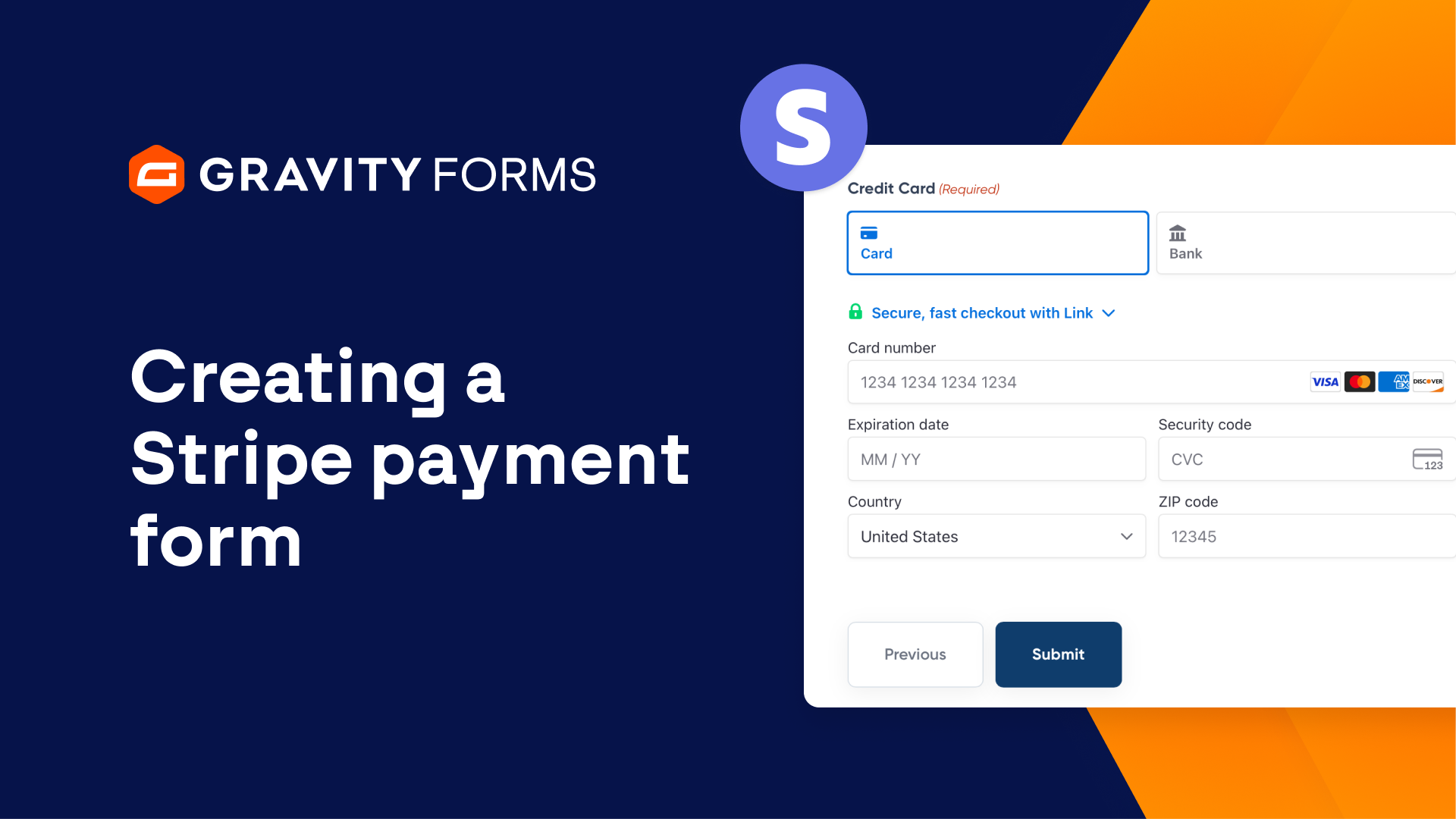
Credit card option, PayPal and Venmo option, or a check option with the necessary information to send us the check.
So those are the areas that I use on the front end to enhance forms.
Second video, I’ll show you how I set it up in the backend.
Summary
Creating a great looking donation form is paramount to getting more donors to complete your form. Having clear call to actions, tiered donation amounts, and a dynamic form can really streamline your non-profit business!