How to Create Dynamic Forms with Conditional Logic
To learn more about how you can use conditional logic, check out our docs site.
Hey and welcome back to another video, Dustin here from the Gravity team.
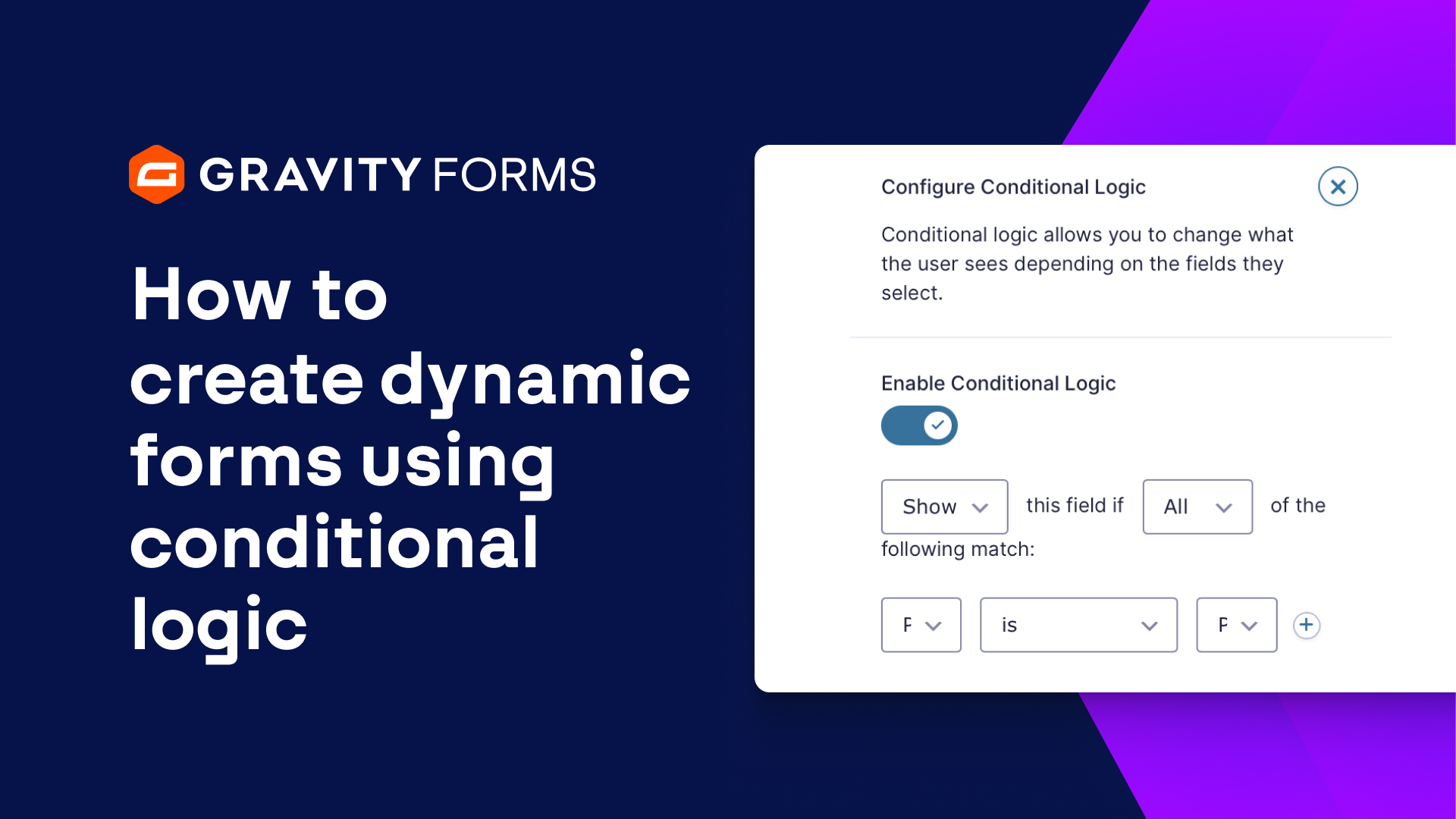
Conditional logic is a powerful tool that lets you create dynamic forms that are more personalized and less overwhelming for the user.
In this video, we’re going to take a look at how to use conditional logic with your forms. Let’s dive in!
For this example, I’d like to add conditional logic to my contact form by asking the user how they would like to be contacted and then presenting them with either an Email field or Phone field based on how they answer.
I’ll first add the Email field and Phone field to my form, then add a Radio Buttons field that asks the user how they would like to be contacted – either by email, phone, or text.
I’m then going to open the Field Settings for the Email field and enable conditional logic. From here, I can choose to hide or show fields based on different conditions that need to be met.
I only want this field to appear if the user wishes to be contacted via email, so I’m going to opt to “Show” this field if “All” of the following match: The field “How would you like to be contacted” “is” “Email”.
Next, I’m going to enable conditional logic for my phone field and use the plus icon to create two rules for this statement. I’ll then set the conditional logic to show this field if “Any” of the following match – the “How would you like to be contacted” field is “Phone” or “Text”.
With my conditional logic in place, the user will only see the Email field if they prefer to be contacted via email, and only see the Phone field if they want to be contacted by phone or text.
I’d like to add one more field that asks the user the best time of day to call them.
Once again, I’m going to use conditional logic and have this field only be shown if the user wishes to be contacted via phone.
If the user indicates that they want to be contacted by Email or Text, this field will not appear.
Finally, I’ll save my settings and embed my form on a new page. I’ll then test my form to make sure everything is working correctly.
You can also use conditional logic with your confirmations and notifications. We have videos on how to use both, linked below..
Thanks as always for watching, I’ll see you in the next video!
Summary
Conditional logic is a great way to shorten forms and make them more personalized and less daunting to the user. In this tutorial, we’ll cover everything you need to know to use conditional logic with your forms.
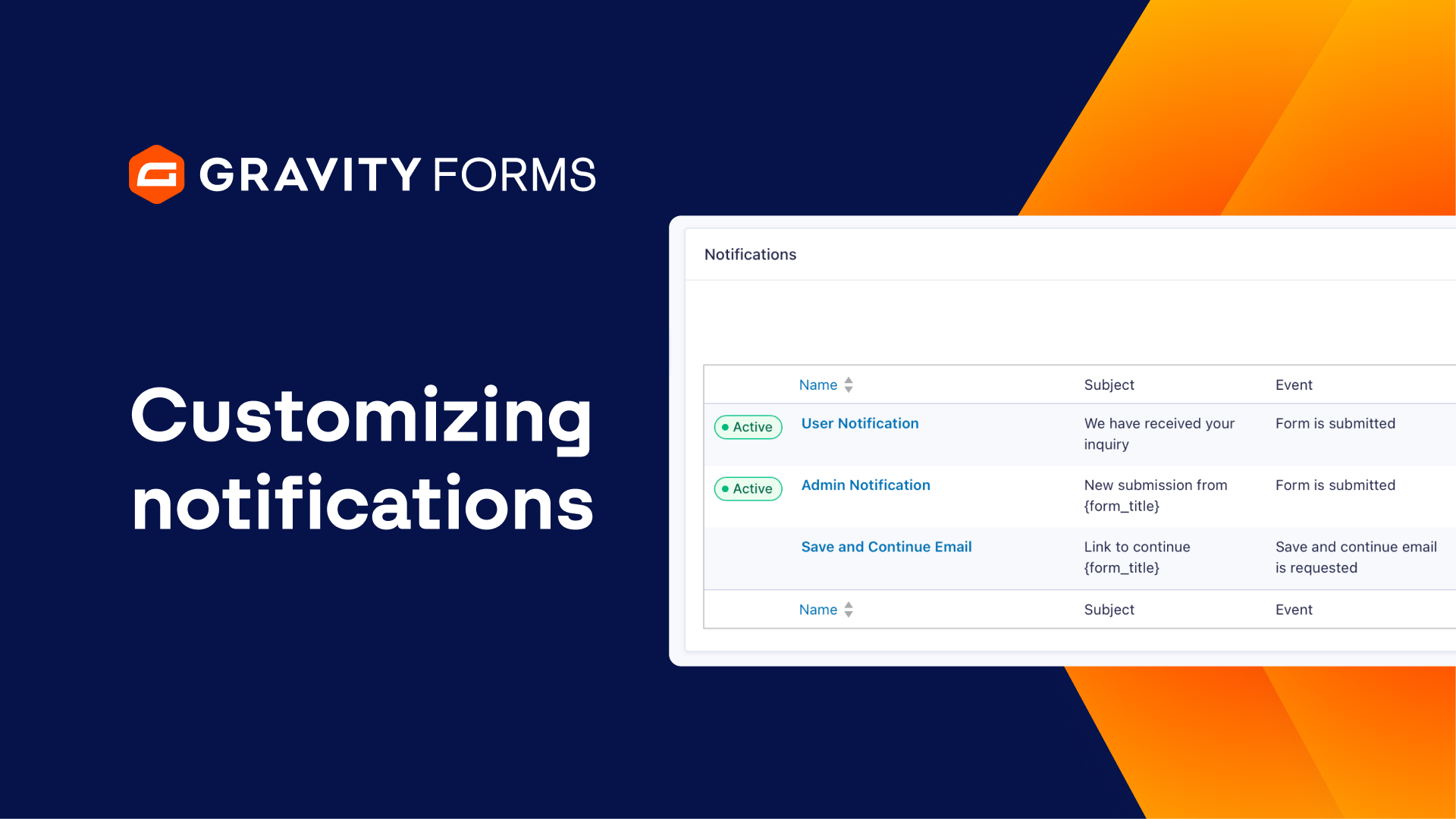
To learn more about customizing your notifications, be sure to watch our video guide.
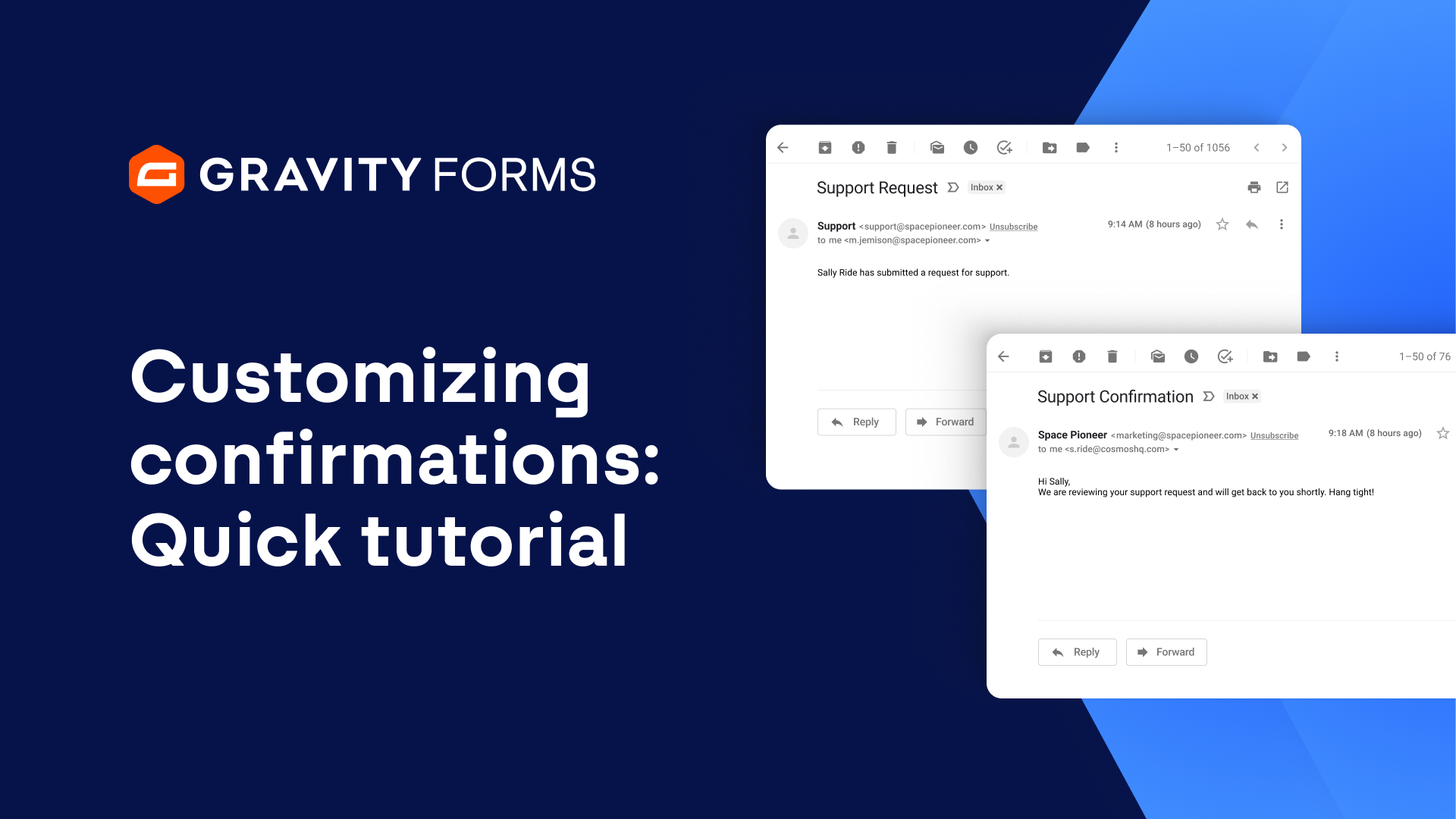
And to learn more about customizing your confirmation messages, check out our other video guide.
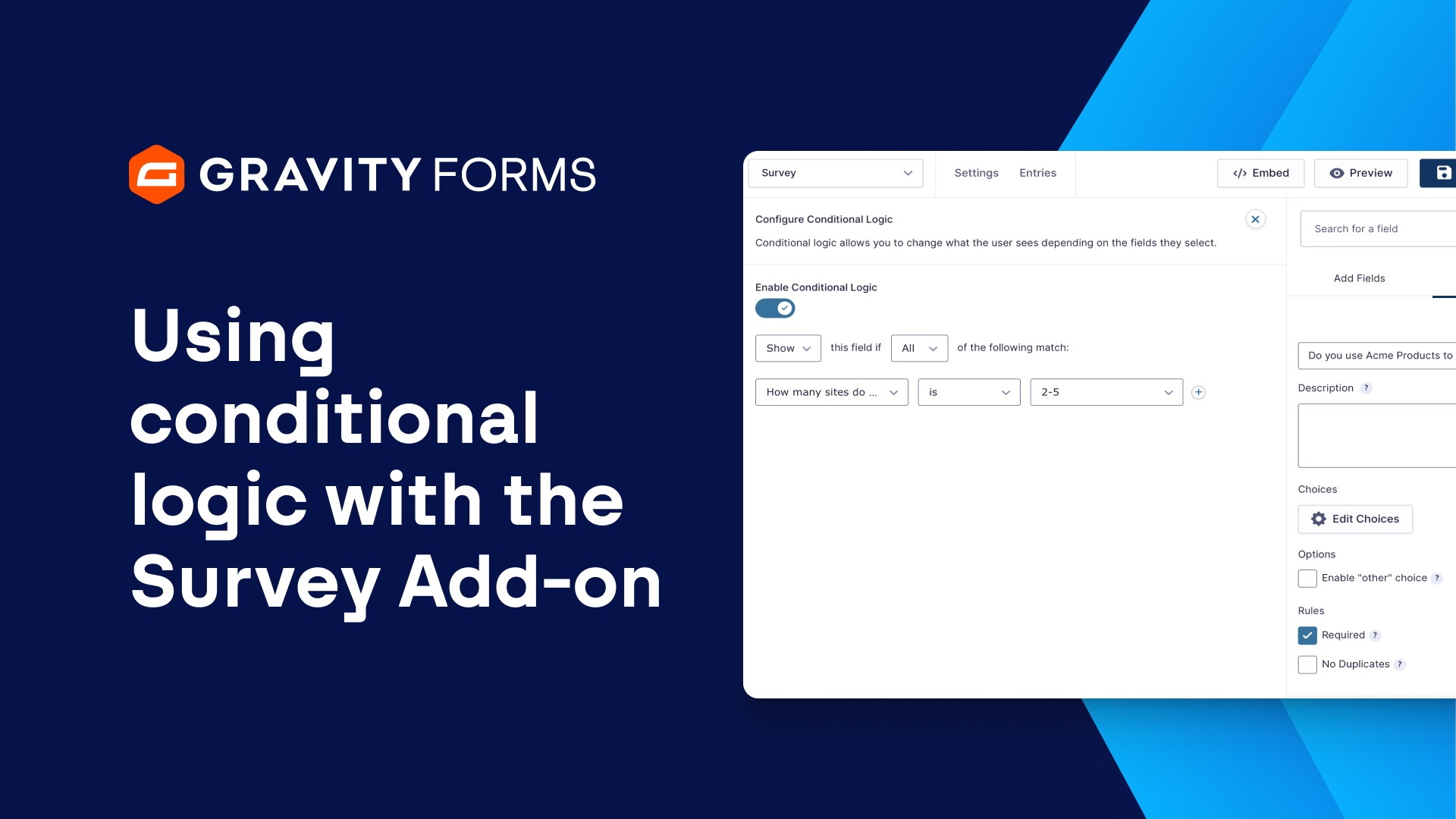
For a detailed guide on using conditional logic with the Survey field, check out our this video.