For more information on Survey Add-On 4.0, check out our blog.
With version 4.0 of the Gravity Forms Survey Add-On, support for conditional logic has been added to multiple Survey fields.
This new functionality enables you to do more with your surveys, such as conducting a net promoter score, or NPS, survey.
Let’s take a quick look at how to add conditional logic to a survey field.
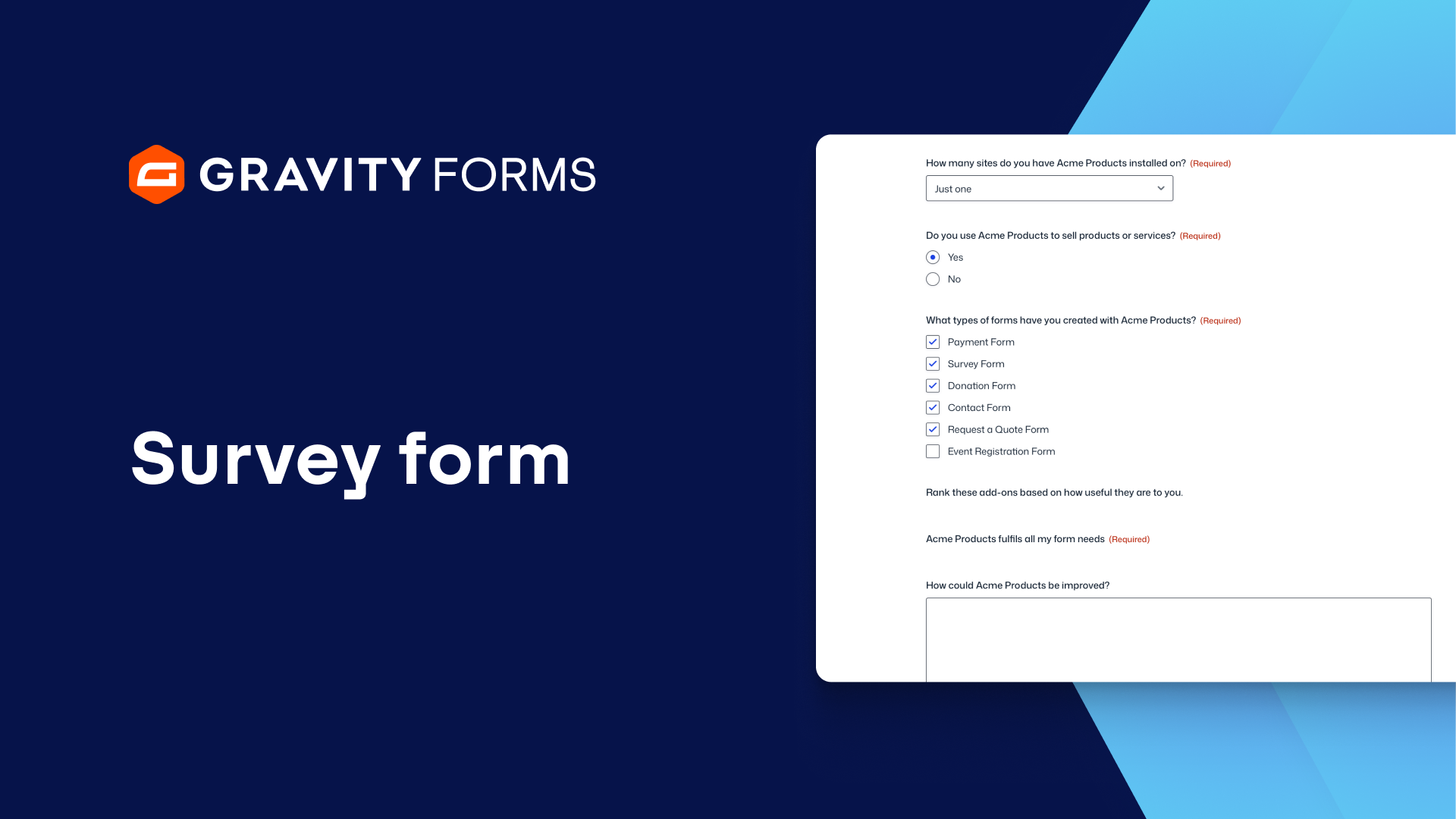
To get started, I’m going to create a new survey form using the Gravity Forms Survey Form template.
With this form, I would like to ask the user if my product fulfills all of their needs and, if not, how it can be improved.
First, I am going to add a Survey field below the ‘Acme Products fulfills all my form needs’ field and set the ‘Survey Field Type’ to ‘Paragraph text’.
I’ll then use the ‘Description’ and ‘Survey Question’ field settings to ask the user how we can improve.
To make my form appear less daunting to users, I am going to keep this field hidden by default and only ask for user feedback if they select ‘Neutral’, ‘Disagree’, or ‘Strongly Disagree’ on the Likert survey field above.
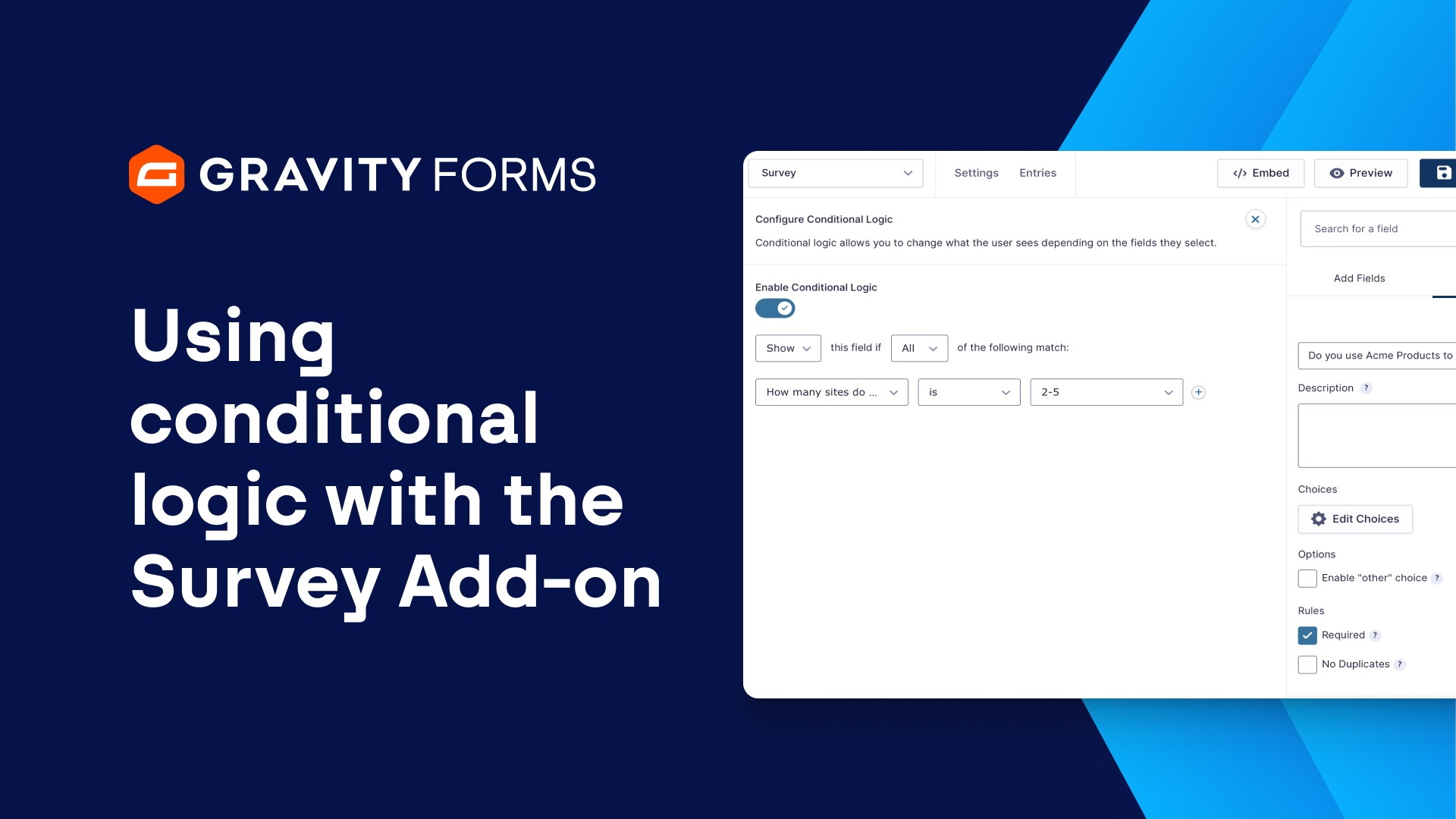
To accomplish this goal, I’m going to enable conditional logic for my paragraph text survey field.
I’ll set my conditional logic to display this field if any of the following match:
‘Acme Products fulfills all my form needs’ is ‘Neutral’, ‘Disagree’, or ‘Strongly Disagree’.
Next, I’ll save my form and check it out on a live page.
As you can see, when the form is loaded, the ‘How can we improve’ field does not appear.
This field only appears once I select ‘Neutral’, ‘Disagree’, or ‘Strongly Disagree’ in response to the ‘Acme Products fulfills all my form needs’ survey field.
And that’s not all that I can do with the Survey field and conditional logic.
If I wanted, I could add another paragraph text survey field below the ‘Rank these add-ons based on how useful they are to you’ field, and set this field to only display if the Survey Add-On is in a position greater than 2.
Now, when the user ranks the add-ons that I offer on my site, I can get specific feedback on my Survey Add-On if it is not ranked in the first or second position.
For more guides and tutorials on all things Gravity Forms, explore our video library.
From everyone on the Gravity team, thank you for watching!
Summary
The Gravity Forms Survey Add-On 4.0 update adds support for conditional logic to multiple Survey fields. In this video, we’ll take a look at what you can do with this release.