-
Entry to Database
View Addon: Entry to DatabaseUse Gravity Forms to populate a custom database table with form submission data. The Entry to Database Add-On by GravityWP allows you to map fields from a Gravity Form directly to a custom database table—either within your WordPress database or on an external MySQL server. It’s designed for users who need full control over how and where form data is stored, especially in cases where…
-
Update Multiple Entries
View Addon: Update Multiple EntriesEdit multiple existing form entries using a single new form submission. The Update Multiple Entries Add-On by GravityWP allows you to update one or more existing entries in a Gravity Forms form—based on field values submitted through another form. You can select exactly which entries to update and control which fields should be changed. This is especially useful for workflows that involve record corrections, status…
-
List Text
View Addon: List TextControl how each column in a List Field behaves—supporting text, email validation, multiline input, and custom rules. The List Text Add-On by GravityWP enhances the default List Field by letting you configure each column individually. It supports standard text input, built-in email validation, and multi-line textarea input for longer responses. For more advanced use cases, regular expressions (Regex) can be applied to enforce custom input…
-
List Datepicker
View Addon: List DatepickerMake date entry easier by adding a calendar picker inside List Fields. The List Datepicker Add-On by GravityWP lets you add a date picker to any column in a Gravity Forms List Field. This makes it easier for users to select dates from a calendar, instead of manually typing them—reducing input errors and improving the form experience. Ideal for forms where users need to fill…
-
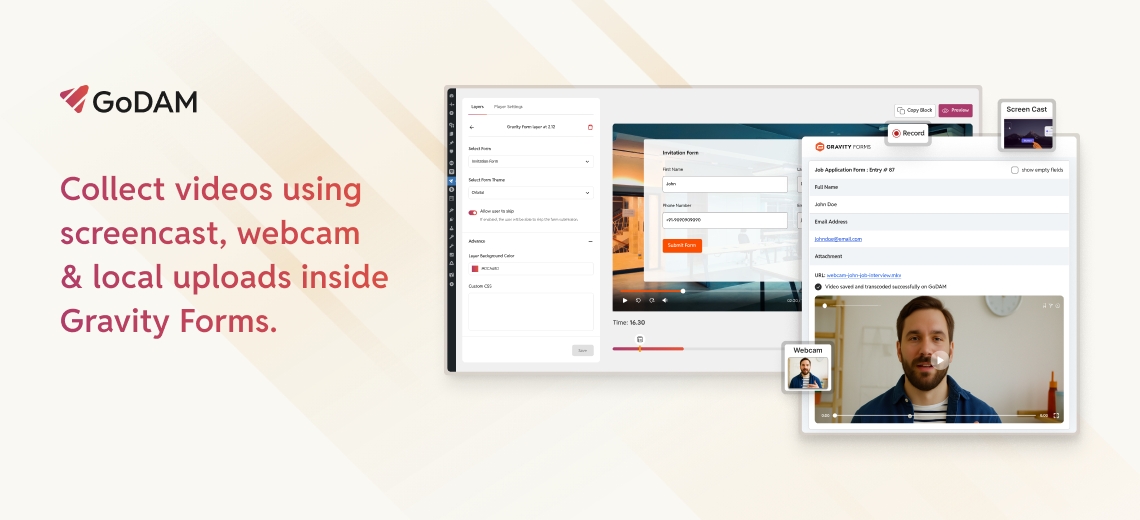
GoDAM for Gravity Forms
View Addon: GoDAM for Gravity FormsGoDAM for Gravity Forms With GoDAM, your videos become more than just content—they become interactive experiences. Instead of losing viewers to another page, you can keep them engaged, capture responses, and drive conversions directly inside the video itself. Whether it’s lead generation, feedback collection, or video-based submissions, GoDAM seamlessly integrates with Gravity Forms to unlock new possibilities. GoDAM Forms Layer GoDAM Forms layer allows you…
-
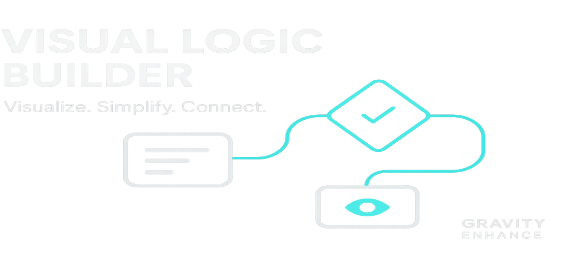
Visual Logic Builder
View Addon: Visual Logic BuilderVisual Logic Builder improves the conditional logic workflow in Gravity Forms by providing an intuitive, visual flowchart interface. Instead of managing complex logic through traditional drop-down menus, you can now design, understand, and manage your logic flows with drag-and-drop simplicity. Key Features: Visualize Your Logic: See exactly how your form’s conditional logic flows with an interactive flowchart. Simplify Complex Rules: Create sophisticated logic by connecting…
-
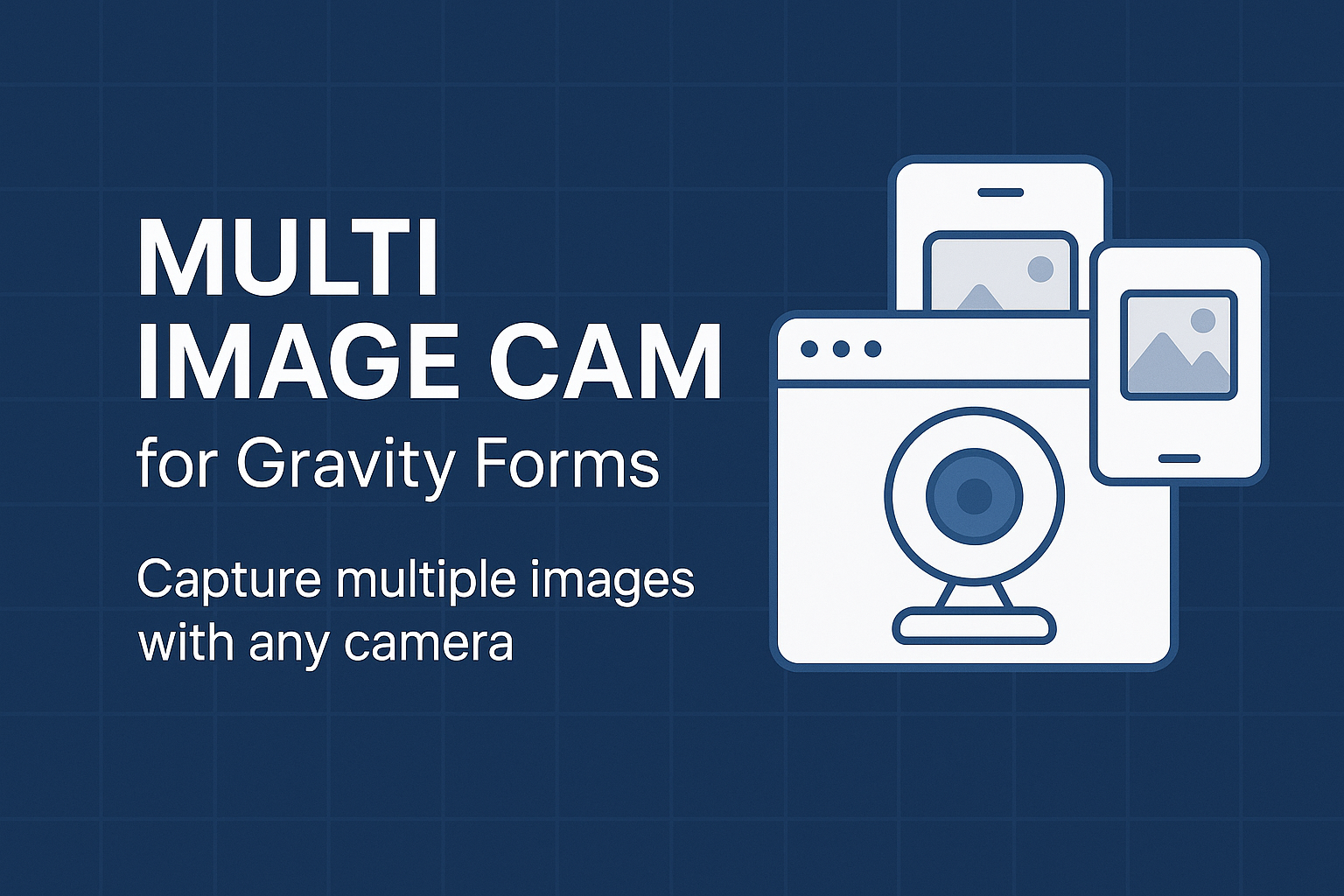
Multi Image Cam for Gravity Form
View Addon: Multi Image Cam for Gravity FormCapture and submit multiple images from any camera — directly through your Gravity Forms. Multi Image Cam for Gravity Forms is a powerful addon that enables users to capture and upload multiple images using any available camera (front/rear webcams or phone cameras) — all from within a Gravity Form. Whether it’s for ID verification, insurance documentation, profile creation, or creative portfolios, this plugin makes real-time…
-
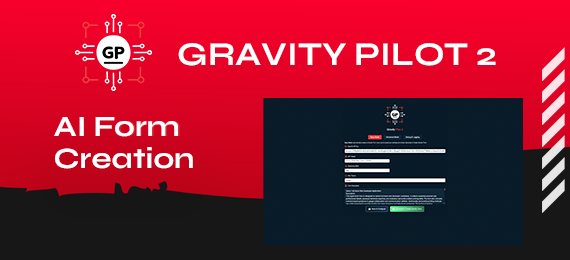
GravityPilot
View Addon: GravityPilotGravity Pilot 2 is a premium WordPress plugin (with an upcoming free variant) that augments your Gravity Forms workflow with AI-driven form creation, powered by OpenAI. Users can generate forms in seconds using various GPT or Reasoning/Chain-of-Thought models, either in a streamlined Easy Mode or via the more configurable Advanced Mode. ## Key Features ### Easy Mode – Generates complete Gravity Forms with minimal prompting.…
-
WPMozo Addons for Elementor
View Addon: WPMozo Addons for ElementorIf you use Elementor, this plugin offers a simple widget to add and style Gravity Forms in the Elementor page builder. Easily customize form fields, buttons, and messages to match your website’s design with no hassle.
-
GF Events Manager
View Addon: GF Events ManagerAn awesome add-on for Gravity Forms to allow you to create and manage events with the full armoury of Gravity Forms features and add-ons available for custom booking forms.
-
Signature for Gravity Forms
View Addon: Signature for Gravity Forms✍️ Signature for Gravity Forms Let users draw and submit signatures directly in your Gravity Forms! The Signature for Gravity Forms addon adds a smooth, intuitive signature field to your forms — perfect for contracts, consent forms, and any situation where you need a digital signature. ? Key Features: ?️ Signature Field: Adds a draggable/drawable signature box to any Gravity Form. ? Image Uploads: Automatically…
-
Loom for Gravity Forms
View Addon: Loom for Gravity FormsAdd hassle free video recording to your forms with Loom for Gravity Forms. Loom for Gravity Forms integrates Loom’s video recording capabilities directly into Gravity Forms. With one click, users can record themselves and their screen. The video is captured in your form and submitted like any other field. Even better, users don’t need a Loom account. Only the site administer needs a Loom account.…