We are pleased to announce the release of the Salesforce Add-On version 2.0. This release contains updates including…
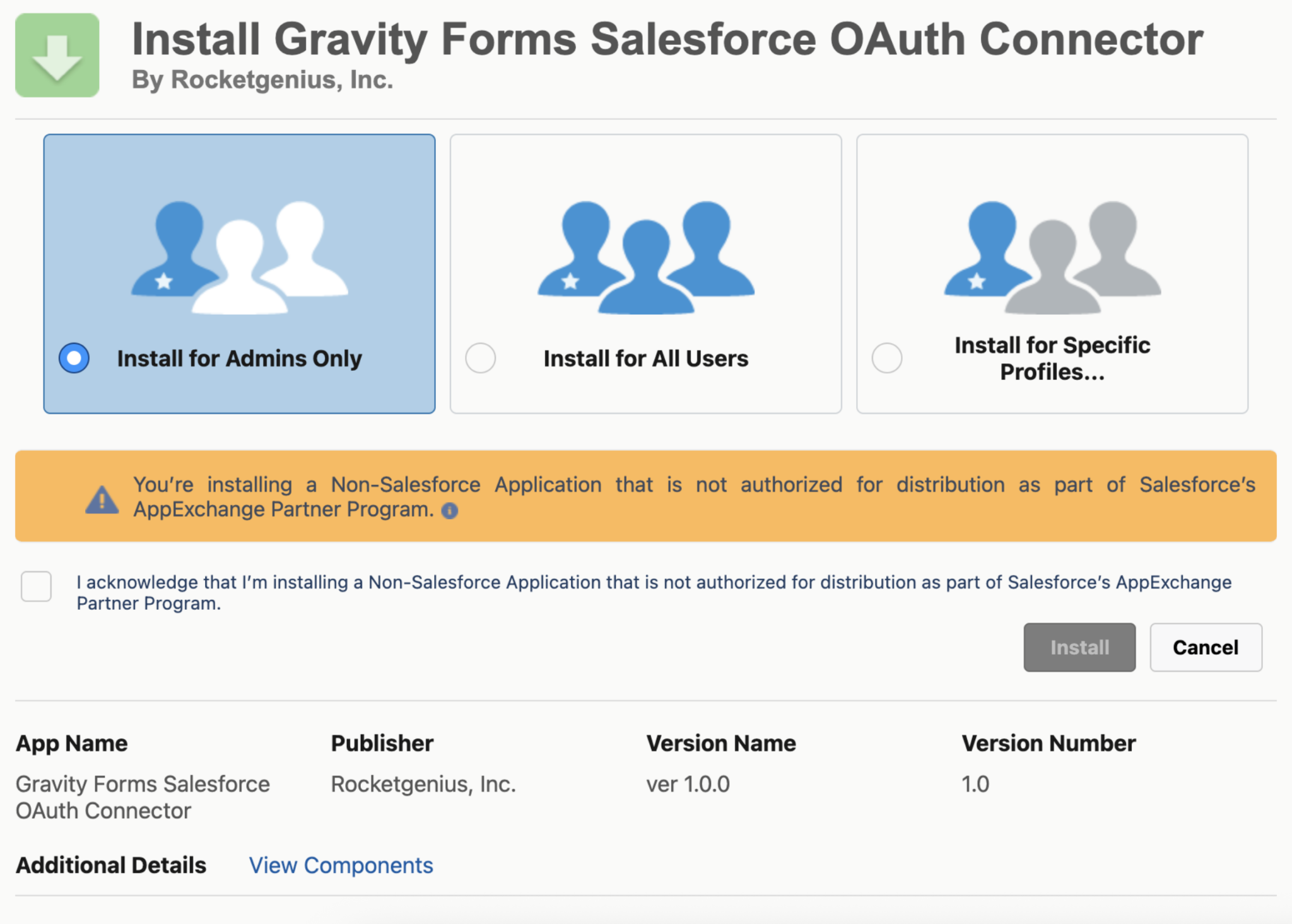
- [Breaking Change] Updated the OAuth connection to work with External Client Apps. New connections will require installing the Gravity Forms OAuth Connector App into the connecting Salesforce Org.
Note: This update includes a breaking change. Existing connections will continue to function as expected. However, if you create a new connection or reconnect an existing one, you’ll need to install the Gravity Forms OAuth Connector App on your Salesforce Org as part of the updated authentication process.
Turn form submissions into sales opportunities
Give your team access to the information they need without manual imports, spreadsheets, or duplicate data entry. With Gravity Forms and the Salesforce integration, qualified leads, contact form submissions, quote requests, and customer inquiries can flow directly from your WordPress site into Salesforce.
The integration connects Gravity Forms with Salesforce in real time, helping teams capture and organize form data without the extra admin work. If you’re running lead generation campaigns, collecting service requests, or managing customer onboarding, you can send form entries where they need to go.
Flexible field mapping and support for custom objects make it easy to align your forms with your existing Salesforce setup. Use conditional logic to control how entries are processed, routed, and synced based on the information submitted.
Built for marketing teams, sales operations, and service departments, the Gravity Forms Salesforce integration helps ensure important form submissions don’t fall through the cracks.
Key features of the Salesforce integration
- Salesforce object support – Create feeds that generate standard or custom objects in Salesforce, including Leads, Contacts, Accounts, and more.
- Dynamic field mapping – Once an object is selected, its fields will automatically load for mapping – ensuring accurate data collection and smooth CRM integration.
- Update existing records – Prevent duplicate entries by enabling updates to existing Salesforce records based on matching criteria.
- Manual connection option – Connect to Salesforce manually without logging into the target Salesforce account – ideal for agencies or multi-site setups.
Salesforce API Access Required
To use the Gravity Forms Salesforce integration, your Salesforce account must include API access. Use our Salesforce Connection Verification Tool to confirm your account supports the required features.
You can also refer to this Salesforce developer article for details on which license types include API access. If you’re unsure, we recommend contacting your Salesforce account executive or Salesforce support team.
For setup details and integration tips, check out the Gravity Forms Salesforce documentation.
Note: The Salesforce Add-On is available with the Gravity Forms Elite, Nonprofit, and Developer licenses. Visit our pricing page for more information on the features and other add-ons available on each plan.
Salesforce 2.0 changelog
- [Breaking Change] Updated the OAuth connection to work with External Client Apps. New connections will require installing the Gravity Forms OAuth Connector App into the connecting Salesforce Org.
If you are a Gravity Forms Elite, Nonprofit, or Developer license holder, the Salesforce 2.0 can be updated in your WordPress dashboard, or downloaded manually from your account downloads page.