We’re pleased to announce the release of the Gravity Forms AbuseIPDB Add-On!
With this new integration, every form submission is checked against AbuseIPDB’s global database of reported IP addresses, so the worst offenders are caught and marked as spam before they ever reach your entries list or your CRM.
Watch the video or read on to find out how it works and how to get started with AbuseIPDB today…

AbuseIPDB: Spam protection powered by a global community
AbuseIPDB is a project dedicated to combating hackers, spammers, and abusive activity online. It maintains a central database of IP addresses that webmasters and system administrators around the world have reported for spam, fraud, hacking attempts, and other abuse.
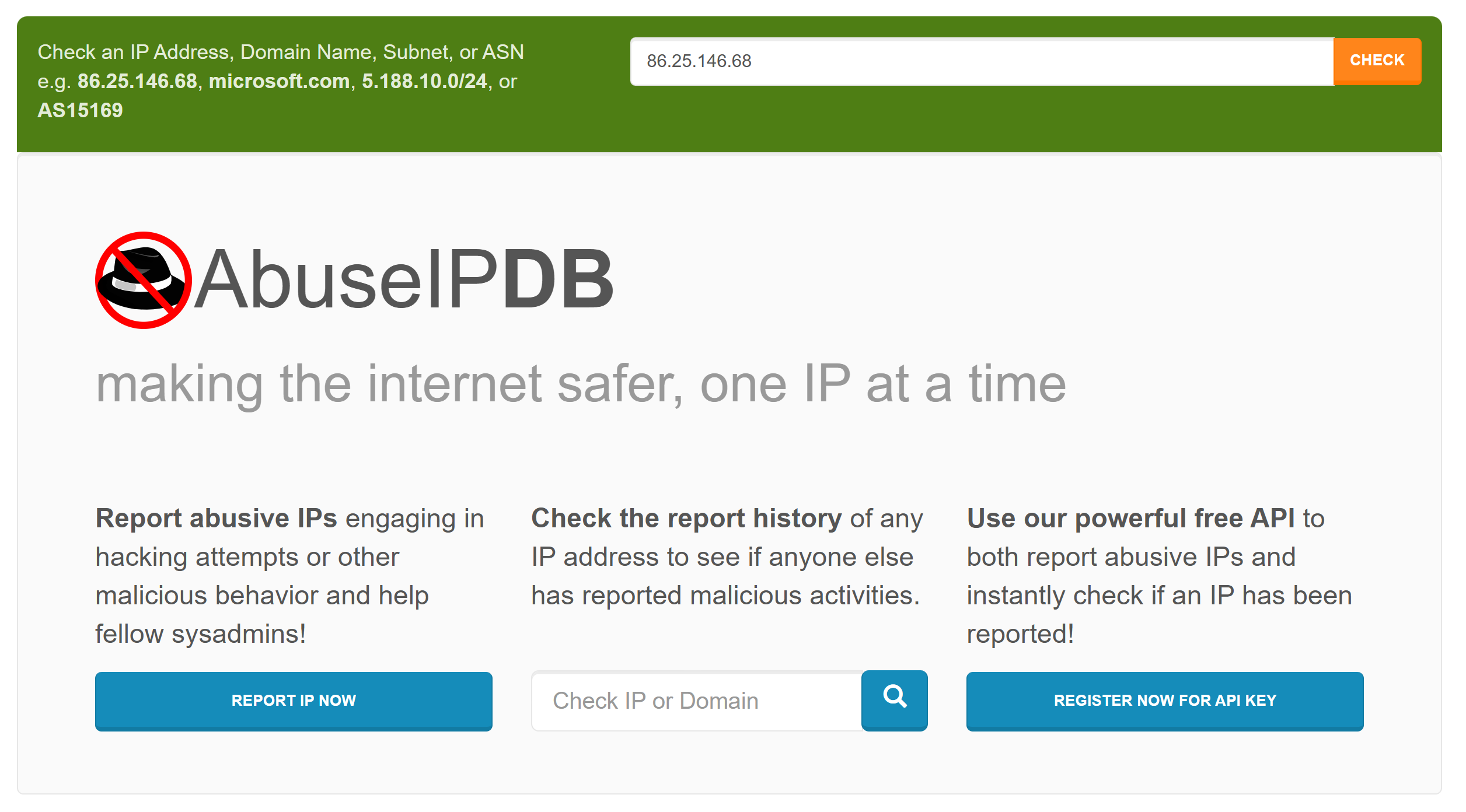
What makes it smarter than a static blocklist is the scoring. Every IP gets an abuse confidence score from 0 to 100, based on how recently and how often it’s been reported. Scores are recalculated daily, and older reports carry less weight over time, so the score reflects what an IP is doing now, not what it did two years ago.
A free AbuseIPDB account includes 1,000 IP checks per day, which comfortably covers most sites, and paid plans are available for higher volumes.
Meet the AbuseIPDB integration
The new AbuseIPDB integration puts that global database to work on your forms. When someone submits a form, Gravity Forms sends the IP address to AbuseIPDB, gets the confidence score back, and marks the entry as spam if it crosses your threshold. You decide how strict your forms should be.
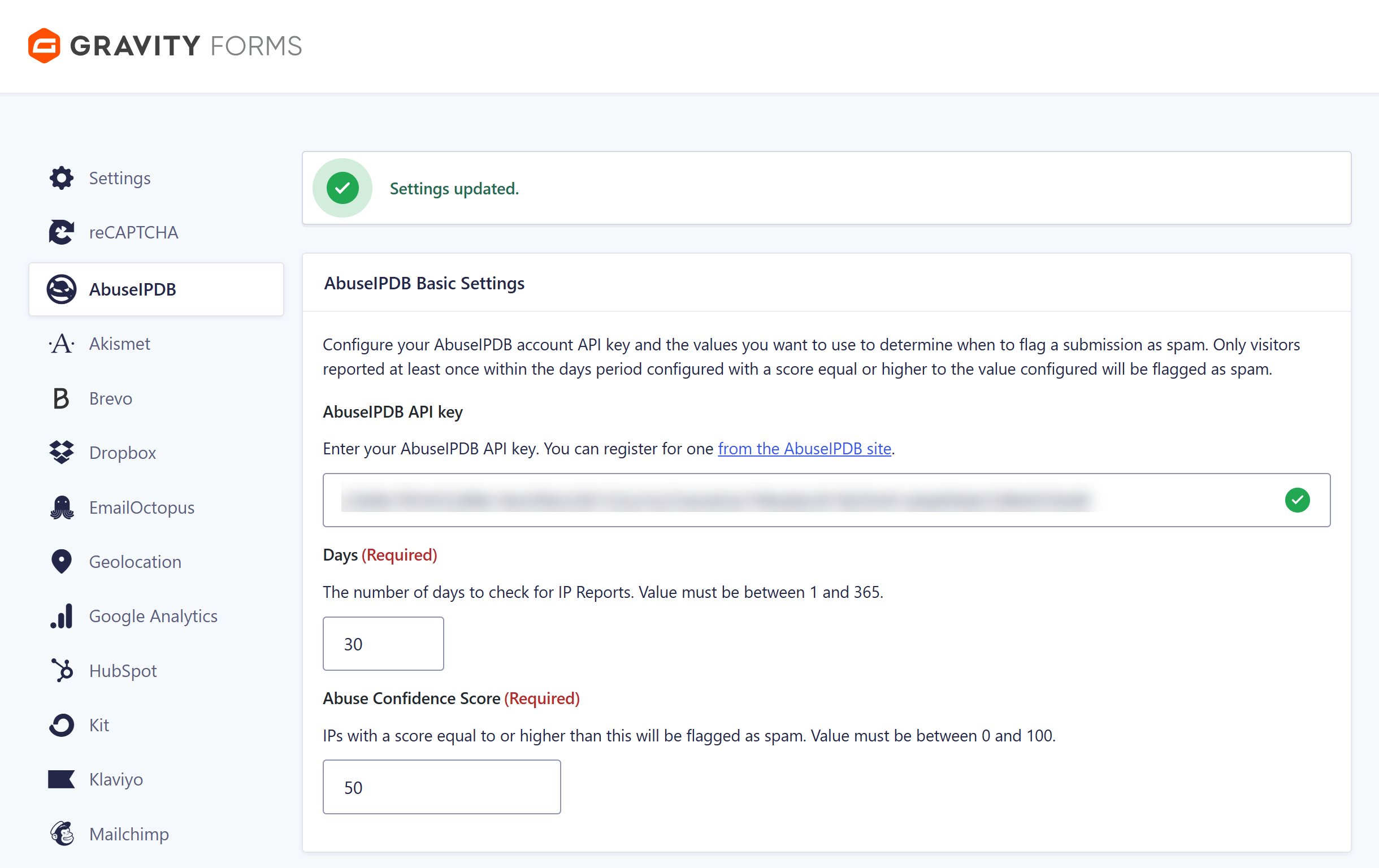
Key features of the AbuseIPDB integration include:
- IP score filtering – Set your abuse confidence score threshold, and any submission at or above it is automatically marked as spam. You also control the reporting window, from 1 to 365 days, so you choose how far back the check looks.
- Country blocklist – Block submissions from specific countries using standard two-letter country codes. Blocklisted countries are blocked regardless of the IP’s score.
- Domain blocklist – Block submissions from domains tied to known bad actors, again regardless of score.
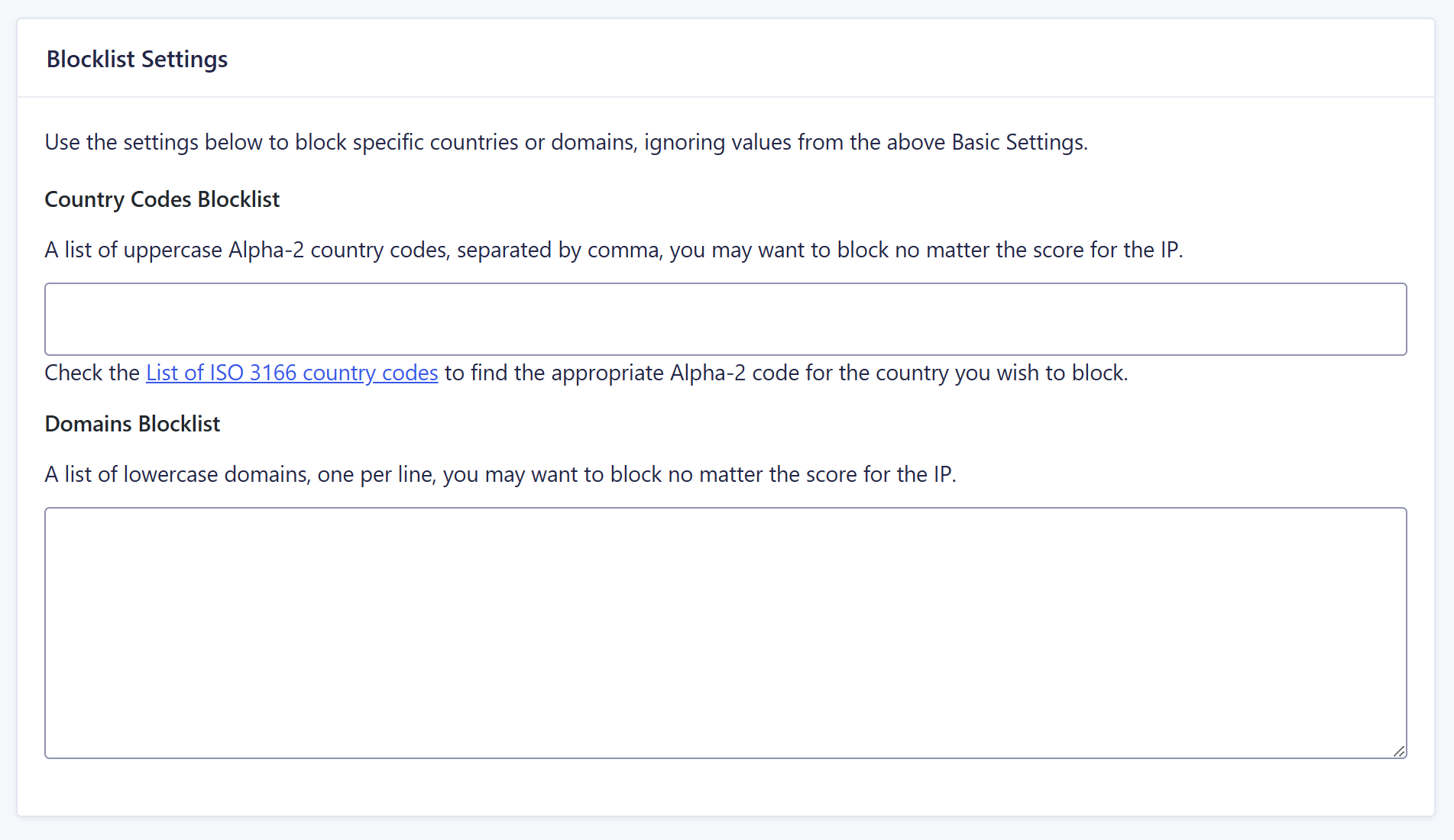
- Two-way reporting – Mark an entry as spam in WordPress and the IP can be reported back to AbuseIPDB as Web Spam, so your reports help protect every other site using the database.
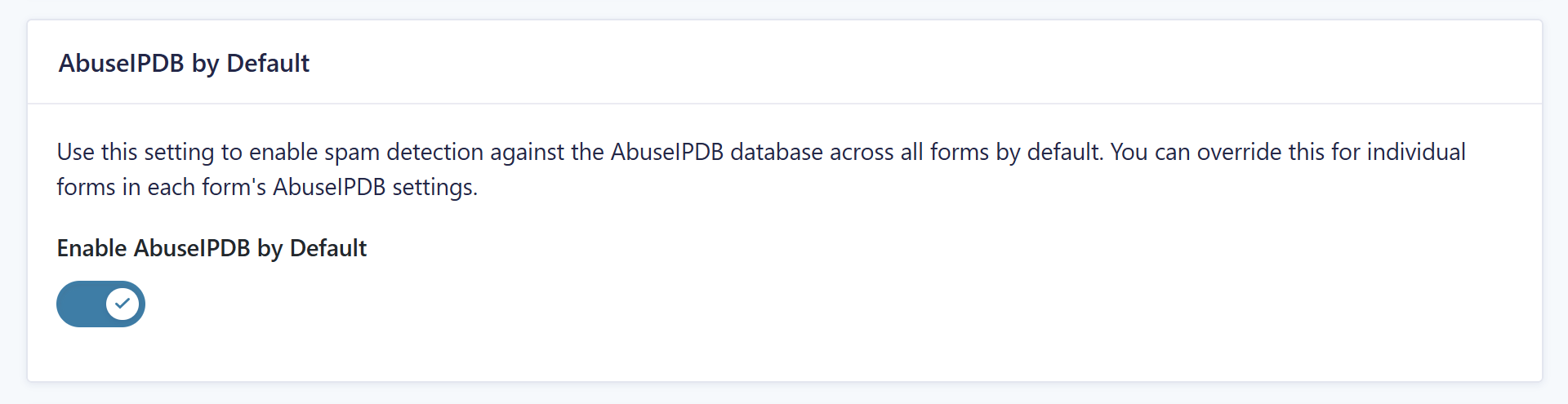
- Global or per-form control – Enable AbuseIPDB across every form on your site with a single toggle, or switch it on for individual forms only.
There’s a paper trail too. The entry detail sidebar includes an AbuseIPDB metabox with a linked IP address, so you can click through and see exactly why a submission was flagged.
For more information, check out the AbuseIPDB documentation.
Part of the Gravity Forms anti-spam toolkit
AbuseIPDB is one of several ways Gravity Forms helps you fight spam, and the methods work best in layers.
- Akismet checks submissions against a global spam database and filters out malicious entries automatically.
- reCAPTCHA support covers both Google reCAPTCHA v2 and v3.
- Cloudflare Turnstile offers a privacy-friendly CAPTCHA alternative.
- Honeypot protection uses a hidden field to catch bots without affecting real users.
Combine AbuseIPDB’s IP reputation checks with one or more of these anti-spam tools, and very little gets through.
Get the AbuseIPDB integration
The AbuseIPDB Add-On is available with every Gravity Forms license. For all active license holders, here’s how to get your hands on it…
- Install the AbuseIPDB Add-On from the Add-On browser in the WordPress admin, or download it from your Gravity Forms account.
- You’ll need a free AbuseIPDB account to connect the integration.
- The setup documentation covers everything from there.
New to Gravity Forms? Try our free demo and then come back to check out our pricing to find the license that’s right for you.
As always, feel free to reach out to our friendly support team – we’re here to help if you have questions or need guidance getting started.

Newsletter
If you want to keep up-to-date with what’s happening on the blog sign up for the Gravity Forms newsletter!
"*" indicates required fields