For more information on creating multi-page forms, head on over to our docs site.
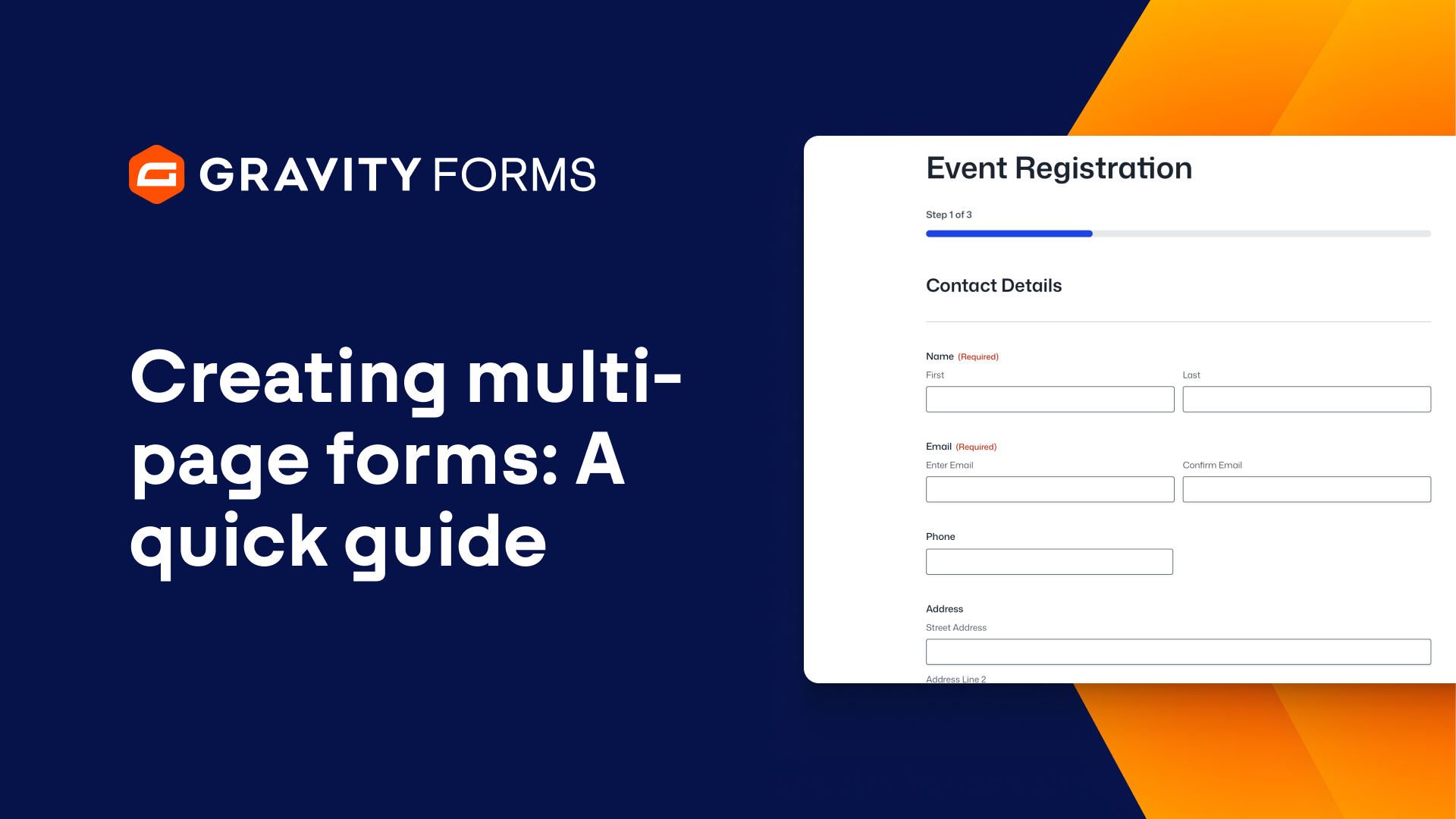
Multi-page forms are a popular form type that are ideal for ensuring lengthy forms remain user-friendly.
A multi-page form is simply a form that has been split up into multiple parts, making the form seem less overwhelming and more accessible to your users, helping to boost completion rates.
In this video, we’ll take a look at how to add pages to the Gravity Forms Advanced Contact Form template.
I’ll get started by creating a new form using the Advanced Contact Form template.
I’d like to divide this form into three pages – one for the ‘About You’ section, another for the ‘How Can We Reach You’ section, and a third for the ‘What’s On Your Mind?’ section.
Under the ‘Standard Fields’ category, I can drag and drop the page field onto my form to add page breaks to the form and divide it into three pages.
With multi-page forms, you have the option to display the progress a user has made towards completing a form using either a progress bar or progress steps.
If I click on ‘Start Paging’, I can access the field settings panel and specify the progress indicator that I’d like to use, or choose not to use one at all.
If I choose to use a progress bar, I can customize the appearance of the bar using the ‘Progress Bar Style’ options.
I can also give each page a name and choose to display a completed progress bar on confirmation.
And if I choose to use a progress bar, I can customize the appearance of the bar using the ‘Progress Bar Style’ options.
By selecting the ‘Page Breaks’ within the form, I can also customize the text for the ‘Next’ and ‘Previous’ buttons, or choose to use images in their place.
I can even add Page Conditional Logic and Next Button Conditional Logic to change what the user sees depending on the fields they select.
Lastly, I can select ‘End Paging’ to customize the ‘Previous’ button that will appear on my final page.
When I am happy with my form, I can simply save my changes and embed it on a page or post.
Gravity Forms makes it easy to create friendly, accessible multi-page forms in no time at all.
From everyone on the Gravity Forms team, thanks for watching!
Summary
Creating multi-page forms is a great way to ensure your forms stay accessible and user-friendly. In this video tutorial, we’ll take a look at how to turn your forms into multi-page forms.