Learn more about using the Conversational Forms Add-On on our docs site.
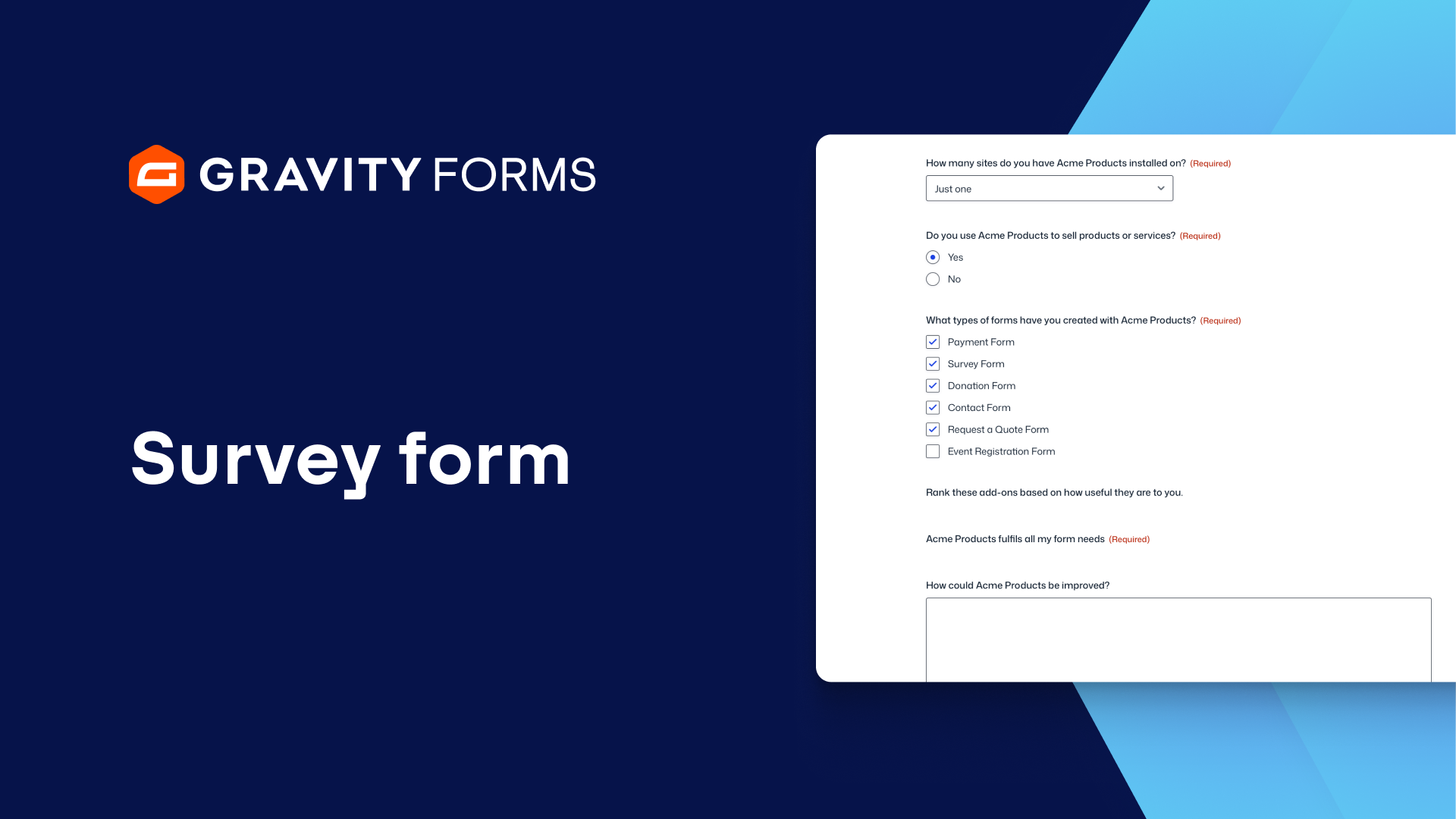
Surveys are a great way to interact with your users and collect valuable information.
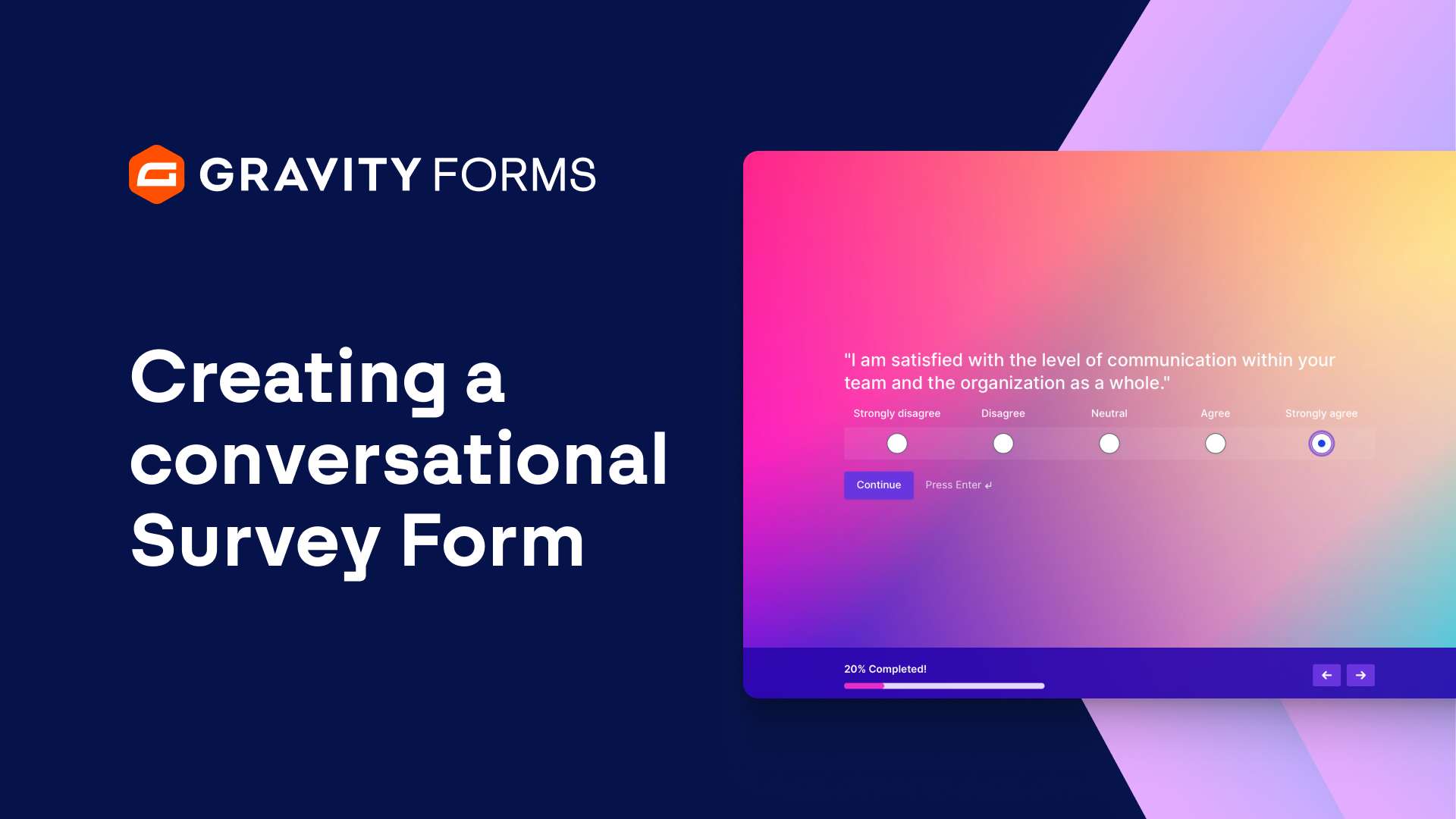
With Gravity Forms, you can display surveys in a conversational form layout, giving you the power to collect feedback in a user friendly, conversational manner.
In this video, we’ll take a look at how to build an employee engagement form using the Survey and Conversational Forms Add-Ons.
Before we get started, make sure both add-ons are installed and activated.
I’m going to start by creating a new form.
For this example, I want to create an Employee Engagement survey.
With the form editor open, I’m going to add survey fields to my form so that I can collect feedback from the employees who fill out this form.
Once I’m done, I’ll save my form and navigate to this form’s settings.
Within the Conversational Forms tab, I am going to enable a conversational page for this form and set the Permalink URL.
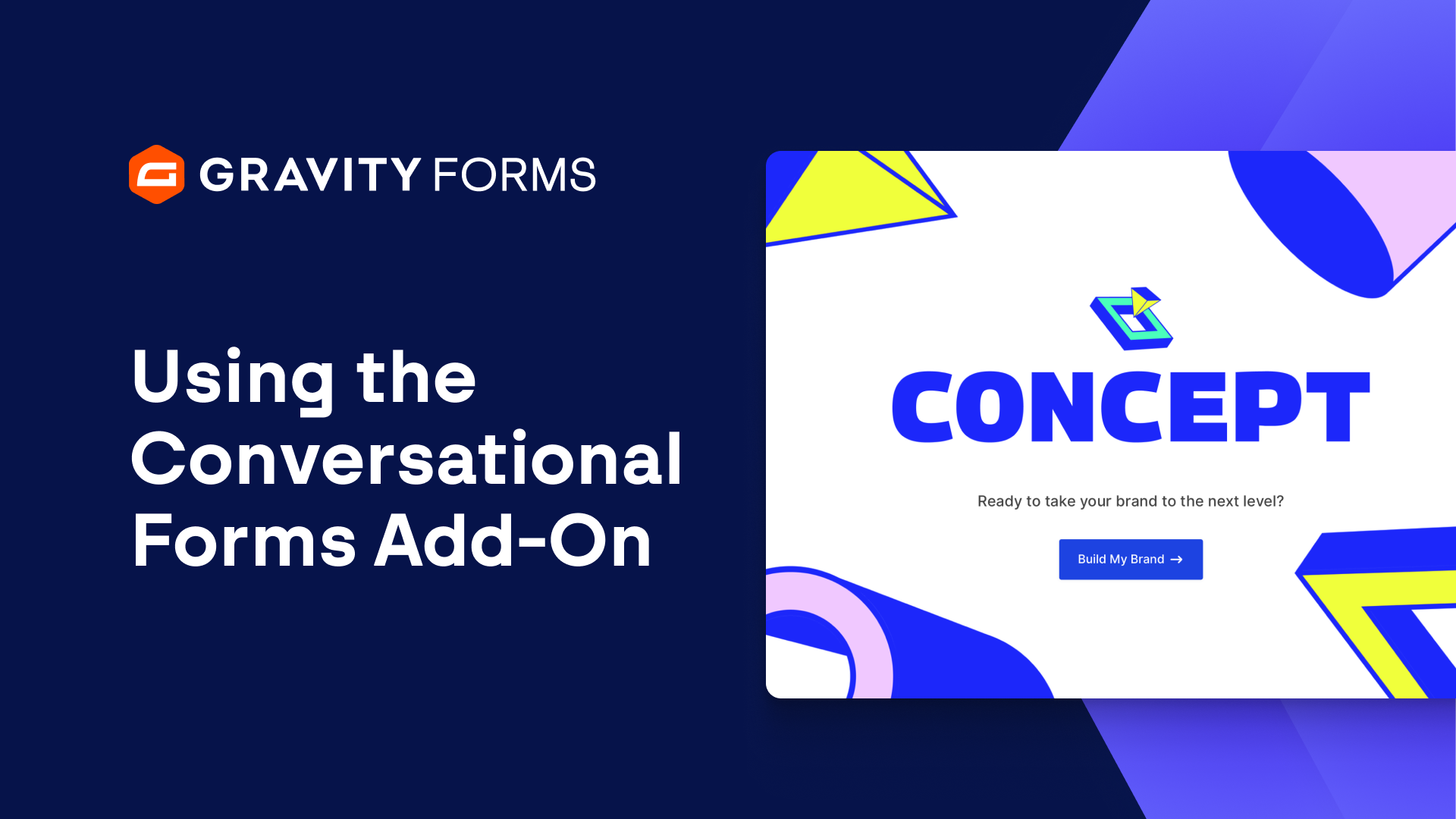
I’ll use the Form Design settings to customize the layout and look of my form, as well as enable a Welcome Screen that users will see when they first go to the URL of my form.
Within the Welcome Screen settings, I am going to modify the Description and Start Button Text, as well as upload a friendly image.
I’ll also customize the footer for this form and enable a progress bar so that users can see the length of the form as they fill it out.
Next, I’ll save my form and then customize the confirmation message that the user will see when they submit this form.
Once I’m done, my form will be good to go.
Whenever users visit the URL for this form they will be greeted by a friendly, easy-to-use survey.
Finally, you can view and filter survey results in your WordPress dashboard.
From everyone on the Gravity Forms team, thanks for watching!
Summary
Surveys are a great way to interact with your users and collect valuable information. With Gravity Forms, you can display surveys in a conversational form layout, giving you the power to collect feedback in a user friendly, conversational manner.
In this video, learn how to build an employee engagement form using the Survey and Conversational Forms Add-Ons.