For more information on the Conversational Forms Add-On, check out our docs site.
The Gravity Forms Conversational Forms Add-On gives you the power to quickly and easily create conversational forms on your WordPress website.
A conversational form allows you to present your users with forms in a friendly, distraction free, manner.
Each field is presented individually, one page at a time, giving your forms a conversational tone and ensuring forms appear less daunting to users, helping to increase engagement and remove barriers to completion.
First, install and activate the Conversational Forms Add-On.
Then, navigate to the form settings for the form you would like to use as a conversational form.
For this example, I’m going to use a simple contact form.
Select the Conversational Forms tab and enable the conversational page for your form.
Then, set the URL permalink for your conversational form.
This form will continue to display as normal when embedded anywhere on your site, but will display in distraction-free conversational mode at this URL.
Next, use the Form Design options to customize the appearance of your conversational form.
With these options you can modify the form layout, customize colors, enable logos, and enable background images.
If you add a background image, you will be given the option to adjust its brightness to ensure your form elements are legible when displayed against it.
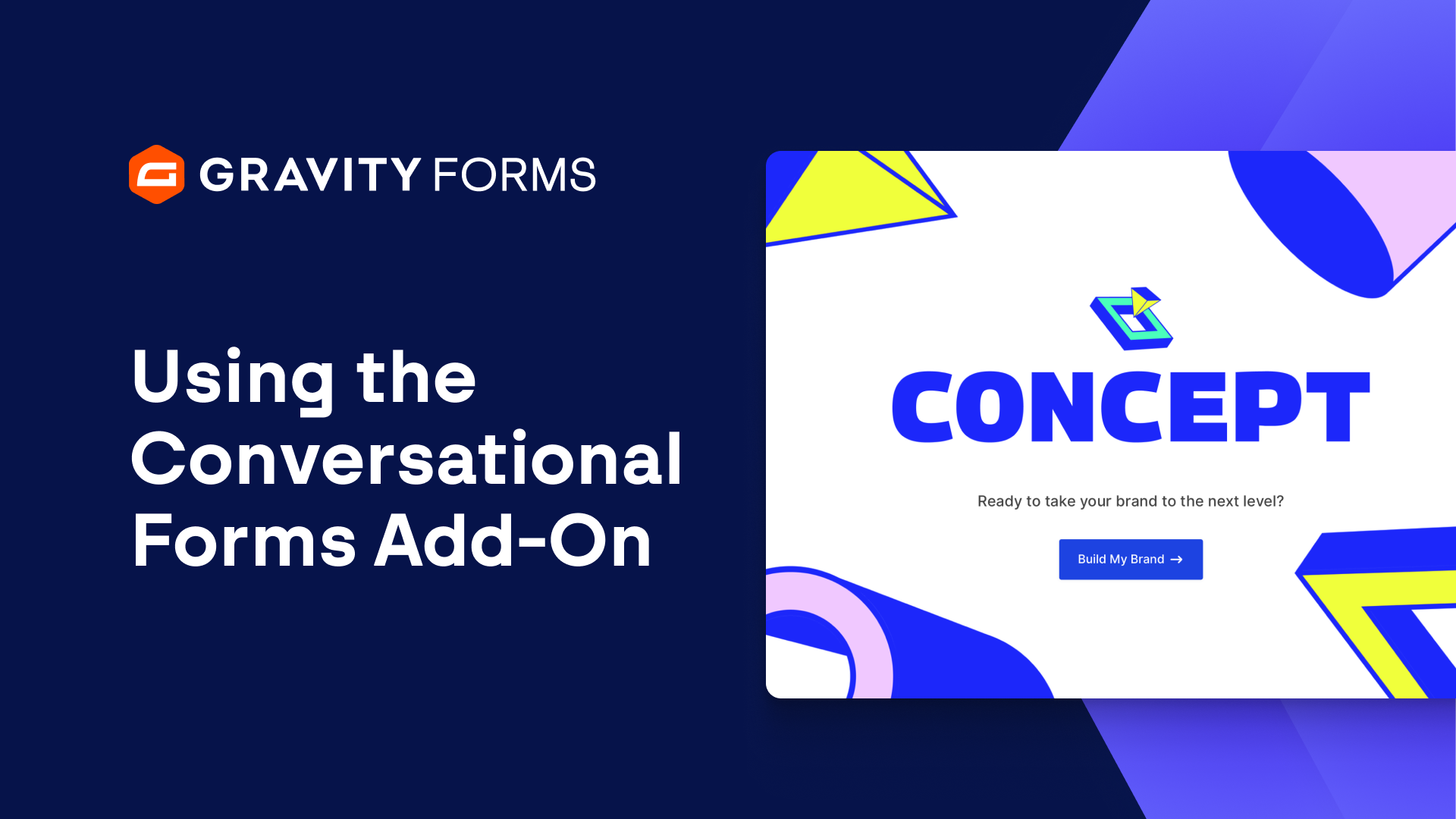
You then have the option to enable a Welcome Screen.
Within the welcome screen settings, you can customize the heading, description, start button text, image displayed, and the image alternate text.
Finally, you can customize the Continue Button Text as well as modify the footer.
By default, the footer background color will be generated from the form accent color, but you have the option to override this color.
You can also enable a progress bar and customize the progression type, bar background color, and bar foreground color.
Like before, the bar background color and bar foreground color will be generated from the form accent colors selected above, but you have the option to override these automatically generated colors.
Once you save your settings, you will be good to go.
Now, whenever a user visits the URL that you set for your form, they will be greeted with the friendly, conversational form you designed.
#FormAnything with Gravity Forms.
Summary
The Gravity Forms Conversational Forms Add-On gives you the power to quickly and easily create conversational forms. In this video, we’ll run through how to create friendly, distraction free conversational forms on your WordPress site.