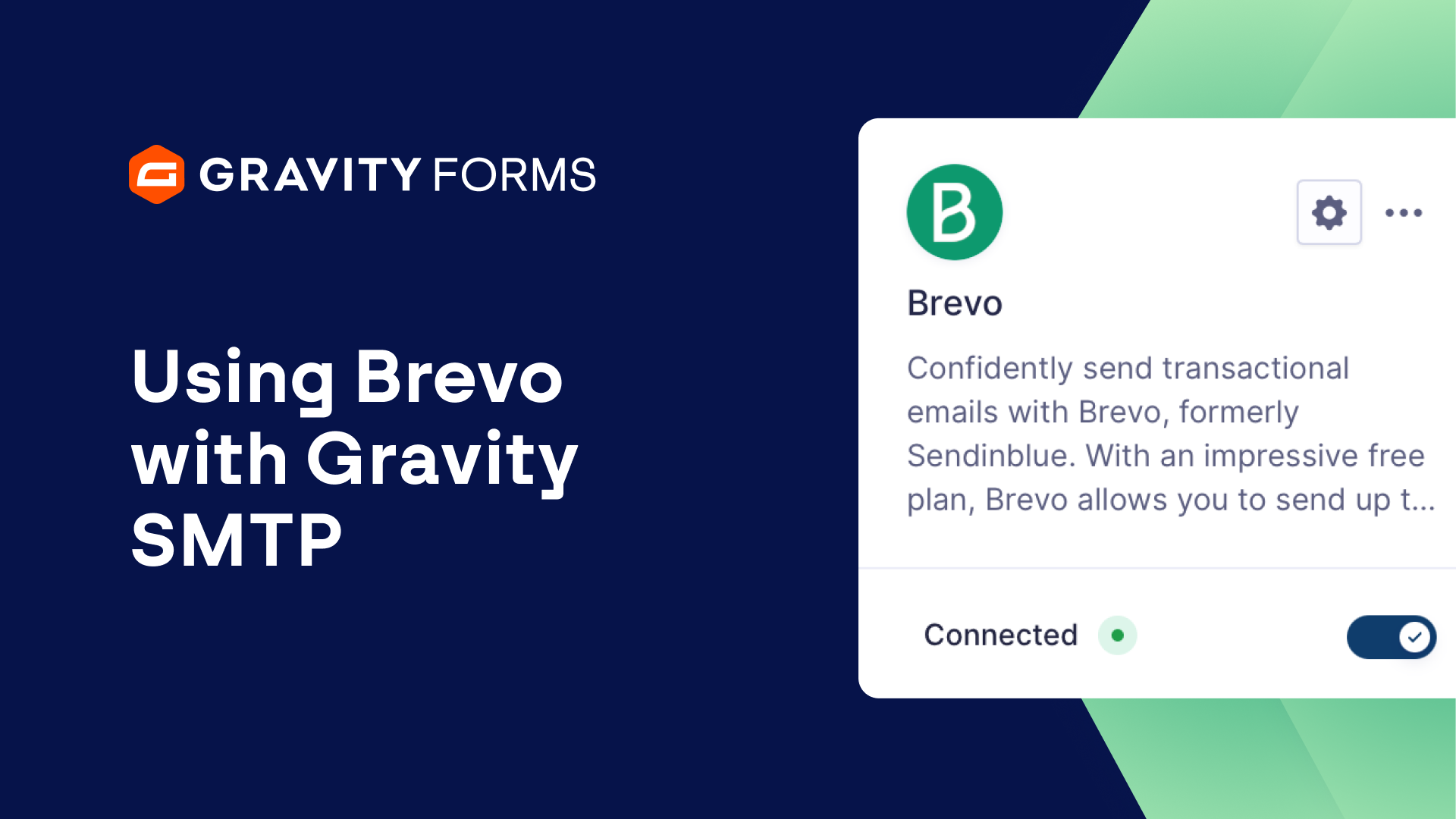
Gravity SMTP gives you the ability to reliably send emails from your WordPress website and integrates seamlessly with trusted SMTP providers and API-based services, including Brevo.
In this video, we’ll show you how to get up and running with Gravity SMTP and Brevo, so you can start sending and tracking emails from your site.
If you’ve never used Gravity SMTP before, be sure to check out our introduction video, linked in the video summary, before continuing with this video.
From your WordPress dashboard, head to the Gravity SMTP settings and select Integrations.
Next, open the Brevo settings and use the on screen link to log into your Brevo dashboard.
From here, you can select ‘Generate a new API key’ to create a new API key that you can use to integrate Brevo with Gravity SMTP.
Be sure to copy the key down and save it in a secure location.
Then, head back to your WordPress dashboard and enter the key in the ‘API Key’ field.
Next, enter your default From Email and choose whether or not you want to force the from email.
If Force Email is enabled, the Default From Email address will override other plugin settings for all outgoing emails.
You can then enter your Default From Name and choose whether or not you want to Force the From Name.
Then, save your settings and use the toggle to connect Gravity SMTP with Brevo.
Now that I have synced Gravity SMTP with Brevo, I am going to submit an entry using my Newsletter Signup Form and verify that I receive a notification email sent using Brevo.
If I head to the email log, I can see a list of all emails that have been sent using Gravity SMTP.
Here, I can look at the Email Log Details and see that my notification email was successfully sent using Brevo.
I can even select ‘View Email’ to review the email in its original format.
It’s that simple!
For more guides and tutorials on all things Gravity SMTP, check out our video library.
From everyone on the Gravity team, thank you for watching!
Summary
Gravity SMTP gives you the ability to reliably send emails from your WordPress website and integrates seamlessly with trusted SMTP providers and API-based services, including Brevo.
In this video, we’ll show you how to get up and running with Gravity SMTP and Brevo, so you can start sending and tracking emails from your site.
If you’ve never used Gravity SMTP before, check out our overview video.