Video Tutorial
Supercharge Your Donation Forms Part 2

We’re back with part two of supercharging your non-profit donation forms on Gravity Forms.
Make sure you check out part one so you can see everything that happened on the front end.
Let me punch into the areas that I think you’re going to be most interested to see in our short time together.
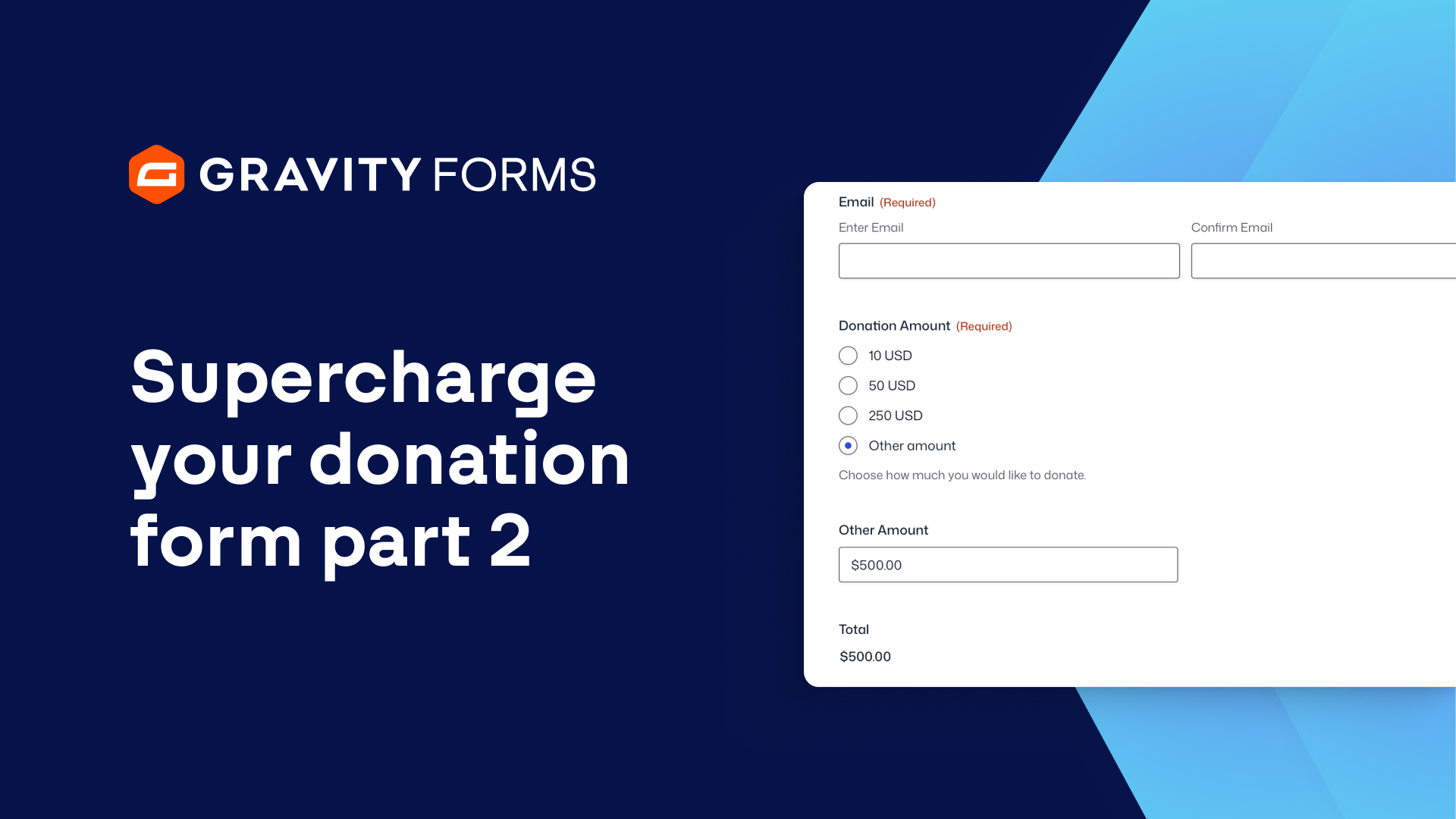
Number one is, do you want to cover the transaction fee?
This is a simple checkbox field and when the user checks off, yes, I would like to cover that transaction fee, there’s some conditional logic which makes this product field appear, which runs the calculation to cover the 30 cents plus 2.9% fee that Stripe and PayPal take during that transaction.
So that is a formula field.
You put that formula in and that will calculate that.
And then the total will be the combination of that field plus the donation amount that the user selected up top.
More conditional logic is another plain checkbox field that we ask the user, hey, yes, I want to be on that Nick Strong Foundation newsletter.
Your newsletter, this connects over MailChimp.
But when somebody says yes, there’s a MailChimp feed connected to this form that says, hey, the user said yes, make sure you add them to our MailChimp account.
On the front end of the website, when I showed you the form in action, there’s this company logo for sponsorship depending on what amount the user selects for a donation up top.
More conditional logic where this field will appear so that the user can upload their logo.
Conditional logic really makes and enhances these forms.
They’re very simple conditional logic options.
So, for example, if we expand conditional logic here, the donation amount is any one of these three five hundred one thousand twenty five hundred.
That’ll make this logo field appear.
Same goes for the payment method.
We default to the credit card, which is Stripe, and then we have the option to go PayPal, Venmo or check.
And these are all displayed through conditional logic.
That’s how we set up the form in the back end.
Make your donation forms using Gravity Forms.
It’s awesome.
It’s powerful.
It’s simple. simple check out gravity forms dot com.
Summary
Conditional Logic features of Gravity Forms can help you create forms that give your non-profit donors a more engaging experience when donating. It’s perfect for displaying different form fields based on the donation tier selected.