Tools FOR EVENTS
Run every stage of your event in WordPress.
From a 20-person workshop to a multi-day conference, Gravity gives you the forms, workflows, and email tools to run it all.

Event registration & RSVPs
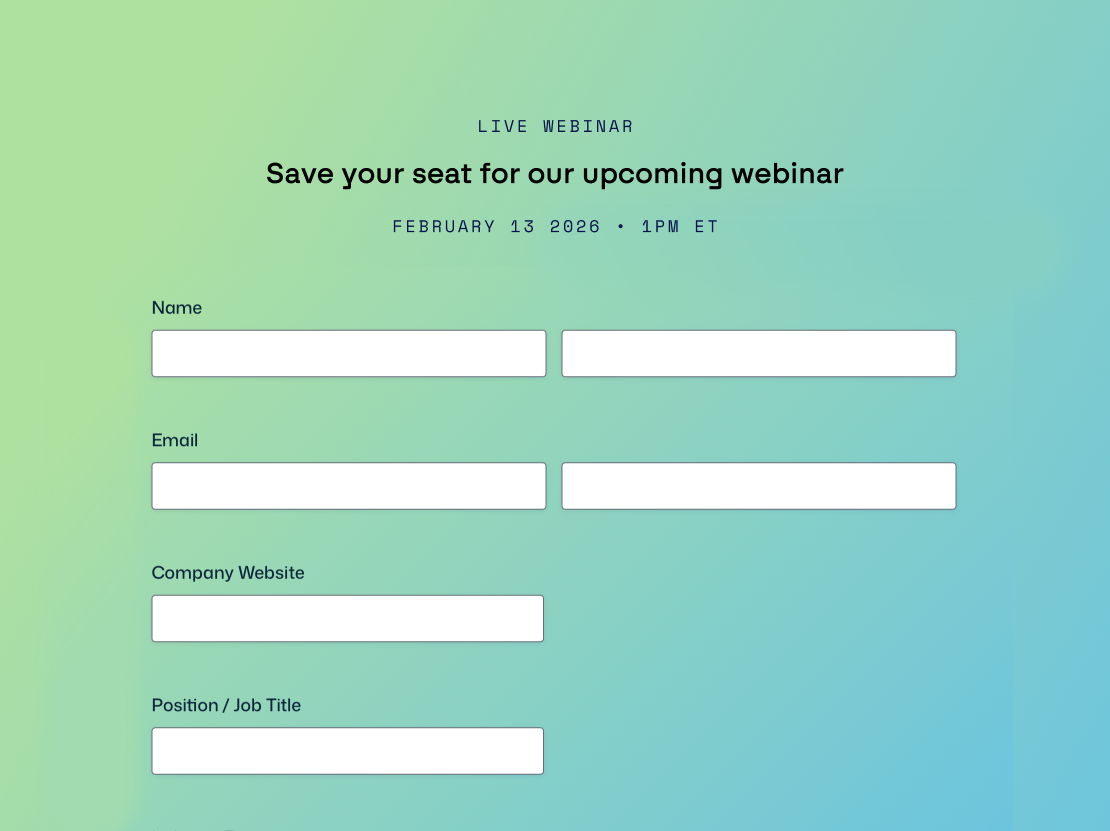
Build sign-up forms for conferences, workshops, and fundraisers with ticket tiers, session choices, and dietary requirements.

Ticket sales & payments
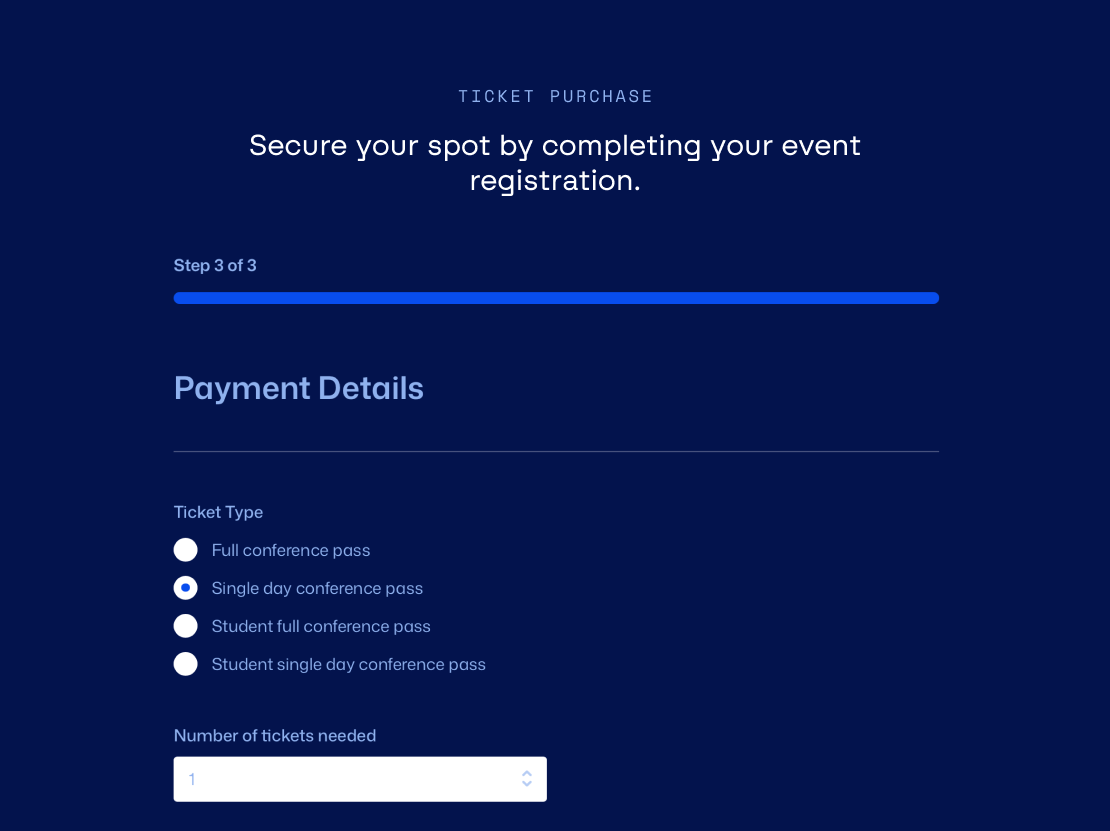
Sell tickets and take one-time or recurring payments with Stripe, PayPal, and Square, plus offer early-bird discounts.

Confirmation & reminder emails
Send ticket confirmations, schedule updates, and reminders that reach inboxes with Gravity SMTP – reliable delivery and tracking.

Approval workflows
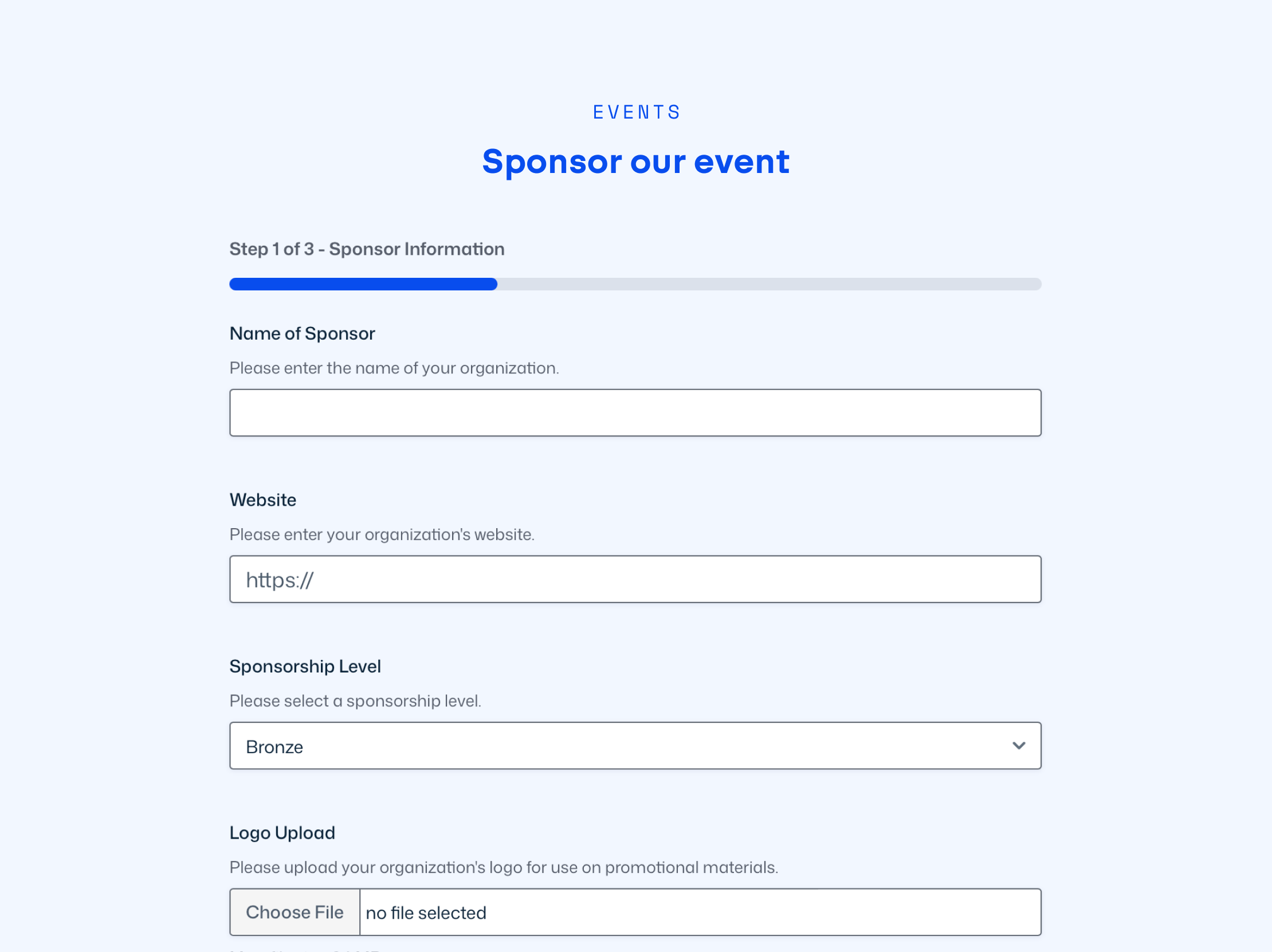
Review speaker submissions, sponsor applications, and exhibitor sign-ups with Gravity Flow, routing entries to reviewers.

Post-event surveys & feedback
Collect attendee feedback, session ratings, and testimonials with surveys, polls, and quizzes – use data to shape your next event.

Accessible forms
Design forms that are WCAG 2.1 AA compliant, so every attendee can register, RSVP, and respond with ease.



Form Templates
Pre-built templates, endless possibilities.
From conferences to community events, our templates help you launch in minutes.

See why creators, teams, and businesses trust Gravity Forms to power their workflows
“
As a web designer, I have not found any other WordPress form application that is as easy to update and has as many features as Gravity Forms.

Kristin Pruis
“
Your customer service is very personal. Receiving quick email replies from your staff is gratifying and extremely helpful. I transferred licenses from me to two separate webmasters–it was seamless.
Caudia Siegal
“
I often have to create complex forms with conditional logic, and Gravity Forms is the only plugin I have found that is robust enough to do what I need.
Michele M.

 Buy Now


Need more info?
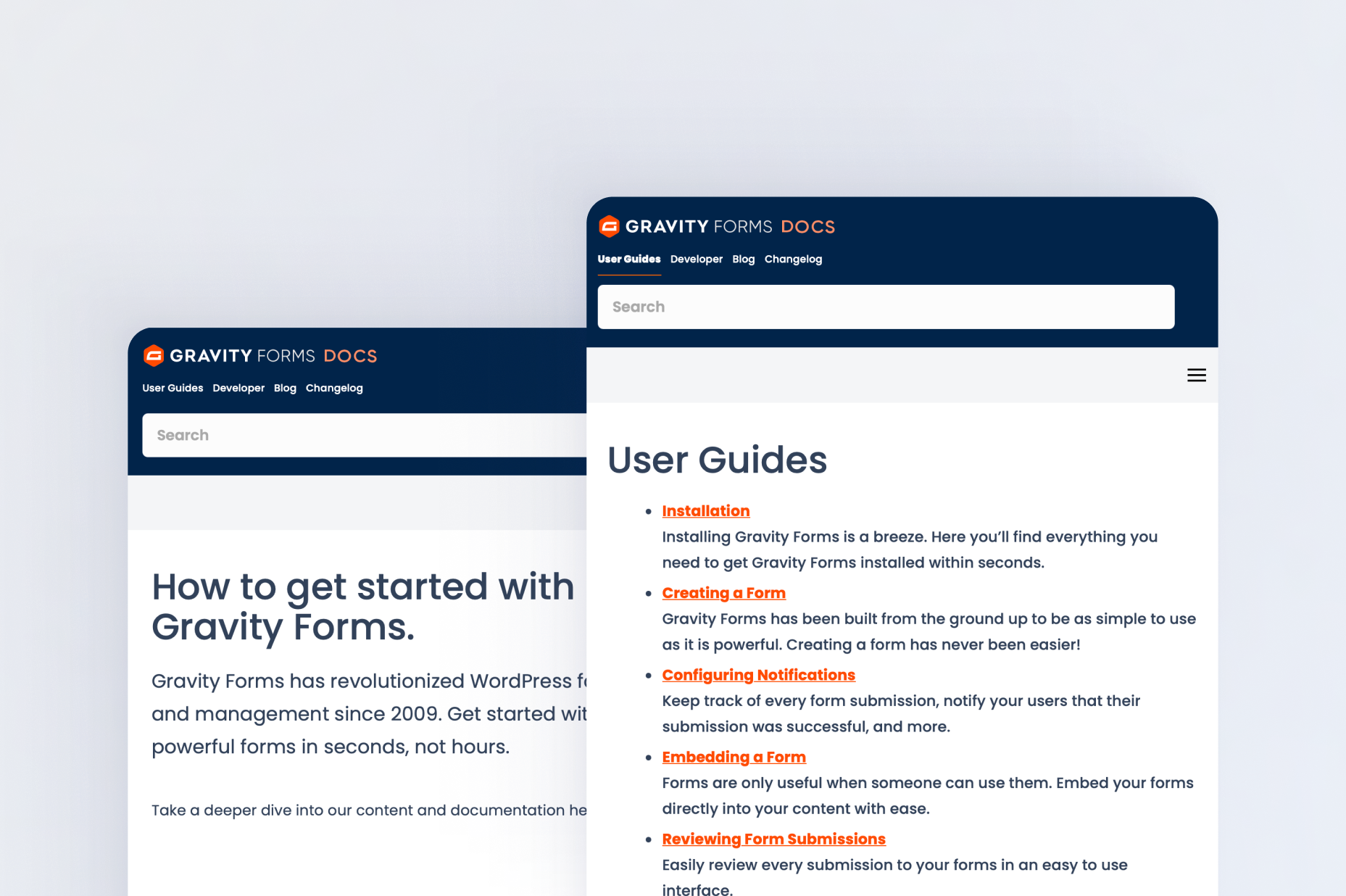
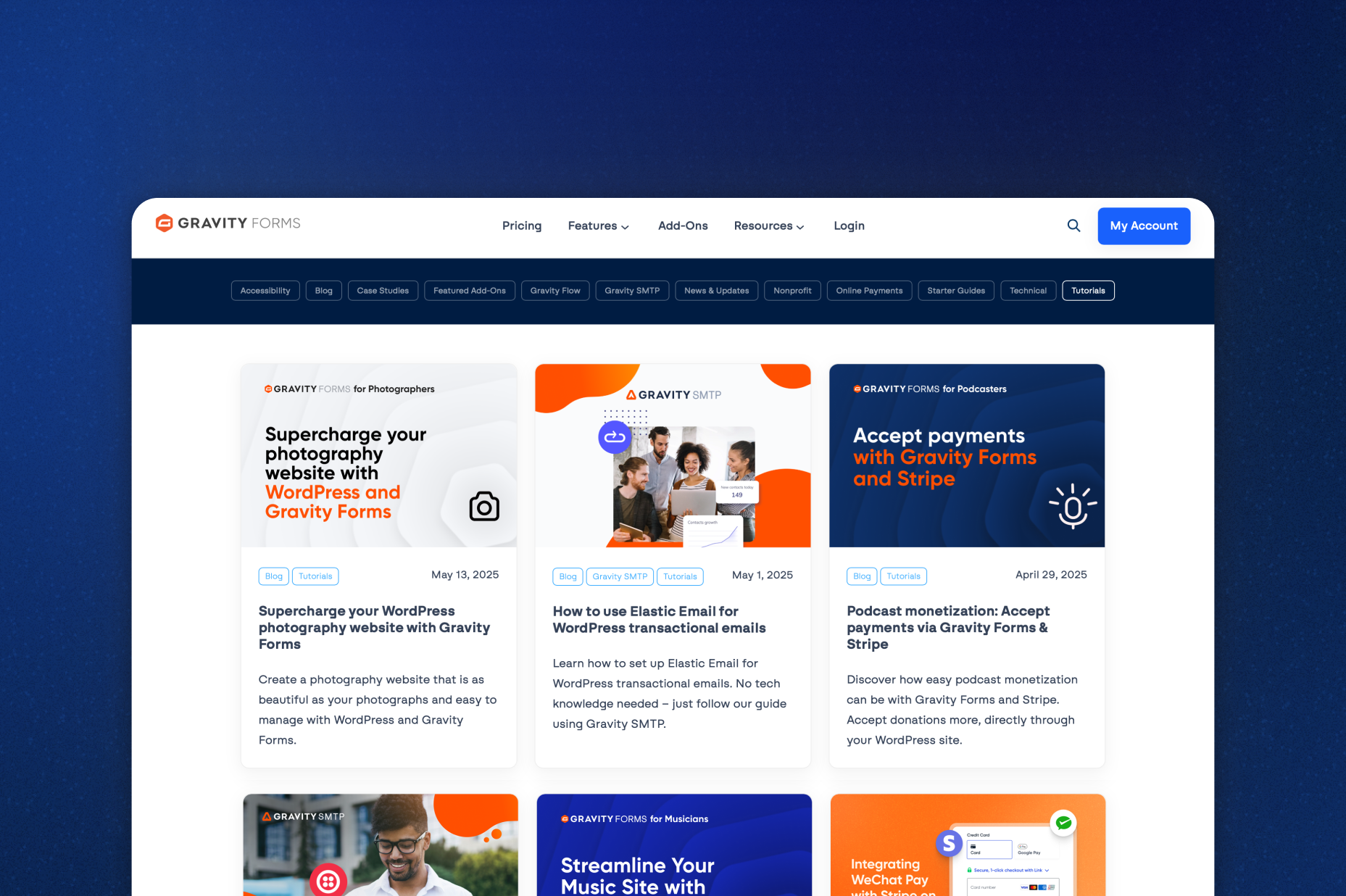
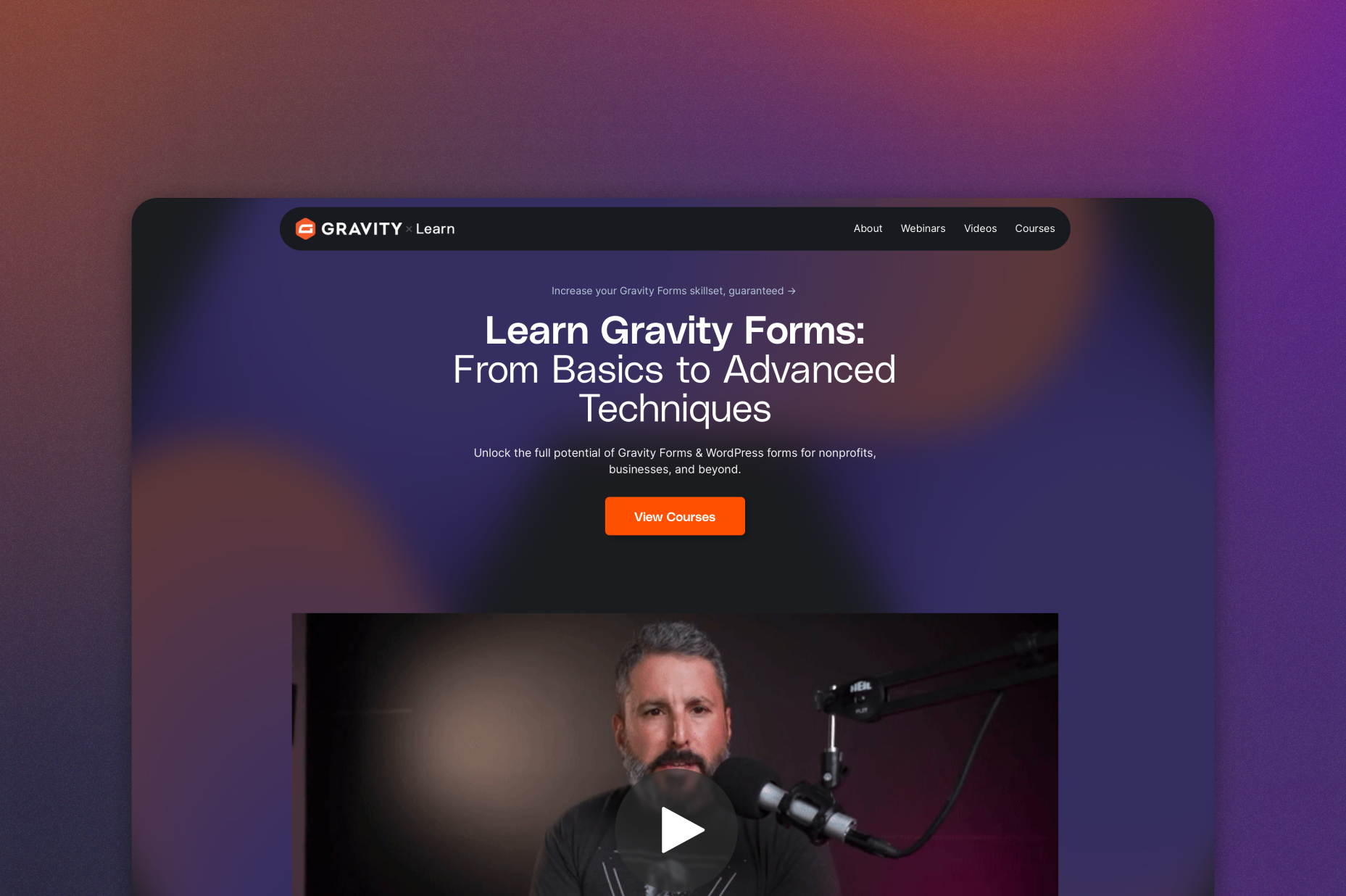
Our extensive documentation, blog, and Learn site have all the resources you need to get started…
Frequently asked questions.
How do I create an event registration form in WordPress with Gravity Forms?

You can create an event registration form in WordPress by using Gravity Forms’ drag-and-drop builder to add attendee information fields, date selectors, payment integrations, and conditional logic for different ticket types or event options.
Can Gravity Forms accept payments for event tickets?
Yes, Gravity Forms supports Stripe, PayPal, Square, and other payment gateways, making it easy to sell event tickets, collect deposits, or manage recurring event subscriptions directly through your WordPress website.
Does Gravity Forms support multi-step event registration forms?
Gravity Forms includes built-in multi-page form functionality with progress bars, allowing you to create user-friendly multi-step event registration forms that improve completion rates for conferences, workshops, and large events.
Can I automate event confirmations and reminders with Gravity Forms?
Gravity Forms can automatically send event confirmations. For follow-up notifications and reminders, use Gravity Flow or your email marketing platform of choice.
Is Gravity Forms good for managing RSVP forms?
Gravity Forms works well for RSVP forms because you can use conditional logic to show different questions based on attendance responses and automatically limit registrations once your event reaches capacity.
Can Gravity Forms handle file uploads for event applications?
Yes, Gravity Forms includes secure file upload fields that allow attendees to submit resumes, speaker proposals, sponsorship documents, or other application materials directly through your event form.
Does Gravity Forms integrate with CRMs for event lead capture?
Gravity Forms integrates with popular CRMs like HubSpot, Mailchimp, and ActiveCampaign so event organizers can automatically capture leads, segment attendees, and trigger marketing automations after registration.
Is Gravity Forms suitable for virtual events and webinars?
Yes, Gravity Forms is ideal for virtual events and webinars because it can collect attendee registrations, process payments, automate confirmation emails, and connect registrants to webinar platforms using Zapier or webhooks.
Can I try Gravity Forms before purchasing?
Yes. Gravity Forms offers a free Elite demo that lets you test it as a full-featured WordPress form builder, including form templates, integrations, and advanced features, before committing to a paid license.
If I love the demo and decide to purchase Gravity Forms, do you offer a money back guarantee?
We want you to feel confident about purchasing Gravity Forms which is why we offer a 30-day money back guarantee. If you find Gravity Forms isn’t the best fit, simply send us a message! We’ll happily refund 100% of your money, no questions asked.