



If you want to make sure your WordPress site’s emails make it to people’s inboxes (and avoid the spam folder), using a WordPress SMTP plugin and a transactional email service is your best option.
To help you choose the right setup for your site, we’re going to cover the best WordPress SMTP plugins in this post, with a detailed look at five great options.
If you pair this information with our roundup of the best transactional email services for WordPress sites, you can be confident that your WordPress site’s emails will have rock-solid reliability.
We’ll start with a quick rundown of what to consider when choosing an SMTP plugin. Then, we’ll dig into each plugin in detail.
What to consider in an SMTP plugin
While you might have your own unique needs, here are some of the most important considerations when choosing a plugin:
- API integrations – While all of these plugins let you connect to any custom SMTP server, we recommend looking for one that has a direct API integration with the service that you want to use. API connections are generally more reliable and secure, which is why they’re preferable.
- Active development – Make sure the developer is still actively working on the plugin. Basic maintenance is the bare minimum – ideally, you’ll also see new integrations and features added.
- Extra reliability tools – Look for tools that can help you further improve the reliability of your site’s emails, such as backup sending methods, real-time alerts for failed emails, etc.
- Email logging – Email logging can help you stay on top of your site’s emails and have a record of content that you’ve sent and whether it was delivered (if needed).
- Reporting – High-level reports can also help you monitor your site’s emails. Some plugins just give you basic sending stats, while others can provide more actionable information, such as open rates and which plugins are sending the most emails on your site.
In addition to functionality, you’ll also want to consider price. Make sure to consider the full cost of ownership, as some SMTP plugins will lock features behind higher-tier plans and some will also raise the price significantly after the first year.
Best WordPress SMTP plugins 2026
Now, let’s get into the best WordPress SMTP plugins in 2026.
Here are the five plugins that we’ll cover:
- Gravity SMTP
- WP Mail SMTP
- FluentSMTP
- Post SMTP
- Easy WP SMTP
For each plugin, we’ll cover the following:
- Key features
- A full list of its API integrations with email sending services
- Pricing details
- Pros and cons
In situations where the plugin offers both a free version and a paid version, we will try to mark paid features and integrations with a “💰” symbol. This might not always be possible in situations where the feature is partially available in the free version, but we’ll do our best to note it where possible.
Gravity SMTP

Gravity SMTP is a WordPress SMTP plugin that comes from the same team behind the Gravity Forms plugin. While it does come from the Gravity Forms team, it’s a standalone plugin.
It currently supports direct API integrations with 16+ popular transactional email services, along with offering a custom SMTP option that lets you connect to any SMTP server.
It also includes a number of reporting tools and features to further improve the reliability of your site’s emails and help you more easily monitor everything that’s going on.
While Gravity SMTP does work great for improving the reliability of Gravity Forms notification emails, it’s by no means limited to just form notifications. It will work for all of your site’s emails, including core emails and emails from any other plugins that use WordPress to send emails.
Key features
- 16+ dedicated API integrations – also offers a custom SMTP server option.
- Backup email sending methods – you can connect to a second service as a backup. If an email fails to send via your primary service, Gravity SMTP can automatically resend it using the backup service. This ensures deliverability even when there’s a problem with your primary service.
- Detailed email logging – Gravity SMTP can log all of the emails that your site sends, including technical information and content. You can fully control the log retention period or disable it completely.
- Email content and attachment logging – you also have the option to log the content, design, and attachments of individual emails. You can also disable some or all of this logging if you don’t want to store email content (e.g. for privacy reasons).
- Manual email resends – you can easily resend any logged email just by clicking a button.
- Real-time alerts for failed emails – you can set up real-time alerts via SMS (powered by Twilio) and webhooks. The webhooks will work with any service that accepts incoming webhooks. For example, you could receive a Slack message whenever an email fails to send.
- Email reporting – you can view high-level reports about how many emails your site sends, along with the top email recipients and the top email sending sources (e.g. a specific plugin or core WordPress emails).
- Email open tracking – you can track whether each individual email has been opened by the recipient, as well as see high-level reporting for your overall email open rate.
- Email suppression lists – you can set up suppression lists from your WordPress dashboard. This lets you block listed email addresses from receiving any emails from your site.
- Send test emails
- Email digest – you can receive an email digest of your site’s email activity. You can receive this daily, weekly, or monthly.
- Core WordPress email management – you can easily enable/disable core WordPress emails and notifications.
Integrations
- Custom SMTP
- Amazon SES
- Brevo
- Elastic Email
- Emailit
- Gmail / Google Workspace
- Mailchimp Transactional (Mandrill)
- MailerSend
- Mailgun
- Mailjet
- Outlook / Microsoft 365
- Postmark
- Resend
- SendGrid
- SMTP2Go
- SparkPost
- Zoho Mail

Pricing
Gravity SMTP is not currently for sale directly.
Instead, it’s available for free to anyone holding one of these Gravity Forms licenses:
- Elite
- Nonprofit
- Developer
If you’re already holding one of those licenses or you’re interested in purchasing one of them, this makes Gravity SMTP one of the most cost-effective SMTP plugins on this list, as you get access to premium-level functionality at no extra cost.
Pros and cons
Pros:
- Supports 16+ direct API integrations, with more being added regularly.
- Offers features to improve email reliability, with backup sending methods, flexible real-time alerts that work with any service that supports webhooks, email resends, logging, and more.
- The email suppression list feature is a unique feature that most SMTP plugins don’t offer. This can make it easier to manage suppression lists (especially if you’re working on client websites).
- Under active development, with tons of features and integrations added in the past year.
- Included with the Gravity Forms Elite, Nonprofit, or Developer licenses.
Cons:
- There’s no free option.
WP Mail SMTP
WP Mail SMTP is an SMTP plugin from Awesome Motive, the company behind a large number of WordPress plugins, both self-developed and acquired.
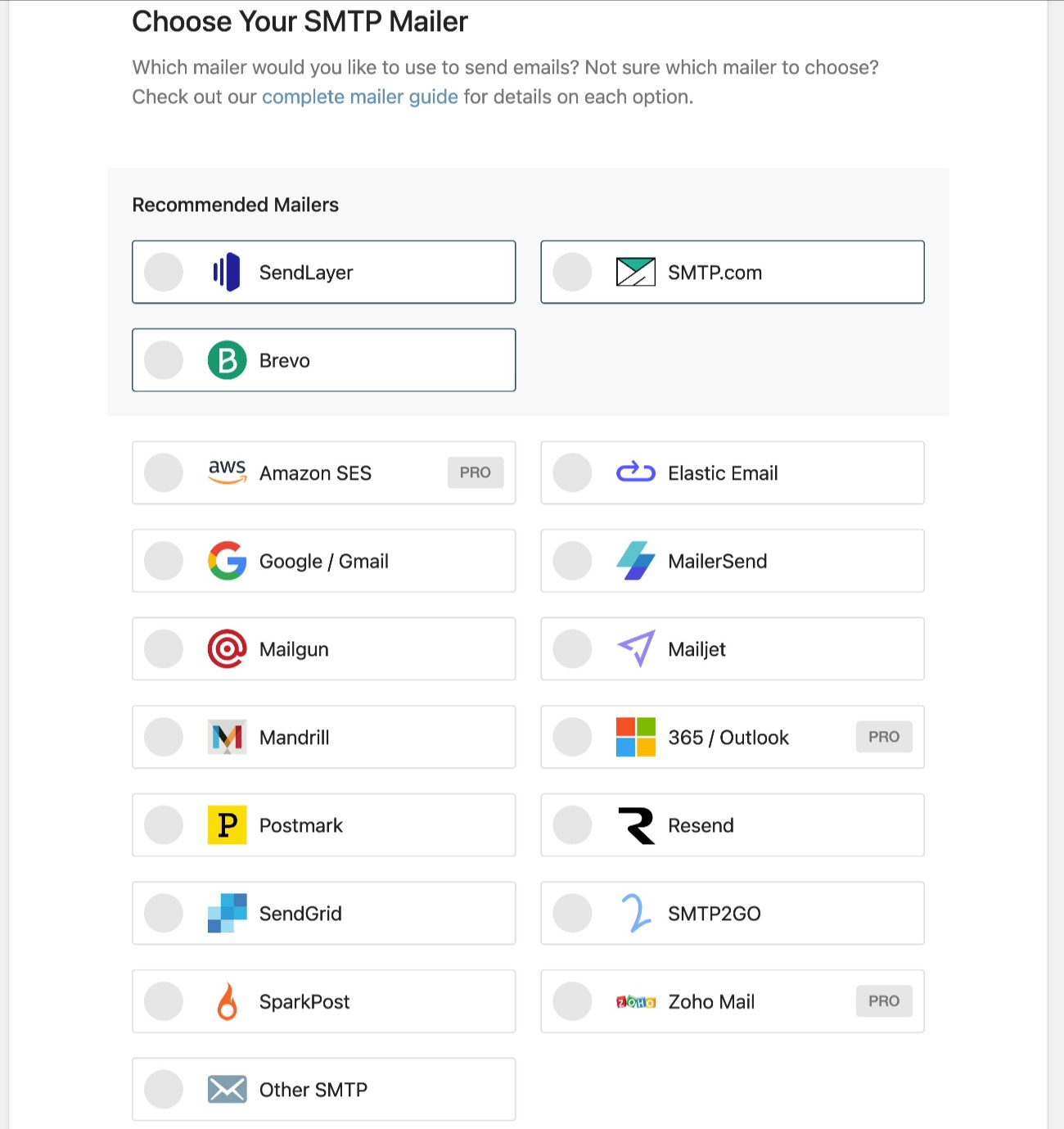
It offers direct API integrations for 17+ different services, along with a custom SMTP option. You can access 14 integrations with the free version, while you’ll need the paid version to access the other three.
We have a post comparing WP Mail SMTP vs Gravity SMTP that can give you a deeper look at both plugins.
Key features
- 17+ dedicated API integrations – also offers a custom SMTP server option.
- Send test emails
- Email logging 💰- you can log all of the emails that your site sends. You can also resend emails from the log.
- Real-time alerts 💰- you can receive alerts via a variety of methods, including built-in integrations as well as custom webhooks implementations.
- Backup email service 💰 – you can connect to a secondary service that WP Mail SMTP will use if the primary service fails.
- Email reports 💰 – you can see high-level reports about your site’s email sending. It also includes a feature that breaks out the report by email subject line.
- Smart routing 💰- you can set up conditional rules to use a different email service based on the type of email. For example, you could send WooCommerce transactional emails with one service while using a different service for core WordPress emails.
- Core WordPress email management 💰- you can enable/disable core email notifications.
Integrations
- Custom SMTP server
- Brevo
- Elastic Email
- Gmail / Google Workspace
- Mailgun
- Mailjet
- MailerSend
- Mailchimp Transactional (Mandrill)
- Postmark
- Resend
- SendGrid
- SendLayer
- SMTP.com
- SMTP2GO
- SparkPost
- Outlook / Microsoft 365 💰
- Amazon SES SMTP 💰
- Zoho Mail SMTP 💰
Pricing
WP Mail SMTP has a limited free version that’s available at WordPress.org.
If you want access to all of the features and integrations, you’ll need to go with WP Mail SMTP Pro.
The Pro version starts at $99 for use on a single site and goes up to $449 for use on up to 100 websites.
WP Mail SMTP Pro runs perpetual discounts that will drop the first-year prices of all its plans. For example, the entry-level Pro plan is advertised as “$49.00/year”.
However, it’s important to note that this discounted $49 price only applies to the first year. If you want to continue using the plugin after the first year, your plan will renew at $99 per year for every year thereafter.
Pros and cons
Pros:
- Supports 17+ direct API integrations.
- Has useful reliability features like a backup sending service and flexible real-time alerts that support custom webhooks.
- The Smart Routing feature is unique and may be useful in certain advanced situations. Most SMTP plugins don’t offer this feature.
- Under active development from a well-established company.
Cons:
- The free version is missing a lot of basic features. For example, you need the premium version to access any email logging, which is something that most SMTP plugins include for free.
- There’s a big difference between the first-year price and the renewal price. On the Pro tier, the price doubles after the first year (though the difference is not as large on higher-tier plans).
FluentSMTP
FluentSMTP is a free WordPress SMTP plugin from WPManageNinja, the same company behind a number of Fluent-branded plugins.
While FluentSMTP is built to act as a companion for many of the developer’s plugins that rely on sending emails (e.g. its FluentCRM plugin), FluentSMTP works for all emails that use the WordPress email system, including core emails and emails from other plugins.
We also have a post comparing FluentSMTP vs Gravity SMTP for more details about both plugins.
Key features
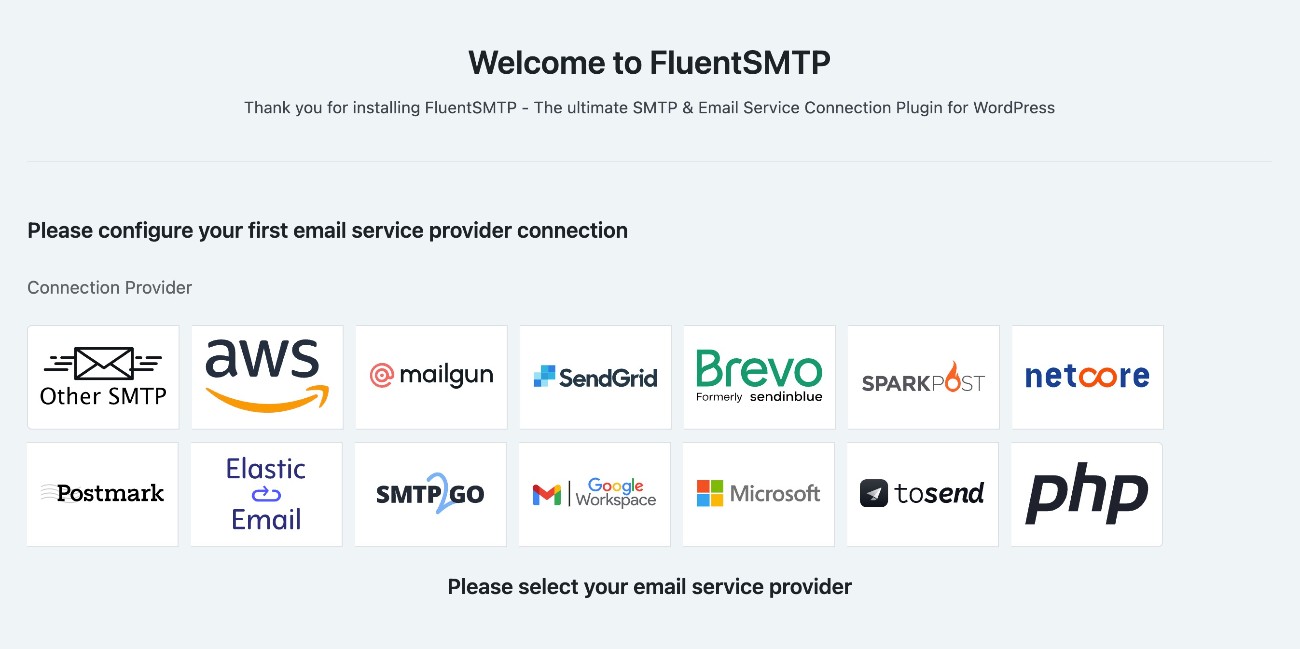
- 12+ dedicated API integrations – also offers a custom SMTP server option.
- Fallback email connection – you can specify a backup service that FluentSMTP will use if the primary service fails to send an email.
- Email logging – the plugin can log all of the emails that your site sends, including letting you view technical details and the content, design, and attachments of each email. You can also adjust the log period or disable logging completely.
- Basic email send reports – you can track overall sent emails, along with the time of day. However, you can’t see email opens, top sending sources, or top recipients.
- Send test emails
- Real-time email alerts – you can receive failed email alerts via Telegram, Slack, Discord, or Pushover. However, you’re limited to these dedicated integrations – there’s no custom webhook option.
Integrations
- Custom SMTP
- Amazon SES
- Brevo
- Elastic Mail
- Gmail / Google Workspace
- Mailgun
- Netcore (Pepipost)
- Outlook / Microsoft 365
- Postmark
- SendGrid
- SMTP2GO
- SparkPost
- toSend
Pricing
FluentSMTP is a free plugin and the developer has committed to offering it for free forever. The developer essentially uses it as a value-added companion/marketing tool for its other plugins, which do offer premium versions.
Pros and cons
Pros:
- 100% free forever.
- Solid tools to improve reliability, such as fallback sending services and real-time alerts.
- Receives active development, with a good maintenance record and new features added regularly.
Cons:
- The list of API integrations is a little shorter than some other SMTP plugins, though it still includes most big names.
- You’re limited to the built-in integrations for real-time alerts. There’s no option to connect to custom webhooks-enabled services.
Post SMTP
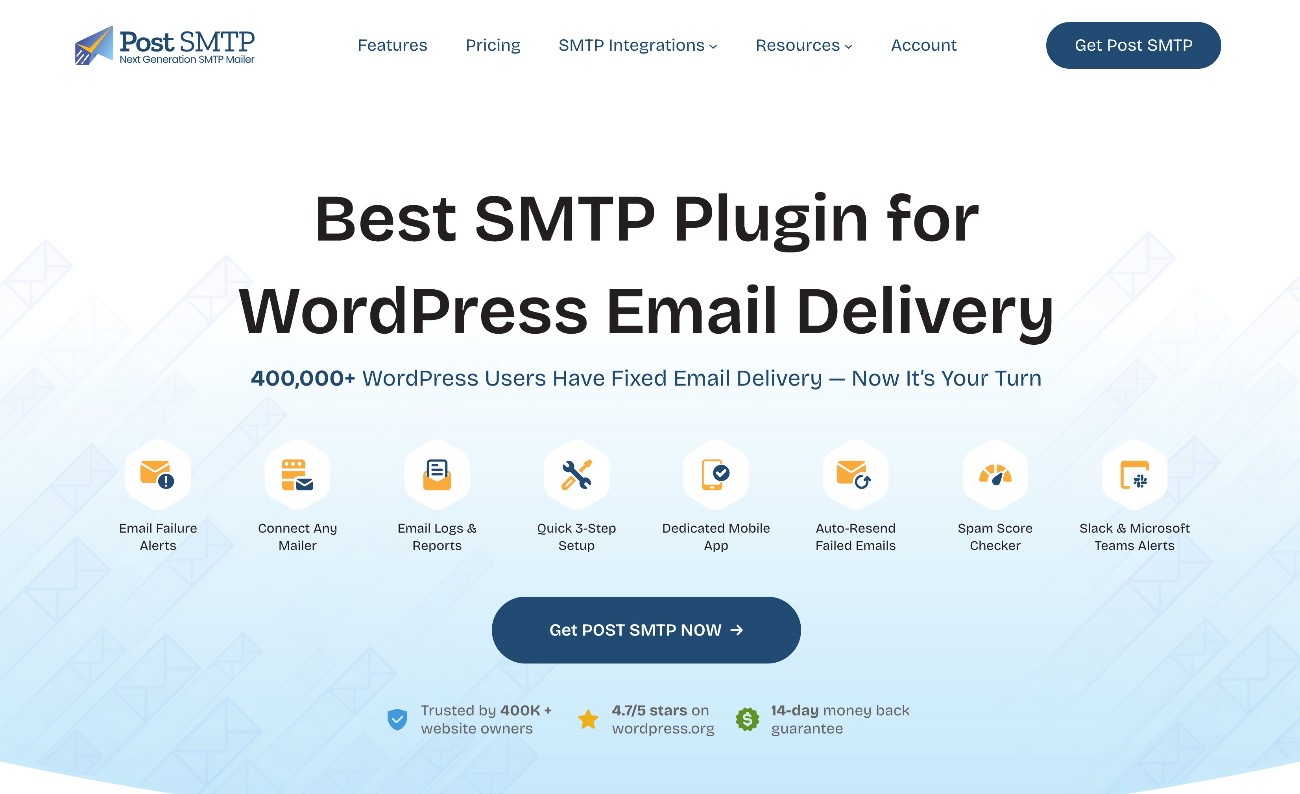
Post SMTP is a fork of the old Postman SMTP plugin, which used to be one of the most popular SMTP plugins before the original Postman SMTP developer abandoned it.
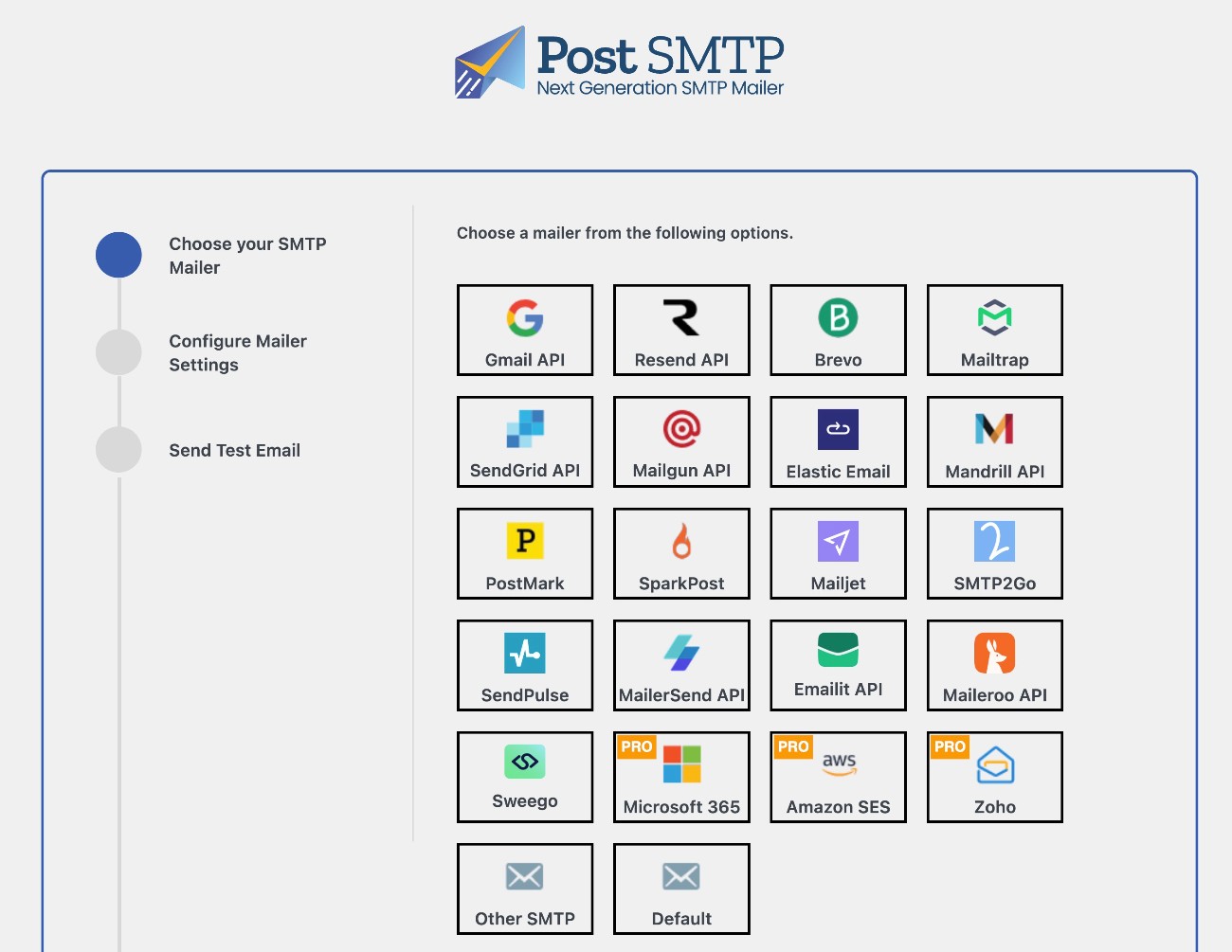
By a small margin, it has the longest list of direct API integrations, with 20+ direct integrations. There’s also a custom SMTP option for additional connections.
In 2022, the plugin was acquired by WPExperts, a company that offers WordPress development services and also has a number of its own plugins, including some popular WooCommerce extensions.
Key features
- 20+ dedicated API integrations – also offers a custom SMTP server option.
- Email logging – you can log the technical details and content of each email that your site sends, including the ability to adjust the log storage period.
- Email reports – in addition to logging, you can also view high-level reports about how many emails your site has sent. However, it doesn’t report other data like top sending sources and recipients.
- Fallback email sending – you can specify a backup email sending method by inputting SMTP server credentials. However, it does not let you set up API connections for the fallback method.
- Email open tracking – the highest-tier premium version lets you track email opens.
- Send test emails
- Real-time alerts for failed emails – you can receive notifications via email, Slack, Pushover, webhooks, Twilio SMS (💰), Microsoft Teams (💰), and Chrome push notifications.
- Mobile app – Post SMTP offers its own dedicated mobile app that lets you view/manage your site’s emails from mobile devices.
- Email health digest – you can receive a weekly email about your site’s email health.
Integrations
- Custom SMTP
- Brevo
- Elastic Email
- Emailit
- Gmail / Google Workspace
- Mailchimp Transactional (Mandrill)
- Mailgun
- Mailjet
- Maileroo
- Mailtrap
- MailerSend
- Postmark
- Resend
- SendGrid
- SendPulse
- SMTP2Go
- SparkPost
- Sweego
- Amazon SES 💰
- Outlook / Microsoft 365 💰
- Zoho Mail 💰
Pricing
The core Post SMTP plugin is available for free at WordPress.org.
In the past, Post SMTP used to be a 100% free plugin. However, after the 2022 acquisition, WPExperts launched a premium version that builds on top of the core plugin.
To access the premium features, you can choose between annual and lifetime plans.
There are three plans that give you access to different features. Then, the price of each plan goes up based on the number of sites on which you want to use the plugin.
Here are the prices for use on a single website at the time of this writing:
- Basic – $59.99/year or $179.99 lifetime.
- Professional – $79.99/year or $239.99 lifetime.
- Business – $99.99/year or $299.99 lifetime.
Here are the prices for use on up to 1,000 websites (the most allowed):
- Basic – $399.99/year or $999.99 lifetime.
- Professional – $449.99/year or $1,099.99 lifetime.
- Business – $499.99/year or $1,199.99 lifetime.
Pros and cons
Pros:
- Has the most direct API integrations of any plugin on this list. with 20.
- Has a lifetime license option, which no other plugin does. While it’s a high upfront cost, this could make sense if you know that you’ll need the plugin for 4+ years.
- It offers its own mobile app, which is a unique feature that no other SMTP plugin currently offers. While most people don’t need a mobile app, this could be an advantage if you place a lot of value on this feature.
Cons:
- The fallback feature only lets you connect to an SMTP server. You cannot set up a second direct API connection and use that as a fallback, which is something that most other SMTP plugins allow.
- Can be expensive if you need to use it on a lot of different sites.
Easy WP SMTP
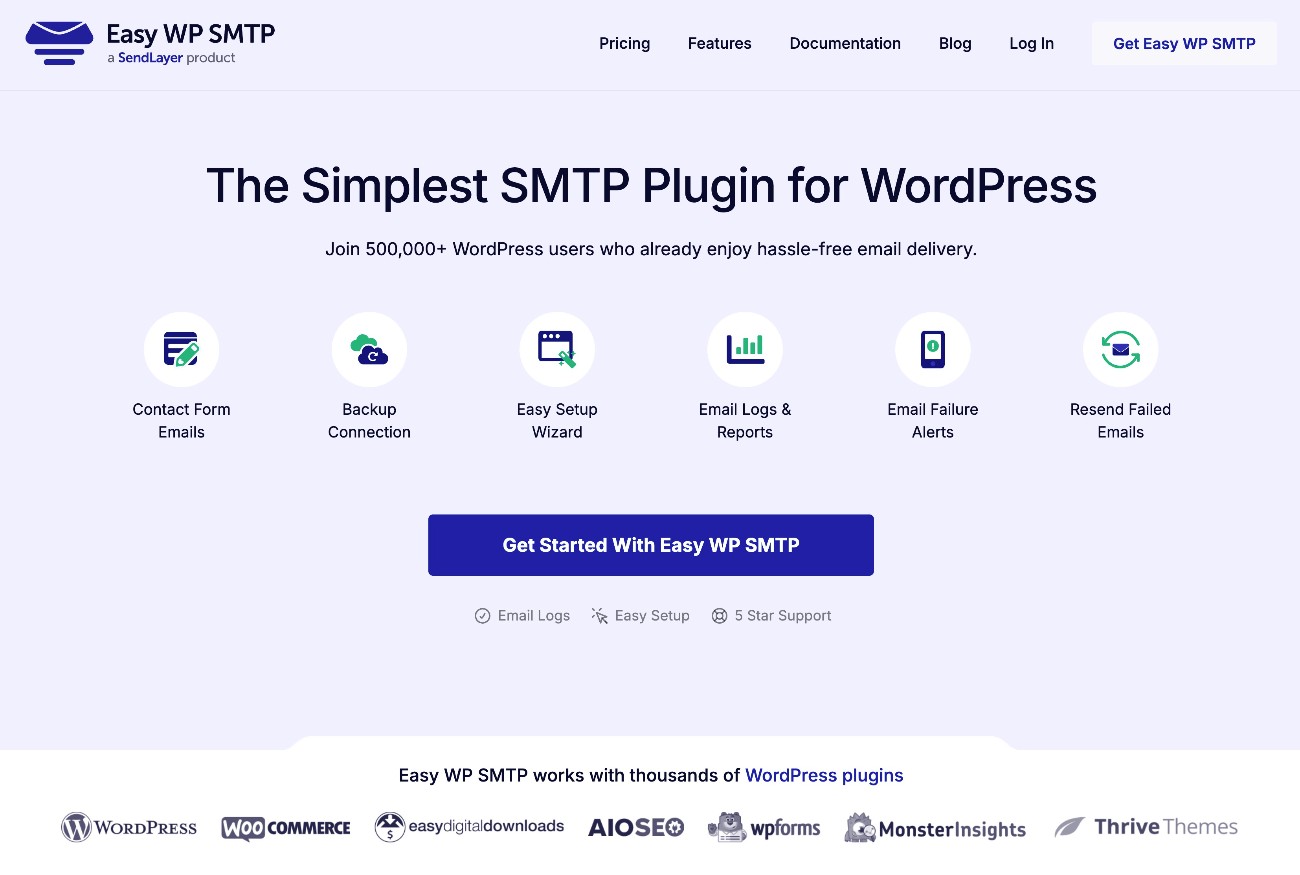
Easy WP SMTP is an SMTP plugin from SendLayer, which is owned by Awesome Motive (the same company behind the WP Mail SMTP plugin from earlier in this post).
Because of this, its feature list is nearly identical to the WP Mail SMTP plugin. However, it does have a few differences in terms of its pricing, which is why we feel that it’s different enough to also appear on this list. Its popularity also makes it difficult to ignore.
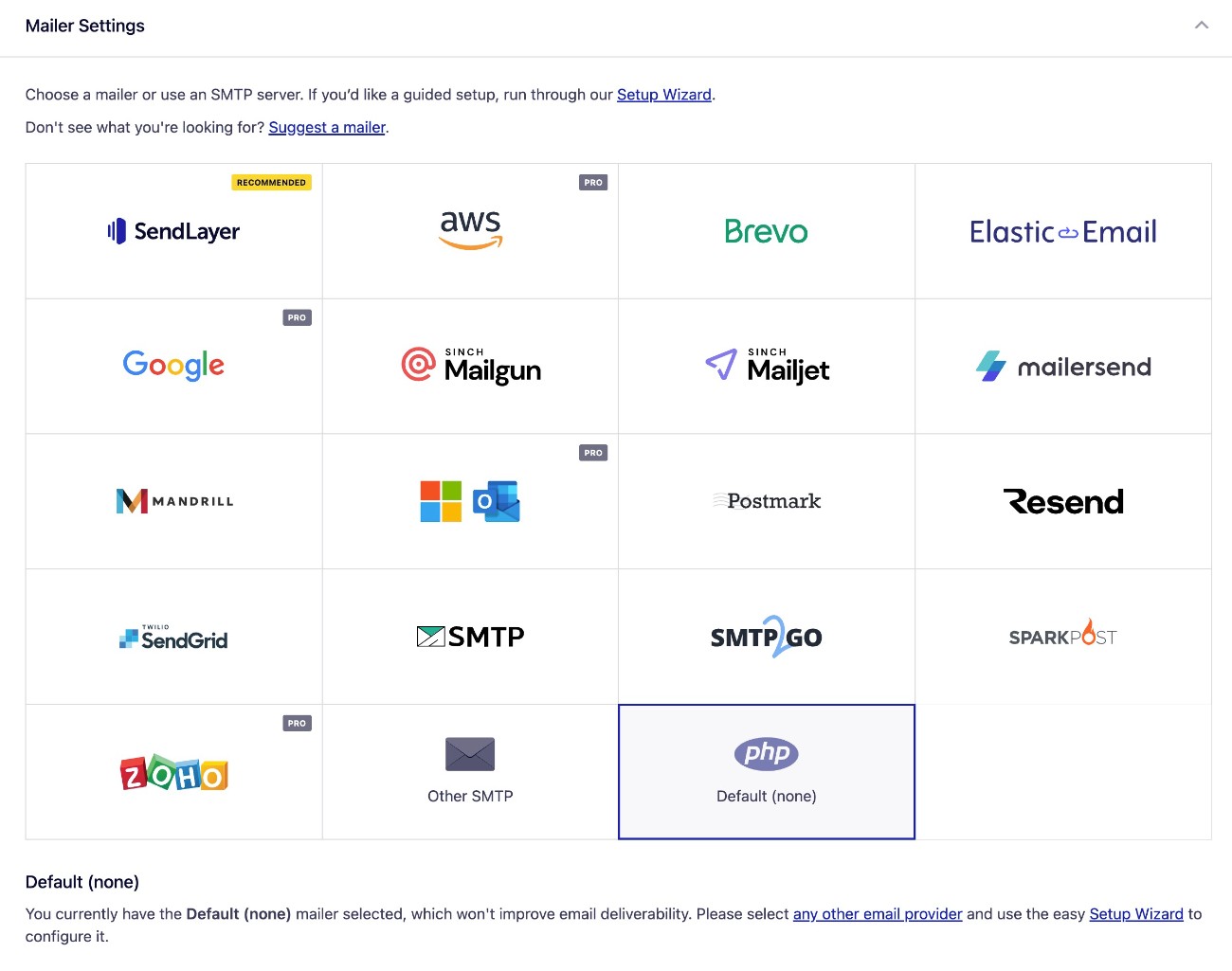
While the interface will promote SendLayer as the recommended SMTP provider, the plugin also works with a variety of other services.
Key features
- 17+ dedicated API integrations – also offers a custom SMTP server option.
- Send test emails
- Backup email service 💰 – you can set up a second connection and use it as a backup.
- Email logging 💰- you can log all of the emails that your site sends, including opens and click tracking. You can also resend failed emails.
- Real-time alerts 💰- it offers dedicated integrations, along with supporting any webhook-enabled service.
- Email reports 💰 – you can view reports about your site’s emails, including viewing details for individual email subject lines.
- Smart routing 💰- it offers the same conditional smart routing feature that WP Mail SMTP does.
- Core email management 💰- you can enable/disable core WordPress notification emails.
Integrations
- Custom SMTP
- Brevo
- Elastic Email
- MailerSend
- Mailgun
- Mailjet
- Mailchimp Transactional (Mandrill)
- Postmark
- Resend
- SendGrid
- SendLayer
- SMTP.com
- SMTP2GO
- SparkPost
- Amazon SES 💰
- Gmail / Google Workspace 💰
- Outlook / Microsoft 365 💰
- Zoho Mail 💰
Pricing
The core Easy WP SMTP plugin is available at WordPress.org.
However, you’ll need the premium version to access a lot of the premium features.
Like WP Mail SMTP’s prices, the discount you see on the pricing page only applies to the first year.
This is important to note because the jump between first-year price and renewal price is much steeper with Easy WP SMTP, with prices essentially doubling after the first year on all tiers.
For example, while the entry-level Basic plan starts at $49.50 for the first year, you would need to pay $99 per year if you want to continue using it after that. Similarly, the highest-tier Elite plan jumps from $299.50 to $599 after the first year.
Pros and cons
Pros:
- Supports 17+ direct API integrations.
- Includes added reliability features like a backup sending service and real-time alerts.
- Receives active development from a well-established company.
- The smart routing feature is unique to Easy WP SMTP and WP Mail SMTP.
Cons:
- The free version is missing a lot of basic features. As with WP Mail SMTP, you need the premium version to access any logging/reporting features, which is something many other SMTP plugins give you for free.
- There’s a big difference between the first-year price and the renewal price. Prices double after the first year if you want to continue using the premium version.
Choose the best SMTP plugin for your site
In the end, choosing the best SMTP plugin for your site really comes down to your unique situation.
If you already have one of the applicable Gravity Forms licenses or you’re interested in buying one, the Gravity SMTP plugin likely offers the most cost-effective solution. It offers features that equal or surpass other premium SMTP plugins, but at zero extra cost to anyone holding the Gravity Forms Elite, Nonprofit, or Developer licenses.
To find out more about the features and how to get started, check out our ultimate Gravity SMTP guide.

If you want to keep up-to-date with what’s happening on the blog sign up for the Gravity Forms newsletter!