
Export entries from all your forms into one customisable export.
How does it work?
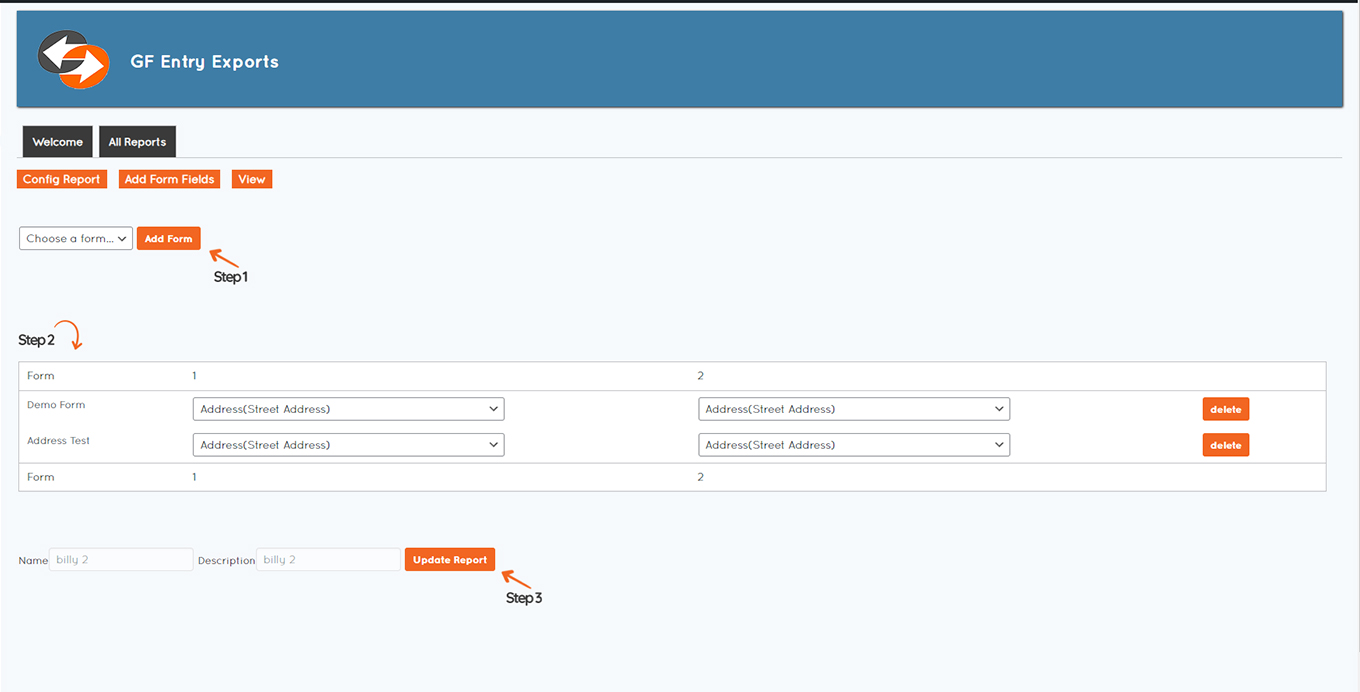
- Setup your report, give it a name and a description to refer back to later.
- Add your columns, use any label you want, add as many columns as you need.
- Start adding form data. Add the forms you need and assign fields to columns.
- View & Export. View your data online and export it to CSV