
The GravityWP – Field to Entries Add-on for Gravity Forms adds functionality to create new Form Entries based on Checkboxes & Multi Select choices & List Field rows.
Features
- Checkbox & Multi Select: Dynamically create entries based on selected Checkbox & Multi Select choices
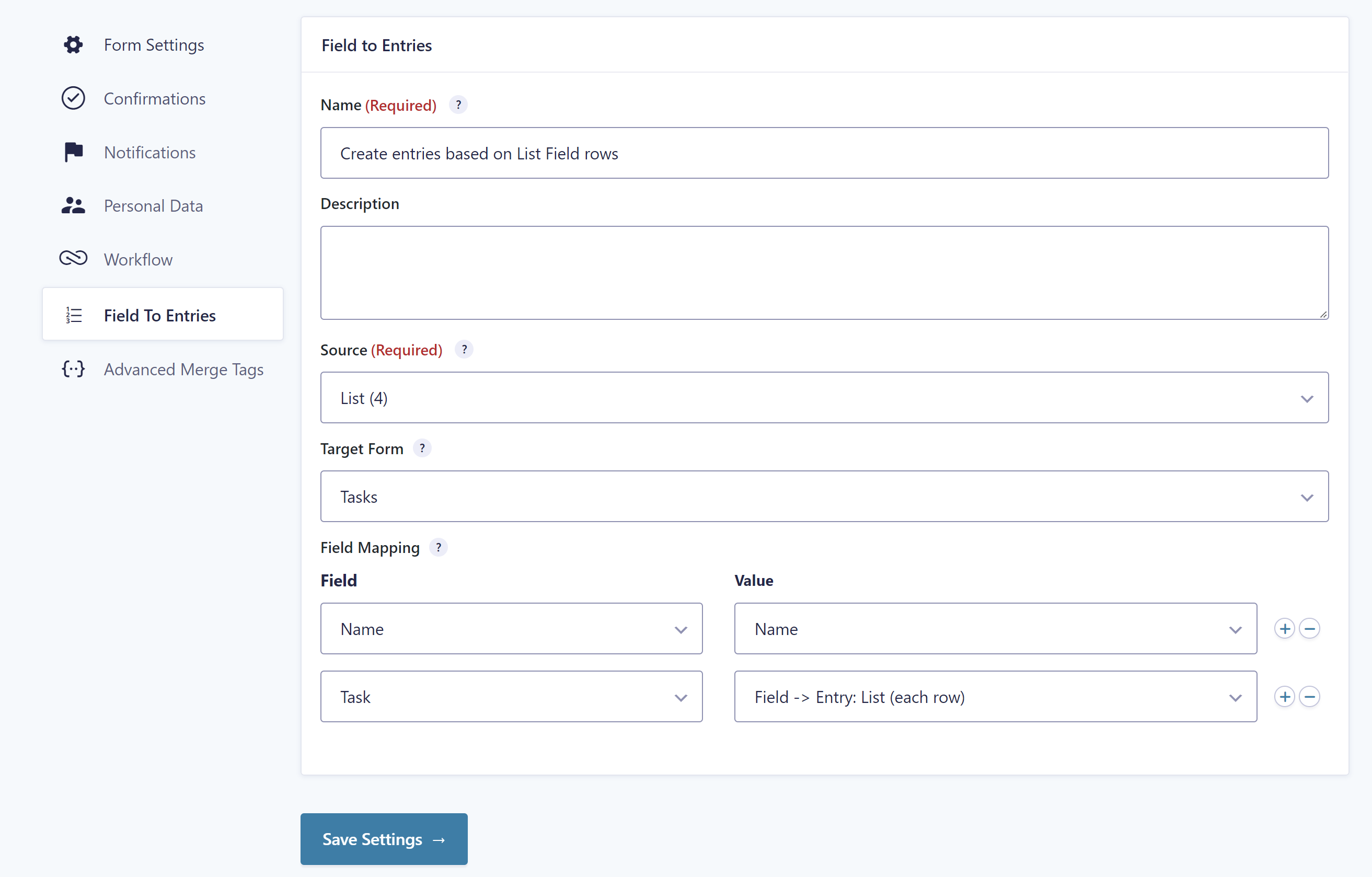
- List Field: Create a new entry for every row in a Gravity Forms List Field.
- Field Mapping: Fill the new entry with data from the source entry, like source Entry ID or information from other fields.
- Feed: Configure different Field to Entries Feeds.
- Workflow (optional): Trigger the Field to Entries Feed as a Gravity Flow workflow step.
What does Field to Entries do?
If you want to dynamically create new entries based on choices in checkboxes, a Multi Select field or rows in a Gravity Form List Field, this Add-on is for you.
You can easily configure new feeds to process the selected choices or filled in rows and create dynamically new entries for every choice and/or row and configure feeds and workflows for the dynamically created entries in the target form. This gives you the power to create custom e-mails, workflows, views and more based on the dynamically created entries.