
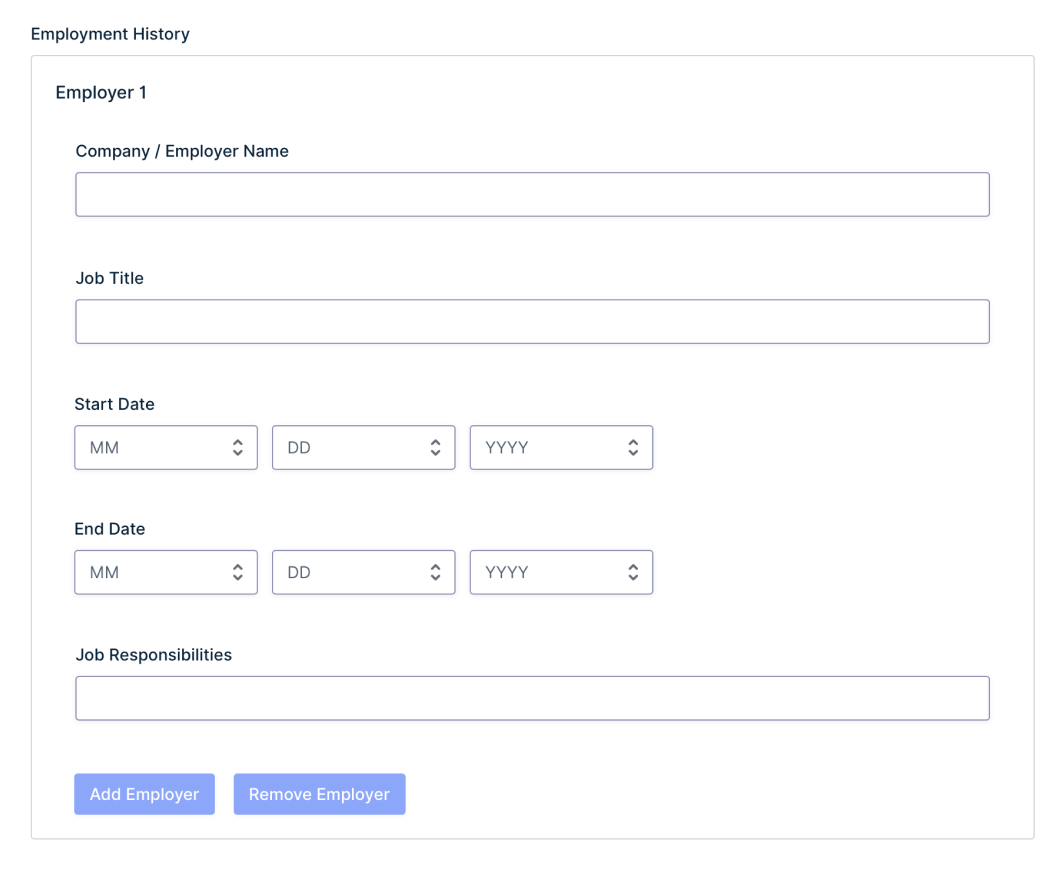
Repeat sets of fields, no code required.
Drag the fields you need into a Repeater, and together they become a set your users can repeat. Whether a submission has one row or fifty, everything lands in a single entry.
Features
Stop guessing how many fields you need.
Fixed forms force a choice between adding too many fields and not adding enough. The Repeater field ends the guesswork.

Group fields into sets
Build each set from regular Gravity Forms fields, from dropdowns and date pickers to validated email addresses, with the same settings and validation as the rest of your form.

Entries, exports, and feeds
Every row is displayed and editable in your entries, and included in exports. You can also use repeater merge tags in notifications, and map repeater data in your add-on feeds.

Nest repeaters
Need another level? Place a repeater inside a repeater, and a tournament sign-up can register several teams, each with its own roster of players.

Included with all licenses
The Repeater field is available with every Gravity Forms license, Basic, Pro, Elite, and Nonprofit, as well as legacy Developer licenses.
USE CASES –
One field, every kind of form.
If the people filling out your forms keep asking, “Can I add another?” the Repeater field is for you. Here are some scenarios where it shines:
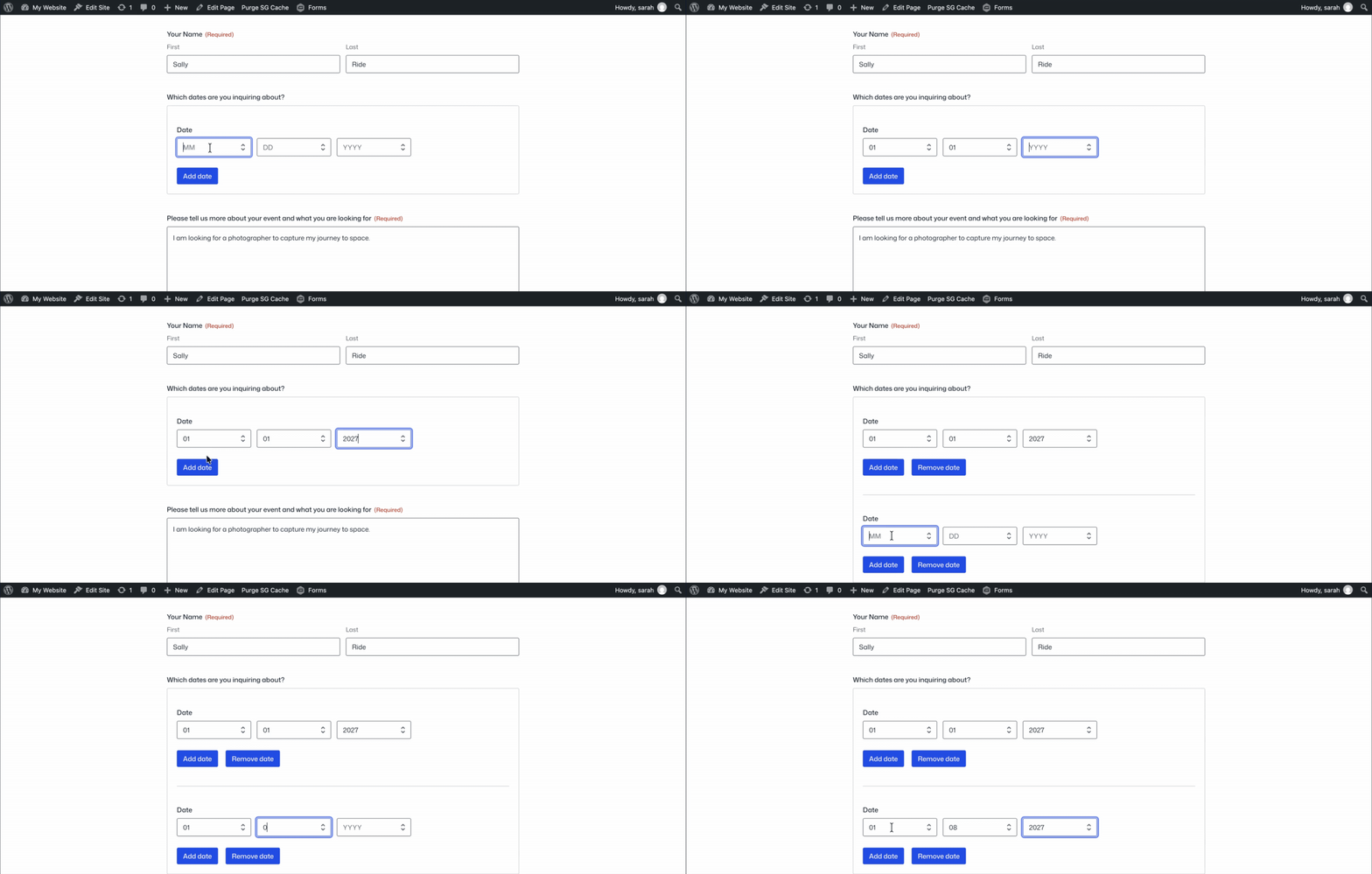
Registrations
Register every attendee with their own name, email, and meal choice, sign up a whole household in one visit, or take team registrations complete with player rosters.
Applications
Collect a full work history with the employer, job title, and dates for every position, enroll several children at once, or gather the details of every driver on an insurance quote.
Operations
Let your team submit a whole trip’s expenses in one go, each with its own date, amount, and category, or take quote requests with as many line items as the job needs.
Trusted by thousands of web professionals.
Check out all the good vibes from our stellar customers across the globe. We love to feel the love.
-

Merrill Morris
Volunteer Web Person
It just works. Gravity Forms has been invaluable to our small, tiny-budget non-profit. It’s made it so much easier to increase membership and interaction. I can’t imagine not using it.
-

Phil Hoyt
Web Developer
I had taken a very long break from Gravity Forms and beyond happy to be back. The dang thing just works and there are so many extensions.
-

Remote Selmore
Owner – Maguire Web Design
Gravity Forms’ ecosystem of approved developer add-ons is outstanding, offering unmatched extendability and maturity. You’re leading the forms plugin market, and your advantage of time is invaluable. Keep fostering innovation and stability — well done, Team RocketGenius!
-

Scott Alexander
Publisher, Willamette Living Magazine
Gravity Forms is simple, straightforward, and impressive. I set up an event calendar in minutes that outperformed our previous paid solution. It also allows site visitors to interact with our website’s front end without needing account access — super cool!
-

Brent Butcher
Fos Digital Pty Ltd
Gravity Forms is highly customizable and integrates seamlessly with other software. We’re using it to create a 10-page online induction form for the manufacturing industry, which can be signed on a phone and exported to PDF for applicants and clients. With its intuitive design and extensive options, it’s the ultimate form creation software.
-

Camila Arzate
Absolutely worth the price, allowing you to create complex forms in minutes with impressive stability and reliability. While a dark mode would improve visibility for users with sight issues, the product remains highly recommended.
-

Jeff Pierce
Thank you for your exceptional support in resolving a complex issue for our client. Your patience, professionalism, and dedication stood out, going above and beyond what most companies offer. We truly appreciate your commitment and having our backs every step of the way.
-

Leonardo Gandini
I’ve been a happy Gravity Forms user since 2016, with much of my business relying on GF-based solutions. Gravity SMTP was an incredible bonus, and I couldn’t believe it was included at no extra cost. You guys rock — keep up the great work!
-

Barry Smith
As a business owner with minimal web creation experience, I found WordPress and GF intuitive enough to make necessary site changes when my contractor was unavailable. The straightforward design made it easy to navigate, and even my contractor asked me to show him how I managed the updates.
Need more info?
Our extensive documentation, blog, and Learn site have all the resources you need to get started.
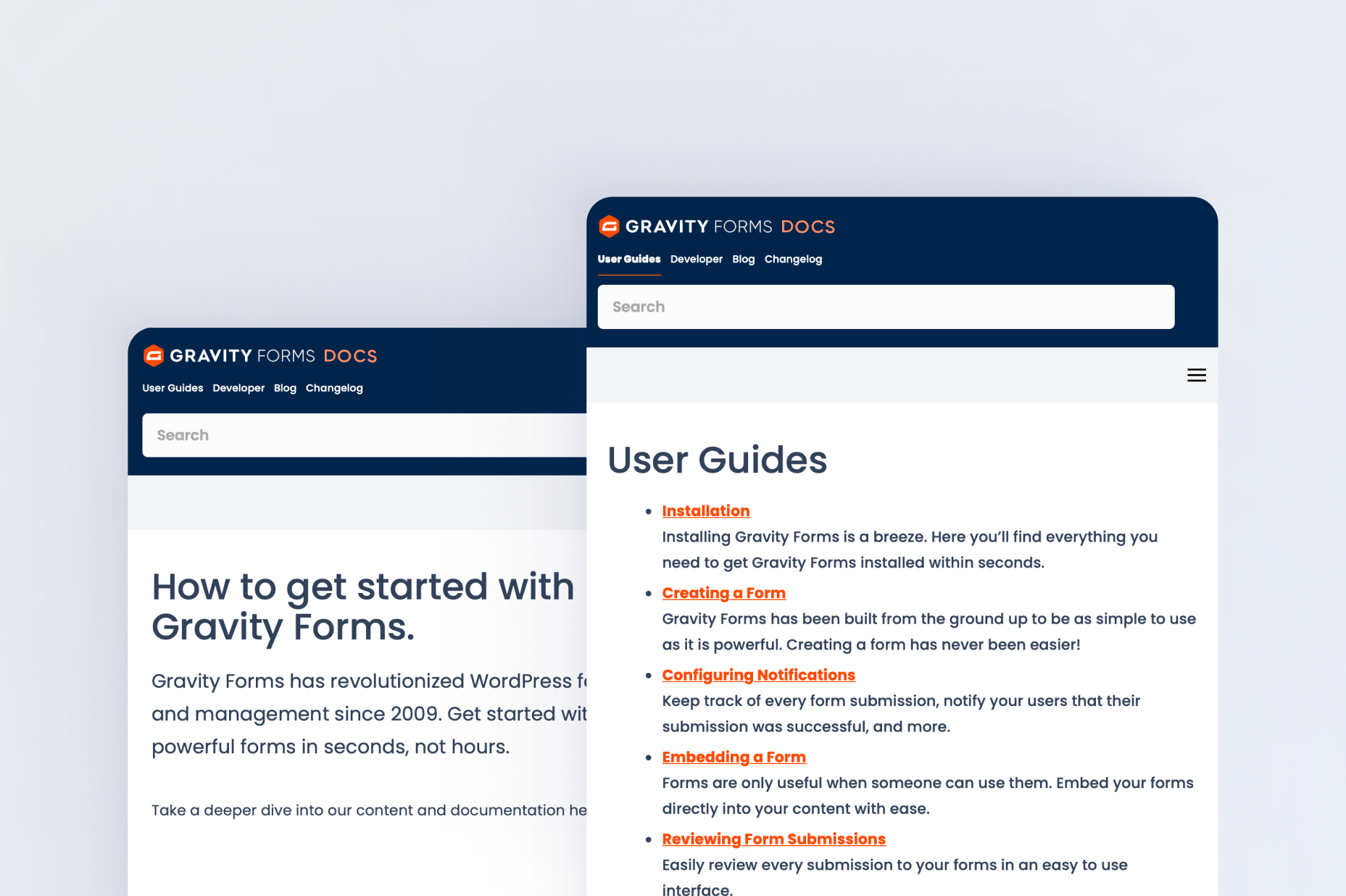
Documentation
Explore step-by-step documentation covering all things Repeater field.
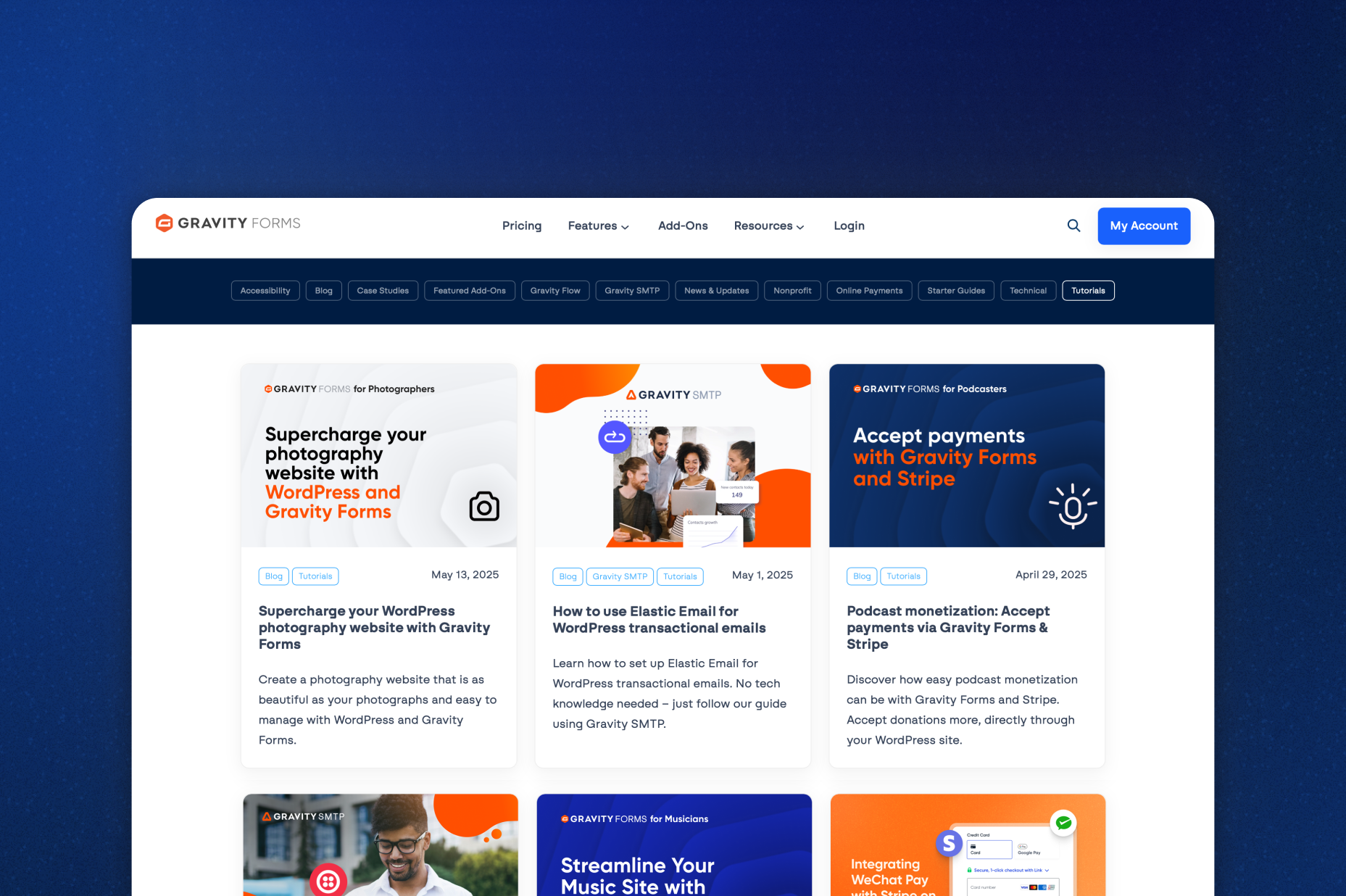
Gravity Forms blog
Tips, tutorials, and advanced use cases for better forms.
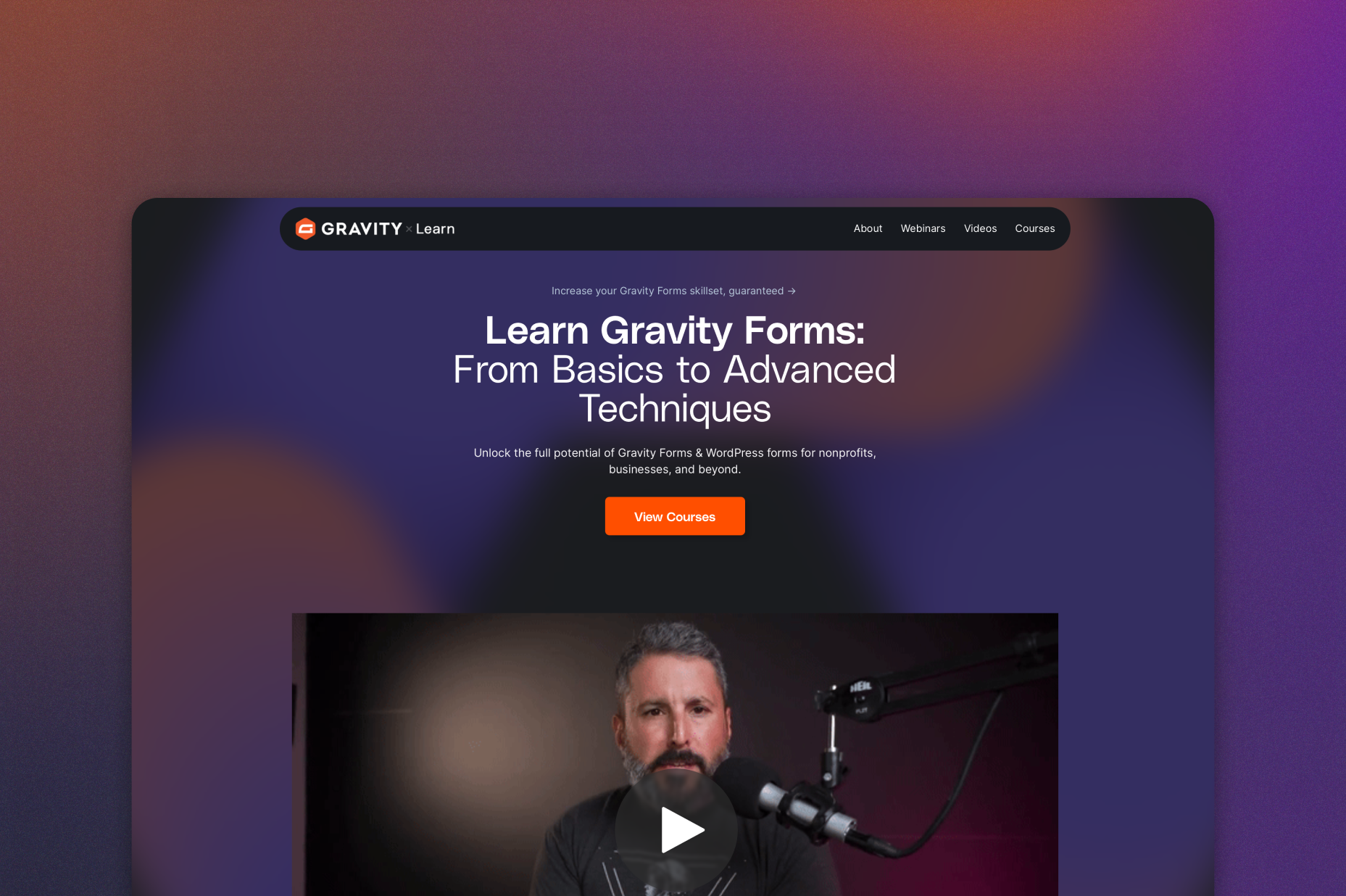
Gravity Learn site
Follow along with short practical videos, courses, and webinars.
Frequently Asked Questions.
What is a repeater field in WordPress?

A repeater field lets users add multiple sets of fields to a WordPress form without needing to submit the form multiple times. With the Gravity Forms Repeater field, you can collect multiple event attendees, job history entries, expenses, or other repeating information in a single form submission. Users simply click to add another set of fields as needed.
How do I create a WordPress form with repeatable fields without coding?
Gravity Forms makes it easy to create repeatable fields in WordPress without writing code. Simply add the Repeater field in the drag-and-drop Form Editor, choose which fields to include, and customize the labels, buttons, and row limits. The Repeater field is built in and included with every license.
Which fields can I use inside a repeater?
Most standard and advanced fields work inside a Repeater, including Name, Email, Date, Drop Down, and Checkboxes. A few field types can’t be nested inside a repeater, including File Upload, CAPTCHA, and payment fields. Check out the Repeater field documentation for the full list.
Can I create nested repeater fields in Gravity Forms?
Yes. Gravity Forms supports nested repeater fields, allowing you to collect multiple levels of information within a single WordPress form. For example, an event registration form can collect several teams, each with its own list of players. You can also use nested repeaters for household registrations, detailed applications, and other forms that require grouped information.
What types of WordPress forms can I build with repeater fields?
Gravity Forms repeater fields are ideal for event registration forms, job applications, expense reports, quote requests, and other forms that collect multiple sets of information. You can use standard fields like Name, Email, Date, Drop Down, and Checkboxes inside a Repeater, making it easy to build flexible forms that adapt to each submission.
Can I send repeater data to other apps and services?
Yes. Repeater fields can be mapped in your Add-On feeds, and with the Webhooks Add-On the full structure arrives as JSON, so you can pass complete repeater data to other tools and services.
I already use the code-based repeater. What happens to my forms?
They’ll keep working exactly as they do today. If you’d like to manage your repeater from the Form Editor instead, converting it only takes a few steps. Our guide on How to Make a Repeater Field Editable within the Form Editor walks you through it.
Can I try Gravity Forms before purchasing?
Yes. Gravity Forms offers a free Elite demo that lets you test it as a full-featured WordPress form builder before committing to a paid license.
If I love the demo and decide to purchase Gravity Forms, do you offer a money back guarantee?
We want you to feel confident about purchasing Gravity Forms which is why we offer a 30-day money back guarantee. If you find Gravity Forms isn’t the best fit, simply send us a message! We’ll happily refund 100% of your money, no questions asked.