
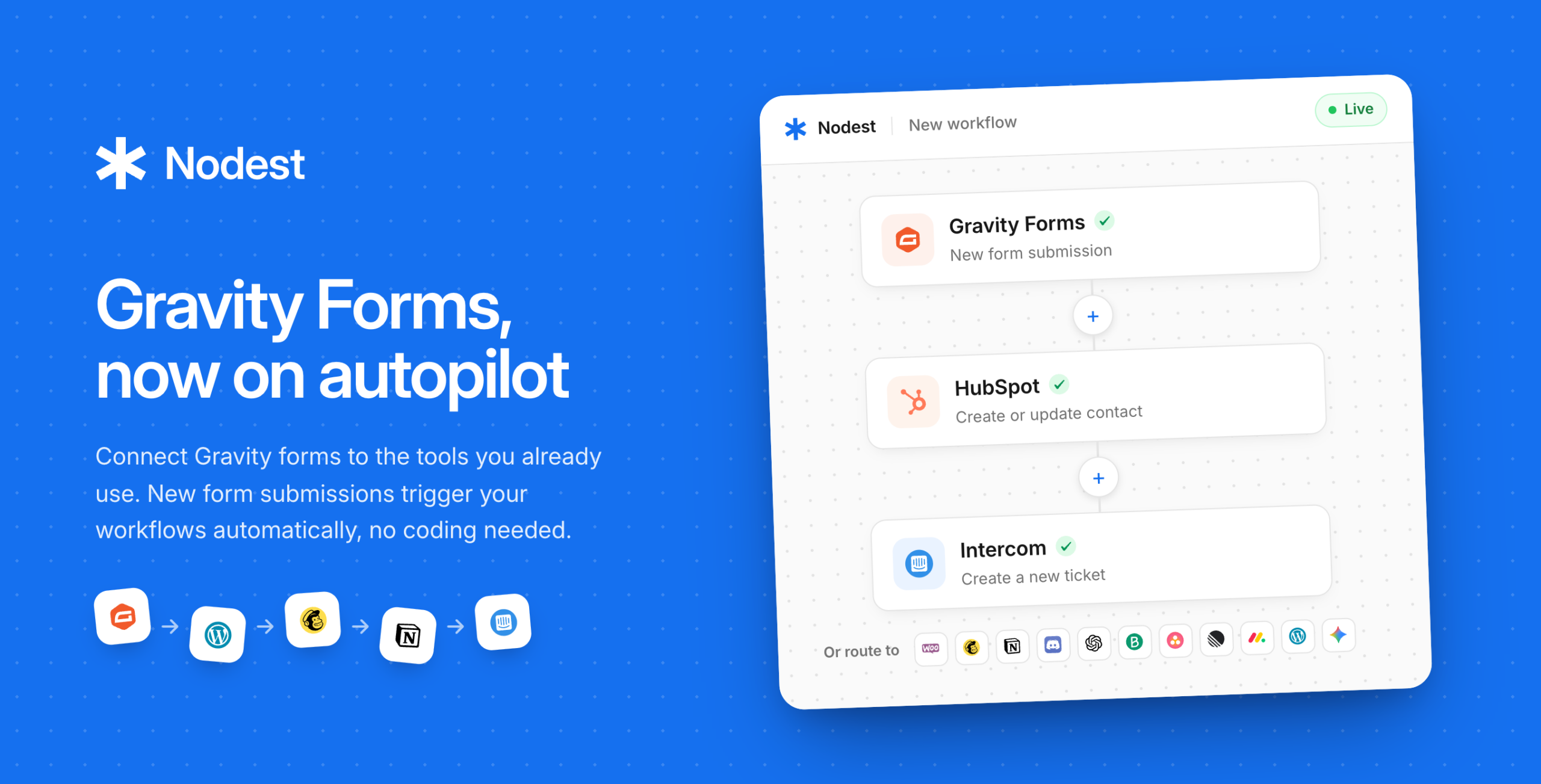
Turn every Gravity Forms submission into an automated workflow
Nodest is a no-code automation platform for WordPress. It connects your WordPress website to the tools you work in every day, including Mailchimp, Brevo, Notion, WooCommerce, CRM, AI services, and many more. Build automations in a simple visual editor by choosing a trigger, adding the steps you want, and you’re done.
This add-on brings that automation to Gravity Forms.
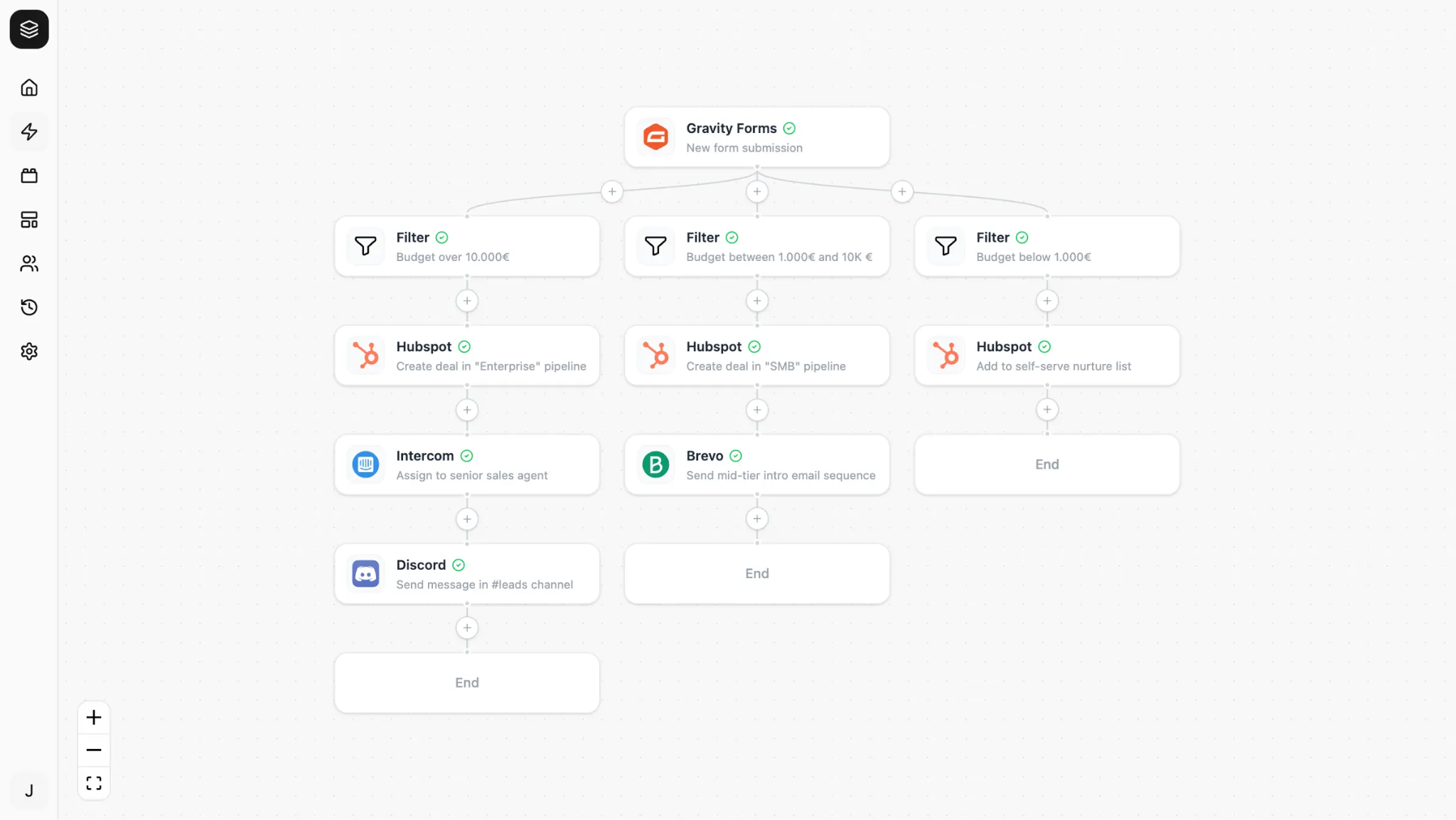
Whether you’re collecting leads, quote requests, newsletter signups, or support enquiries, every new Gravity Forms submission can kick off an automated workflow in Nodest. Send data to your CRM, notify your team, add tasks to your project management tool, create WordPress pages or WooCommerce products, update customer records. You can trigger any combination of actions without manual work.
Build a workflow once and it’ll run automatically whenever the conditions are met. No updating multiple tools by hand, no switching between tabs, and no developer required.
Why people choose Nodest
- No code required. Build automations in a visual editor by choosing triggers, actions, delay and conditions.
- Growing integration library. Connect Gravity Forms with Mailchimp, Brevo, Notion, WooCommerce, OpenAI, Gemini, and a growing list of integrations.
- Ready-made templates. Get common automations running in minutes. Browse the template library for Gravity Forms.
- Full visibility. Every workflow run is logged, so you always know what happened.
- Built with security in mind. Data is encrypted over HTTPS, and Nodest operates from Germany under strict GDPR and data protection laws.
- Free to get started. Build unlimited automations on the free plan.
What you can automate
- Send submissions where they need to go. Create contacts in your CRM, update a database, post to your team chat, or send data to your email platform.
- Route leads automatically. Use conditional logic to send enquiries to the right person, team, or mailing list.
- Keep contacts up to date. Create or update contacts in Mailchimp, Brevo, Intercom, and other connected apps.
- Notify your team instantly. Let the right people know as soon as a new form is submitted.
- Run automations only when they should. Add conditions so workflows only run for the submissions that matter.
- Combine multiple actions. One form submission can create a contact, notify your team, create a task, and send a confirmation email in a single workflow.
- Add AI to your workflows. Summarise long enquiries, categorise submissions, or draft replies with OpenAI or Gemini before they reach your inbox.
Workflows people automate every day
- Contact form → create a CRM contact and notify your team
- Quote request → add the lead to Brevo, create a follow-up task, and send an internal notification
- Newsletter signup → add the subscriber to Mailchimp and log the submission in Notion
- Support request → create a conversation in Intercom, create a ticket in Linear and alert your support team
- Long enquiry → generate an AI summary before your team reviews it
How it works
Getting started takes just a few minutes.
- Connect Gravity Forms to your Nodest account.
- Build your automation by choosing a trigger and actions or start with a template.
- Activate your automation to process new submissions automatically. If something fails, Nodest lets you know.
Helpful links
Get started
- Create a free Nodest account
- Getting started guide
- Download the Nodest plugin
- Installing the WordPress plugin
Explore
Frequently asked questions
Do I need to know how to code?
No. Nodest is built for WordPress users. Choose a trigger, add the actions you want, and your workflow is ready.
Which tools can I connect to?
Nodest supports a growing range of WordPress plugins and third-party apps, including Mailchimp, Brevo, Notion, WooCommerce, OpenAI, Gemini, and many more. If you need an integration that isn’t available yet, you can request it.
Can I run automations with conditions?
Yes. Use conditional logic to decide exactly when a workflow should run, for example, based on a selected option or the value of a form field.
Will automations slow down my website?
No. Workflows run on Nodest, not your WordPress server, so your website continues operating normally.
Can one submission trigger multiple actions?
Absolutely. A single form submission can trigger an entire workflow, from creating contacts and tasks to notifying your team and updating other systems.
What happens if a workflow fails?
You’ll be notified immediately, and you can see exactly what happened from your dashboard.
Is my form data secure?
Yes. Your data is encrypted over HTTPS, and Nodest operates from Germany in compliance with strict GDPR and data protection laws.
Do I need a Nodest account?
Yes. Your Gravity Forms site connects to your Nodest account. You can sign up for free and get started in minutes.