
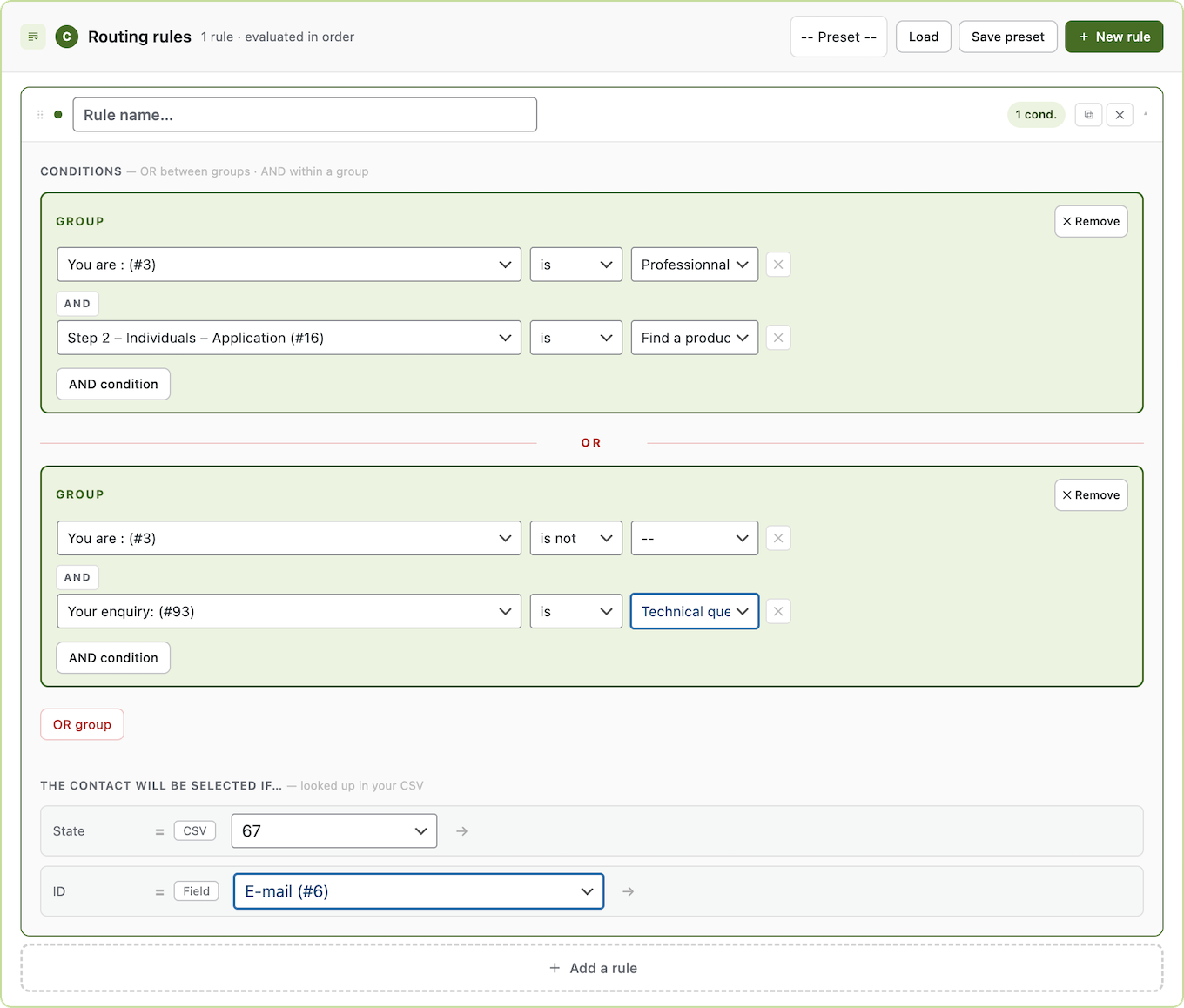
SmartRoute for Gravity Forms lets you send Gravity Forms notifications to different email addresses based on what users answer in your forms. Route form submissions based on dropdown, radio, checkbox, or any other field — using a simple CSV contact list, no code required.
Whether you manage a multi-location business, a sales team, or a support desk, SmartRoute makes sure every form submission lands in the right inbox automatically.
How it works ?
1/ Import your CSV — Upload your contact list with any criteria columns (department, region, category, product, language…)
2/ Map columns — Tell SmartRoute which column holds the email address and which columns to use as routing criteria
3/ Define rules — Build conditional notification routing using form fields and AND conditions
Done — SmartRoute intercepts Gravity Forms notifications and sends them to the right contact automatically