
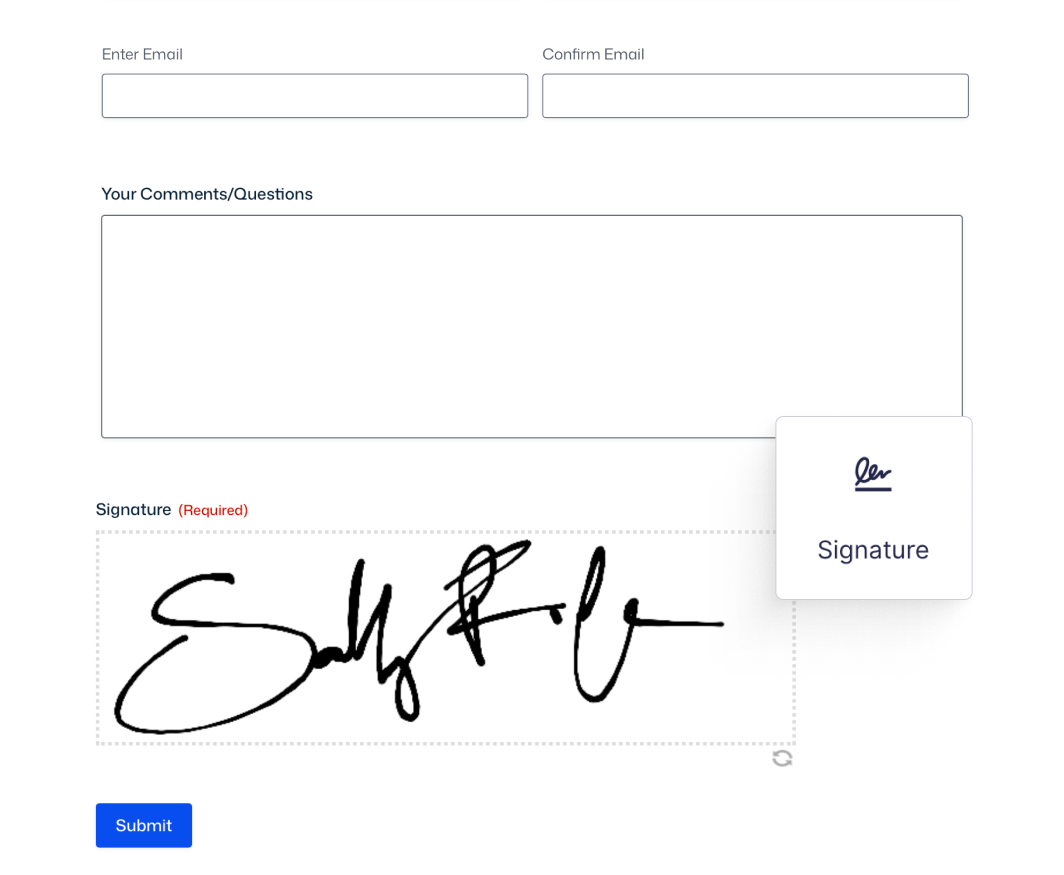
Add signatures to any form.
From contracts to consent forms – add signature fields wherever you need user agreement or acknowledgment.
Features
Collect signatures for any purpose.
Collect signatures without printing or scanning – users sign on any device, you get a PNG image stored with the form entry.

Works on any device
Users sign with touchscreen, touchpad, or mouse – desktop, tablet, or phone, no browser plugins required.

Stored as PNG images
Signatures convert to PNG files automatically and attach to form entries – view them in your dashboard or include in PDFs.

Customize the signature pad
Choose background colors, border styles, pen colors, and pad size – make the signature field match your form design.

Gravity Forms license
The Signature Add-On is available with a Gravity Forms Elite or Nonprofit license.
USE CASES –
From contracts to applications.
Contracts, waivers, applications – capture electronic signatures for business-critical documents.
Contracts and agreements
Collect signatures on NDAs, service contracts, or job agreements – users sign electronically, you get documented consent.
Waivers and consent forms

Capture signatures on liability waivers, medical consent, or photo releases – streamline the approval process for events and services.
Application forms
Add signatures to loan applications, grant submissions, or registrations – verify applicant identity and agreement in one step.
Trusted by thousands of web professionals.
Check out all the good vibes from our stellar customers across the globe. We love to feel the love.
-

Merrill Morris
Volunteer Web Person
It just works. Gravity Forms has been invaluable to our small, tiny-budget non-profit. It’s made it so much easier to increase membership and interaction. I can’t imagine not using it.
-

Phil Hoyt
Web Developer
I had taken a very long break from Gravity Forms and beyond happy to be back. The dang thing just works and there are so many extensions.
-

Remote Selmore
Owner – Maguire Web Design
Gravity Forms’ ecosystem of approved developer add-ons is outstanding, offering unmatched extendability and maturity. You’re leading the forms plugin market, and your advantage of time is invaluable. Keep fostering innovation and stability — well done, Team RocketGenius!
-

Scott Alexander
Publisher, Willamette Living Magazine
Gravity Forms is simple, straightforward, and impressive. I set up an event calendar in minutes that outperformed our previous paid solution. It also allows site visitors to interact with our website’s front end without needing account access — super cool!
-

Brent Butcher
Fos Digital Pty Ltd
Gravity Forms is highly customizable and integrates seamlessly with other software. We’re using it to create a 10-page online induction form for the manufacturing industry, which can be signed on a phone and exported to PDF for applicants and clients. With its intuitive design and extensive options, it’s the ultimate form creation software.
-

Camila Arzate
Absolutely worth the price, allowing you to create complex forms in minutes with impressive stability and reliability. While a dark mode would improve visibility for users with sight issues, the product remains highly recommended.
-

Jeff Pierce
Thank you for your exceptional support in resolving a complex issue for our client. Your patience, professionalism, and dedication stood out, going above and beyond what most companies offer. We truly appreciate your commitment and having our backs every step of the way.
-

Leonardo Gandini
I’ve been a happy Gravity Forms user since 2016, with much of my business relying on GF-based solutions. Gravity SMTP was an incredible bonus, and I couldn’t believe it was included at no extra cost. You guys rock — keep up the great work!
-

Barry Smith
As a business owner with minimal web creation experience, I found WordPress and GF intuitive enough to make necessary site changes when my contractor was unavailable. The straightforward design made it easy to navigate, and even my contractor asked me to show him how I managed the updates.
Need more info?
Our extensive documentation, blog, and Learn site have all the resources you need to get started.
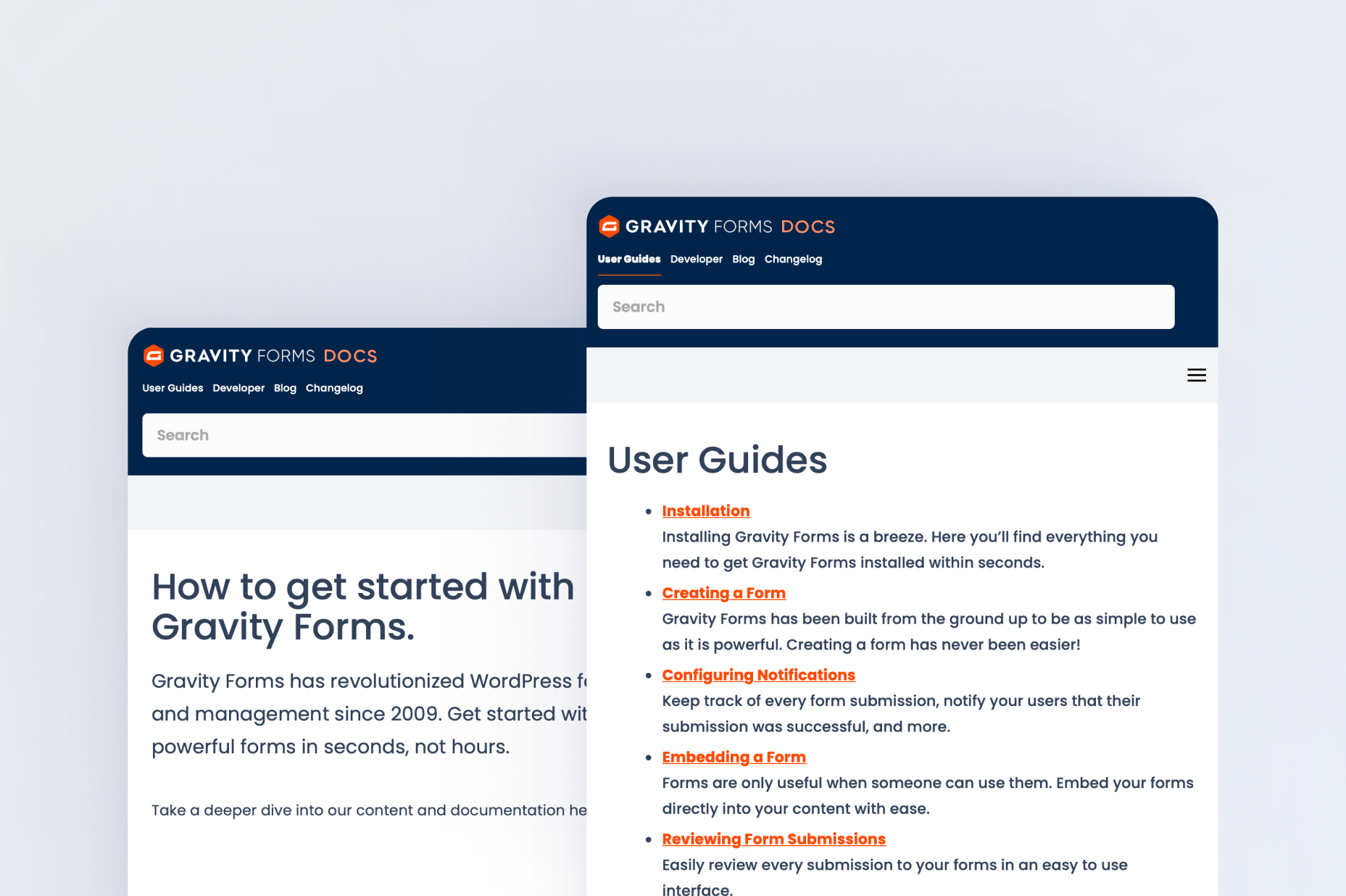
Documentation
Explore step-by-step documentation covering all things Signatures.
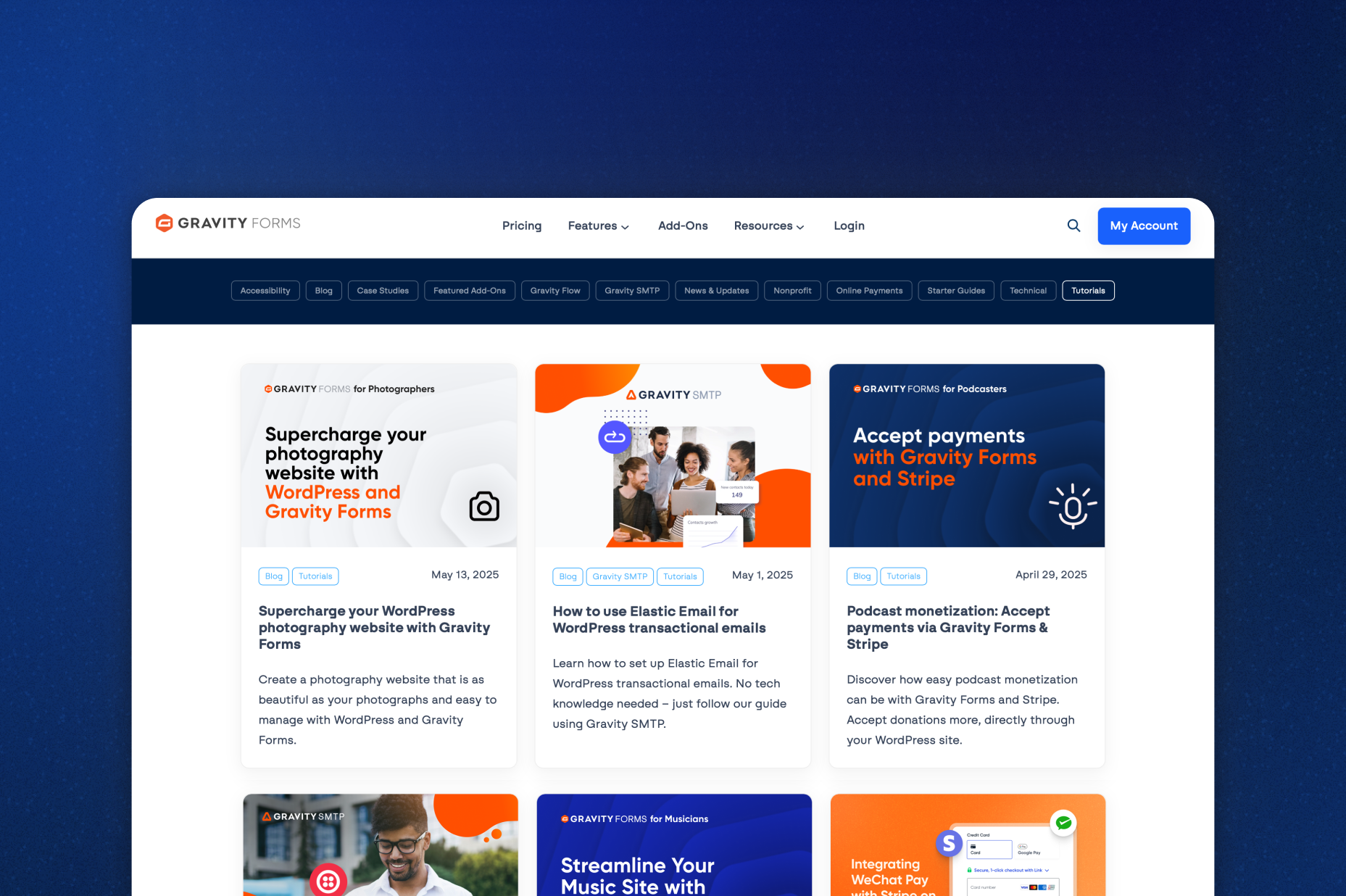
Gravity Forms blog
Tips, tutorials, and advanced use cases for better forms.
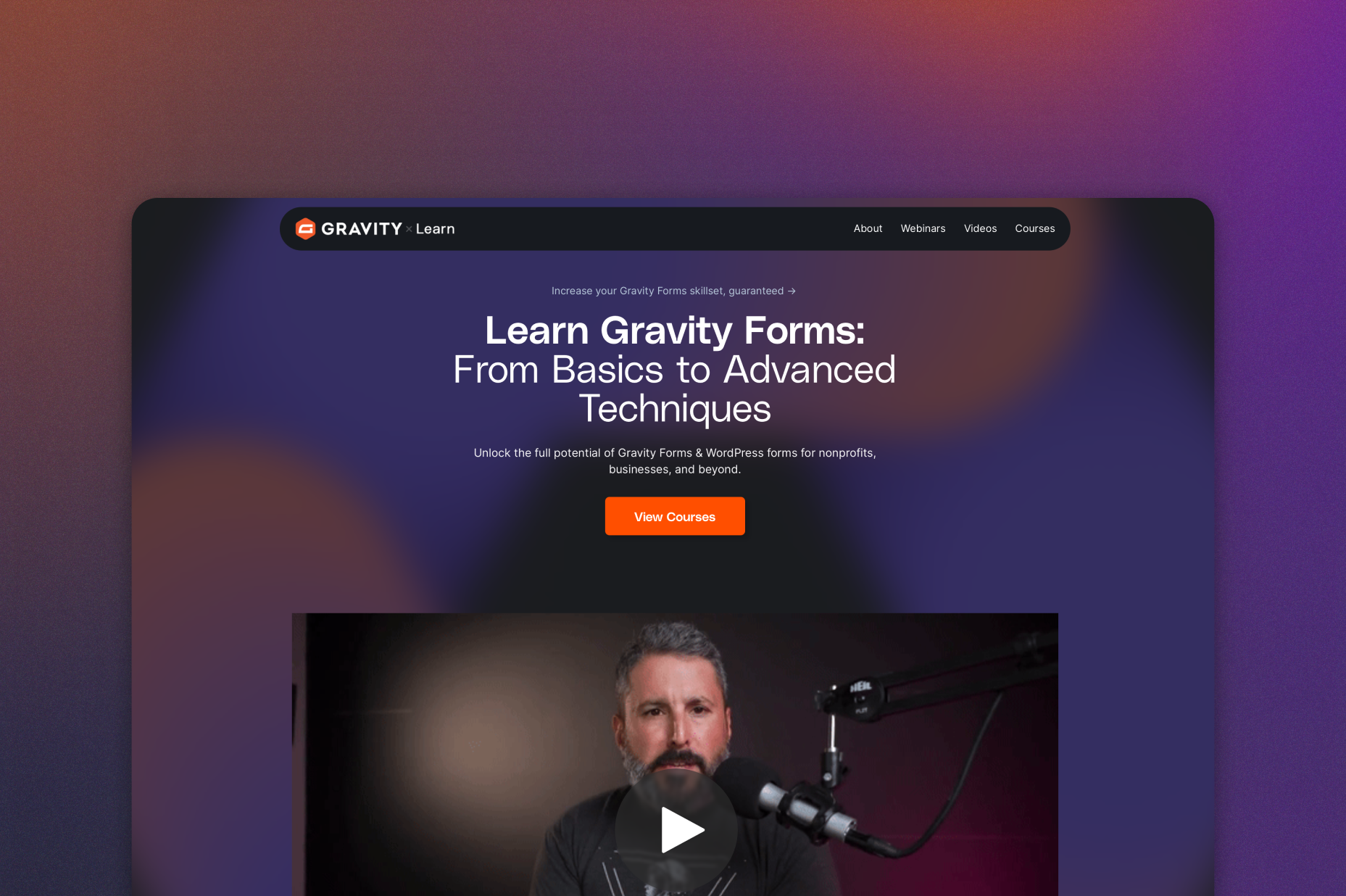
Gravity Learn site
Follow along with short practical videos, courses, and webinars.
Frequently Asked Questions.
Can you collect a signature on any form?

The Gravity Forms Signature Add-On allows you to collect electronic signatures directly within your WordPress forms. Users can sign contracts, agreements, waivers, and applications digitally without printing or scanning documents.
How do electronic signatures work in WordPress?
With the Gravity Forms Signature Add-On, users sign directly inside a signature field using a touchscreen, mouse, or touchpad. The signature is automatically converted into a PNG image and stored securely with the form entry in your WordPress dashboard.
Can users sign forms on mobile devices?
Yes. The Gravity Forms Signature Add-On works seamlessly on desktop, tablet, and mobile devices. Users can sign using their finger, stylus, mouse, or trackpad – no browser plugins required.
Where are signatures stored?
All signatures are automatically saved as PNG image files and attached to the corresponding form entry. You can view them in your WordPress dashboard or include them in generated PDFs.
What types of forms can use electronic signatures?
You can add signature fields to contracts, NDAs, service agreements, liability waivers, medical consent forms, loan applications, grant submissions, registration forms, and more.
Is the Gravity Forms Signature Add-On legally binding?
Electronic signatures collected through Gravity Forms can be legally binding in many regions, depending on local electronic signature laws (such as ESIGN and eIDAS). However, you should consult legal counsel to ensure compliance for your specific use case.
Why use electronic signatures instead of paper forms?
Electronic signatures reduce paperwork, eliminate scanning, speed up approvals, improve user experience, and keep all documentation securely stored within your WordPress site.
Which Gravity Forms licenses include the Signature Add-On?
The Signature Add-On is included with Gravity Forms Elite and Nonprofit licenses.
Can I try Gravity Forms before purchasing?
Yes. Gravity Forms offers a free Elite demo that lets you test it as a full-featured WordPress form builder before committing to a paid license.
If I love the demo and decide to purchase Gravity Forms, do you offer a money back guarantee?
We want you to feel confident about purchasing Gravity Forms which is why we offer a 30-day money back guarantee. If you find Gravity Forms isn’t the best fit, simply send us a message! We’ll happily refund 100% of your money, no questions asked.