
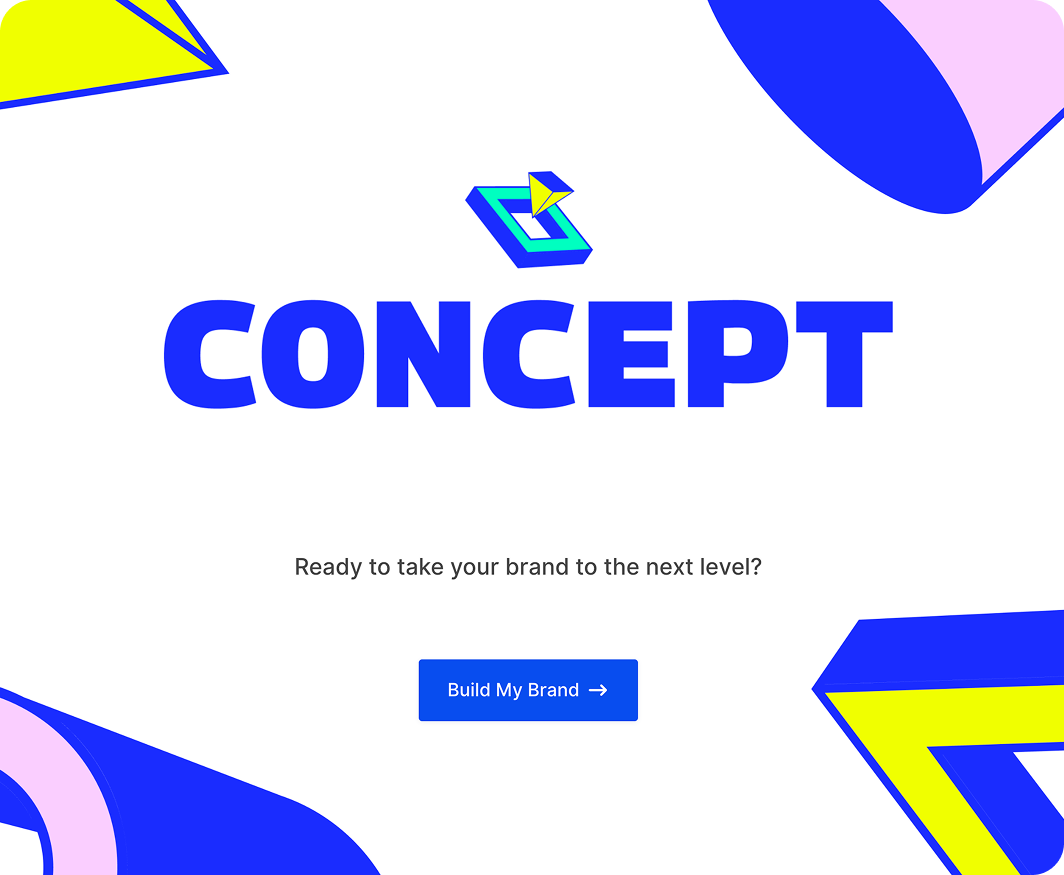
A more interactive way to collect data.
A conversational layout breaks forms down into smaller steps – keeping users focused and moving through to submission.
Features
Keep it conversational.
Choose layouts, add branding, and set up a welcome screen – everything you need for a distraction-free, conversational experience.

Works with any existing form
Turn any existing form into a conversational experience – see what’s possible in our Conversational Forms Gallery.

Customize the design
Choose from three preset layouts, set colors, add a logo, and background image – style the experience to match your site.

Track progress
Add a progress bar to show users how far they are through the form, and an optional welcome screen to set the tone before they start.

Gravity Forms license
The Conversational Forms Add-On is available with a Gravity Forms Elite or Nonprofit license.
USE CASES
More completions, less drop-off.
Lead capture, registrations, feedback – conversational forms make it easier to get the information you need.
Lead generation
A conversational layout keeps users focused on one field at a time – making it easier to capture the details you need without drop-off.
Event registration
Break down sign-up forms into a simple back-and-forth – collect details in a way that feels less daunting for attendees.
Customer feedback
Turn feedback forms into a conversation – users are more likely to complete them when they’re presented one question at a time.

Trusted by thousands of web professionals.
Check out all the good vibes from our stellar customers across the globe. We love to feel the love.
-
Merrill Morris
Volunteer Web Person
It just works. Gravity Forms has been invaluable to our small, tiny-budget non-profit. It’s made it so much easier to increase membership and interaction. I can’t imagine not using it.
-

Phil Hoyt
Web Developer
I had taken a very long break from Gravity Forms and beyond happy to be back. The dang thing just works and there are so many extensions.
-

Remote Selmore
Owner – Maguire Web Design
Gravity Forms’ ecosystem of approved developer add-ons is outstanding, offering unmatched extendability and maturity. You’re leading the forms plugin market, and your advantage of time is invaluable. Keep fostering innovation and stability — well done, Team RocketGenius!
-

Scott Alexander
Publisher, Willamette Living Magazine
Gravity Forms is simple, straightforward, and impressive. I set up an event calendar in minutes that outperformed our previous paid solution. It also allows site visitors to interact with our website’s front end without needing account access — super cool!
-

Brent Butcher
Fos Digital Pty Ltd
Gravity Forms is highly customizable and integrates seamlessly with other software. We’re using it to create a 10-page online induction form for the manufacturing industry, which can be signed on a phone and exported to PDF for applicants and clients. With its intuitive design and extensive options, it’s the ultimate form creation software.
-

Camila Arzate
Absolutely worth the price, allowing you to create complex forms in minutes with impressive stability and reliability. While a dark mode would improve visibility for users with sight issues, the product remains highly recommended.
-

Jeff Pierce
Thank you for your exceptional support in resolving a complex issue for our client. Your patience, professionalism, and dedication stood out, going above and beyond what most companies offer. We truly appreciate your commitment and having our backs every step of the way.
-

Leonardo Gandini
I’ve been a happy Gravity Forms user since 2016, with much of my business relying on GF-based solutions. Gravity SMTP was an incredible bonus, and I couldn’t believe it was included at no extra cost. You guys rock — keep up the great work!
-

Barry Smith
As a business owner with minimal web creation experience, I found WordPress and GF intuitive enough to make necessary site changes when my contractor was unavailable. The straightforward design made it easy to navigate, and even my contractor asked me to show him how I managed the updates.
Need more info?
Our extensive documentation, blog, and Learn site have all the resources you need to get started.
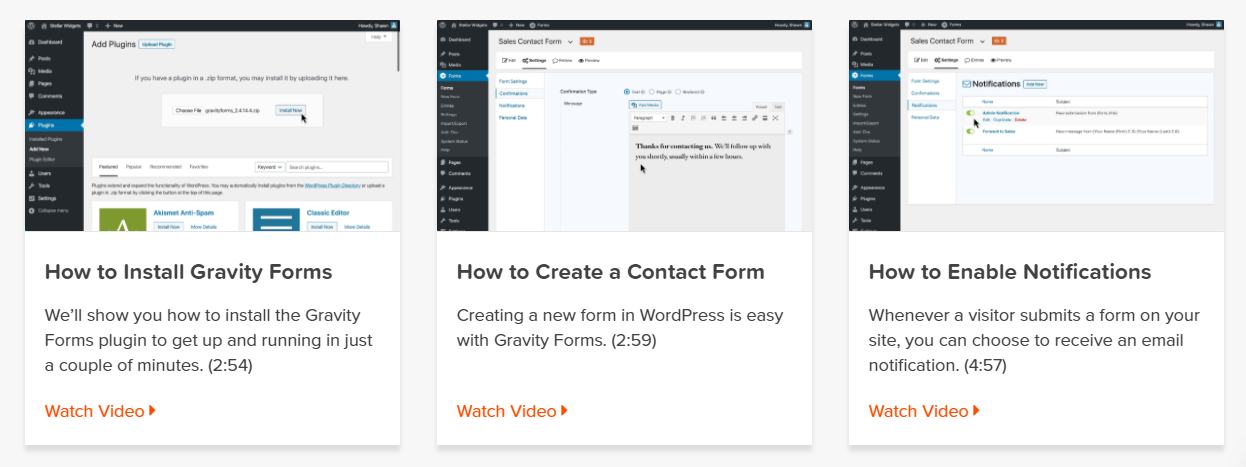
Documentation
Explore step-by-step documentation covering all things Conversational Forms.

Gravity Forms blog
Tips, tutorials, and advanced use cases for better forms.
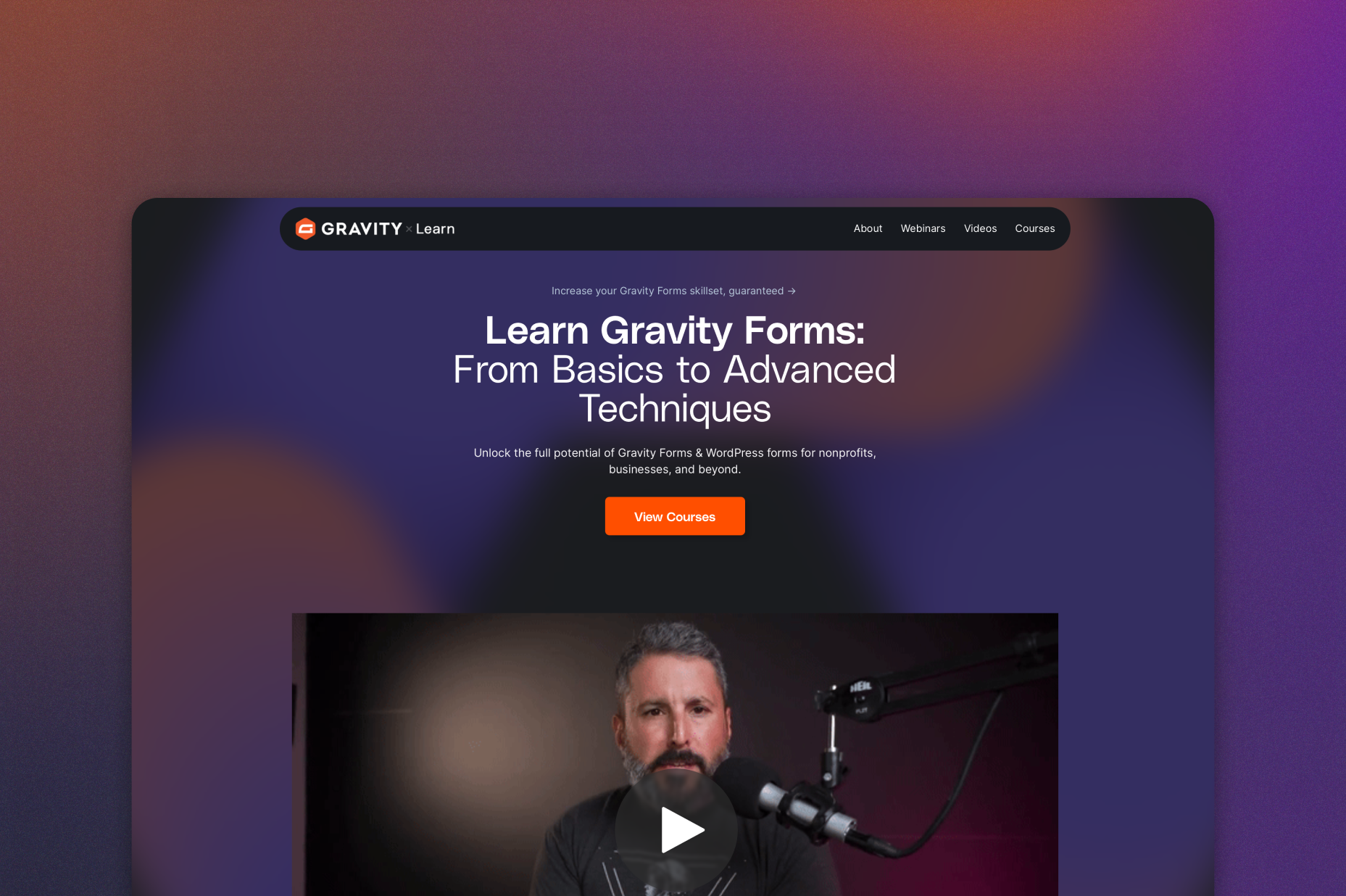
Gravity Learn site
Follow along with short practical videos, courses, and webinars.
Frequently Asked Questions.
What are conversational forms in WordPress?

Conversational forms display one question at a time instead of showing all fields at once. With the Gravity Forms Conversational Forms Add-On, you can turn any existing WordPress form into an interactive, step-by-step experience that feels more engaging and less overwhelming.
Can I convert an existing Gravity Form into a conversational form?
Yes. You can enable conversational mode for any existing Gravity Form with just a few clicks – no need to rebuild your form from scratch.
Can I customize the design of a conversational form?
Absolutely. You can choose from preset layouts, customize colors, upload a logo, add a background image, and include a welcome screen to match your branding.
Do conversational forms help increase form completion rates?
In many cases, yes. By showing one question at a time and adding a progress bar, conversational forms reduce friction and keep users focused—helping decrease drop-off and improve completion rates.
Are Conversational Forms mobile-friendly?
Yes. Conversational forms are fully responsive and work seamlessly on desktop, tablet, and mobile devices, ensuring a smooth experience for all users.
Which Gravity Forms licenses include the Conversational Forms Add-On?
The Conversational Forms Add-On is included with Gravity Forms Elite and Nonprofit licenses.
If I love the demo and decide to purchase Gravity Forms, do you offer a money back guarantee?
We want you to feel confident about purchasing Gravity Forms which is why we offer a 30-day money back guarantee. If you find Gravity Forms isn’t the best fit, simply send us a message! We’ll happily refund 100% of your money, no questions asked.
How long can I use the demo for?
All of them! The Gravity Forms demo provides the equivalent experience of our top-tier Elite plan. So you can try out all our features, install every one of our add-ons, and then confidently select the license that best suits your form building needs.
How long can I use the demo for?
All of them! The Gravity Forms demo provides the equivalent experience of our top-tier Elite plan. So you can try out all our features, install every one of our add-ons, and then confidently select the license that best suits your form building needs.
Does the demo contain form templates for me to browse?
The Gravity Forms demo showcases 9 form templates – these include contact, survey, eCommerce, request-a-quote, and job application forms, to name a few. Browse the forms as they would appear on the front-end of your website, then have fun customizing them within the form builder.
Can I build my own forms in the demo?
Of course – the demo provides the full Gravity Forms experience! Our intuitive drag-and-drop form builder lets you easily create forms from scratch – simply choose from over 30 ready-to-use form fields then configure each field to help you create unique forms appropriate for your business and audience.
Can I test different themes or plugins to ensure compatibility?
Yes! The Gravity Forms demo allows you to test with your own theme and any plugins to ensure complete compatibility. You can also create your own custom functions, use a functionality plugin, or add to the theme functions.php file.
Will I have mail functions available in the demo?
Can I try Gravity Forms before purchasing?
Yes. Gravity Forms offers a free Elite demo that lets you test it as a full-featured WordPress form builder before committing to a paid license.
If I love the demo and decide to purchase Gravity Forms, do you offer a money back guarantee?
We want you to feel confident about purchasing Gravity Forms which is why we offer a 30-day money back guarantee. If you find Gravity Forms isn’t the best fit, simply send us a message! We’ll happily refund 100% of your money, no questions asked.