




Collect video submissions with ease.
Let users record and submit video as part of a form submission – no file uploads, no format headaches, just hit record and submit.

Works on any device
Desktop, tablet, or mobile – Pipe lets users record from wherever they are, on whatever device they’re using.

Video adds a personal touch
Job applications, customer testimonials, course submissions – sometimes written answers aren’t enough.

Included with Pro, Elite, and Nonprofit
The Pipe Video Recording Add-On is available with a Gravity Forms Pro, Elite, or Nonprofit license.
Everything you need for video capture
Pipe takes care of the technical details so you can focus on collecting great content.
Desktop and mobile: Users can record from any device – no app required.
Automatic conversion: Every recording is converted to .mp4 for universal playback.
Secure storage: Pipe handles storage, or push recordings to your own solution.

Seamless Integration
Add video recording to your forms in minutes – no complex configuration required.
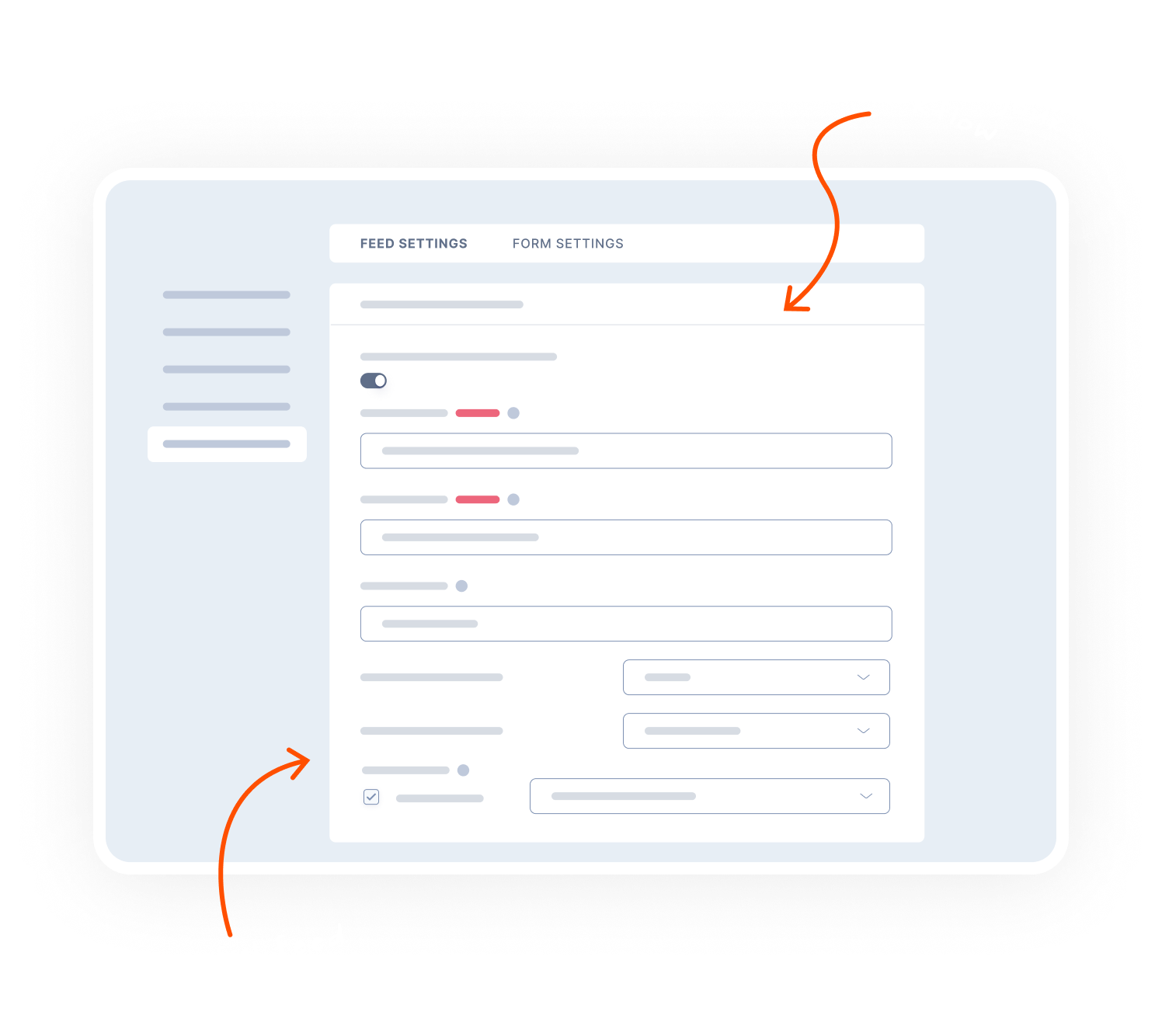
Install and connect: Add the add-on and link your Pipe account to Gravity Forms.
Add a Pipe field: Drop the Pipe field into any form to enable video recording.
Ready to go: Users can record, review, and submit video with their form submission.

Transparent pricing?
That’s affirmative.
The Pipe Video Recording Add-On is included with both a Gravity Forms Pro and Elite license. Get the details and always know what you’ll pay.
Best Value

Elite License
$259
/per year
 Buy Now
Unlimited Sites

Priority Support

WordPress Multisite
Elite License includes…

User Registration Add-On
Conversational Forms
Partial Entries Add-On
Polls Add-On
Signature Add-On
Survey Add-On
All of our Add-Ons are included with Elite!

Pro License
$159
/per year
3 Sites
Standard Support
Pro License includes…
Stripe Add-On
Dropbox Add-On
Square Add-On
Zapier Add-On
Slack Add-On
Trello Add-On

See why creators, teams, and businesses trust Gravity Forms to power their workflows
“
As a web designer, I have not found any other WordPress form application that is as easy to update and has as many features as Gravity Forms.

Kristin Pruis
“
Your customer service is very personal. Receiving quick email replies from your staff is gratifying and extremely helpful. I transferred licenses from me to two separate webmasters–it was seamless.

Claudia Siegal
“
I often have to create complex forms with conditional logic, and Gravity Forms is the only plugin I have found that is robust enough to do what I need.

Michele M.
Need more info?
Our extensive documentation, blog, and Learn site have all the resources you need to get started.
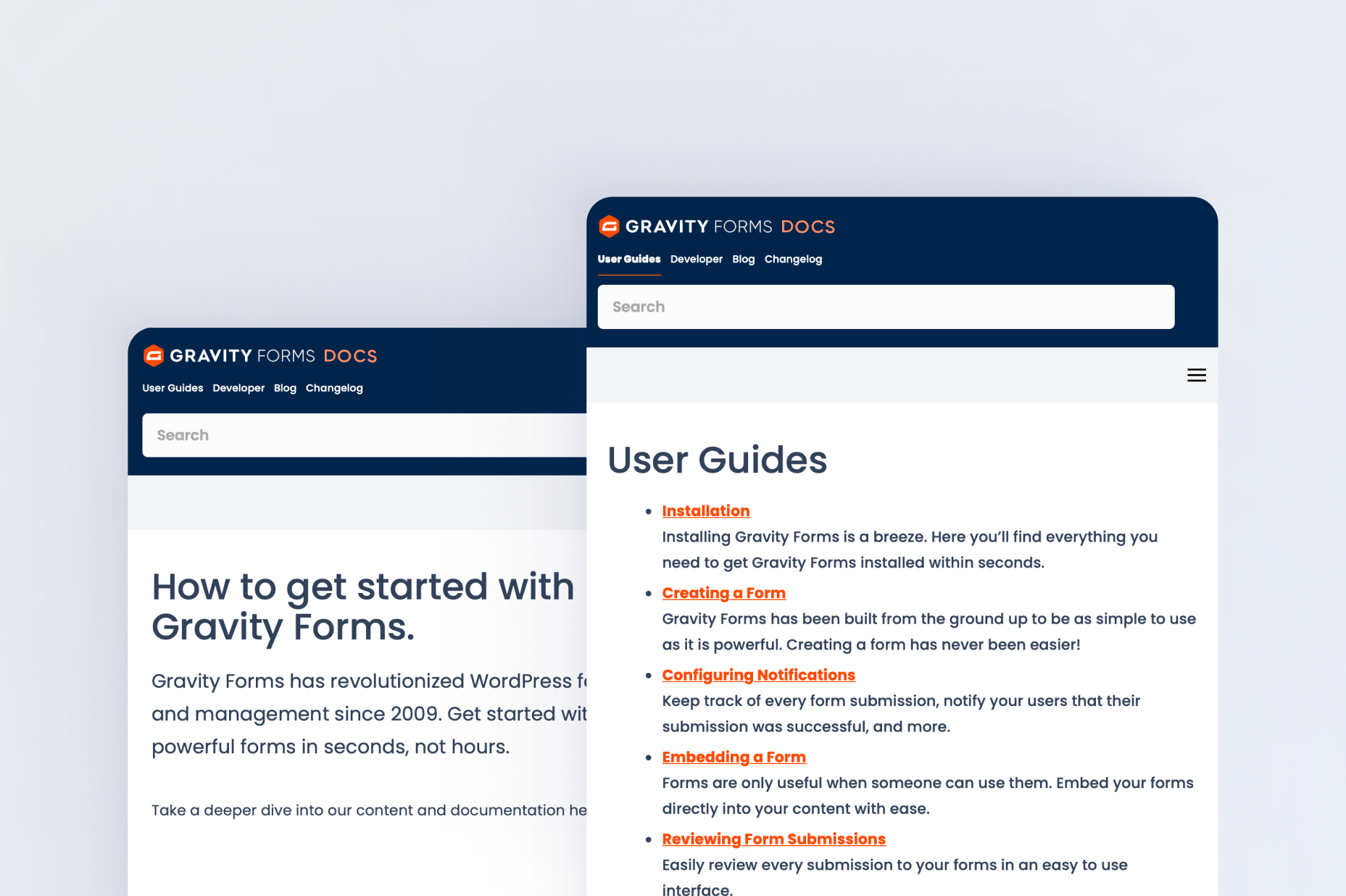
Documentation
Explore step-by-step documentation covering all things Pipe Video.

Gravity Forms blog
Tips, tutorials, and advanced use cases for better forms, all on the blog.
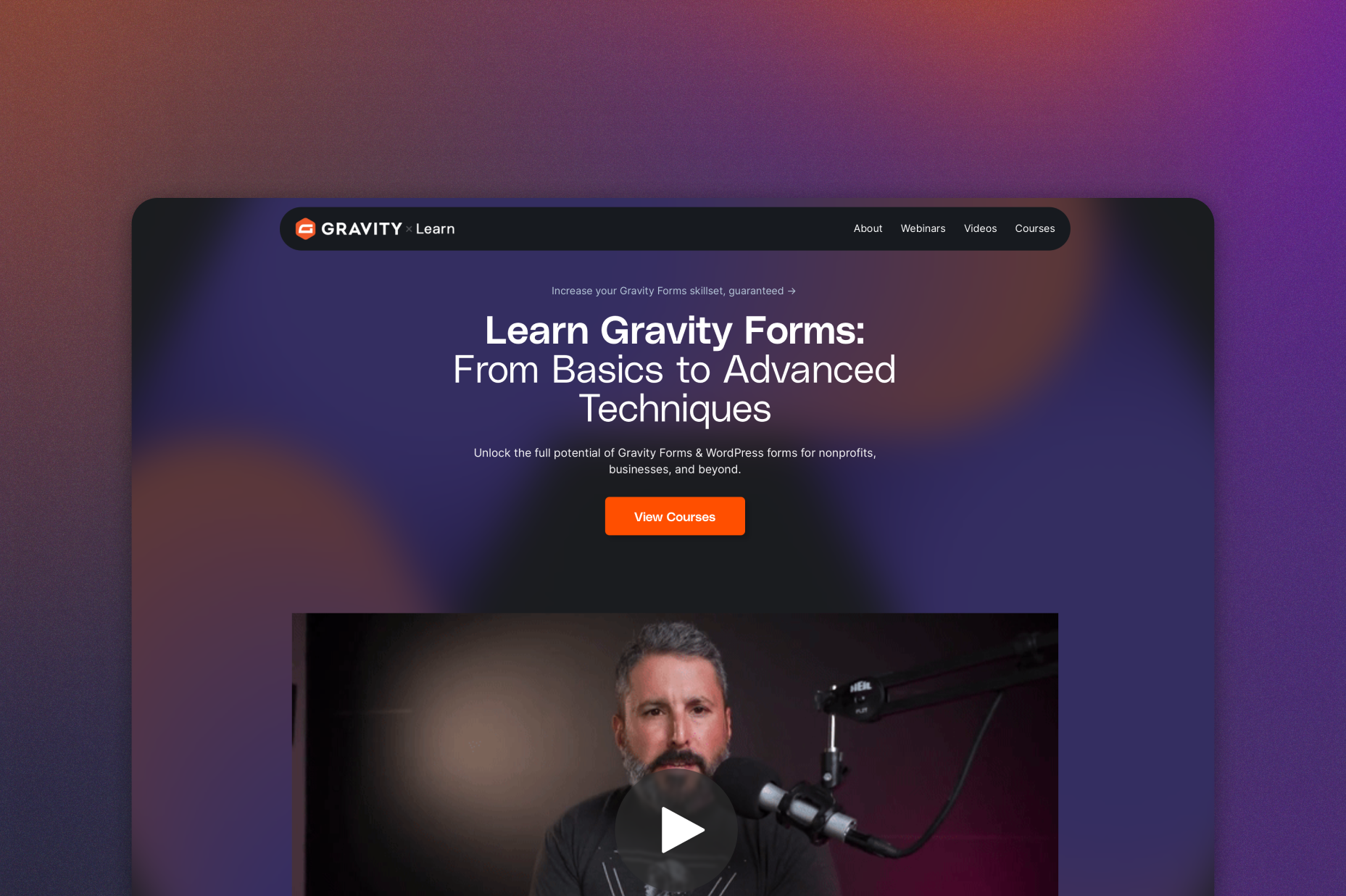
Gravity Learn site
Follow along with short practical videos, courses, and webinars.
Frequently Asked Questions.
What does the Gravity Forms Pipe Video Recording Add-On do?

The Gravity Forms Pipe Video Recording Add-On lets users record and submit videos directly through WordPress forms, making it easy to collect video responses without uploads.
Can users record videos on mobile devices with Pipe?
Yes, Pipe supports video recording on both desktop and mobile devices, allowing users to submit videos from any modern device.
What video format are Pipe recordings saved in?
Pipe automatically converts recordings to MP4 format, ensuring videos are playable across all devices and platforms.
Where are video recordings stored?
Pipe securely stores recorded videos, and you can also configure recordings to be pushed to your own storage solution if needed.
How do I add video recording to a Gravity Forms form?
After installing and connecting the Pipe Add-On, simply add a Pipe Field to your form to allow users to record and submit video responses.
Who should use video recording with Gravity Forms?
The Pipe Video Recording Add-On is ideal for applications, testimonials, surveys, job applications, feedback forms, and any WordPress form where video responses add value.
Which Gravity Forms licenses include the Pipe Video Recording Add-On?
The Pipe Video Recording Add-On is included with Gravity Forms Pro, Elite, and Nonprofit licenses.
Can I try Gravity Forms before purchasing?
Yes. Gravity Forms offers a free Elite demo that lets you test it as a full-featured WordPress form builder before committing to a paid license.
If I love the demo and decide to purchase Gravity Forms, do you offer a money back guarantee?
We want you to feel confident about purchasing Gravity Forms which is why we offer a 30-day money back guarantee. If you find Gravity Forms isn’t the best fit, simply send us a message! We’ll happily refund 100% of your money, no questions asked.