




Turn form submissions into subscribers.
Any form can feed your email list – connect AWeber to signups, checkouts, or contact forms and watch your audience grow.

Email marketing that scales
AWeber powers email campaigns for over 100,000 businesses – templates, automation, A/B testing, and analytics all in one platform.

Works with any form type
Registration forms, payment forms, contact forms – if they collect an email address, they can send the data to your AWeber list.

Included with all licenses
The AWeber Add-On is available with every Gravity Forms license – Basic, Pro, Elite, and Nonprofit.

Capture the data you need
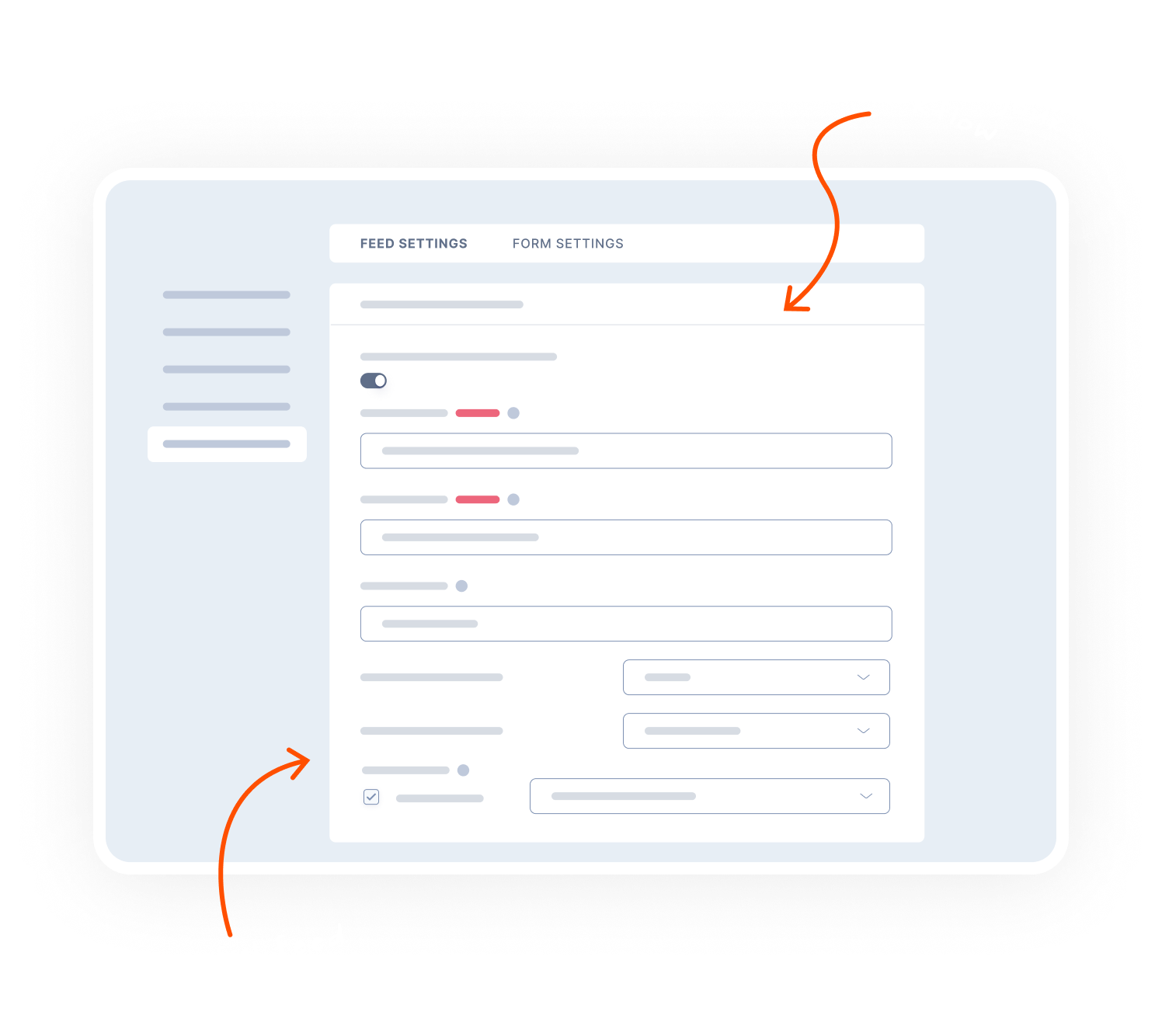
Map form fields to AWeber and organise subscribers from the start.
Custom fields: Map any form field to AWeber – capture more than just name and email.
Tags: Assign tags and segment subscribers from the start.
Lists: Choose which list to add subscribers to – keep your contacts organized.

Set your own rules
Conditional logic lets you decide exactly when data gets sent to AWeber.
Newsletter checkbox: Only add subscribers who explicitly opt in.
Form-specific rules: Route subscribers to the right email lists in AWeber.
Keep it clean: Filter out submissions that don’t meet your criteria.

Transparent pricing?
That’s affirmative.
Whether you’re flying solo or leading the enterprise, Gravity Forms has a plan for everyone. Get the details and always know what you’ll pay.

Basic License
$59
/per year
 Buy Now
1 Site

Standard Support
Basic License includes…

HubSpot Add-On
Mailchimp Add-On
Active Campaign Add-On
Campaign Monitor Add-On
Best Value

Elite License
$259
/per year
Unlimited Sites
Priority Support

WordPress Multisite
Elite License includes…
User Registration Add-On
Conversational Forms
Partial Entries Add-On
Polls Add-On
Signature Add-On
Survey Add-On
All of our Add-Ons are included with Elite!

Pro License
$159
/per year
3 Sites
Standard Support
Pro License includes…
Stripe Add-On
Dropbox Add-On
Square Add-On
Zapier Add-On
Slack Add-On
Trello Add-On

See why creators, teams, and businesses trust Gravity Forms to power their workflows
“
As a web designer, I have not found any other WordPress form application that is as easy to update and has as many features as Gravity Forms.

Kristin Pruis
“
Your customer service is very personal. Receiving quick email replies from your staff is gratifying and extremely helpful. I transferred licenses from me to two separate webmasters–it was seamless.

Claudia Siegal
“
I often have to create complex forms with conditional logic, and Gravity Forms is the only plugin I have found that is robust enough to do what I need.

Michele M.
Need more info?
Our extensive documentation, blog, and Learn site have all the resources you need to get started.
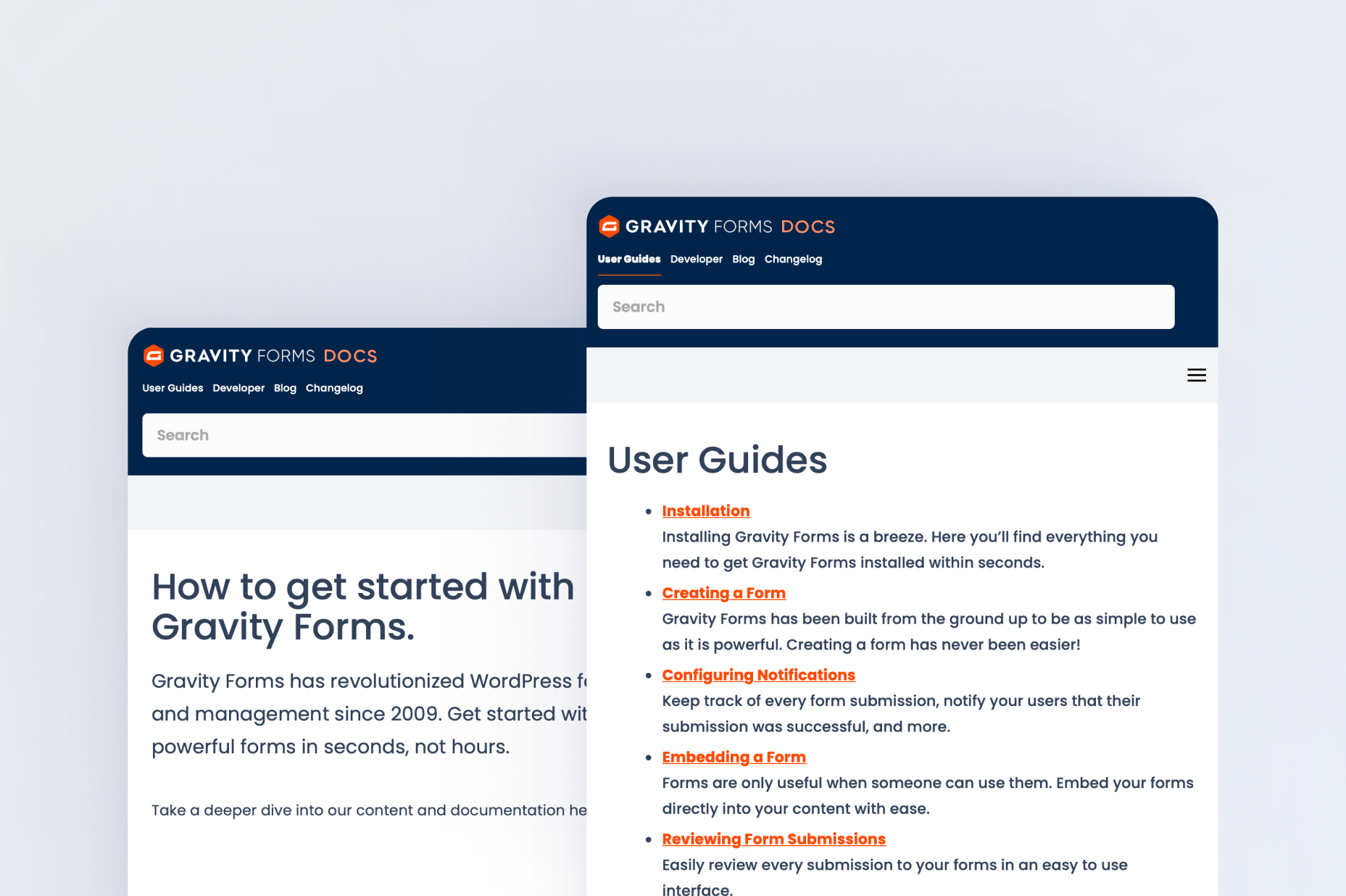
Documentation
Explore step-by-step documentation covering all things AWeber.
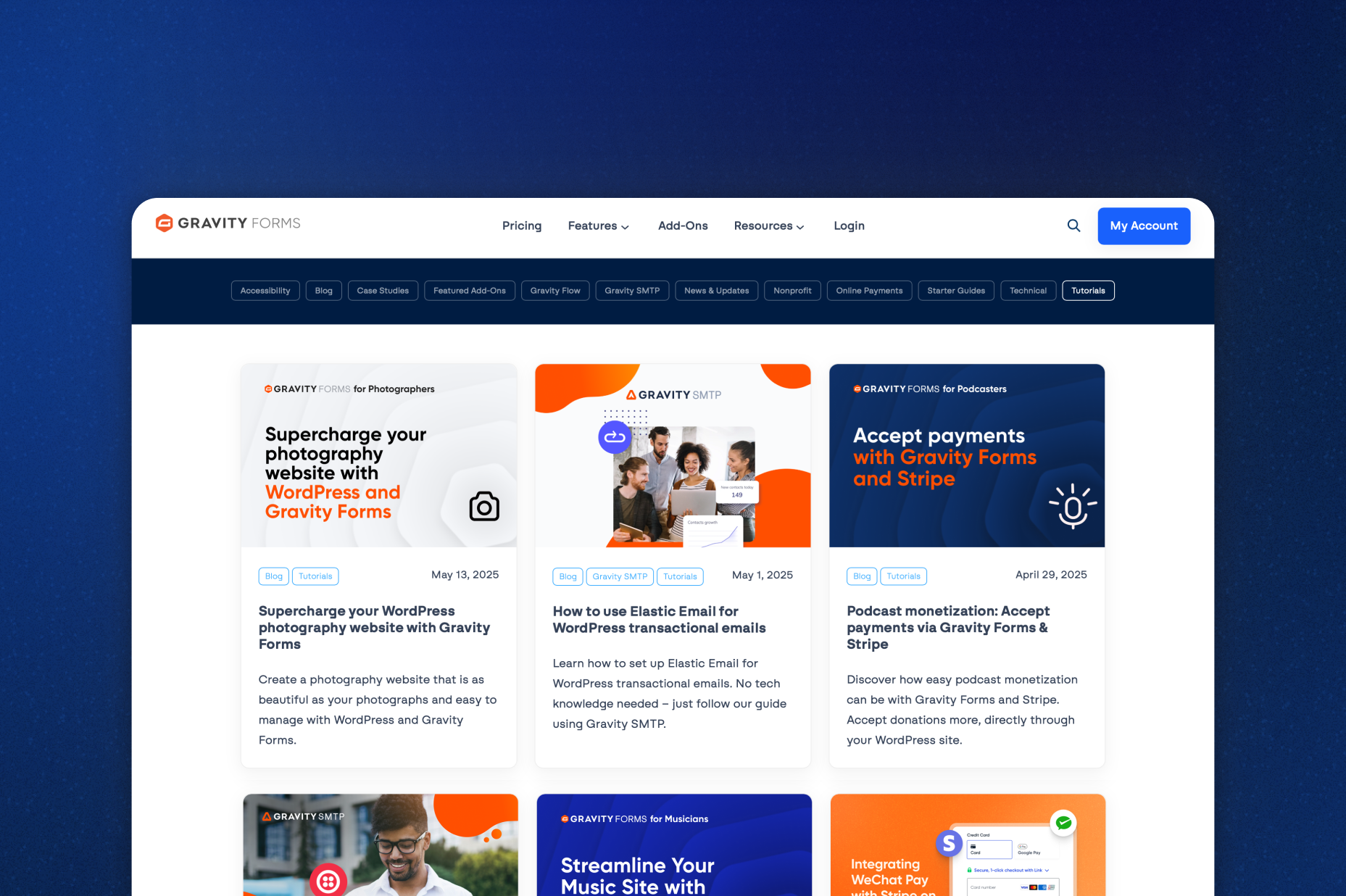
Gravity Forms blog
Tips, tutorials, and advanced use cases for better forms, all on the blog.
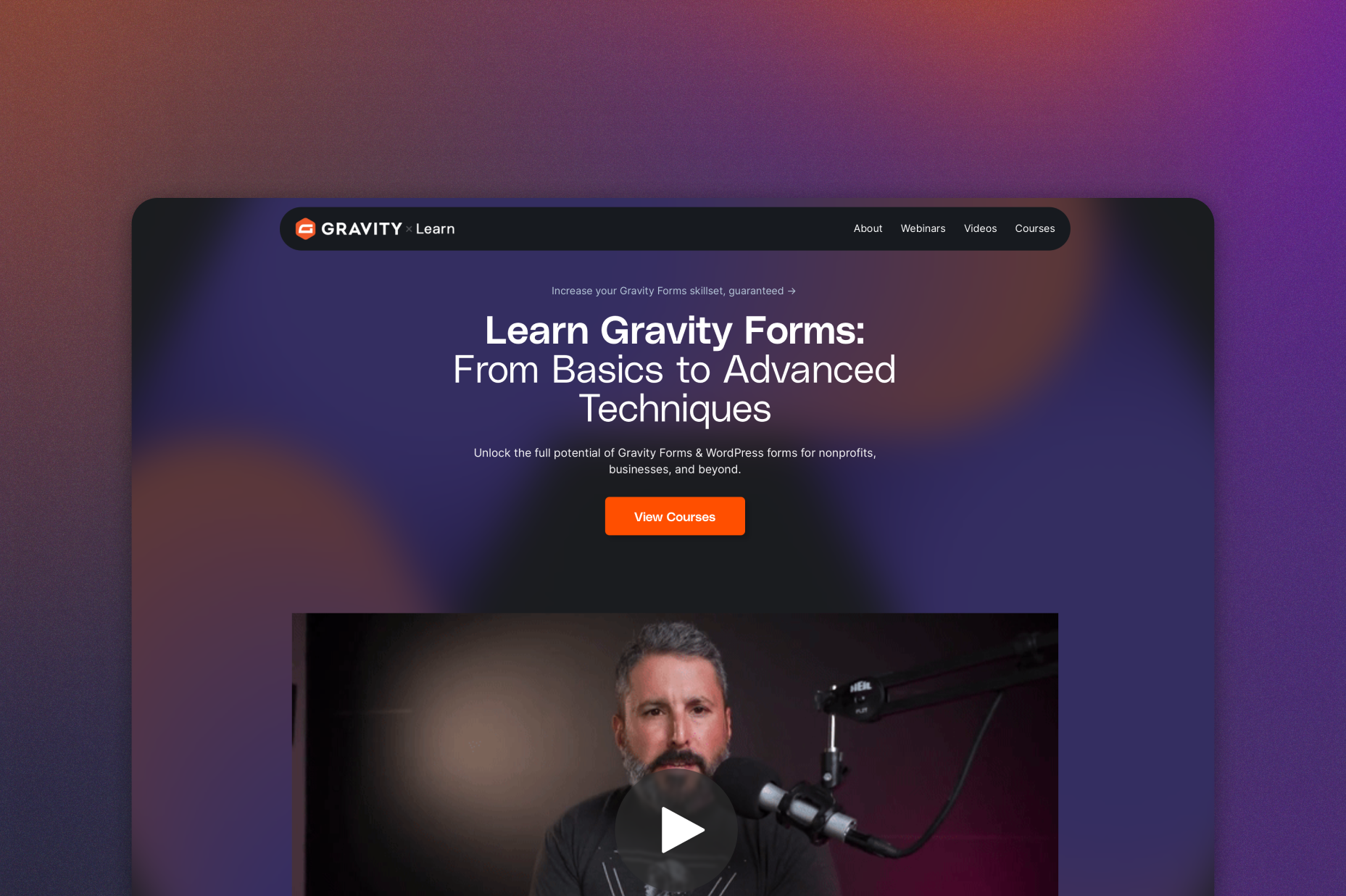
Gravity Learn site
Follow along with short practical videos, courses, and webinars.
Frequently Asked Questions.
What does the Gravity Forms AWeber Add-On do?

The Gravity Forms AWeber Add-On connects your WordPress forms to AWeber, automatically adding subscribers to your email lists when a form is submitted.
Can I map Gravity Forms fields to AWeber custom fields?
Yes, any field in Gravity Forms can be mapped to AWeber custom fields, allowing you to collect detailed subscriber information and personalize your email marketing campaigns.
Does the AWeber Add-On support subscriber tags?
Yes, the Gravity Forms AWeber Add-On supports tagging subscribers, making it easier to organize your email list, segment audiences, and deliver targeted content.
Can I control who gets subscribed to AWeber using conditional logic?
Yes, Gravity Forms conditional logic lets you choose which users are added to your AWeber lists, assign different tags, or route subscribers based on their form responses.
Can I create GDPR-compliant email opt-in forms with Gravity Forms and AWeber?
Yes, you can create GDPR-compliant forms by using consent fields and conditional logic to ensure subscriber data is only sent to AWeber after explicit consent is given.
Which Gravity Forms licenses include the AWeber Add-On?
The AWeber Add-On is included with Gravity Forms Basic, Pro, Elite, and Nonprofit licenses.
Can I try Gravity Forms before purchasing?
Yes. Gravity Forms offers a free Elite demo that lets you test it as a full-featured WordPress form builder before committing to a paid license.
If I love the demo and decide to purchase Gravity Forms, do you offer a money back guarantee?
We want you to feel confident about purchasing Gravity Forms which is why we offer a 30-day money back guarantee. If you find Gravity Forms isn’t the best fit, simply send us a message! We’ll happily refund 100% of your money, no questions asked.