




A complete CRM platform.
Zoho is an end-to-end CRM for growing businesses and enterprises – manage contacts, track deals, and automate your sales and marketing processes.

Contacts and leads, automated
Form submissions become contacts and leads in Zoho automatically – straight into your mailing lists and sales pipelines.

Built to scale
Whether you’re a growing team or an enterprise, Zoho CRM adapts to your business and keeps everything organised in one place.

Included with Pro, Elite, and Nonprofit
The Zoho CRM Add-On is available with a Gravity Forms Pro, Elite, or Nonprofit license.

Create and update contacts
Every form submission can add a new contact to Zoho – or update an existing one with the latest data.
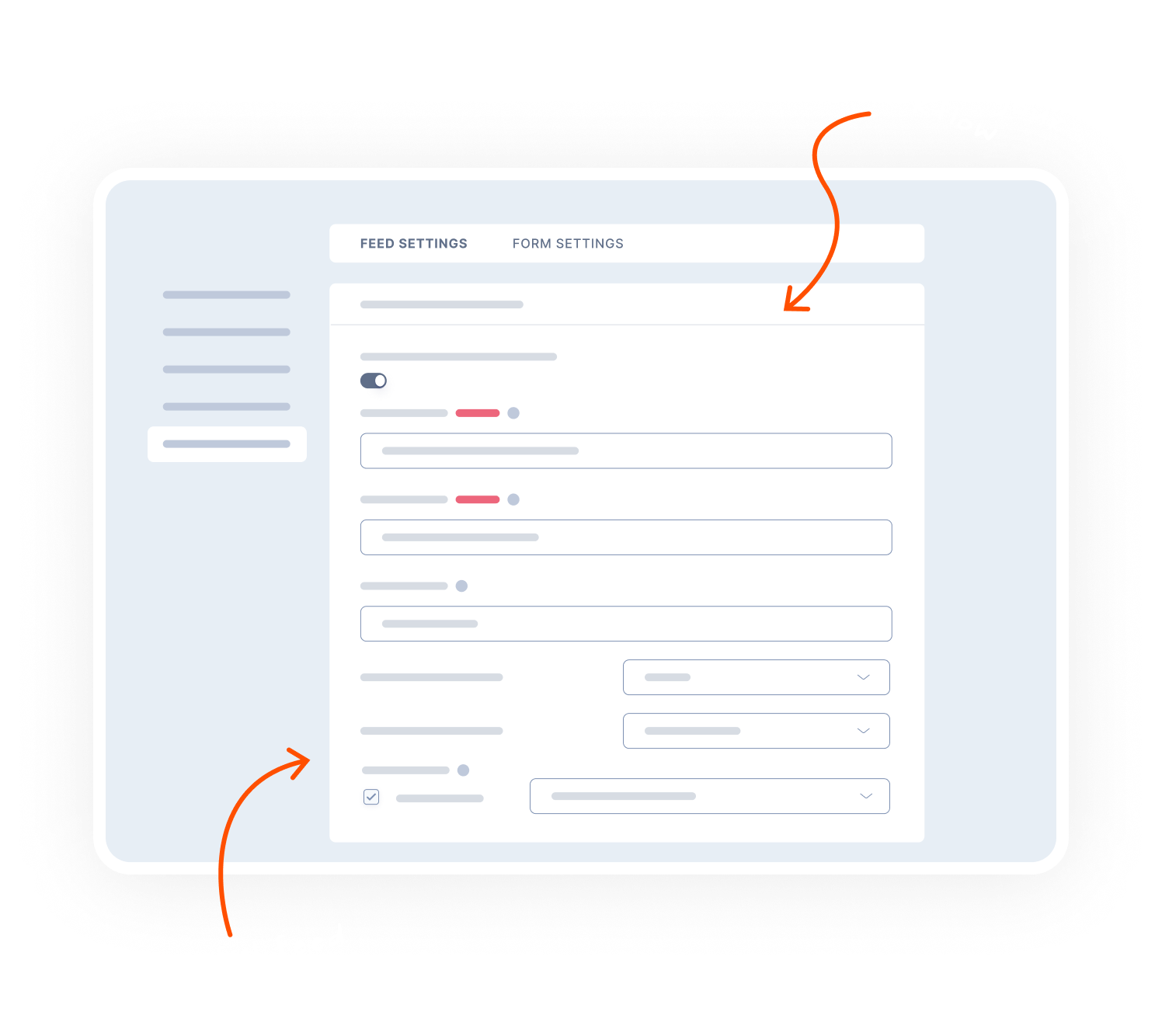
Map fields: Send form data to the right Zoho contact fields, including custom keys.
Owner and source: Assign a contact owner and lead source automatically.
Attachments: Send uploaded files to Zoho CRM alongside the contact record.

Capture leads and create tasks
Turn form submissions into sales leads – rated, assigned, and ready for follow-up.
Lead details: Set owner, rating, status, and source for each new lead.
Create tasks: Add a task linked to the contact or lead – with subject, due date, and owner.
Conditional logic: Only send data to Zoho when specific criteria are met.

Transparent pricing?
That’s affirmative.
The Zoho CRM Add-On is included with both a Gravity Forms Pro and Elite license. Get the details and always know what you’ll pay.
Best Value

Elite License
$259
/per year
 Buy Now
Unlimited Sites

Priority Support

WordPress Multisite
Elite License includes…

User Registration Add-On
Conversational Forms
Partial Entries Add-On
Polls Add-On
Signature Add-On
Survey Add-On
All of our Add-Ons are included with Elite!

Pro License
$159
/per year
3 Sites
Standard Support
Pro License includes…
Stripe Add-On
Dropbox Add-On
Square Add-On
Zapier Add-On
Slack Add-On
Trello Add-On

See why creators, teams, and businesses trust Gravity Forms to power their workflows
“
As a web designer, I have not found any other WordPress form application that is as easy to update and has as many features as Gravity Forms.

Kristin Pruis
“
Your customer service is very personal. Receiving quick email replies from your staff is gratifying and extremely helpful. I transferred licenses from me to two separate webmasters–it was seamless.

Claudia Siegal
“
I often have to create complex forms with conditional logic, and Gravity Forms is the only plugin I have found that is robust enough to do what I need.

Michele M.
Need more info?
Our extensive documentation, blog, and Learn site have all the resources you need to get started.
Documentation
Explore step-by-step documentation covering all things Gravity Forms.
Gravity Forms blog
Tips, tutorials, and advanced use cases for better forms, all on the blog.
Gravity Learn site
Follow along with short practical videos, courses, and webinars.
Frequently Asked Questions.
What does the Gravity Forms Zoho CRM Add-On do?

The Gravity Forms Zoho CRM Add-On connects your WordPress forms directly to Zoho CRM, allowing you to automatically create or update contacts and generate new sales leads whenever a form is submitted.
Can I create Zoho CRM contacts from WordPress forms?
Yes. When a Gravity Forms form is submitted, the Zoho CRM Add-On can automatically create a new contact in Zoho CRM using the data collected on your WordPress form.
Does the Zoho CRM Add-On support updating existing contacts?
Absolutely. The add-on can detect existing contacts in Zoho CRM and update them with the most recent information from your form submissions, helping keep your CRM clean and up to date.
Can I create sales leads in Zoho CRM from Gravity Forms?
Yes. You can automatically create new Zoho CRM sales leads when a WordPress form is submitted and associate them with the corresponding contact, streamlining your sales pipeline.
Can I control when form submissions are sent to Zoho CRM?
Yes. The Gravity Forms Zoho CRM Add-On supports Gravity Forms’ built-in conditional logic, allowing you to create contacts or leads only when specific conditions are met—such as qualifying fields or lead-intent selections.
Is this a native WordPress integration with Zoho CRM?
Yes. The Zoho CRM Add-On is an official Gravity Forms add-on, providing a reliable, secure, and fully supported WordPress-to-Zoho CRM integration without the need for third-party connectors.
Who is the Gravity Forms Zoho CRM Add-On best for?
This add-on is ideal for businesses, sales teams, and marketers who want to automate lead capture, manage contacts, and sync WordPress form data directly into Zoho CRM.
Which Gravity Forms licenses include the Zoho CRM Add-On?
The Gravity Forms Zoho CRM Add-On is included with Pro, Elite, and Nonprofit licenses.
Can I try Gravity Forms before purchasing?
Yes. Gravity Forms offers a free Elite demo that lets you test it as a full-featured WordPress form builder before committing to a paid license.