



The CRM for sales, service, and marketing.
Salesforce is an all-in-one platform for managing leads, customers, and growth – trusted by businesses of every size.

Forms that feed your CRM
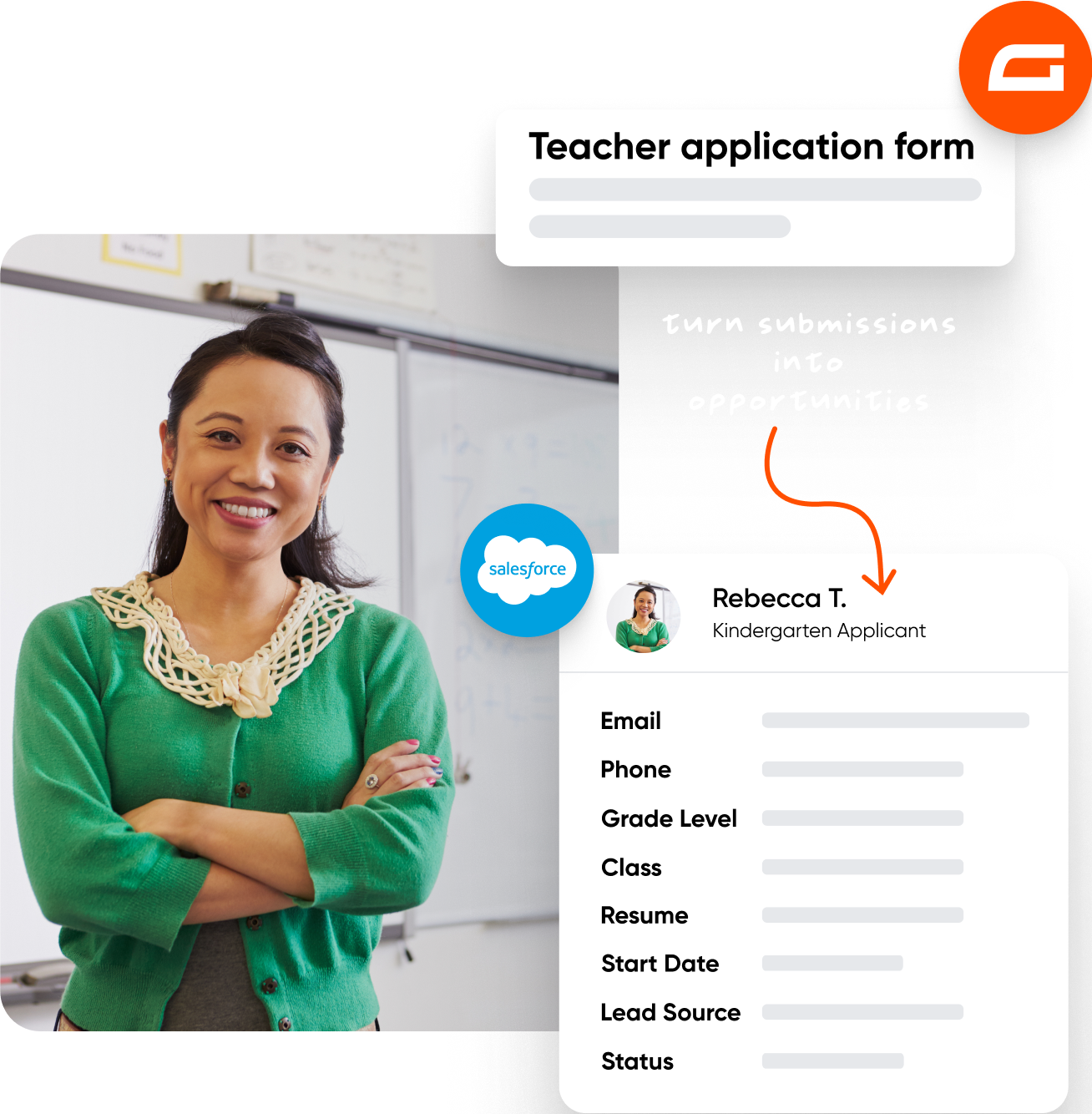
Form submissions become Salesforce objects automatically – leads, contacts, accounts, and more, created the moment a form is submitted.

Built for enterprise
Salesforce scales with your business – from small teams to global organizations, your CRM grows with you.

Included with Elite and Nonprofit
The Salesforce Add-On is available with a Gravity Forms Elite or Nonprofit license.

Sync forms to Salesforce
Map form fields to Salesforce and create the objects your business needs.
Salesforce Objects: Create leads, contacts, accounts, and other objects from form submissions.
Field Mapping: Map form fields to the data fields for your chosen object type.
Multiple feeds: Create different feeds for different object types – update multiple objects from one form.

Control how data is handled
Decide what happens when data reaches Salesforce – update records, set conditions, or connect manually.
Update existing records: Update duplicates instead of creating redundant entries.
Conditional logic: Only send data to Salesforce when specific criteria are met.
Manual configuration: Connect to Salesforce manually – useful when working on client sites.

API access required
The Salesforce Add-On requires API access on your Salesforce account.
Check compatibility: Use the Salesforce Connection Verification Tool to confirm your account supports the required APIs.
License dependent: API access varies by Salesforce license type – for more information, refer here.
Need help?: Contact Salesforce support for questions about your account’s API access.


Transparent pricing?
That’s affirmative.
The Salesforce Add-On is included with a Gravity Forms Elite license. Get the details and always know what you’ll pay.
 Buy Now
The Gravity Forms Elite License gives you unlimited access to the full suite of features, all of our add-ons, and Gravity SMTP!

Unlimited Sites

Priority Support

WordPress Multisite

User Registration Add-On
Conversational Forms
Partial Entries Add-On
Polls Add-On
Signature Add-On
Survey Add-On

See why creators, teams, and businesses trust Gravity Forms to power their workflows
“
As a web designer, I have not found any other WordPress form application that is as easy to update and has as many features as Gravity Forms.

Kristin Pruis
“
Your customer service is very personal. Receiving quick email replies from your staff is gratifying and extremely helpful. I transferred licenses from me to two separate webmasters–it was seamless.

Claudia Siegal
“
I often have to create complex forms with conditional logic, and Gravity Forms is the only plugin I have found that is robust enough to do what I need.

Michele M.
Need more info?
Our extensive documentation, blog, and Learn site have all the resources you need to get started.
Documentation
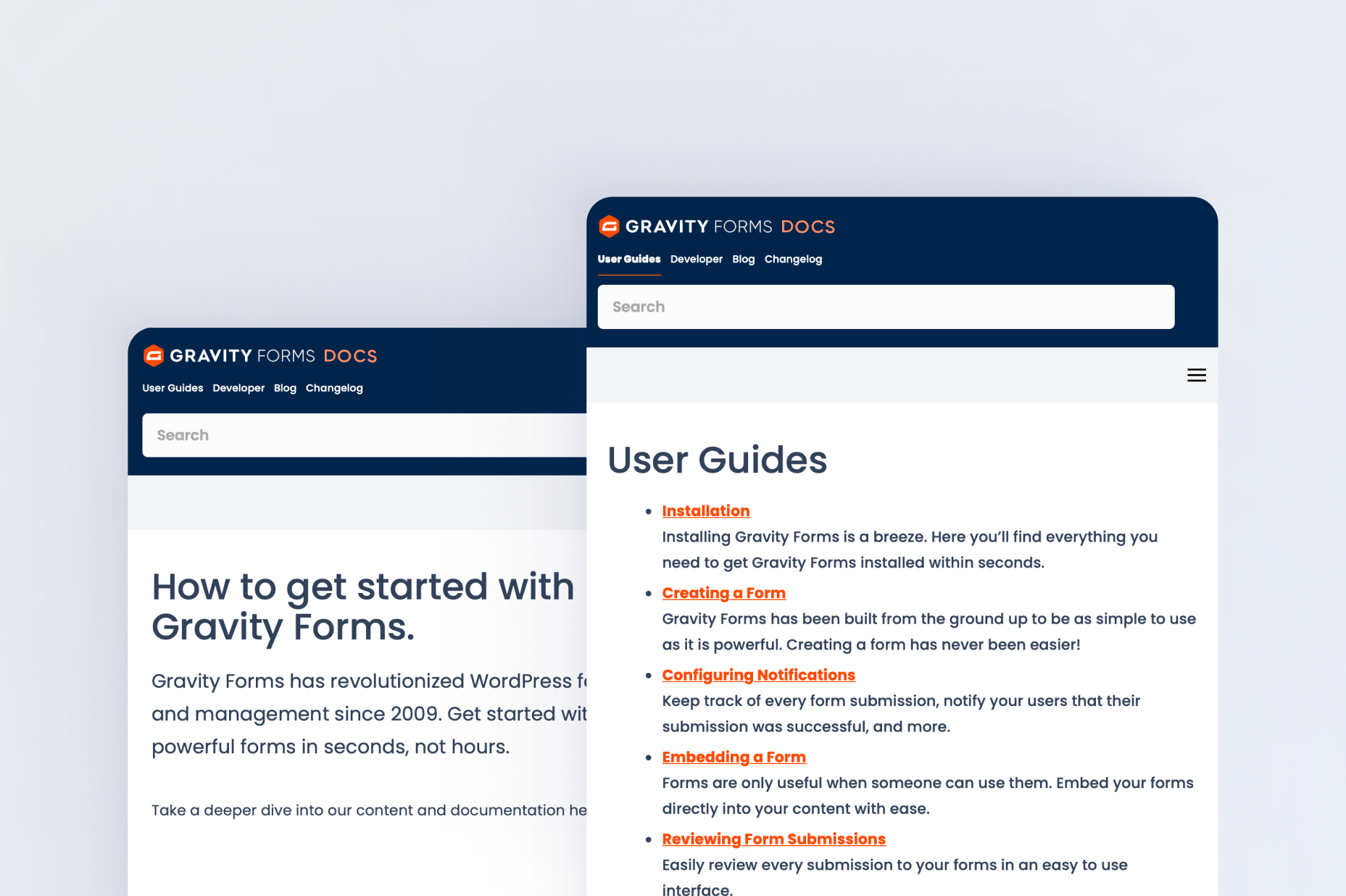
Explore step-by-step documentation covering all things Salesforce.
Gravity Forms blog
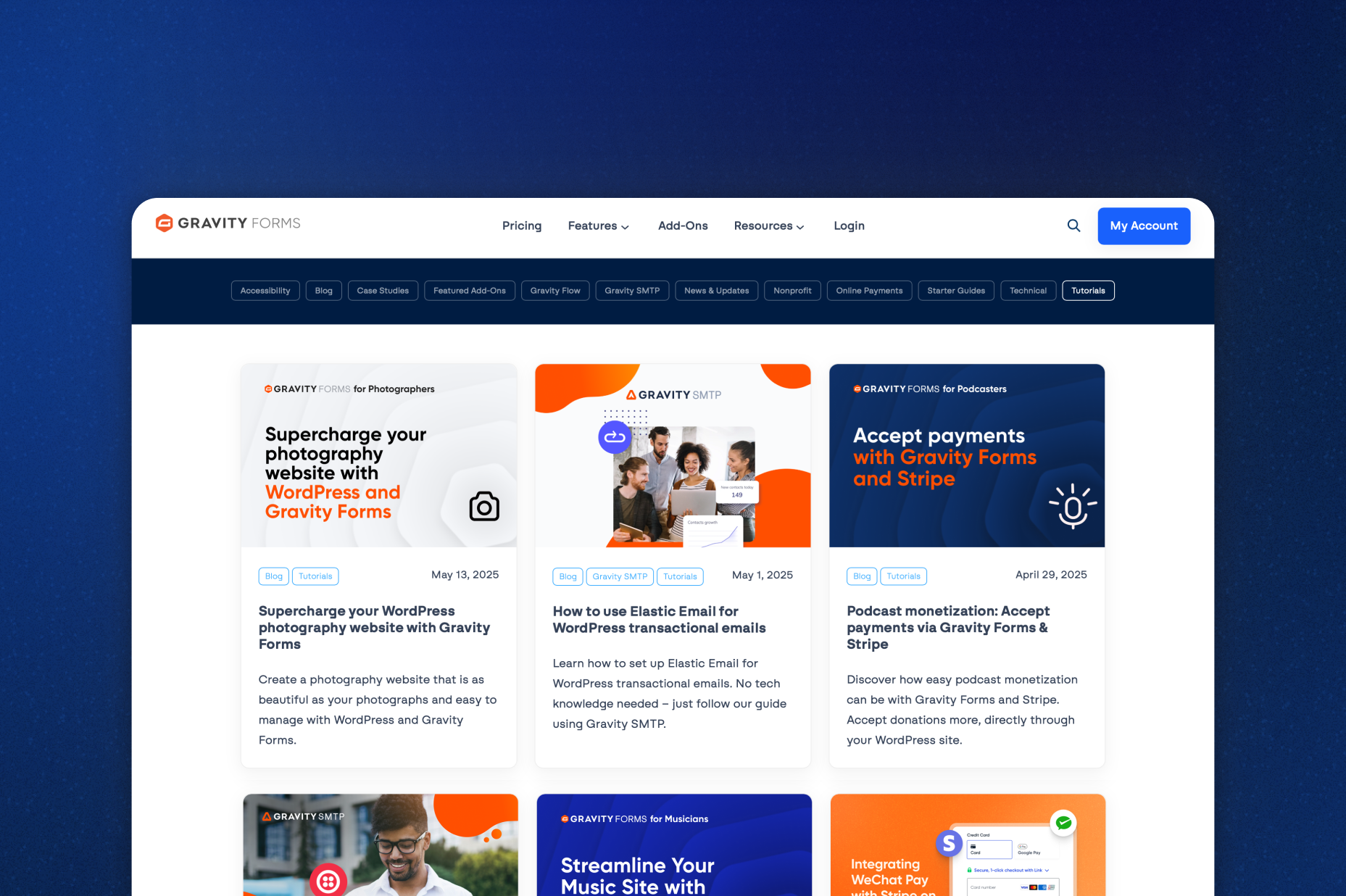
Tips, tutorials, and advanced use cases for better forms, all on the blog.
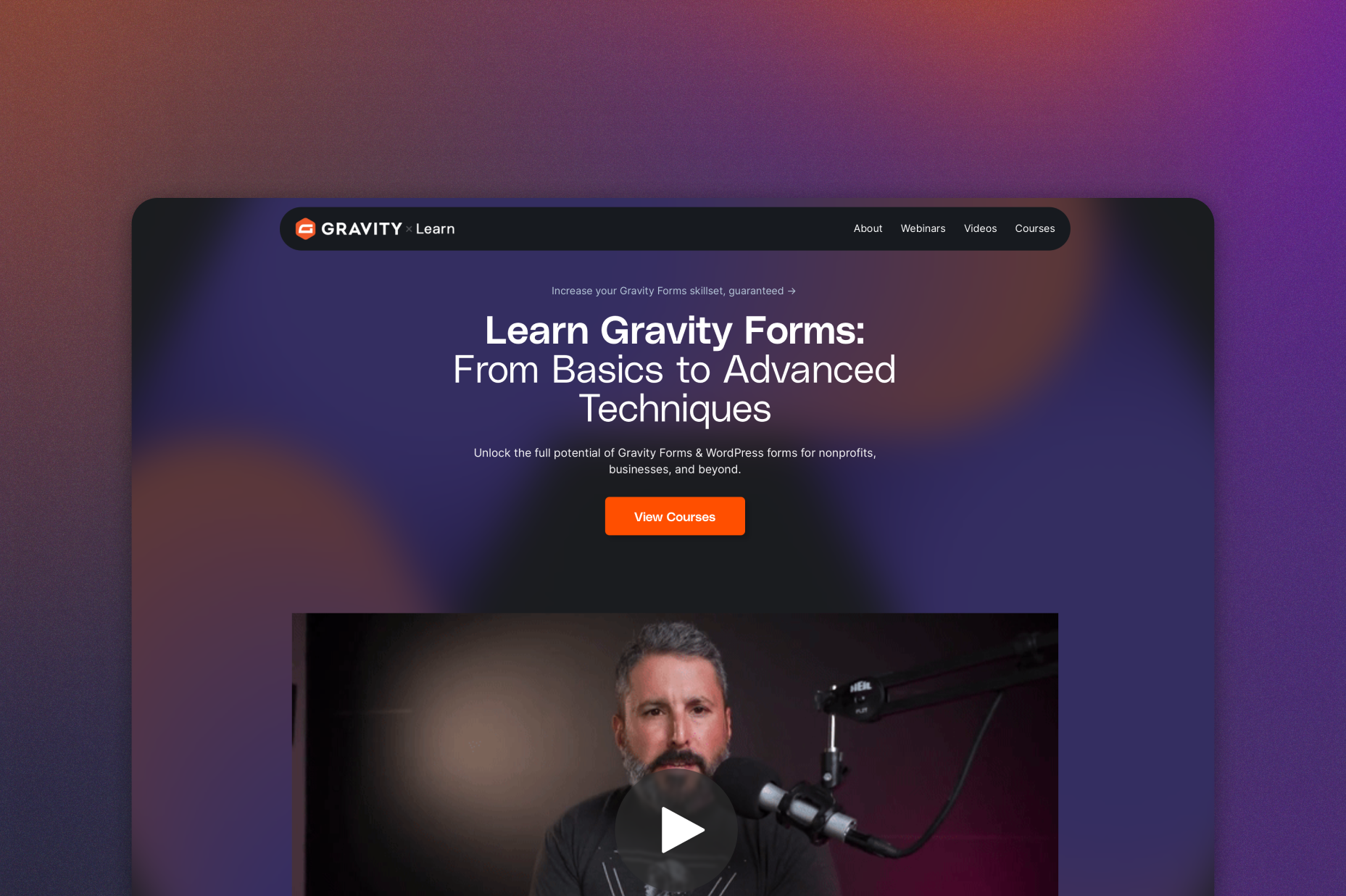
Gravity Learn site
Follow along with short practical videos, courses, and webinars.
Frequently Asked Questions.
What does the Gravity Forms Salesforce Add-On do?

The Gravity Forms Salesforce Add-On connects your WordPress forms to Salesforce, automatically sending form submissions to create or update leads, contacts, accounts, and other Salesforce objects.
Which Salesforce objects can be created with Gravity Forms?
You can create and update multiple Salesforce objects, including Leads, Contacts, Accounts, and other supported objects, directly from Gravity Forms submissions.
Can Gravity Forms update existing Salesforce records?
Yes, the Salesforce Add-On can detect duplicates and update existing records instead of creating new ones, helping keep your Salesforce data clean and up to date.
How does field mapping work with Salesforce?
When you select a Salesforce object, its available fields are automatically loaded, allowing you to map Gravity Forms fields accurately and ensure the right data is stored in Salesforce.
Can I connect Gravity Forms to Salesforce without logging into the Salesforce account?
Yes, the add-on supports manual configuration, making it possible to connect WordPress sites to Salesforce without directly logging into the Salesforce account—useful for agencies and client sites.
Does my Salesforce account need API access?
Yes, your Salesforce license must include API access to use the Gravity Forms Salesforce Add-On, as the integration relies on Salesforce’s API.
Which Gravity Forms licenses include the Salesforce Add-On?
The Salesforce Add-On is included with Gravity Forms Elite and Nonprofit licenses.
Can I try Gravity Forms before purchasing?
Yes. Gravity Forms offers a free Elite demo that lets you test it as a full-featured WordPress form builder before committing to a paid license.
If I love the demo and decide to purchase Gravity Forms, do you offer a money back guarantee?
We want you to feel confident about purchasing Gravity Forms which is why we offer a 30-day money back guarantee. If you find Gravity Forms isn’t the best fit, simply send us a message! We’ll happily refund 100% of your money, no questions asked.