
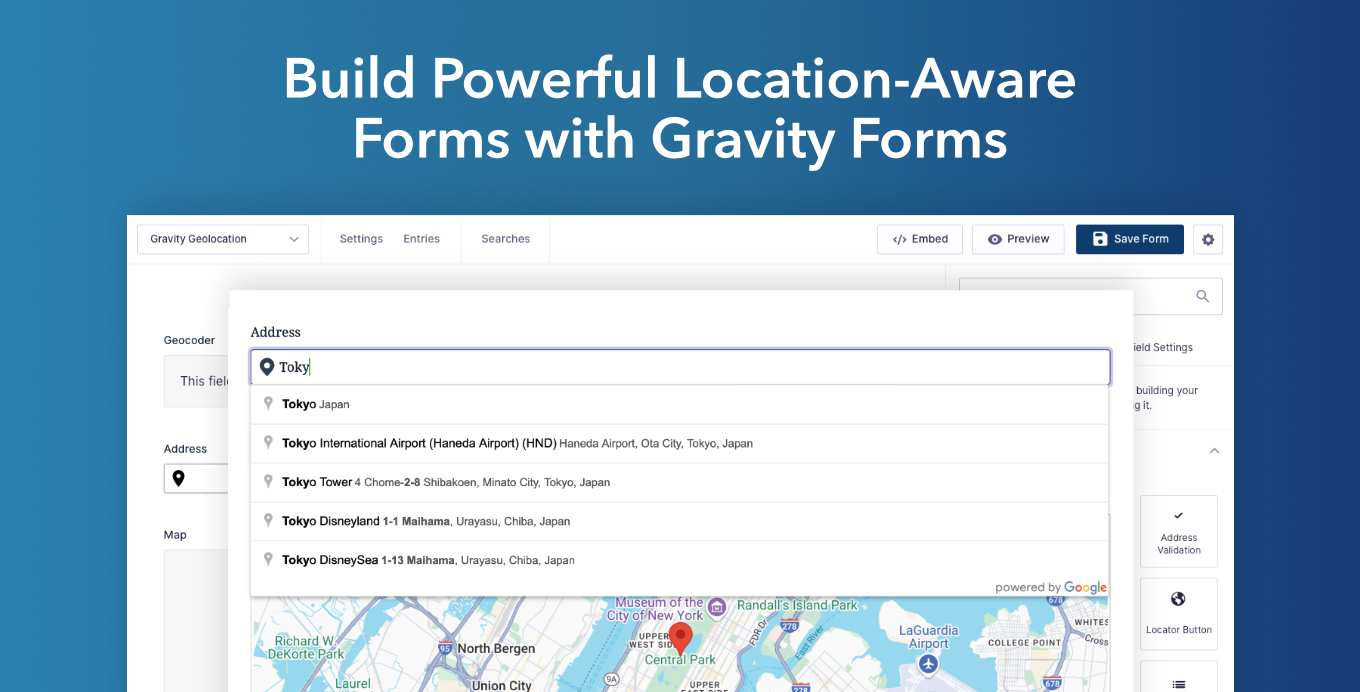
Build delivery and pickup forms, service-area checks, store or branch finders, route planners, property submissions, bookings, and other location-aware workflows with Gravity Forms. Gravity Geolocation adds geolocation fields, interactive maps, address validation, directions, distance calculations, nearby-location tools, and geographic drawing to the familiar Gravity Forms builder.
Powered by Google Maps, it helps visitors enter accurate location information while giving site owners structured geographic data to use after submission.
What Can You Build?
- Delivery, pickup, and service-area forms
- Store, branch, office, dealer, and provider finders
- Route planners and travel-estimate forms
- Property, event, and location-based submissions
- Registration, booking, and profile forms with location data
Collect and Geocode Locations
Add dedicated Address, Coordinates, Map, Locator Button, and Reset Location Button fields to a form. Visitors can search for an address with autocomplete, use their current location, select a point on a map, enter coordinates, or clear a selected location.
The Geocoder Field connects related location fields and keeps their values synchronized. It converts addresses into coordinates, or coordinates back into complete address details, so visitors get a simple form experience while each entry stores useful geographic data.
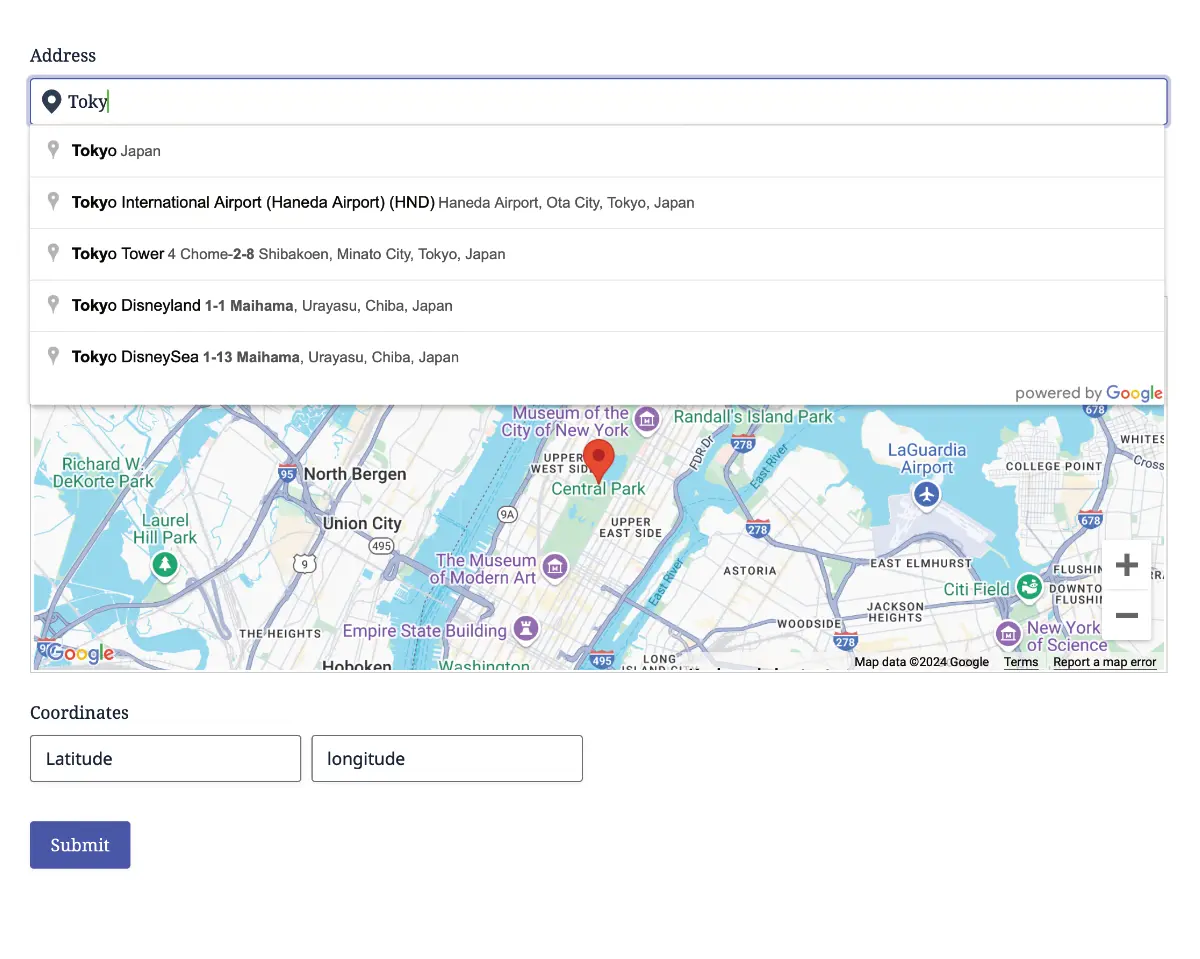
Live demo: Explore the core geolocation demos.
Validate Addresses Before Submission
Use the Address Validation Field to ask visitors to review and confirm an address before submitting the form. Suggested standardized addresses help reduce incomplete or inaccurate location data in shipping, delivery, registration, booking, and service-request workflows.
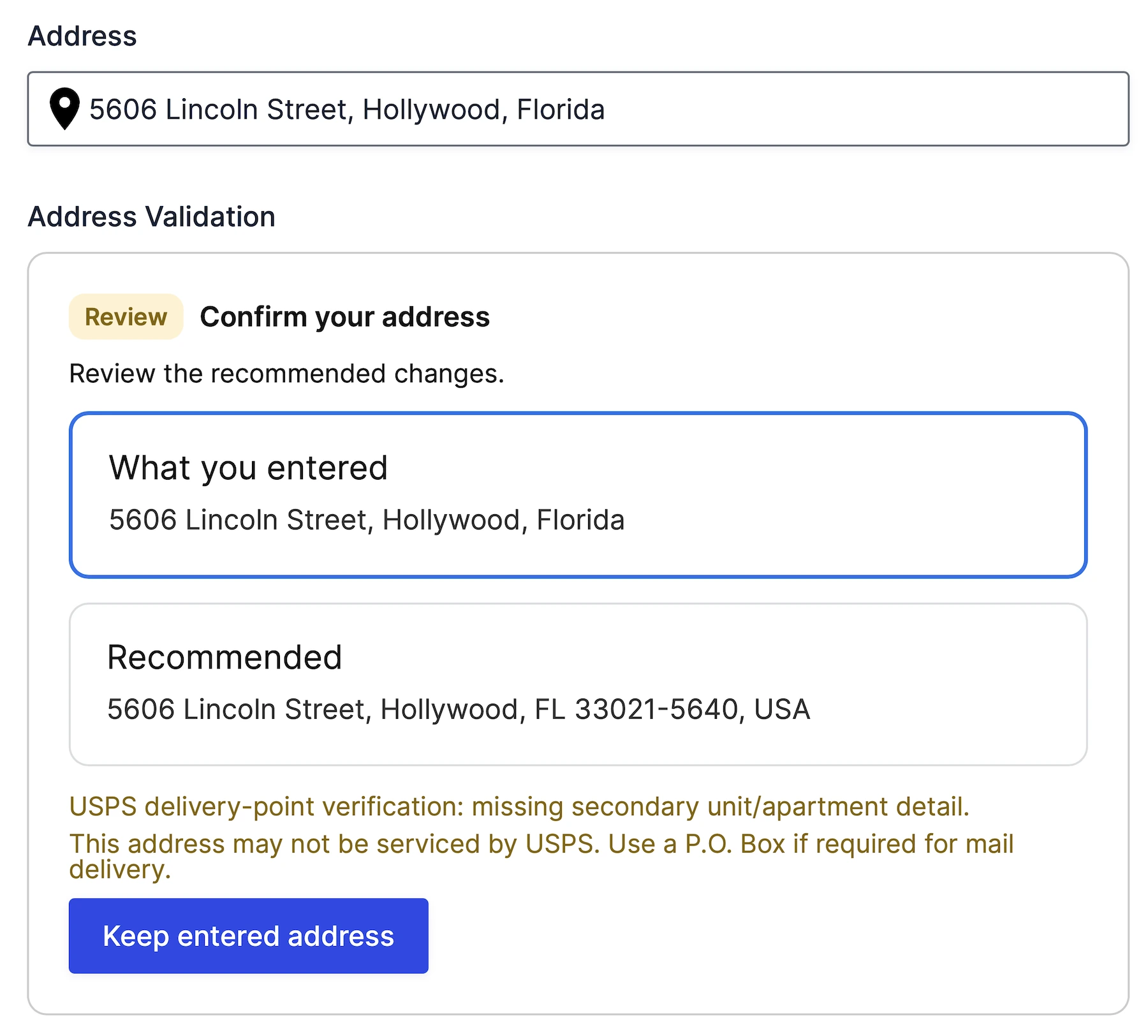
Live demo: Try address validation.
Calculate Routes, Distance, and Travel Time
Calculate a route between two or more form locations with the Directions Field, display it on a connected map, and show turn-by-turn details with the Directions Panel Field.
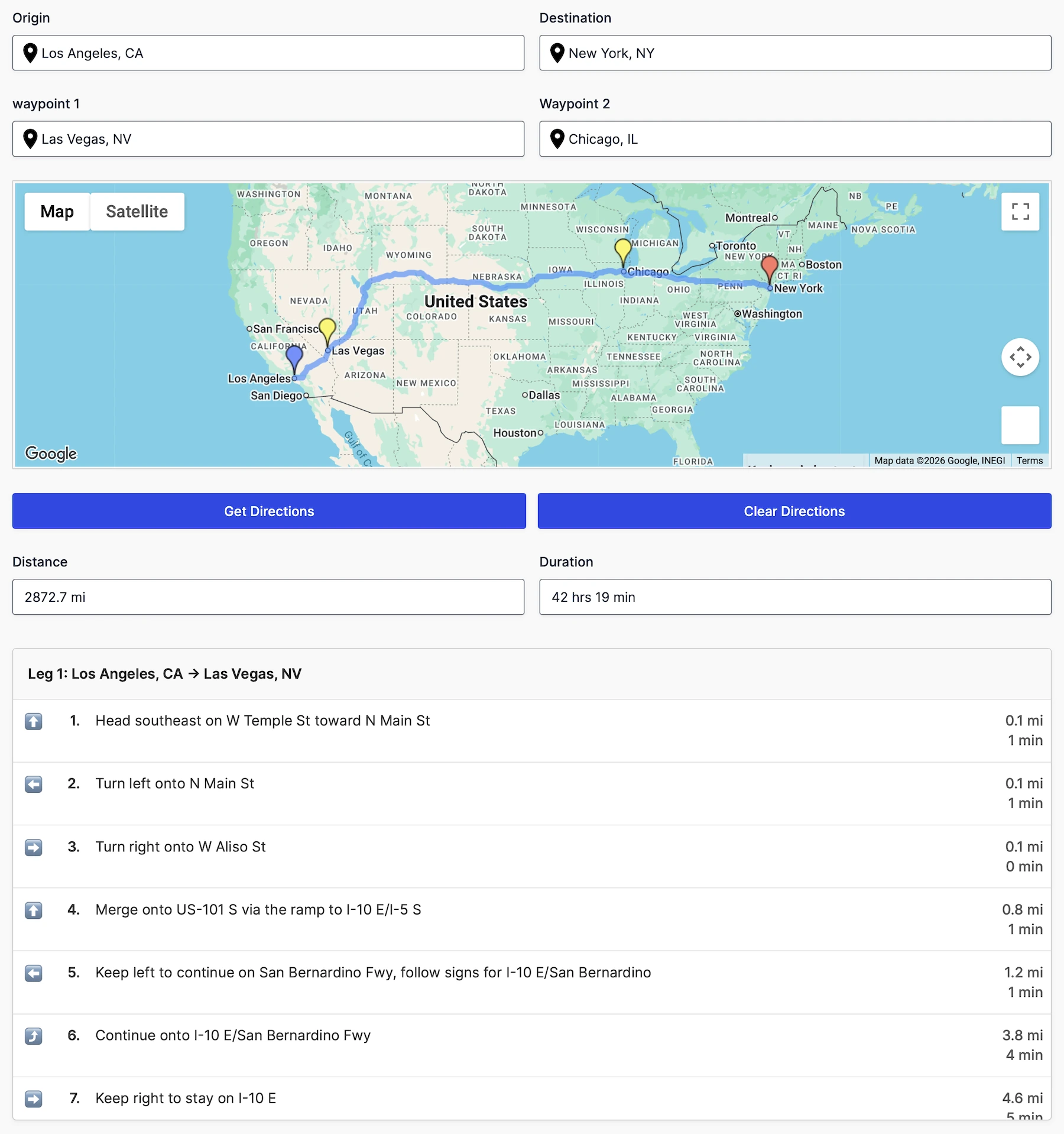
Live demo: Try routes and directions.
The Distance & Duration Field can return travel distance and estimated travel time for delivery fees, service quotes, appointment planning, and other distance-based workflows.
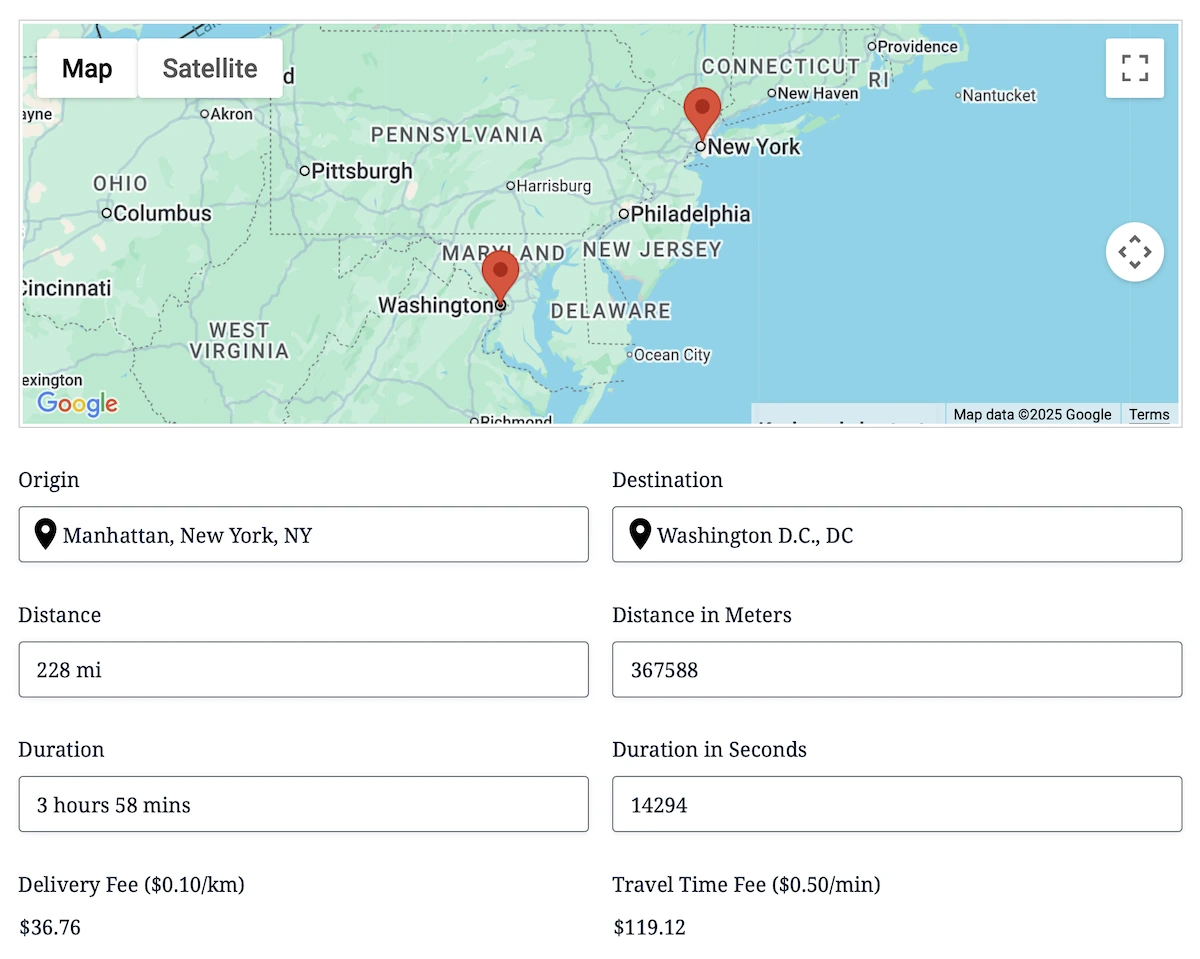
Live demo: Try distance, duration, and price calculations.
Help Visitors Find Nearby Locations
Compare a visitor’s location with a configured set of destinations and display the nearest matches as markers on an interactive map. Visitors can choose a marker, review the selected location in a connected panel, and select or clear their preferred location. This makes it possible to build nearest-store, branch, office, dealer, provider, or pickup-location experiences directly inside a form.
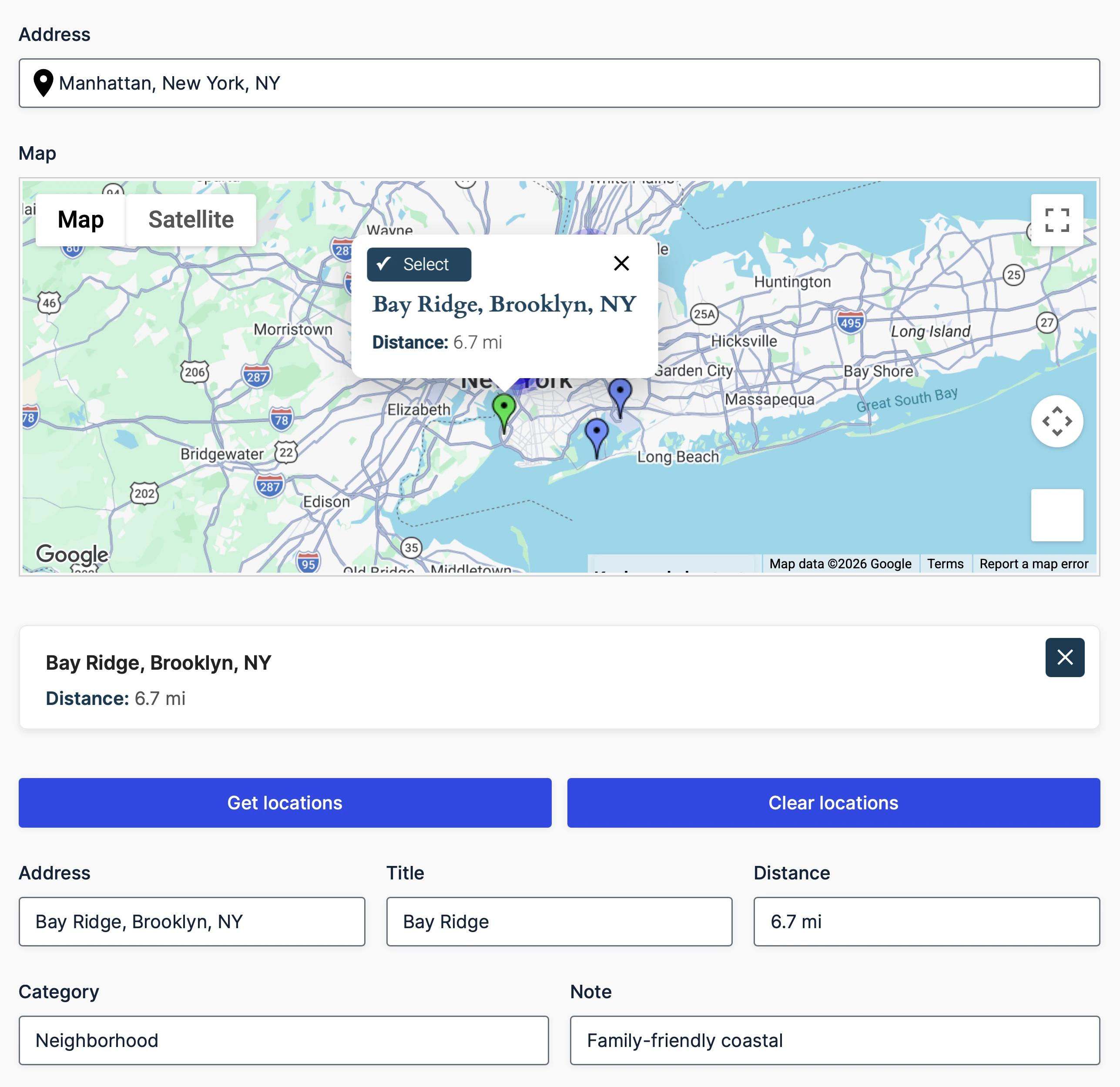
Live demo: Try the nearest-locations workflow.
Draw, Map, and Save Geographic Data
Let visitors draw and edit points, lines, polygons, rectangles, circles, and freehand shapes on an interactive map. Save geographic data and calculated measurements with the entry for service areas, delivery zones, property boundaries, coverage regions, routes, and other map-based submissions.
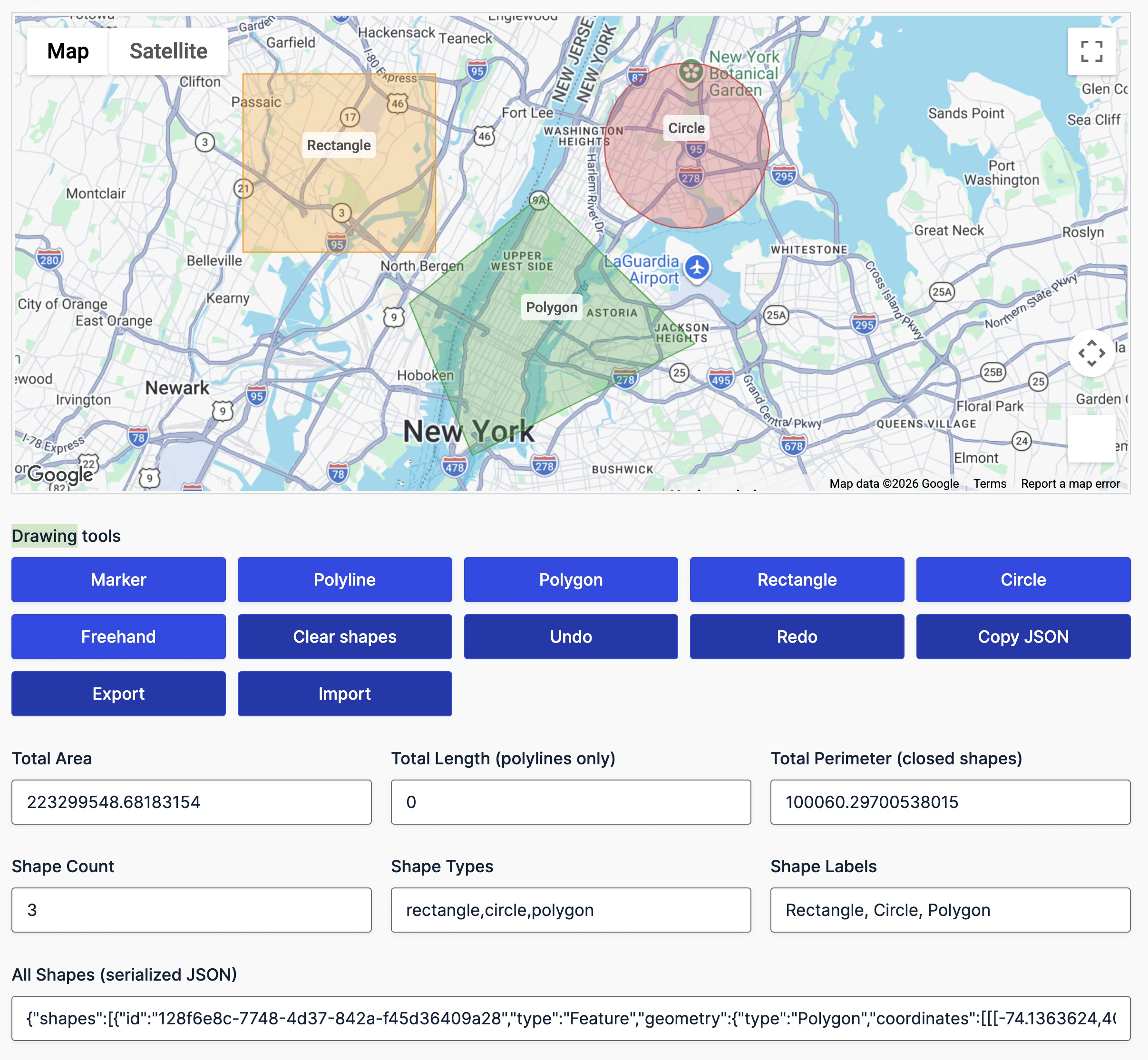
Live demo: Try the drawing tools.
Use Location Data Across Gravity Forms
Use Dynamic Geolocation Fields to copy selected values from Location, Directions, Distance & Duration, Drawing Tools, Drawing Shape, Nearest Locations, and Address Validation fields into compatible native Gravity Forms fields.
Populate values such as city, coordinates, distance in meters, duration in seconds, shape measurements, selected-location details, or validation results for calculations, conditional logic, notifications, and other Gravity Forms workflows.
Live demo: See Dynamic Fields in the Single Location demo.
Display Submitted Entries on Maps
Display a location saved with an individual Gravity Forms entry using the Single Entry Map. Choose which entry fields appear with the marker to give visitors useful context alongside the location.
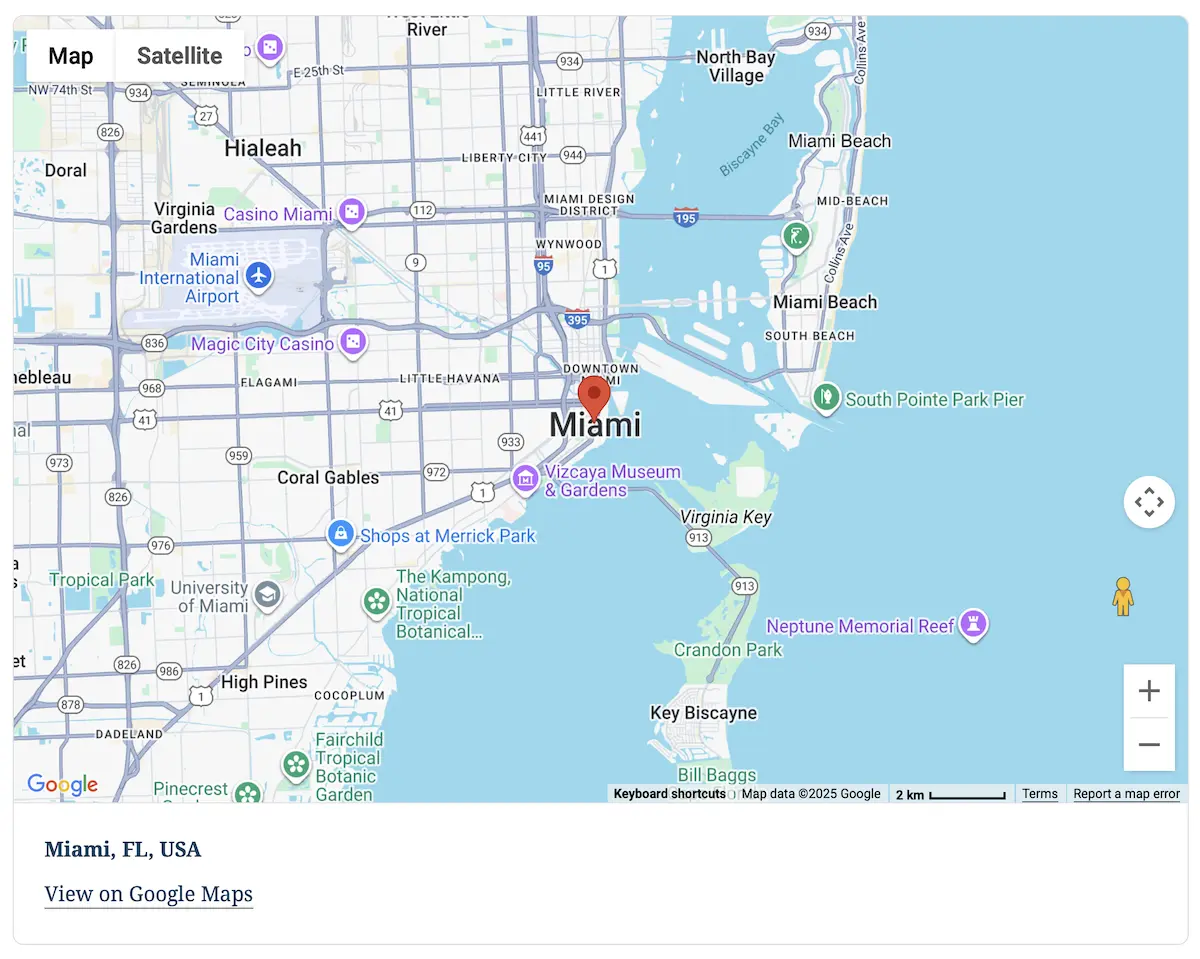
Live demo: View a Single Entry Map.
Use the Mashup Map to bring locations from multiple form entries together on one interactive map. Control which entries are included, customize markers and information-window content, and group dense results with marker clustering.
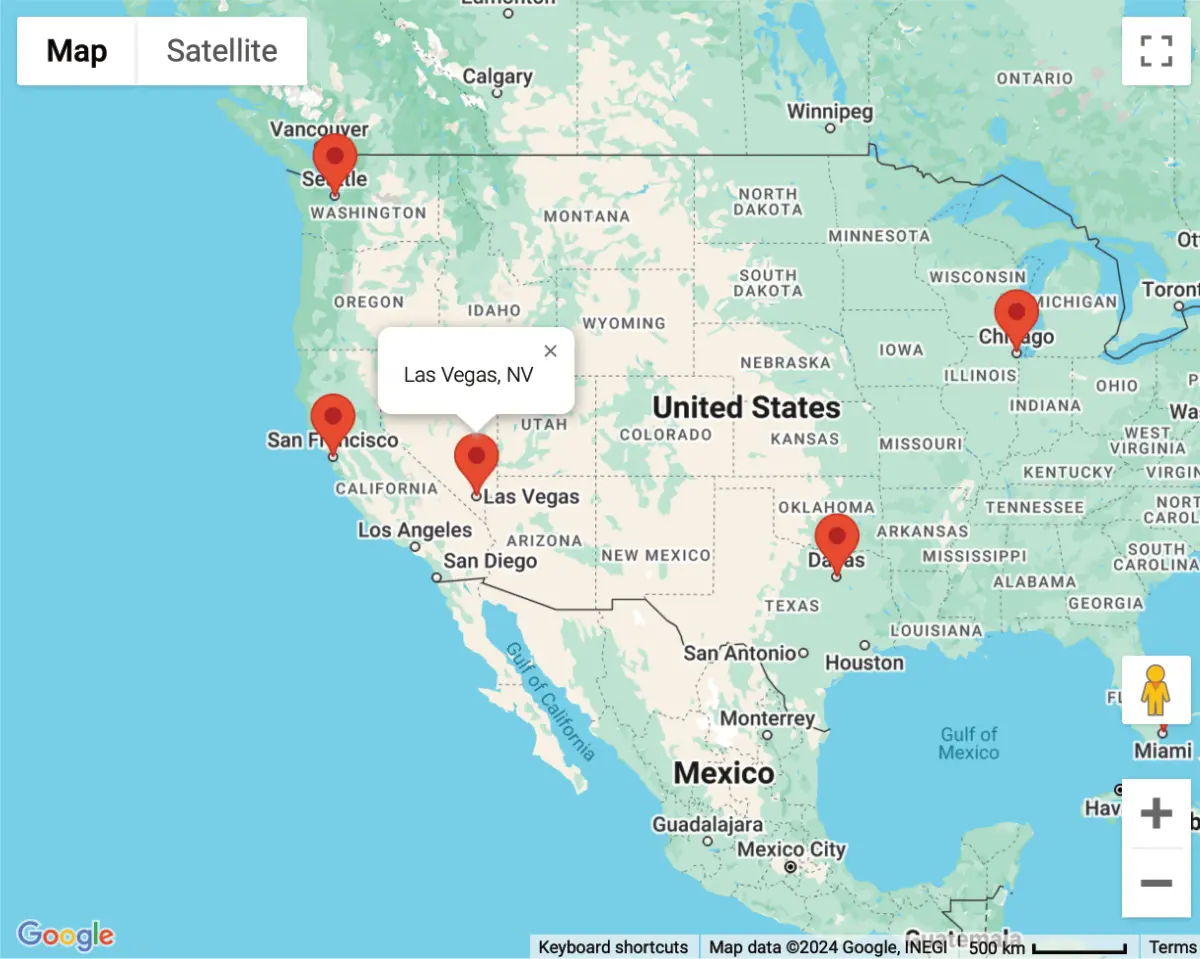
Live demo: Explore a Mashup Map.
Depending on the fields in the form, entries can contain coordinates, formatted and component address data, routes, distance and duration values, selected nearby locations, and drawn shapes. Use this data in entry details, exports, merge tags, notifications, confirmations, and supported Gravity Forms workflows.
When used with Gravity Forms post and user workflows, submitted location data can also be saved to post custom fields or user metadata for location-aware profiles, listings, and other WordPress content.
Build Searchable Frontend Experiences with Gravity Search
Gravity Geolocation focuses on collecting and processing location data in forms. Gravity Search is an optional extension for searching, filtering, mapping, and displaying Gravity Forms entries on the frontend. Gravity Search is available separately and is also included alongside the complete Gravity Geolocation Toolkit in All Access. Use them together to build directories, store locators, member listings, and other searchable entry displays. Gravity Search is not required to use Gravity Geolocation.
Frequently Asked Questions
Does Gravity Geolocation require coding?
No. You can add and configure its fields in the Gravity Forms builder. Developers can extend more advanced workflows with the available hooks and filters.
Can I add it to an existing Gravity Form?
Yes. Add the required geolocation fields in the standard Gravity Forms editor, connect their settings, and update the form. You can also use the fields when building a new form.
Which mapping service does it use?
Gravity Geolocation uses Google Maps. A correctly configured Google Maps API key and the relevant Google APIs are required for the features used by a form.
Can I use location data in notifications and exports?
Yes. Saved location and travel values can be used in entry details, exports, merge tags, notifications, confirmations, and supported Gravity Forms workflows.
Do I need Gravity Search?
No. Gravity Search is a separate product for frontend entry search and display. Gravity Geolocation works independently, and the two products can be combined when a project needs both location collection and searchable frontend results.
Get Started with Gravity Geolocation
- Product Page: Learn more about Gravity Geolocation
- Live Demo: Try the interactive demos
- Documentation: Browse the documentation
- Support: Get help from our support team
- Explore More: Build searchable frontend entry displays with Gravity Search
- 14-Day Money-Back Guarantee: Try Gravity Geolocation risk-free.