For more information on using Mailchimp with Gravity SMTP, check out our docs site.
Are your WordPress emails not delivering?
With Gravity SMTP and Mailchimp Transactional, you can help ensure your WordPress emails reach your users’ inboxes every time!
Let’s take a quick look at how to set this up so you can start sending emails with confidence today.
Hey, this is Dustin from the Gravity team and in this video we’re going to show you how to use Mailchimp Transactional with Gravity SMTP to help improve email deliverability.
In order to follow along with this video, you’ll need Gravity SMTP installed and activated on your WordPress site, as well as an active Mailchimp Transactional account.
To get started, you’ll need to add your sending domain to Mailchimp.
Head to your Mailchimp Transactional account and click ‘Settings’. Then, click ‘Domains’. Enter your domain in the text field, then select ‘Add’.
Under ‘Verified Domain’, ‘DKIM Settings’, and ‘DMARC Status’, you will see three options to view details and receive records that you will need to add wherever you manage your domain’s DNS settings.
Once you’ve added these records, select ‘Test DNS Settings’ to verify that everything is working correctly.
Next, you’ll need to generate a Mailchimp Transactional API key so that you can connect Mailchimp to Gravity SMTP.
Click on ‘Settings’, then click on the ‘New API Key’ button. Enter ‘Gravity SMTP’ as the description, and select ‘Create API Key’.
Copy your API key and save it in a secure location – you won’t be able to access it again after you leave this screen.
To connect Gravity SMTP to Mailchimp, head over to your WordPress dashboard and navigate to the Gravity SMTP integrations page.
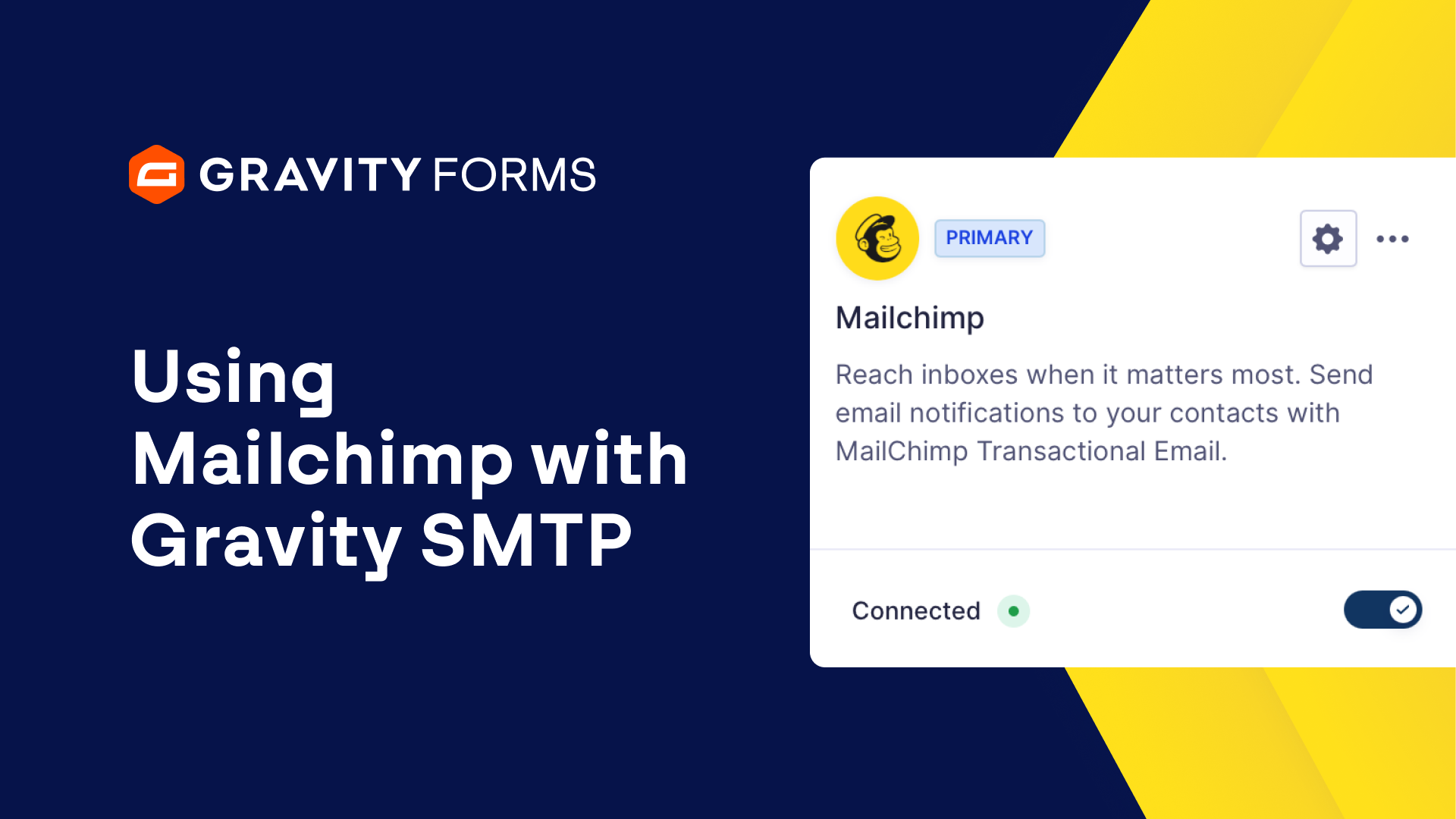
Open the Mailchimp settings and enter your API key. Next, click ‘Save Changes’ and then use the toggle to connect Gravity SMTP to Mailchimp.
Finally, you can use the ‘Send a Test’ tool to verify that everything is working correctly.
For more guides and tutorials on everything Gravity SMTP, check out our video library. From everyone on the Gravity team, thank you for watching!
Summary
With Gravity SMTP and Mailchimp Transactional, you can help ensure your WordPress emails reach your users’ inboxes every time. In this video tutorial, we’ll show you everything you need to know to get up and running with Gravity SMTP and Mailchimp Transactional.