



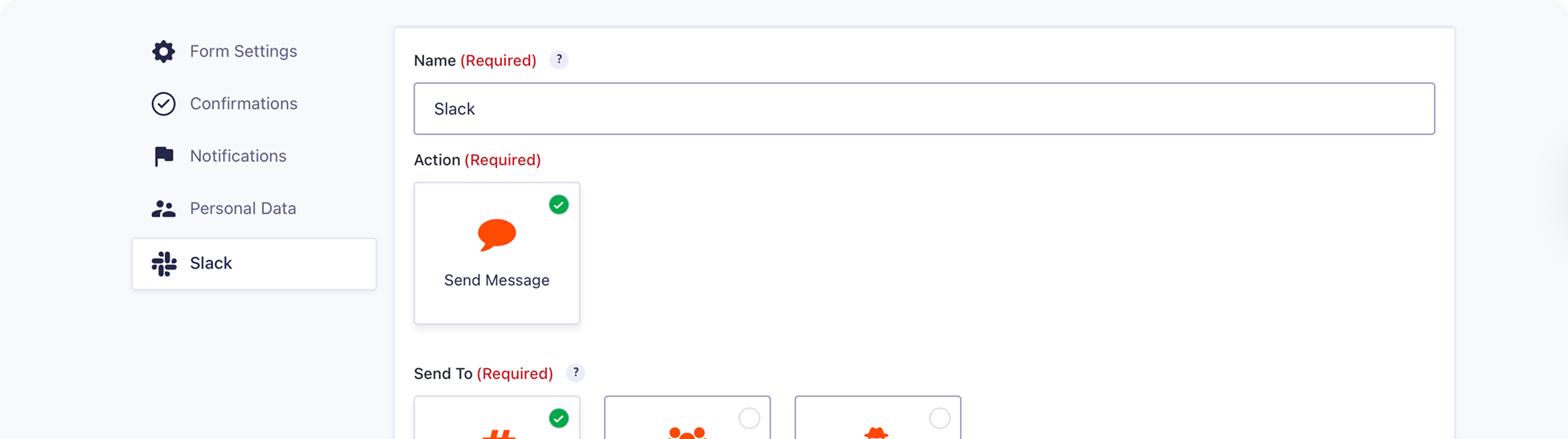
Where work happens.
Slack is where your team communicates and collaborates. Form submissions should meet them there, not sit unread in an inbox.

Faster response times
New lead? Support request? Application? Your team sees it in Slack the moment it comes in – ready to act.

No more missed submissions
Important form entries don’t get buried. Slack notifications keep submissions visible and actionable.

Included with Pro, Elite, and Nonprofit
The Slack Add-On is available with a Gravity Forms Pro, Elite, or Nonprofit licence.
Send messages to Slack automatically
Every form submission can trigger a Slack notification – sent to the right place, with the right details.
Channels, groups, or DMs: Send to a specific channel, private group, or individual.
Multiple destinations: Create multiple feeds to notify multiple people or teams.
Instant delivery: Notifications arrive the moment a form is submitted.

Customize and control
Configure exactly what gets sent – and when.
Custom messages: Use static text, merge tags, or both to build your notification.
Attach images: Include uploaded images from the form submission in your Slack message.
Conditional logic: Only send notifications when certain conditions are met.


Transparent pricing?
That’s affirmative.
The Slack Add-On is included with both a Gravity Forms Pro and Elite license. Get the details and always know what you’ll pay.
Best Value

Elite License
$259
per year
 Buy Now
Unlimited Sites

Priority Support

WordPress Multisite
Elite License includes…

User Registration Add-On
Conversational Forms
Partial Entries Add-On
Polls Add-On
Signature Add-On
Survey Add-On
All of our Add-Ons are included with Elite!

Pro License
$159
per year
3 Sites
Standard Support
Pro License includes…
Stripe Add-On
Dropbox Add-On
Square Add-On
Zapier Add-On
Zapier Add-On
Trello Add-On

See why creators, teams, and businesses trust Gravity Forms to power their workflows
“
As a web designer, I have not found any other WordPress form application that is as easy to update and has as many features as Gravity Forms.

Kristin Pruis
“
Your customer service is very personal. Receiving quick email replies from your staff is gratifying and extremely helpful. I transferred licenses from me to two separate webmasters–it was seamless.

Claudia Siegal
“
I often have to create complex forms with conditional logic, and Gravity Forms is the only plugin I have found that is robust enough to do what I need.

Michele M.
Need more info?
Our extensive documentation, blog, and Learn site have all the resources you need to get started.
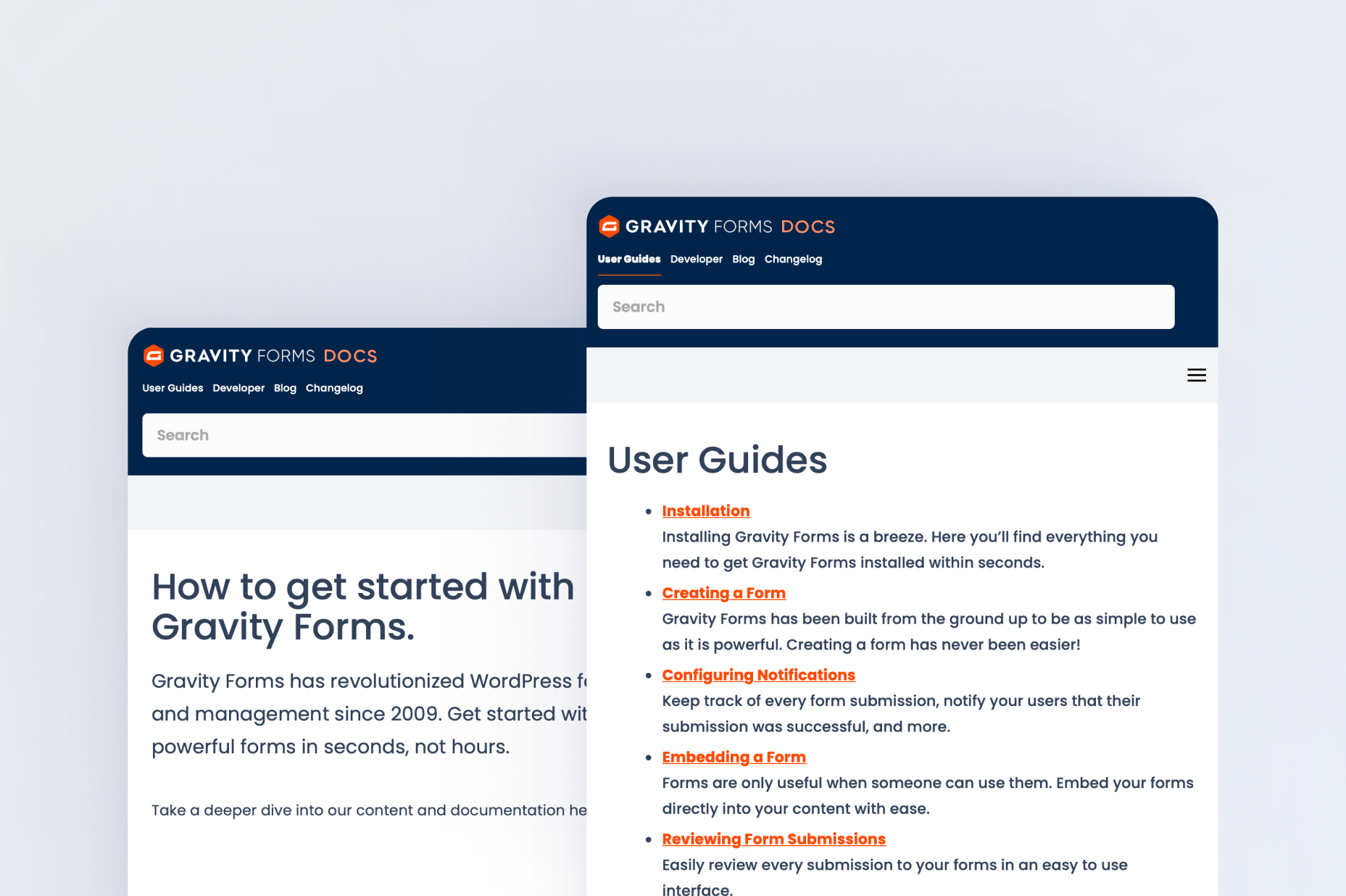
Documentation
Explore step-by-step documentation covering all things Slack.
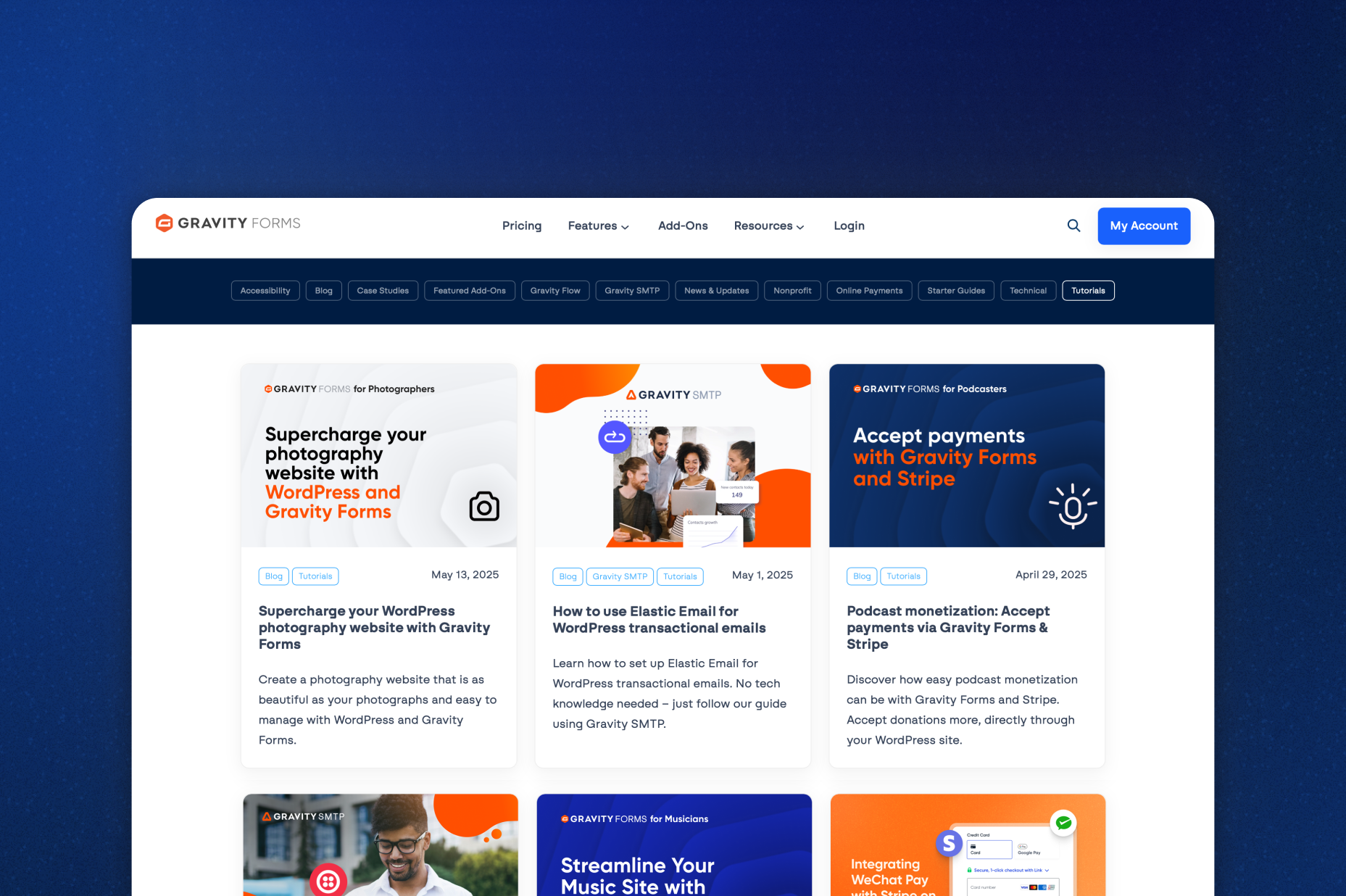
Gravity Forms blog
Tips, tutorials, and advanced use cases for better forms, all on the blog.
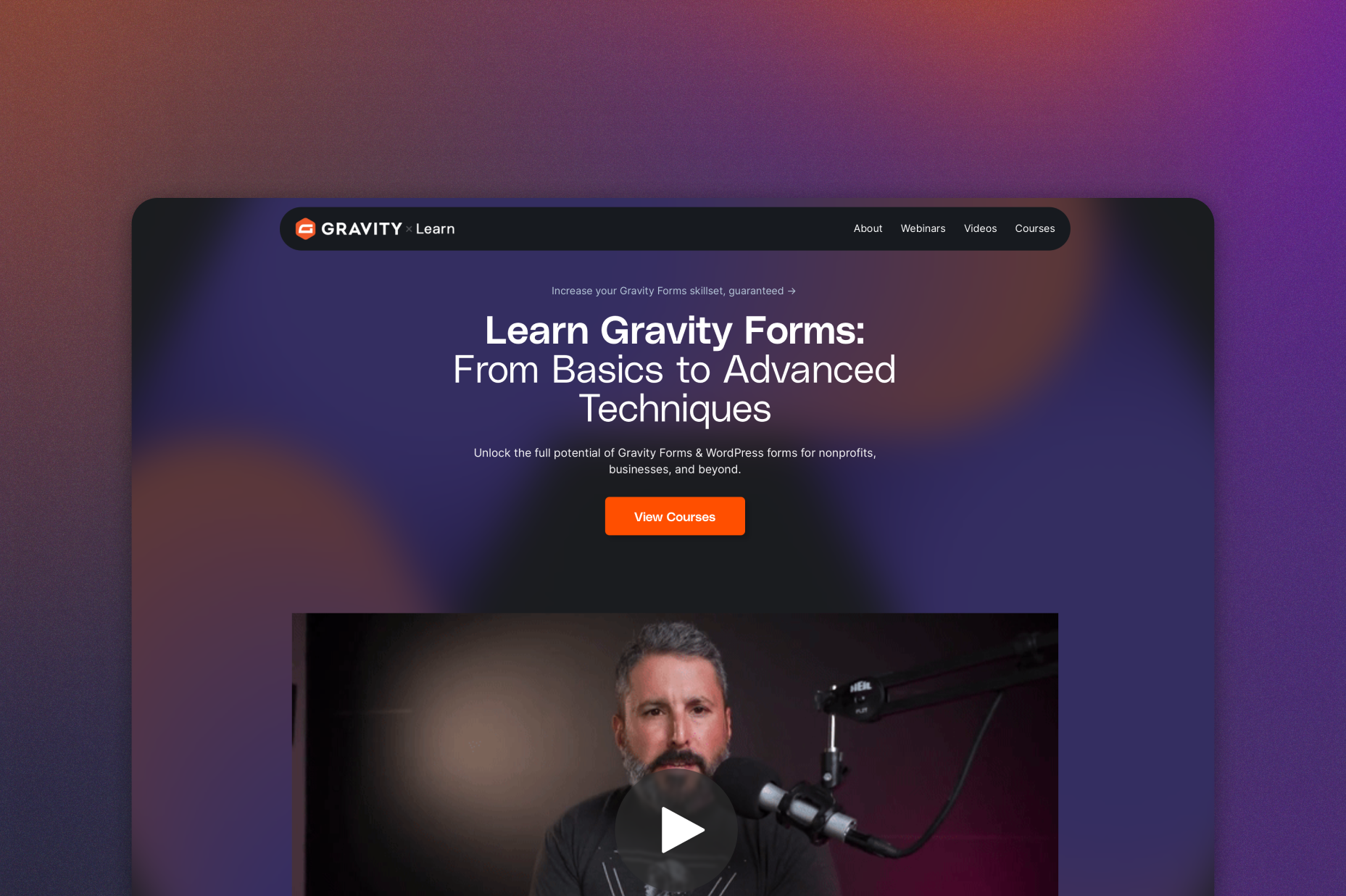
Gravity Learn site
Follow along with short practical videos, courses, and webinars.
Frequently Asked Questions.
What does the Gravity Forms Slack Add-On do?

The Gravity Forms Slack Add-On connects your WordPress forms to Slack, instantly sending notifications to your team when a form is submitted.
Can I send Gravity Forms notifications to specific Slack channels or users?
Yes, you can send notifications to specific Slack channels, groups, or individual users, and even create multiple feeds to notify multiple destinations.
Can I customize the Slack messages sent from Gravity Forms?
Yes, Slack notifications can be fully customized using static text, Gravity Forms merge tags, or a combination of both to include the details your team needs.
Can Slack notifications include images or file uploads?
Yes, if your form includes file uploads or images, those can be attached directly to the Slack notification for quick access.
Does the Slack Add-On support conditional logic?
Yes, you can use Gravity Forms conditional logic to control when Slack notifications are sent, ensuring alerts only fire for specific submissions or criteria.
Who should use the Gravity Forms Slack integration?
The Slack Add-On is ideal for teams, agencies, and businesses that want real-time visibility into form submissions and faster collaboration directly from WordPress.
Which Gravity Forms licenses include the Slack Add-On?
The Slack Add-On is included with Gravity Forms Pro, Elite, and Nonprofit licenses.
Can I try Gravity Forms before purchasing?
Yes. Gravity Forms offers a free Elite demo that lets you test it as a full-featured WordPress form builder before committing to a paid license.
If I love the demo and decide to purchase Gravity Forms, do you offer a money back guarantee?
We want you to feel confident about purchasing Gravity Forms which is why we offer a 30-day money back guarantee. If you find Gravity Forms isn’t the best fit, simply send us a message! We’ll happily refund 100% of your money, no questions asked.